
Rkive AI
Content Creation on Autopilot
Designed for iPhone, iPad, iPod touch
In-app purchases
- Age rating17+
- CategoryPhoto & Video
- DeveloperRkive AI
- LanguagesVietnamese+ 9 more
- Size118.1 MB
Links to the official App Store page
Download.org hosts no file of Rkive AI. The button opens its official App Store page, published by Rkive AI. Listing last checked on Nov 12, 2026.
Screenshots
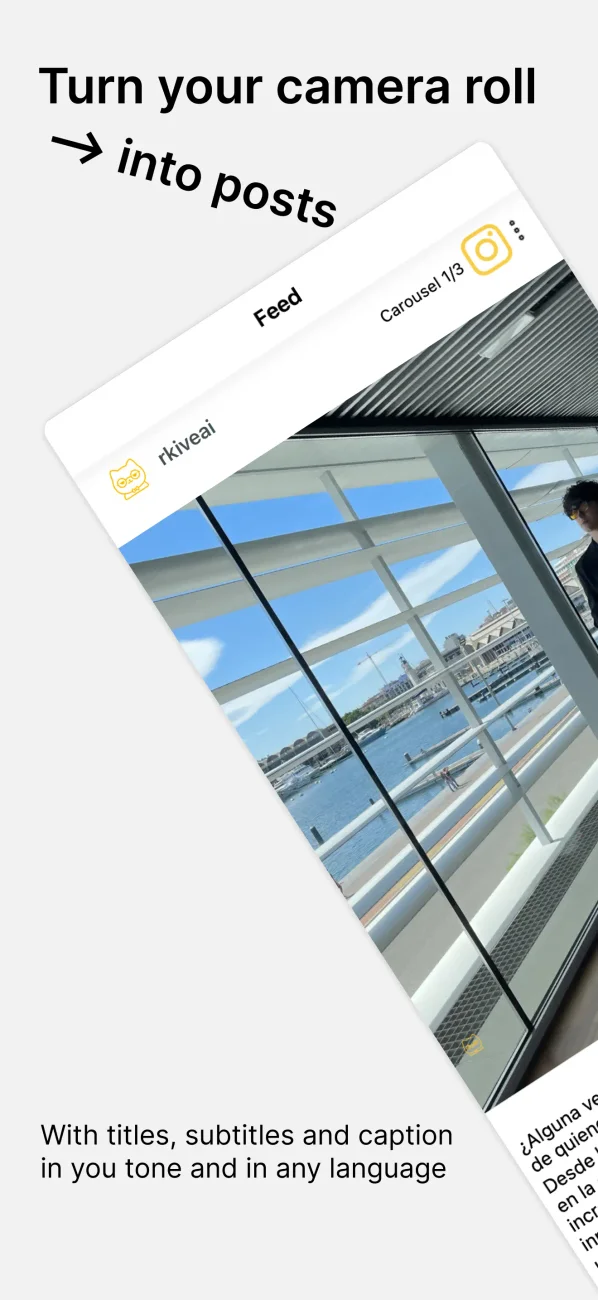
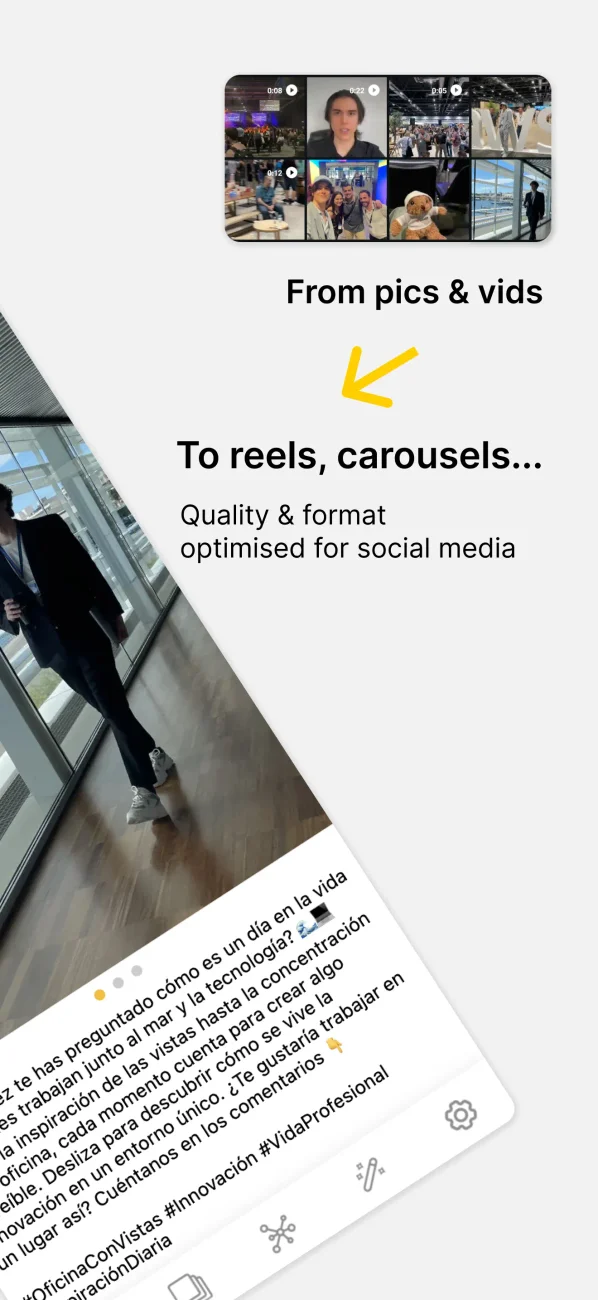
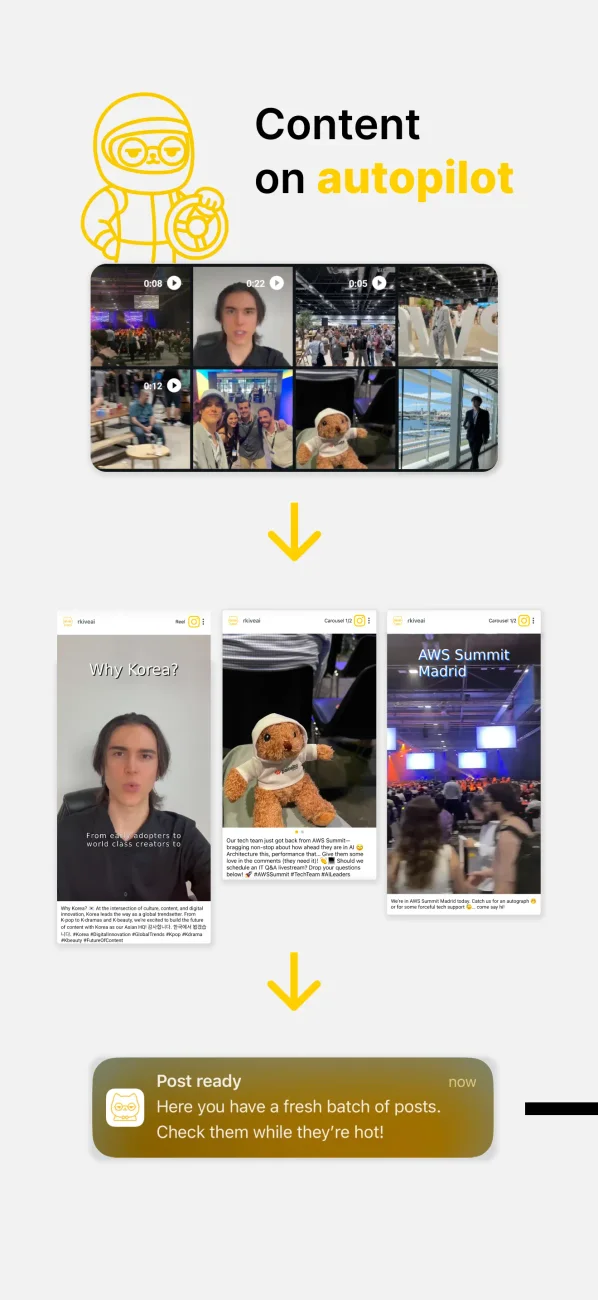
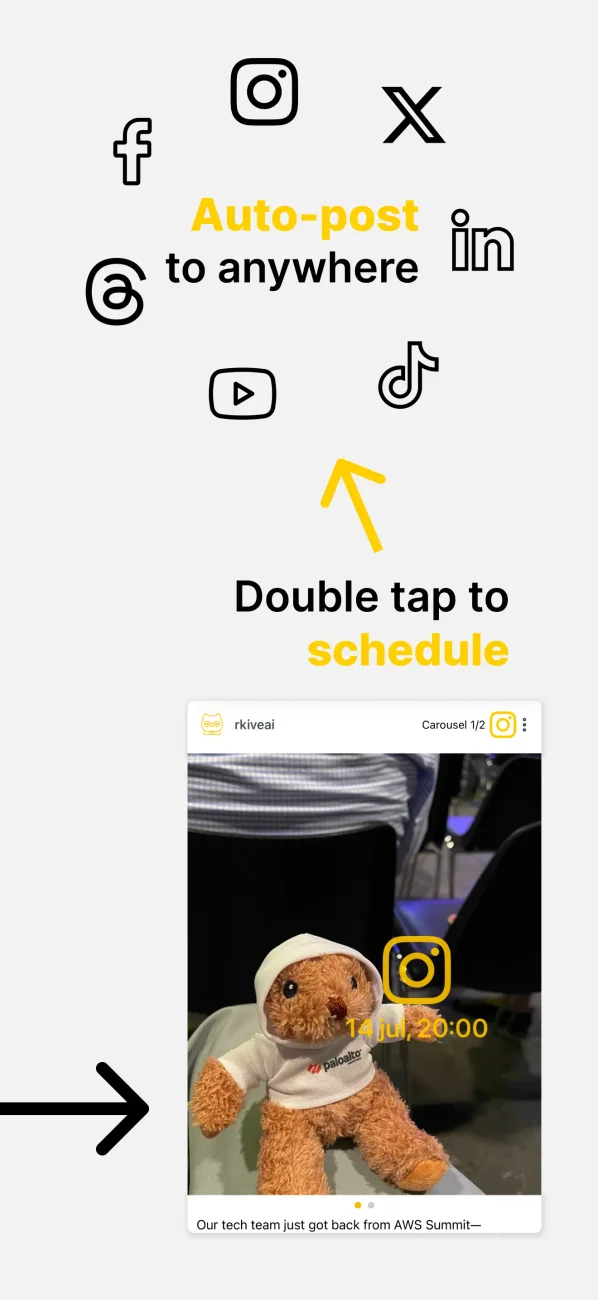


About
Rkive — AI Video Editor for Social Content
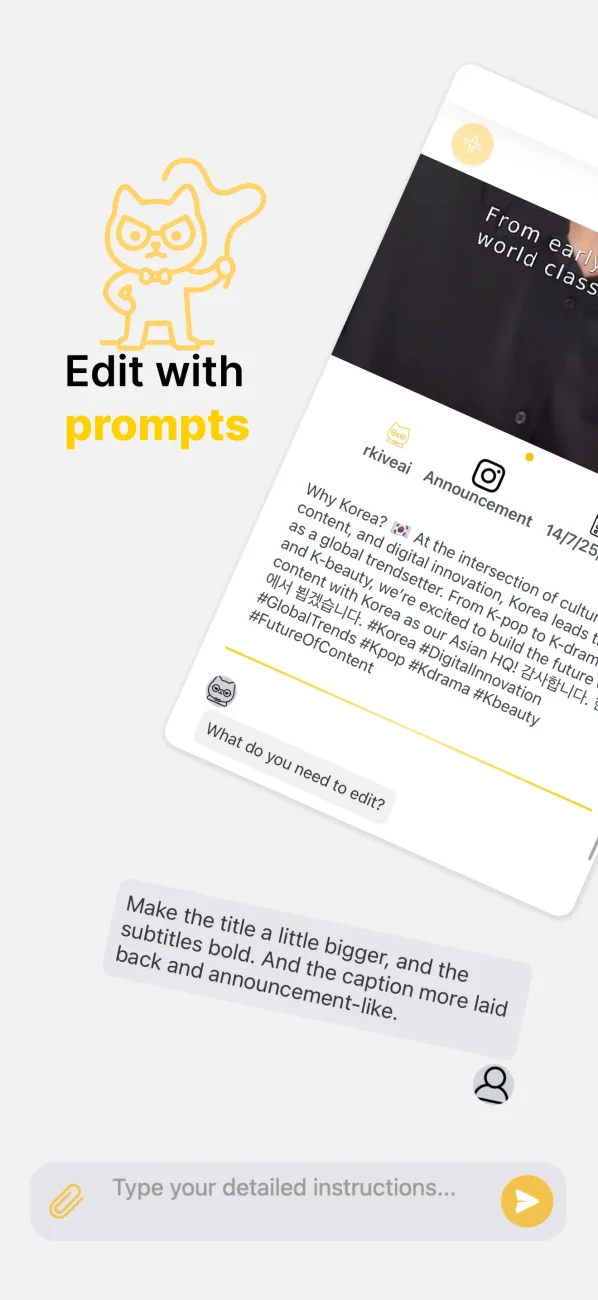
Describe what you want, adjust anything manually, or define your content strategy and let the system follow it. Every edit stays synchronized.
No templates. No presets.
Rkive edits videos, images, audio, and text into complete social posts: Reels, Shorts, carousels, captioned videos, infographics, and text posts.
• Edit complete posts, not just clips
Instead of editing clips in isolation, Rkive analyzes your footage and builds the full post.
It can automatically handle:
- subtitles, translations, and dual captions
- titles, overlays, and thumbnails
- clip pacing, trimming, zooms, and camera motion
- color and visual adjustments - audio cleanup, music, SFX, and voiceovers
- image editing, modification and generation
and more.
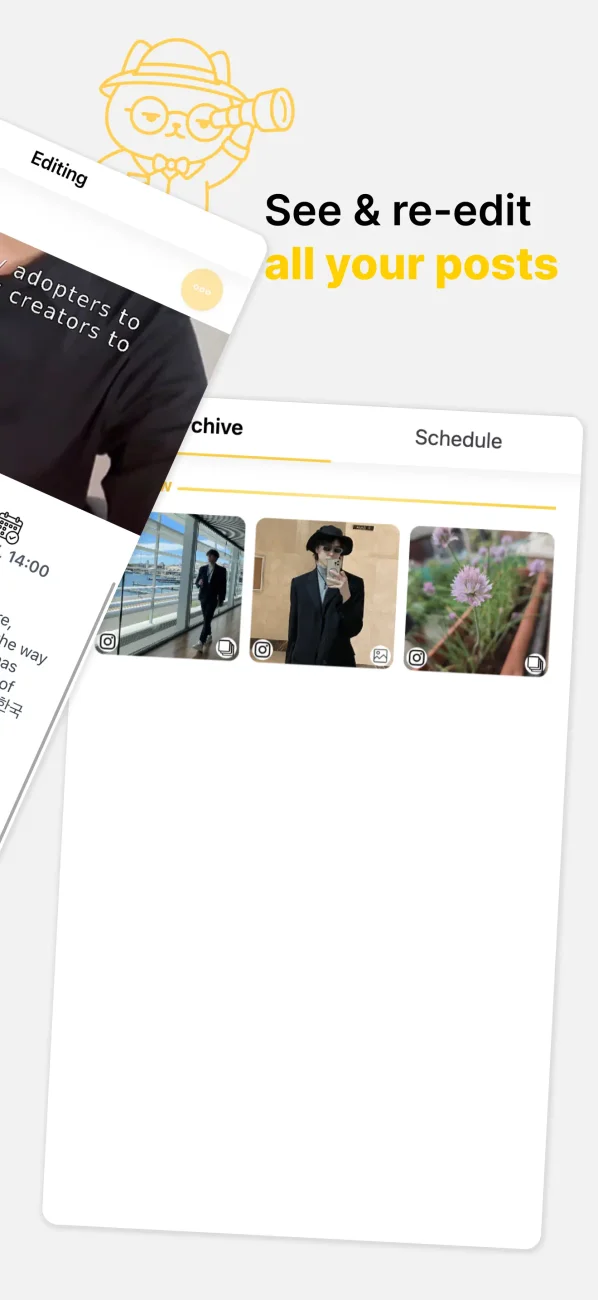
All edits remain controllable through prompts or manual adjustments, with version history for quick iteration.
• Capture and scripts
Record directly in the app with a built-in camera, timer, and teleprompter.
Chat with Rkive to develop ideas, generate scripts with pacing cues, or film normally and assemble the post afterward.
• Autopilot and cloud storage
If enabled, Rkive can review your camera roll, detect usable footage, and assemble posts automatically based on your strategy, style, and previous content. It runs in the background and notifies you when edits are ready.
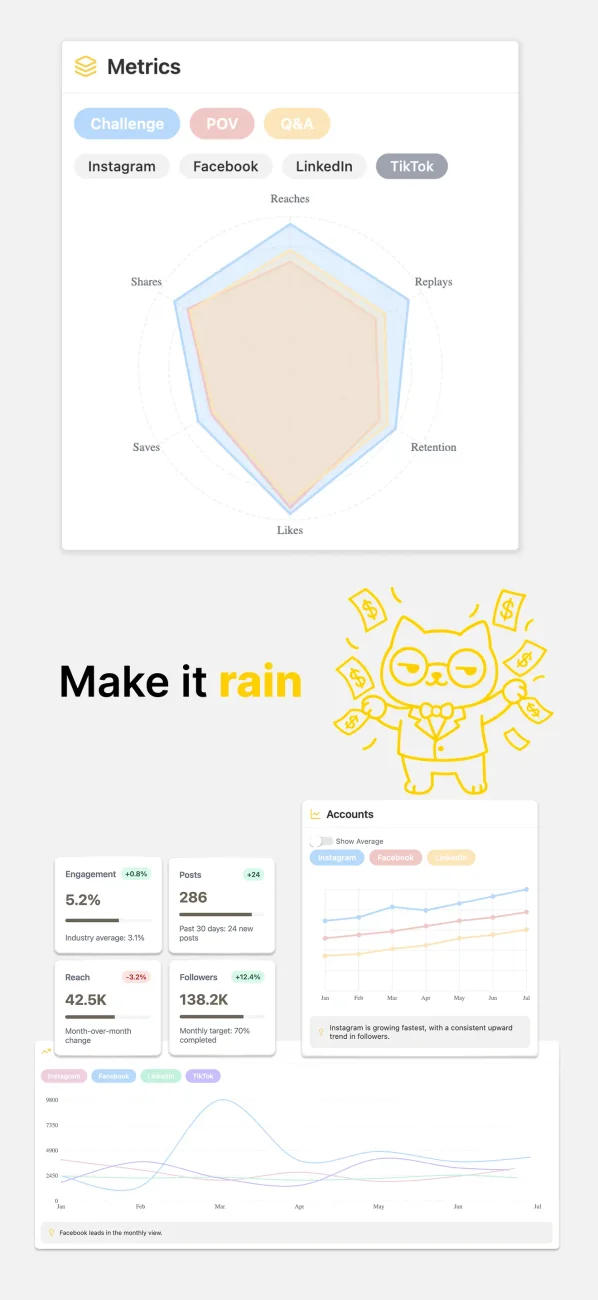
• Scheduling and analytics
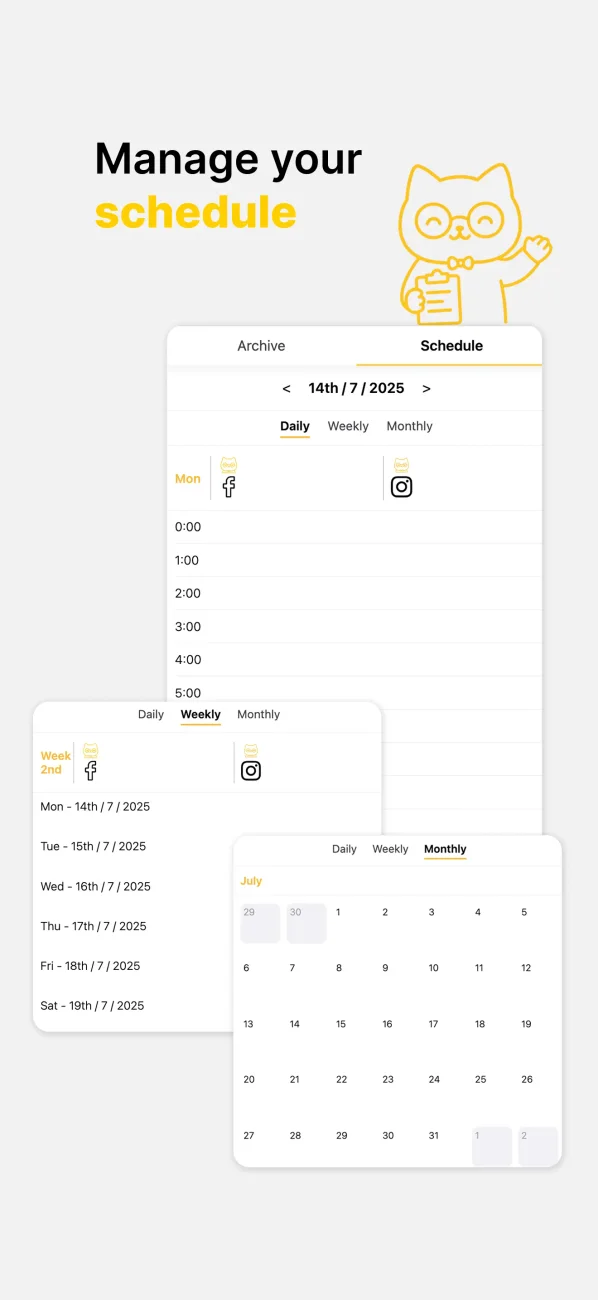
Preview posts as your audience will see them, schedule them across platforms, and track performance within the same workflow.
Editing, publishing, and analytics remain connected from draft to post.
Try Rkive free for 7 days. Subscription required after trial. All plans available through in-app purchase.
Terms of Use (Apple EULA): https://www.apple.com/legal/internet-services/itunes/dev/stdeula/ RkiveAI
Terms of Service: https://rkiveai.com/terms
Privacy Policy: https://rkiveai.com/privacy
What’s new
Version 1.1.74 · Apr 18, 2026
Performance improvements and bug fixes for a smoother experience.
App privacy
What Rkive AI declares on the App Store about how this app handles data.
-
Data linked to you
May be collected and linked to your identity.
- Contact info
- User content
- Identifiers
- Usage data
- Diagnostics
Privacy practices may vary, for example with the features you use or your age.
Information
- Seller
- RKIVEAI ESPANA S.L.
- Category
- Photo & Video
- Version
- 1.1.74
- Updated
- Apr 18, 2026
- Released
- Nov 20, 2025
- Size
- 118.1 MB
- Requires
- iOS 15.1 or later
- Age rating
- 17+
- In-app purchases
- Yes
- Languages
- Vietnamese, English, Arabic, Spanish, Korean, German, Portuguese, Simplified Chinese, French, Japanese
- Copyright
- © RkiveAI España S.L.
You might also like
-
 Stopmo - Stop Motion AnimationStop-motion animation maker
-
 Wondeo AI Video Maker & EditorText to Short Video for Reels
-
 Montio — AI Video EditorAI Cut, captions & shorts
-
 Reelo - Vertical Vlog EditorDaily vlogs, no editing skills
-
 AI Shorts MakerAI Shorts Maker
-
 Brolled: Fake Text Story MakerReddit, Chat & Meme Videos
-
 Video Retouch: Object EraserRemove Logos, Text & Objects
-
 Image Resizer: Photo ResizePhoto & Video
-
 PixelAI Video MakerAI Reels & Auto Edit
-
 makemypost: AI Post Creatorperfect posts from your photos