- Age rating4+
- CategoryUtilities
- DeveloperMobiltex Data
- LanguagesEnglish
- Size23.3 MB
Links to the official App Store page
Download.org hosts no file of RMU3 Config. The button opens its official App Store page, published by Mobiltex Data. Listing last checked on Nov 15, 2026.
Screenshots



About
*** Requires a corTalk® RBT1 or RMU123PGM and RMU3 to use. ***
Contact us at 'sales.rmu3@mobiltex.com' to purchase.
This app is for configuring the corTalk® RMU3 (Remote Monitoring Unit 3) with a Bluetooth configuration interface. Both the RBT1 or RMU123PGM are compatible. They both function as a complete RMU3 programming interface but only requires the Bluetooth connection of your phone to use.
The RMU3 is used to monitor a cathodic protection rectifier with accurate measurement of a wide variety of signals; it can also control the rectifier for survey operations by switching a relay at precisely timed intervals. This app allows access to diagnostic information on the RMU3 and allows setting up the configuration to meet the customer's needs. Note that measurement data logs, due to their size, can only be extracted from the RMU3 using the PC configuration application through the USB port.
The app allows full configuration of the RMU3 including
- slot measurement types
- limits
- slot scaling and offset
- relay options
- instant off timing
- interruption On/Off/Cycle
Other features include the
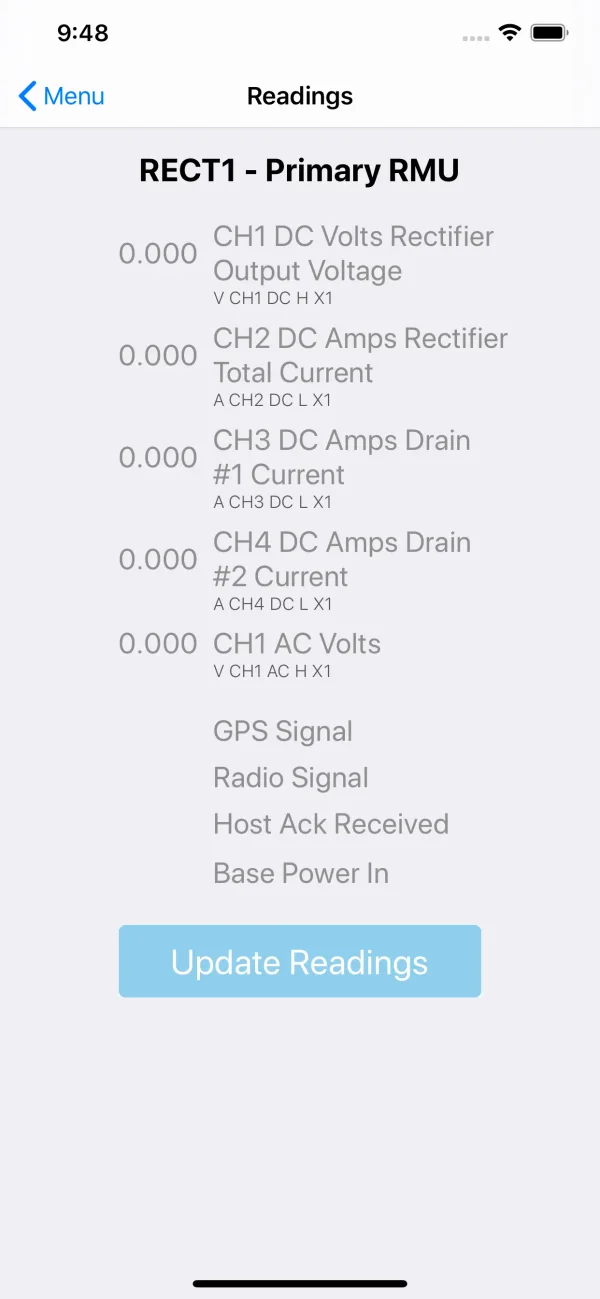
- viewing of readings and their limits
- detailed status screen for troubleshooting
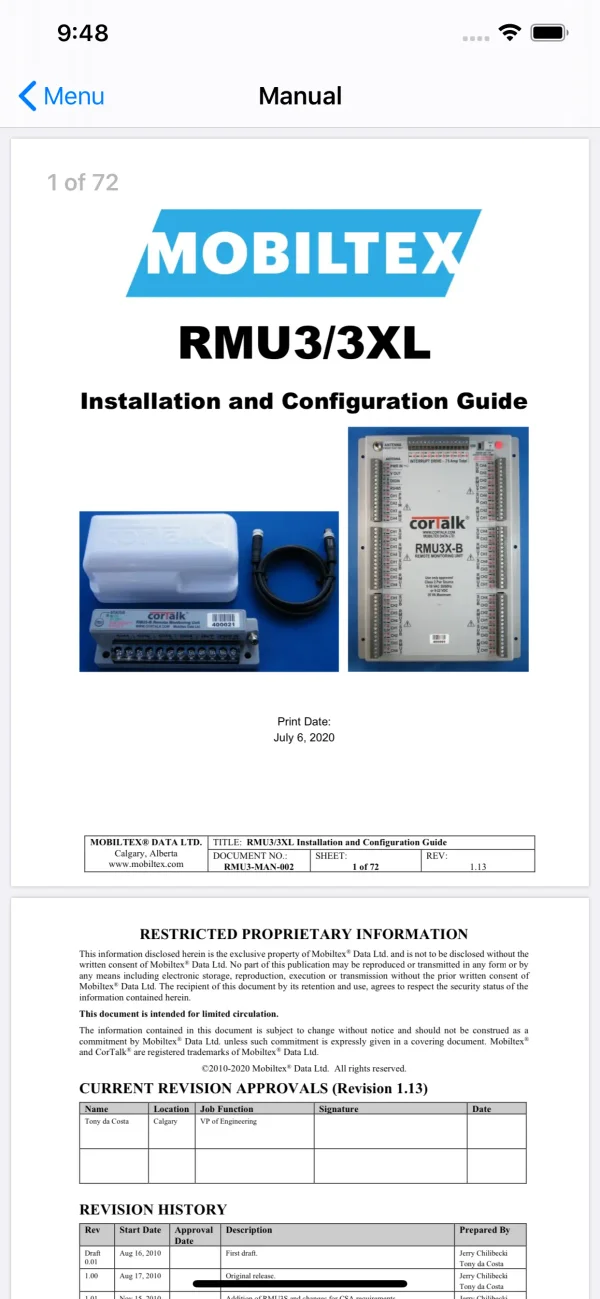
- integrated manual
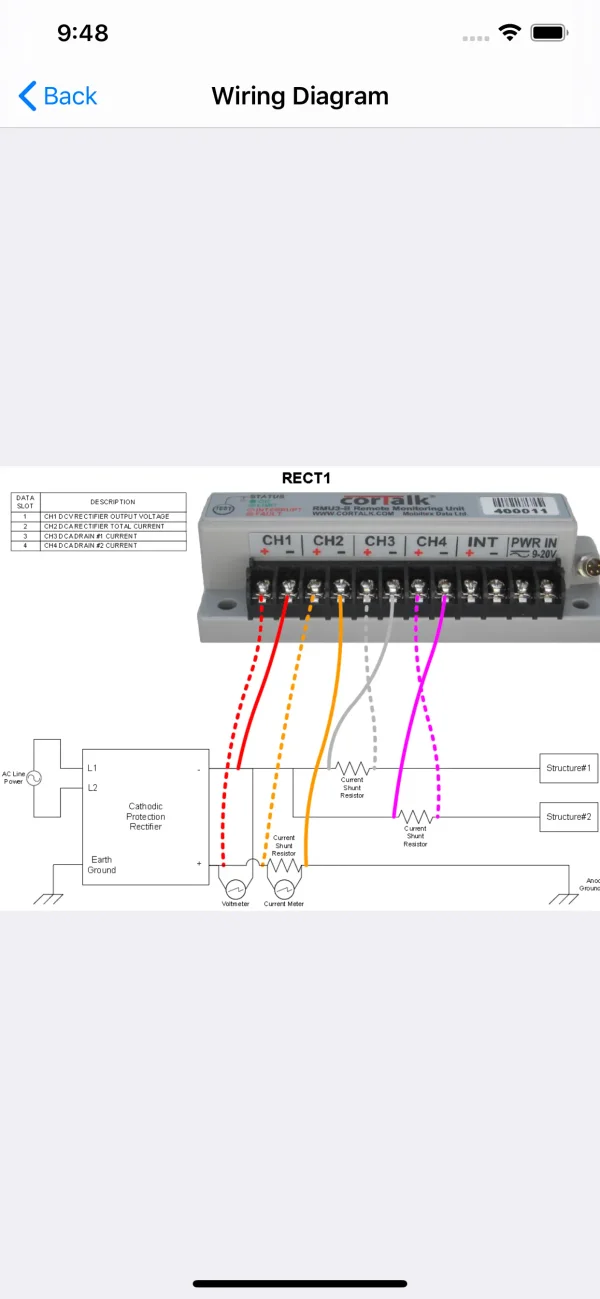
- wiring diagrams for each measurement type
The RBT1 and RMU123PGM is always in a Bluetooth pairing mode and requires a pairing code entered on the app. The pairing code (default=123456) can be found and changed with the app. Once paired, the iOS device can reconnect without needing to re-enter the code. The RBT1 pairing code can be reset by tapping the RBT1 5 times in 10 seconds with a user-supplied magnet.
What’s new
Version 1.1.11 · Aug 26, 2026
Included firmware:
RMU3 v1.29
RBT1 v1.09
RMU3PGM v1.13
Support for time of day reporting added.
Support for RECT16 4 drains added.
Fix bug where keyboard hides textfields in measurement options.
App privacy
What Mobiltex Data declares on the App Store about how this app handles data.
-
Data not collected
The developer does not collect any data from this app.
Privacy practices may vary, for example with the features you use or your age.
Information
- Seller
- MOBILTEX DATA LTD
- Category
- Utilities
- Version
- 1.1.11
- Updated
- Aug 26, 2026
- Released
- Apr 26, 2016
- Size
- 23.3 MB
- Requires
- iOS 15.6 or later
- Age rating
- 4+
- Price
- Free
- Languages
- English
- Copyright
- © 2026 Mobiltex Data Ltd