
- Age rating4+
- CategoryNavigation
- DeveloperB-NYS GCV
- LanguagesEnglish
- Size7.0 MB
Links to the official App Store page
Download.org hosts no file of Roadbook '71. The button opens its official App Store page, published by B-NYS GCV. Listing last checked on Nov 10, 2026.
Screenshots


About
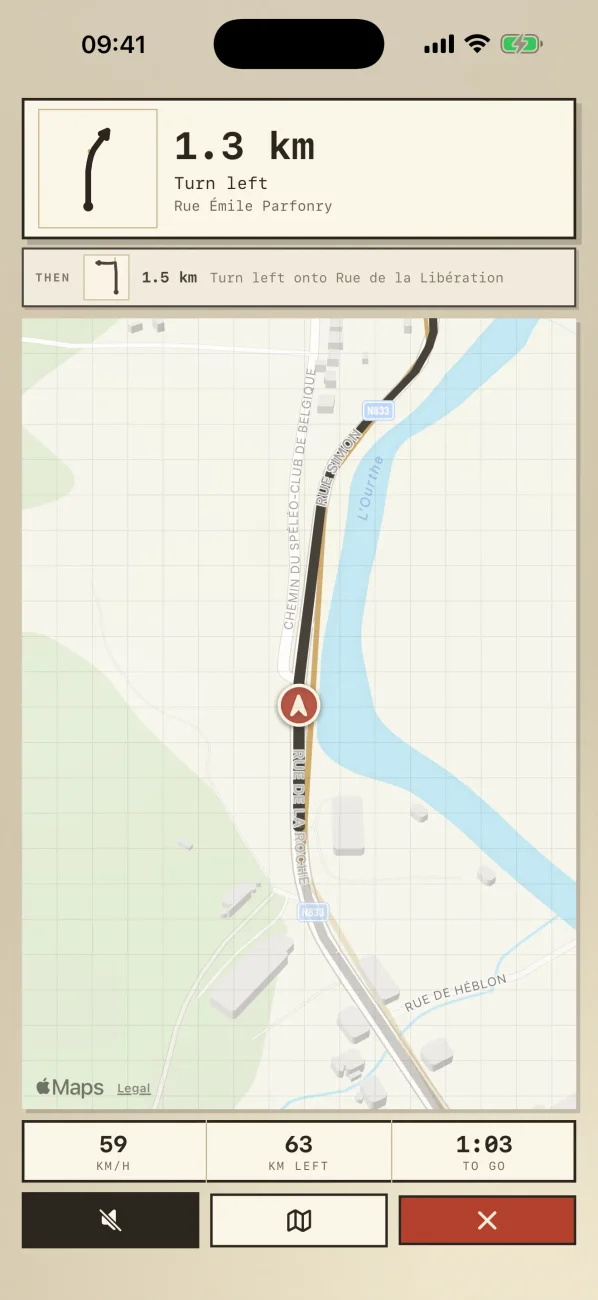
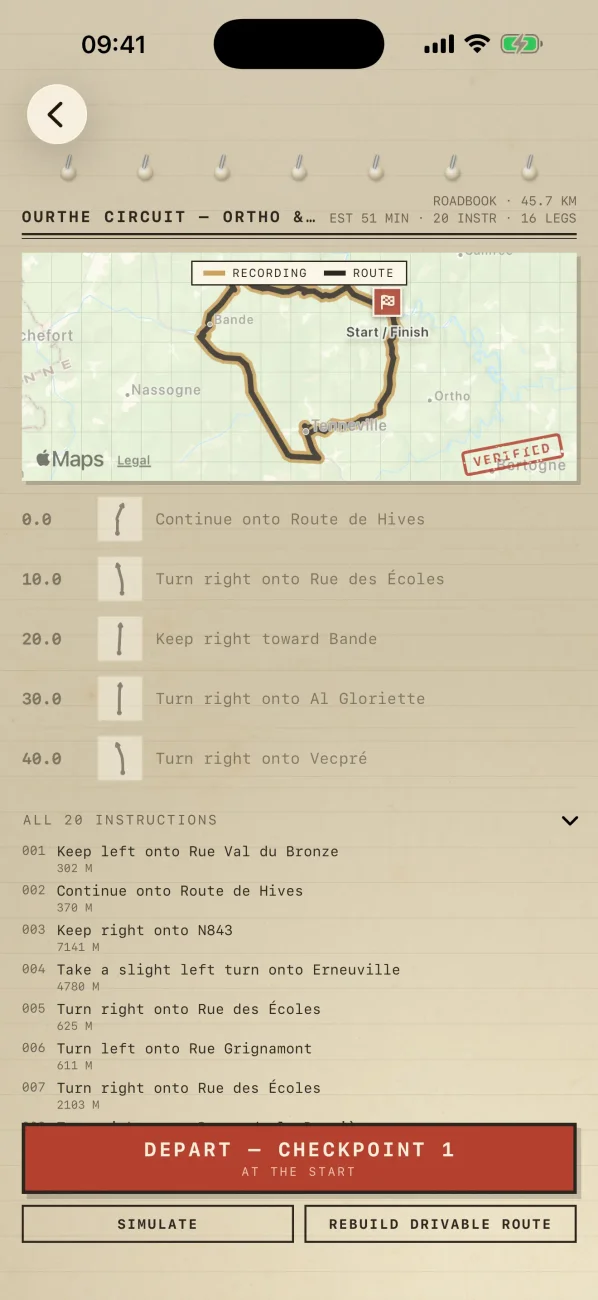
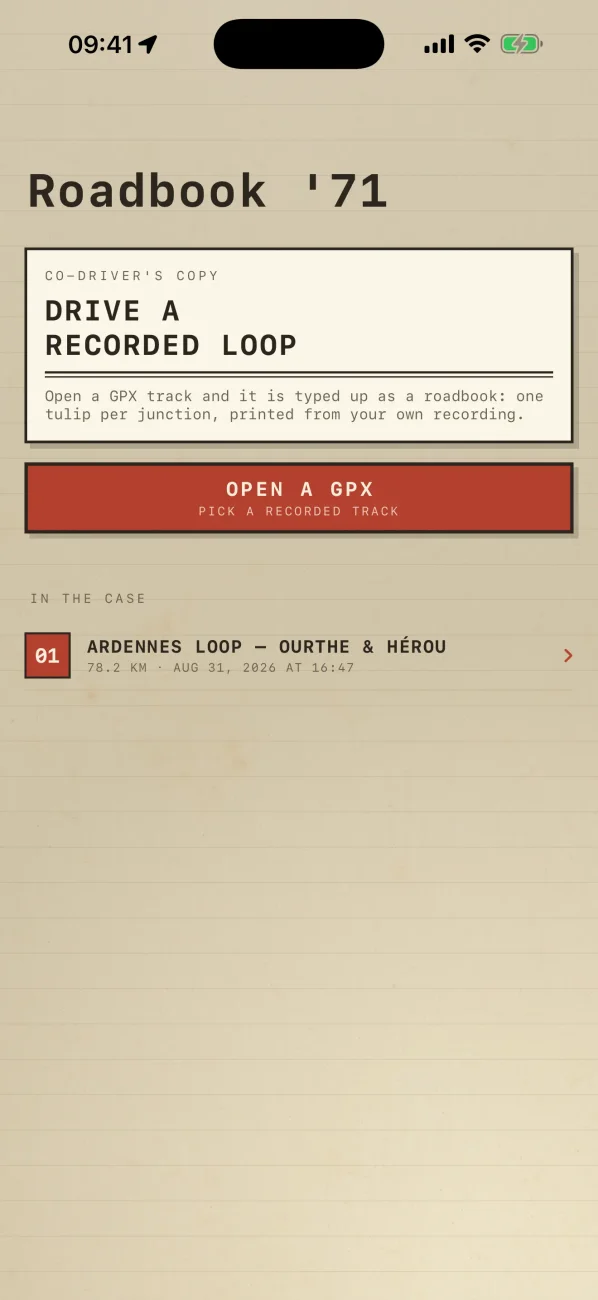
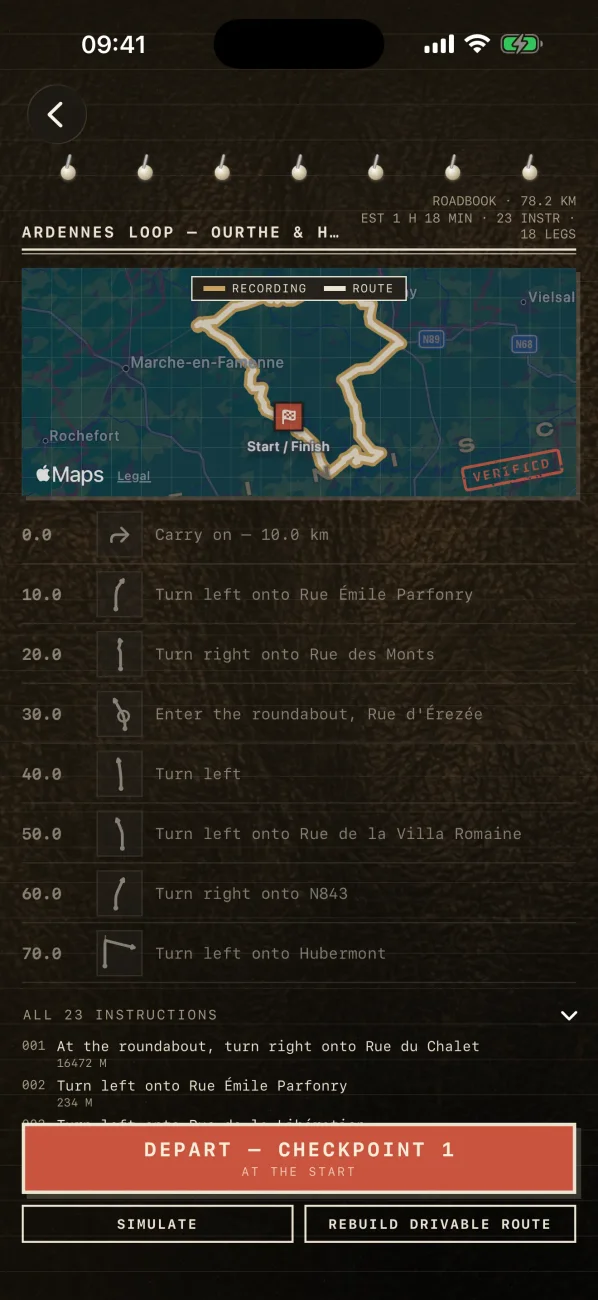
Roadbook '71 turns a recorded GPX loop into a 1970s rally co-driver's roadbook - and then drives it with you.
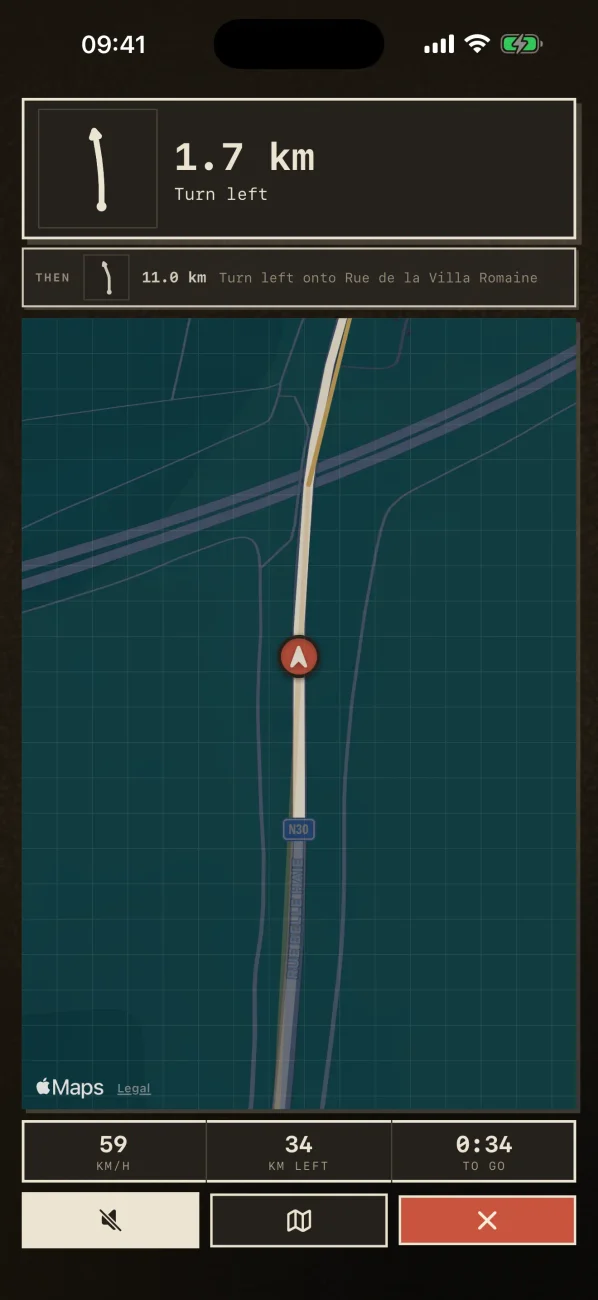
Import any GPX track and the app matches it to real roads, builds turn-by-turn guidance, and draws every junction as a hand-inked "tulip" diagram computed from your own recording. Join a loop at the point nearest you, drive the full circle, and arrive back where you joined. Stop for lunch and continue later - the book keeps your place.
- Turn-by-turn voice and on-screen guidance along your recorded route
- Tulip junction diagrams parsed from the track itself - dot in, arrow out
- Loop-aware: join anywhere, the route wraps around
- Progress inked onto both the route and your original recording
- Interrupt and continue a drive, days later, from wherever you are
- Day pages in paper and ink; night pages lit like a map light over leather
- Export the drive you actually made as a new GPX
Built for slow roads, open tops, and routes worth driving twice.
What’s new
Version 1.4 · Sep 18, 2026
Pick up where you left off. An unfinished drive no longer expires: the route page opens with it, shows how far you got and what is left, and carries on from the exact point you stopped, on the phone or in CarPlay.
Every drive of a route is kept in a drive log with a map of the trail, so you can resume any paused drive or start again from the beginning. Renaming a route keeps its history.
Progress is saved when the app goes to the background, and the driving screen tells you if a checkpoint could not be written.
App privacy
What B-NYS GCV declares on the App Store about how this app handles data.
-
Data linked to you
May be collected and linked to your identity.
- Location
-
Data not linked to you
May be collected but is not linked to your identity.
- Identifiers
Privacy practices may vary, for example with the features you use or your age.
Information
- Seller
- B-NYS GCV
- Category
- Navigation
- Version
- 1.4
- Updated
- Sep 18, 2026
- Released
- Sep 2, 2026
- Size
- 7.0 MB
- Requires
- iOS 17.0 or later
- Age rating
- 4+
- Languages
- English
- Copyright
- © 2026 glue.blue
You might also like
-
 RDBKRoadbook reader and editor
-
 GPX File Navigation - RoavicExact Car Routes, Turn-by-Turn
-
 RallyBook by Petro®Create, navigate, recce, train
-
 MaplistoNavigation
-
 Classic TripmasterTripmaster for classic tours
-
 CarRally: Roadtrip & RallyTulip Routes & Roadbooks
-
 MapsToGPX: GPS Route PlannerConvert Google Maps to GPX
-
 GoMate – Vietnam NavigationTurn-by-turn in Vietnamese
-
 RallyMate: Rally TripmeterTripmeter, map & rally notes