- Age rating4+
- CategoryHealth & Fitness
- DeveloperDominik Meierhofer
- LanguagesGerman+ 7 more
- Size4.3 MB
Links to the official App Store page
Download.org hosts no file of Roundwork – Interval Timer. The button opens its official App Store page, published by Dominik Meierhofer. Listing last checked on Nov 6, 2026.
Screenshots
About
Roundwork is a clean, focused interval timer for HIIT, Tabata, EMOM and circuit training.
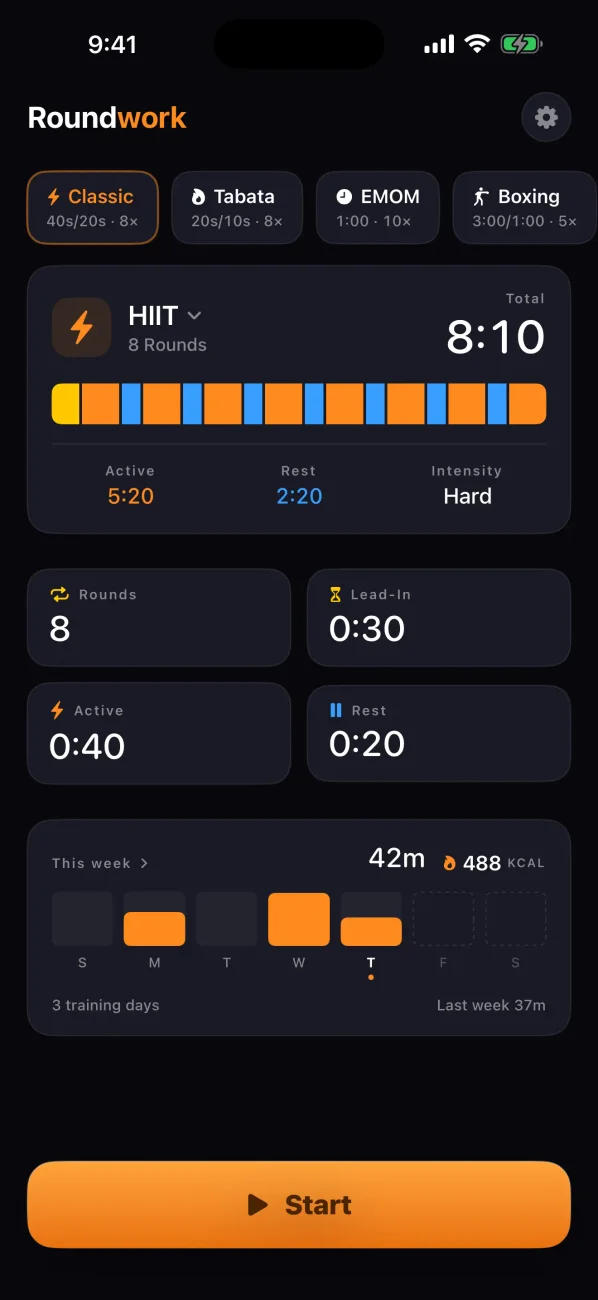
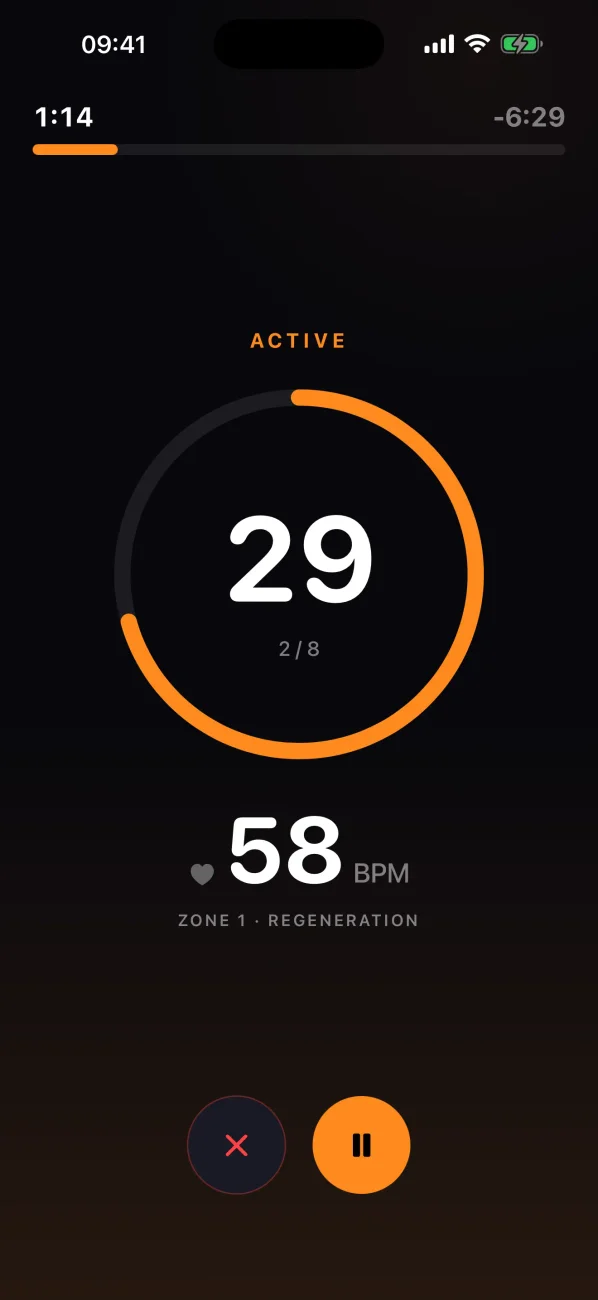
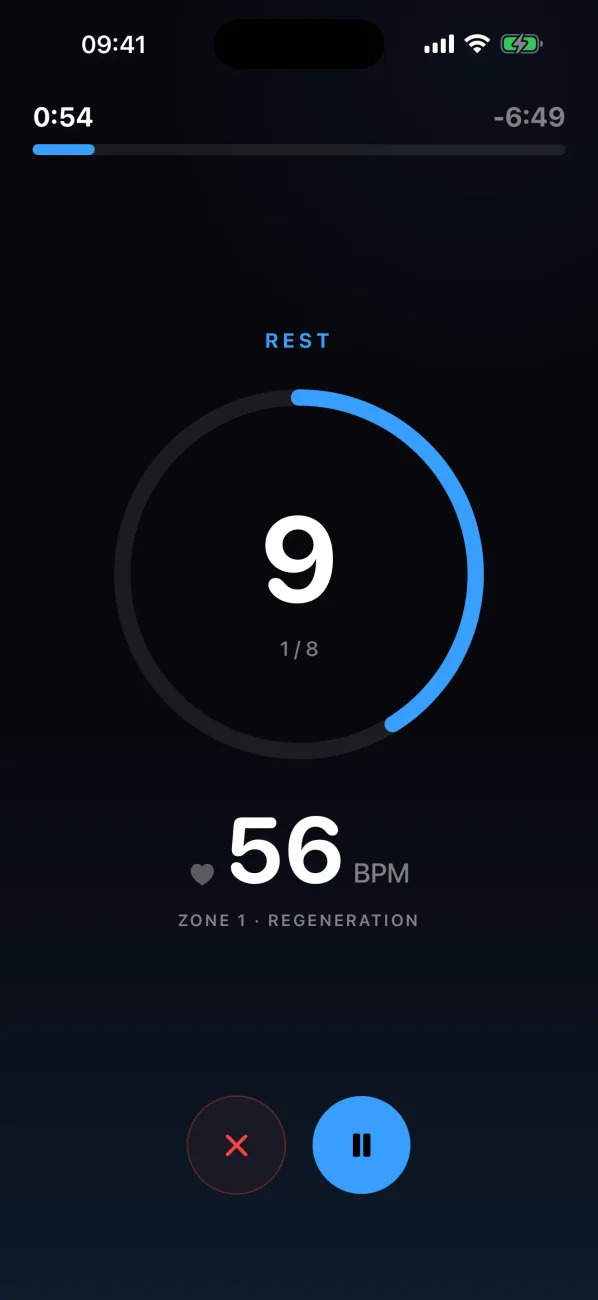
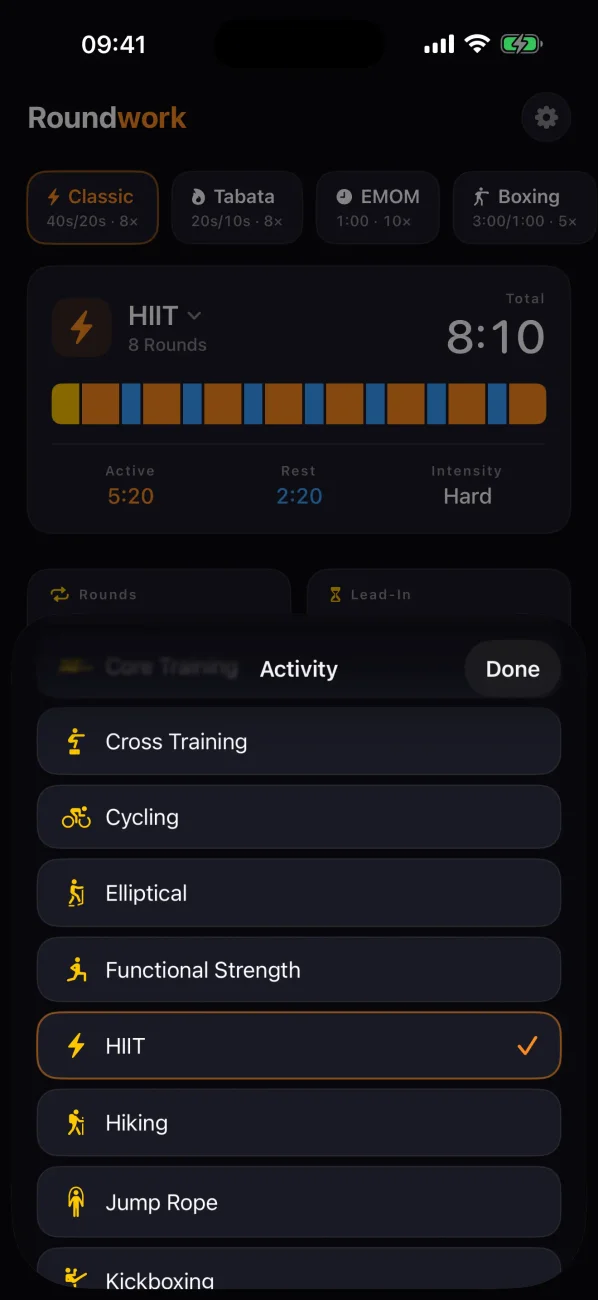
Set up a workout with four values: lead-in, work time, rest time and number of rounds. The timer guides you through each phase with clear on-screen colors and audio cues, so you always know whether to push or recover.
FEATURES
• Four-parameter setup: lead-in, work, rest, rounds
• Five ready-made presets — Classic, Tabata, EMOM, Boxing, Sprint — plus your own
• Clear phase colors and audio signals for every transition
• Live heart rate during your workout
• Standalone Apple Watch app: start a preset on your wrist, no iPhone needed
• Haptics you feel at every change, with a 3-2-1 countdown
• Complication for your watch face and the Smart Stack
• Saves your session to Apple Health as a workout
• Week overview with last week to compare — tap a day to see what you trained
• Choose from a wide range of activity types
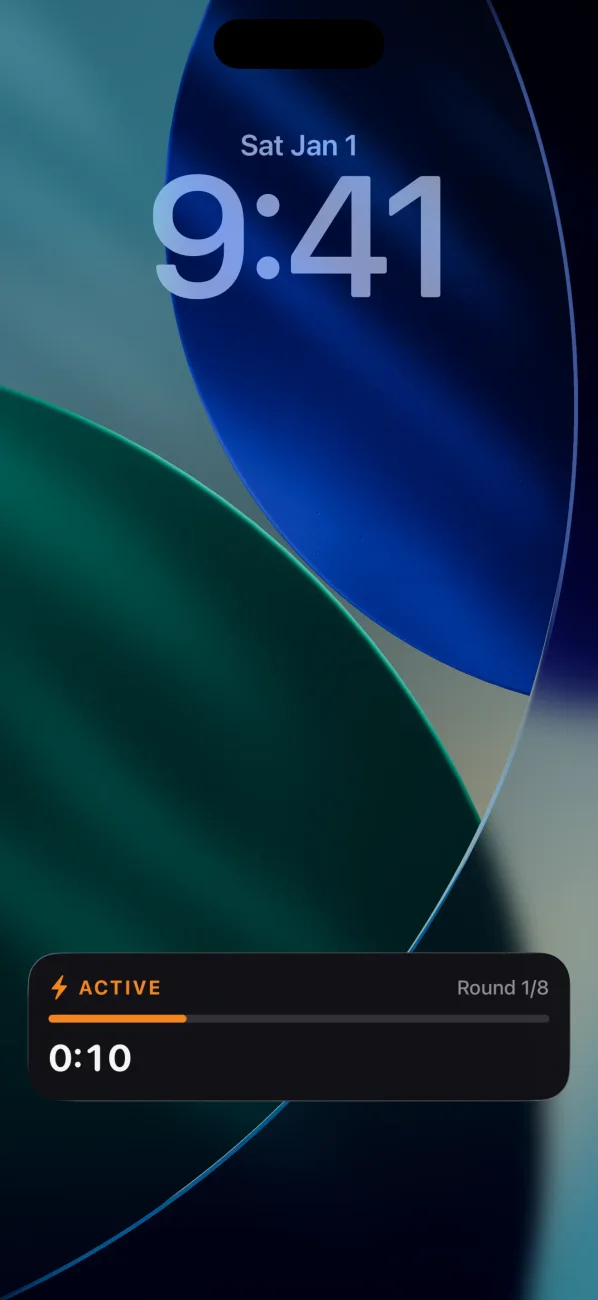
• Live Activity on the Lock Screen and Dynamic Island
• Simple, distraction-free design
No accounts, no clutter. Open the app, set your intervals and train.
What’s new
Version 1.5 · Oct 19, 2026
Siri and Shortcuts
Say “Start Tabata with Roundwork” and the workout begins. Pause, resume and skip a phase work through Siri too. Everything is ready in the Shortcuts app, for automations and the Action button.
Control from the Lock Screen
The Live Activity now has buttons to pause and to skip the phase, right on the Lock Screen and in the Dynamic Island. On Apple Watch they show up in the Smart Stack.
Halfway cue
If you like, the app gives a short cue halfway through every work phase, with a tap of its own on Apple Watch. Ideal for switching hands or sides. Turn it on in Settings under Sound.
App privacy
What Dominik Meierhofer declares on the App Store about how this app handles data.
-
Data not collected
The developer does not collect any data from this app.
Privacy practices may vary, for example with the features you use or your age.
Information
- Seller
- Dominik Meierhofer
- Category
- Health & Fitness
- Version
- 1.5
- Updated
- Oct 19, 2026
- Released
- Aug 6, 2026
- Size
- 4.3 MB
- Requires
- iOS 26.0 or later
- Age rating
- 4+
- Languages
- German, English, French, Italian, Japanese, Dutch, Portuguese, Spanish
- Copyright
- © 2026 gugus.io
You might also like
-
 BUSHIDO: MMA & BJJ Round TimerMuay Thai, Judo & Boxing Bell
-
 Loop Timer - HIITInterval timer for HIIT
-
 トレーニングタイマー_インターバルHealth & Fitness
-
 Timer - Interval Workout TimerTabata, HIIT & custom workouts
-
 Interval Timer: Focus & HIITPomodoro study & workout time
-
 Lets HIIT: Tabata TimerHIIT & Tabata · Interval Timer
-
 HIIT Timer:シンプルな筋トレタイマーHealth & Fitness
-
 SetGo TimerWorkout and Interval Timer
-
 ZaWorld – Limit Break TimerStop time. Surpass yourself.