
Route Maker - Route Planner
Travel and Business Route Plan
Designed for iPhone, iPad
Free · In-app purchases
- Age rating4+
- CategoryNavigation
- DeveloperTAIKI HIRATA
- LanguagesEnglish+ 1 more
- Size4.8 MB
Links to the official App Store page
Download.org hosts no file of Route Maker - Route Planner. The button opens its official App Store page, published by TAIKI HIRATA. Listing last checked on Nov 16, 2026.
Screenshots
About
Multiple Waypoints Route Planner Apps !
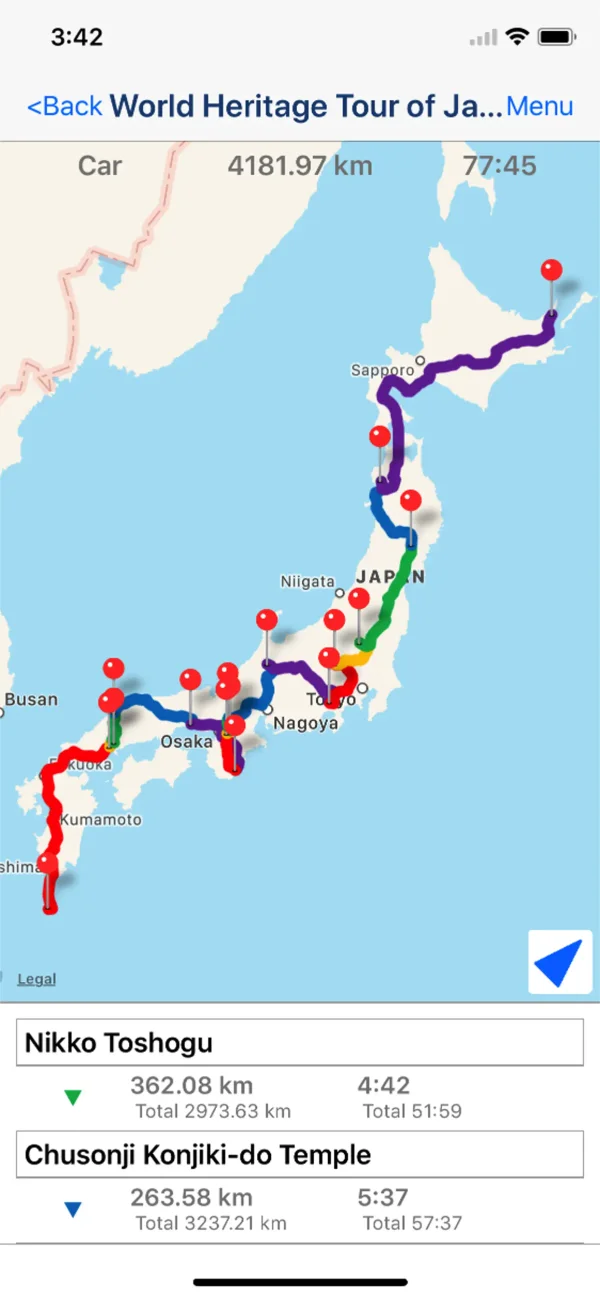
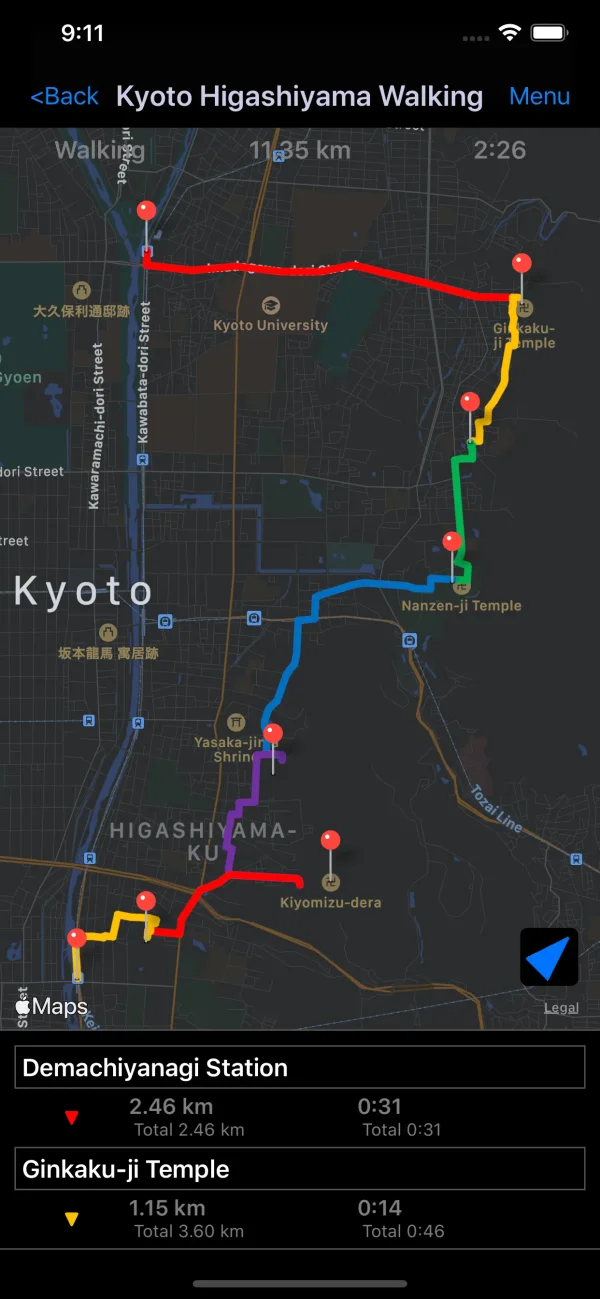
You can make trip route including multiple tourist attraction, when you plan travel.
You can make business route to visit multiple customers, when you must do route sales.
You can make drive route, when you must do delivery business.
"Route maker" is app for making route including multiple waypoints.
You can make route including multiple waypoints easily by using "Route Maker".
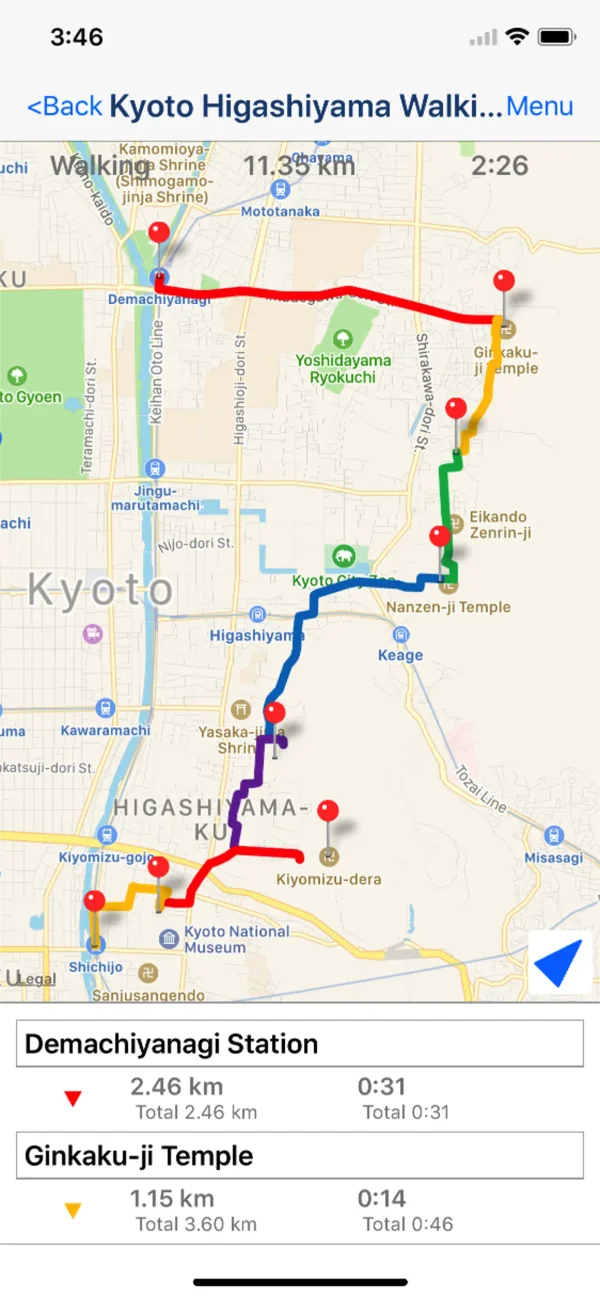
You can know the time and distance of the entire interval.
And you can also know the time and distance between each waypoints.
If you purchase Add-on, you will be able to use additional functions for sharing your route with your friends.
And you can make KML file.
■Function List
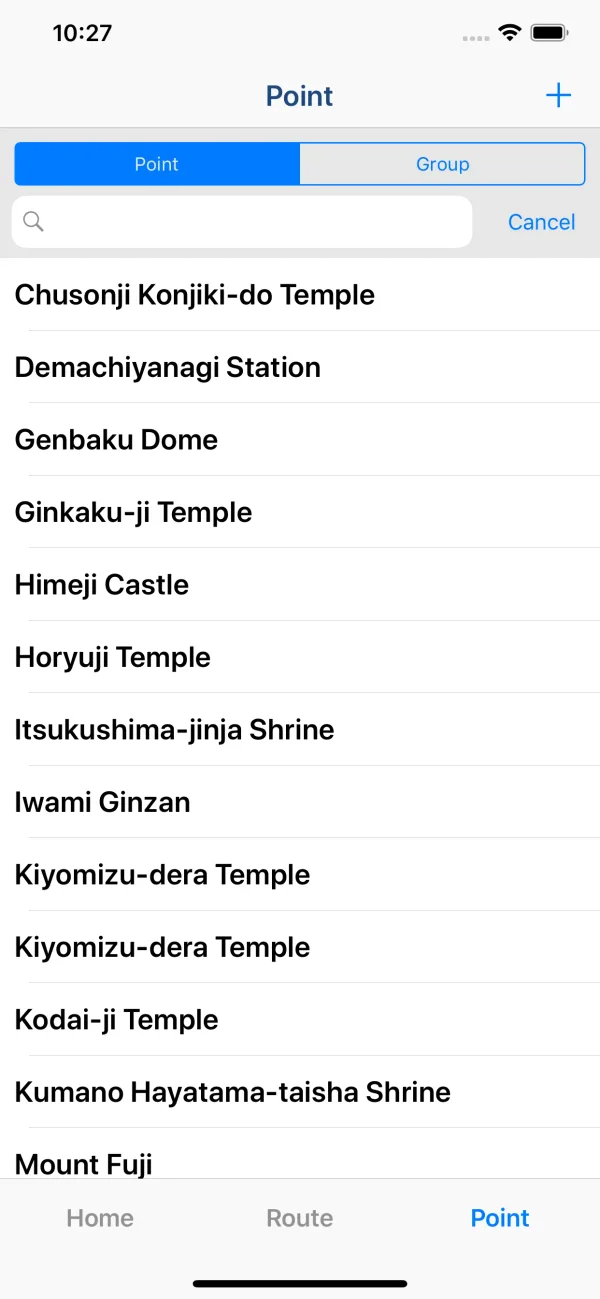
1. Make Point
・You can register point for making route by searching the location information from the facility name or address.
・You can include the facility name, address and phone number to the point.
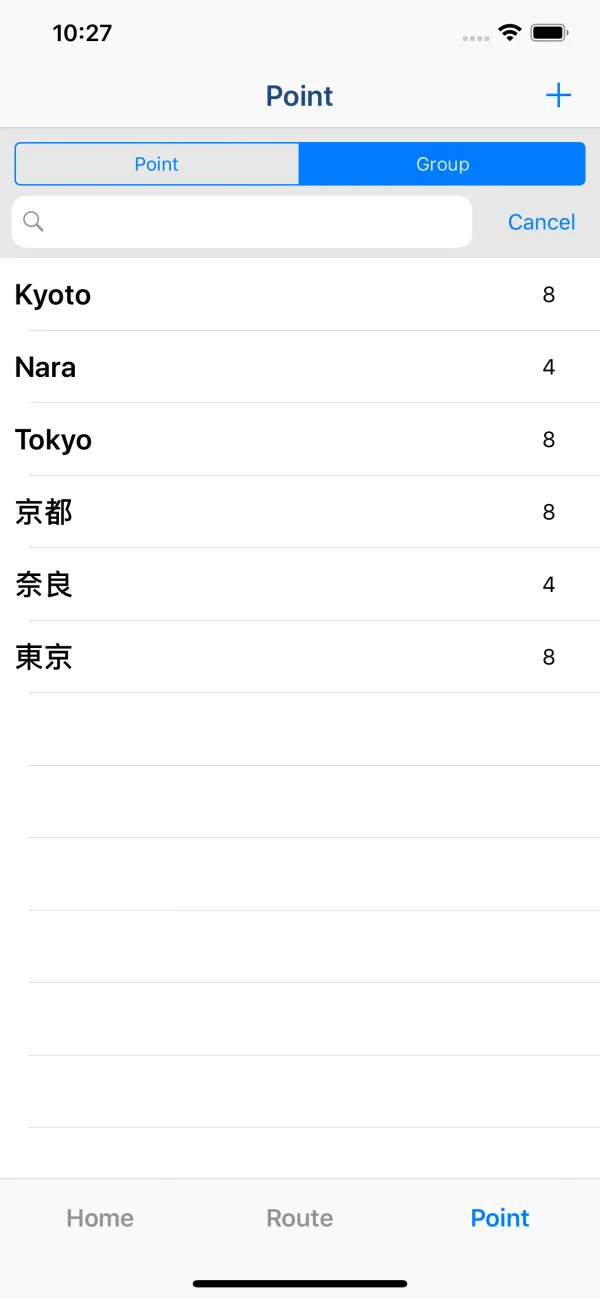
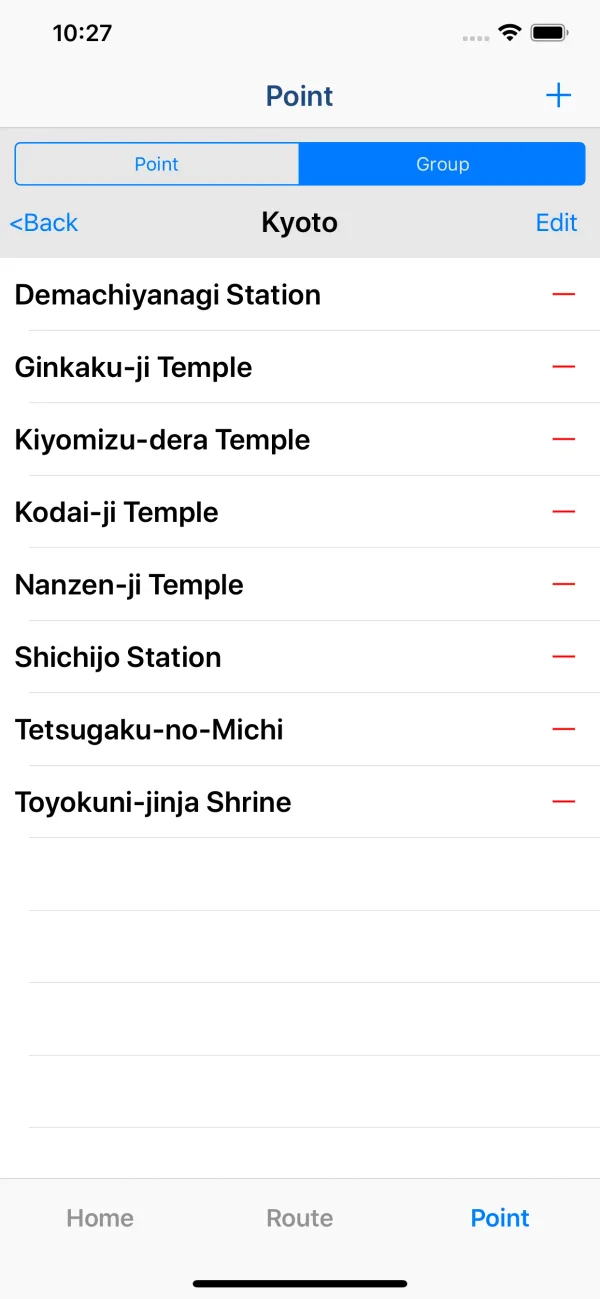
2. Grouping points
・You can create a group of points and manage the registered points.
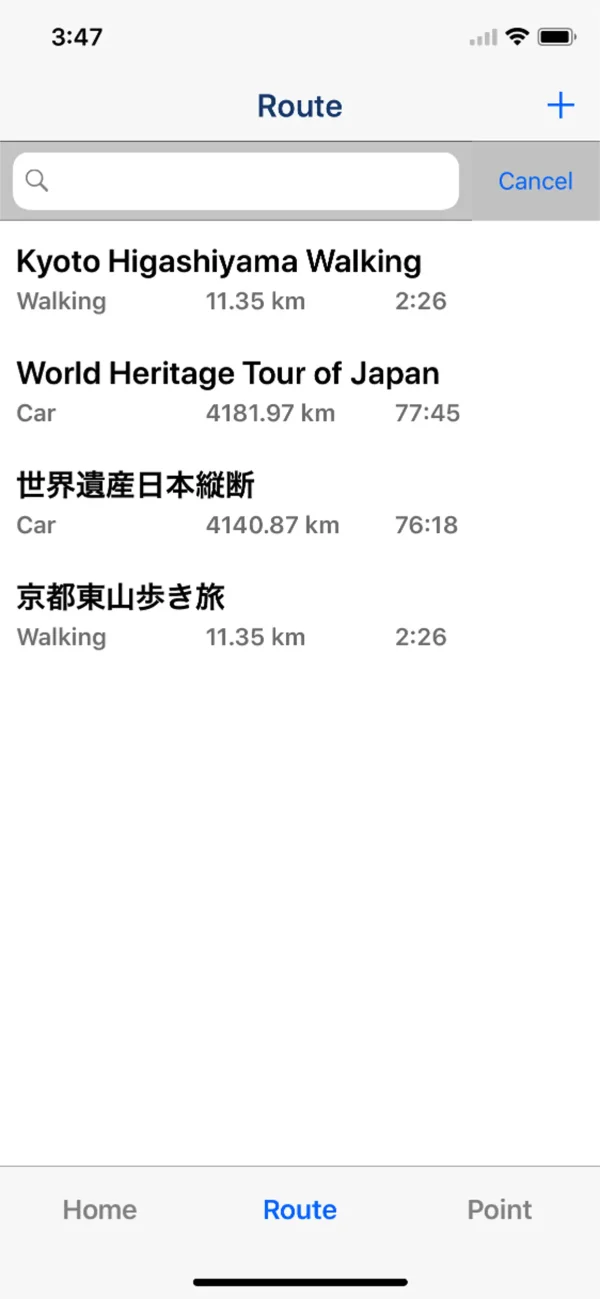
3. Make Route
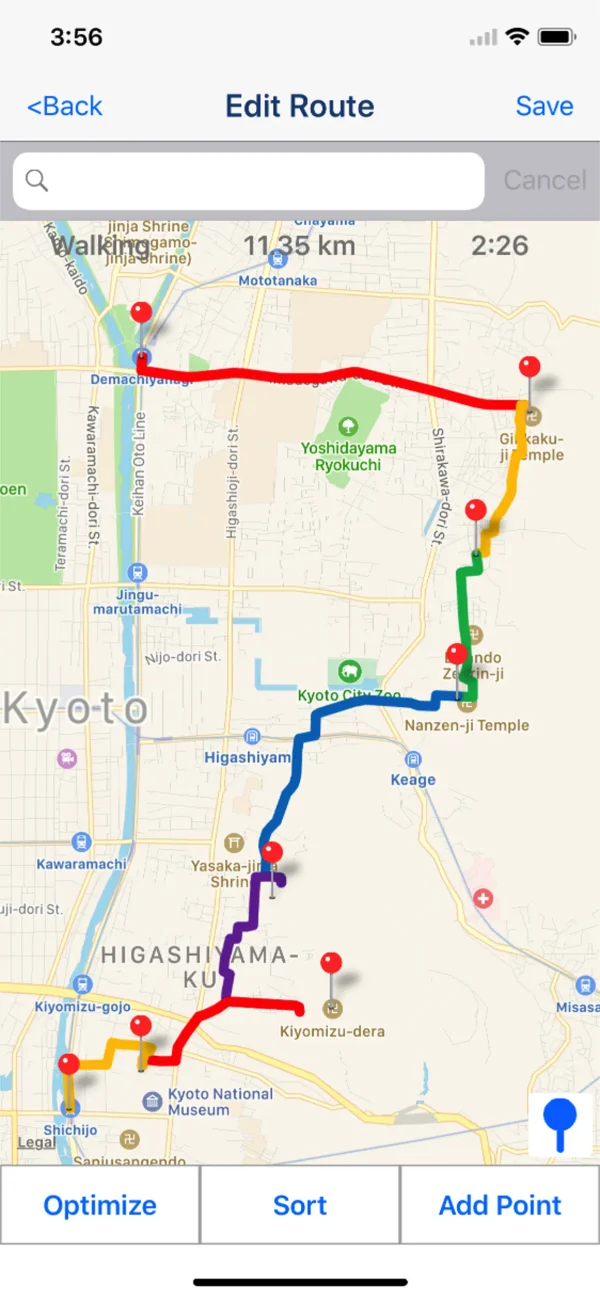
・You can make route including multiple waypoints by using registered points. *Max number of waypoints is 10 in normally. If you purchase add-on, max number of waypoints will be 10 or more.
・You can sort waypoints freely, and optimize route. *Optimization is up to 30 points.
・Also you can use as a simple navigation apps by displaying your current location on map.
・You can know the time and distance of the entire interval.
And you can also know the time and distance between each waypoints.
4. Share route by using "Route Maker"
You can share your route with friends who use "Route Maker" by making Route File.
*If you want to make route file, you need to purchase Add-on.
5. Share route by using "Google My Maps"
You can share your route with friends through Google My Maps by making KML file.
*If you want to make KML file, you need to purchase Add-on.
■About In-app Advertising
Banner Advertising is displayed in Home Screen.
You can hide these Advertising by purchasing "Additional Function Add-on".
What’s new
Version 2.5 · Sep 16, 2025
Supported iOS18.
App privacy
What TAIKI HIRATA declares on the App Store about how this app handles data.
-
Data not linked to you
May be collected but is not linked to your identity.
- Location
- Usage data
Privacy practices may vary, for example with the features you use or your age.
Information
- Seller
- TAIKI HIRATA
- Category
- Navigation
- Version
- 2.5
- Updated
- Sep 16, 2025
- Released
- Mar 9, 2015
- Size
- 4.8 MB
- Requires
- iOS 18.0 or later
- Age rating
- 4+
- Price
- Free
- In-app purchases
- Yes
- Languages
- English, Japanese
- Copyright
- © TAIKI HIRATA
You might also like
-
 Just Draw It! Route PlannerRun, walk, bike & hike routes
-
 Veema – Route PlannerOptimize Multi-Stop Routes
-
 Maposcope Route PlannerSmart multi-stop routes
-
 PlaceMaker Route PlannerMulti Stop Route Optimizer
-
 Delivery Route Planner - UpperCourier, Gig & Driver GPS
-
 Droppath Route PlannerDelivery Map & Optimization
-
 Route Planner - GetWayMulti-stop delivery in one tap
-
 Routin Route PlannerFastest, easiest route planner
-
 Route-FinderCreate multi-stop routes