
- Age rating4+
- CategoryNews
- DeveloperDaniel Bitzer
- LanguagesGerman+ 1 more
- Size7.0 MB
Links to the official App Store page
Download.org hosts no file of RSS Kiosk. The button opens its official App Store page, published by Daniel Bitzer. Listing last checked on Nov 20, 2026.
Screenshots

About
Your news belongs to you.
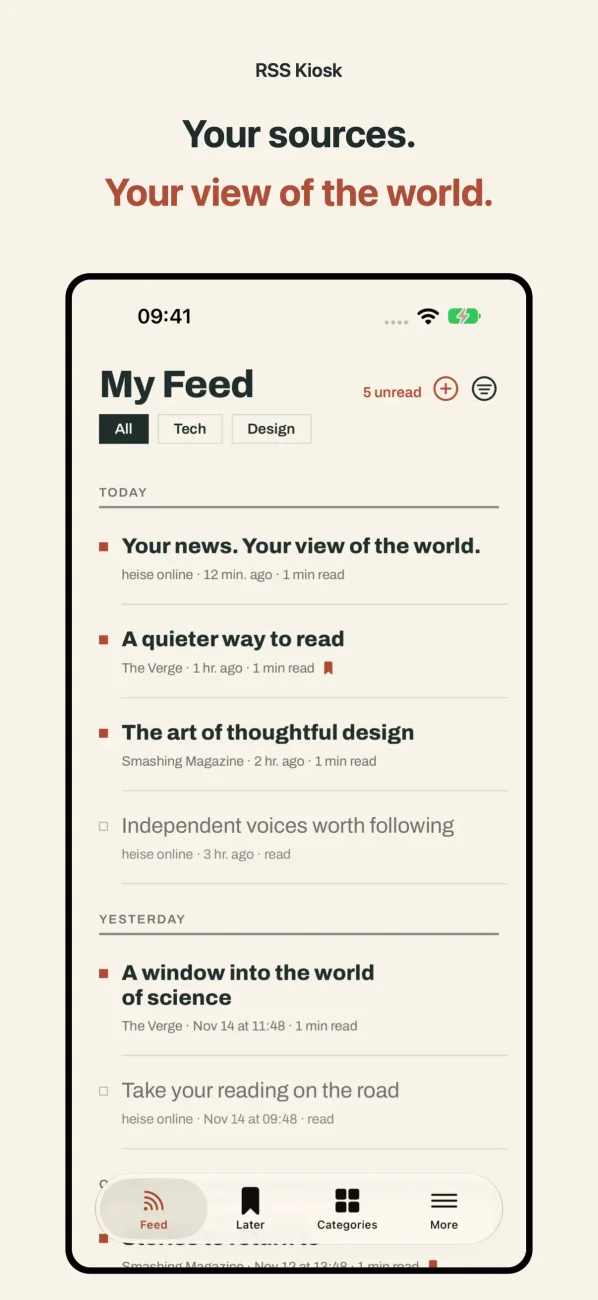
RSS Kiosk brings your RSS, Atom and JSON feeds together. You choose the sources you follow, without in-app advertising, app tracking or an algorithmically selected news stream.
READ AT YOUR OWN PACE
A calm reader, adjustable typography and saved reading positions make room for good stories. On wide displays, keep your article list beside the text. Adaptive navigation fits iPhone, iPad and iPhone Duo.
TAKE STORIES WITH YOU
Save available full text and images for offline reading. See whether an article is fully downloaded or available as text only, and remove downloads individually. Some sources provide only teasers or restricted content; the feed text stays readable and you can open the original.
KEEP LISTENING
Build a personal listening queue. Articles play in order, with your queue and current position saved. Adjust reading speed, set a sleep timer and use Lock Screen controls.
FIND WHAT MATTERS TO YOU
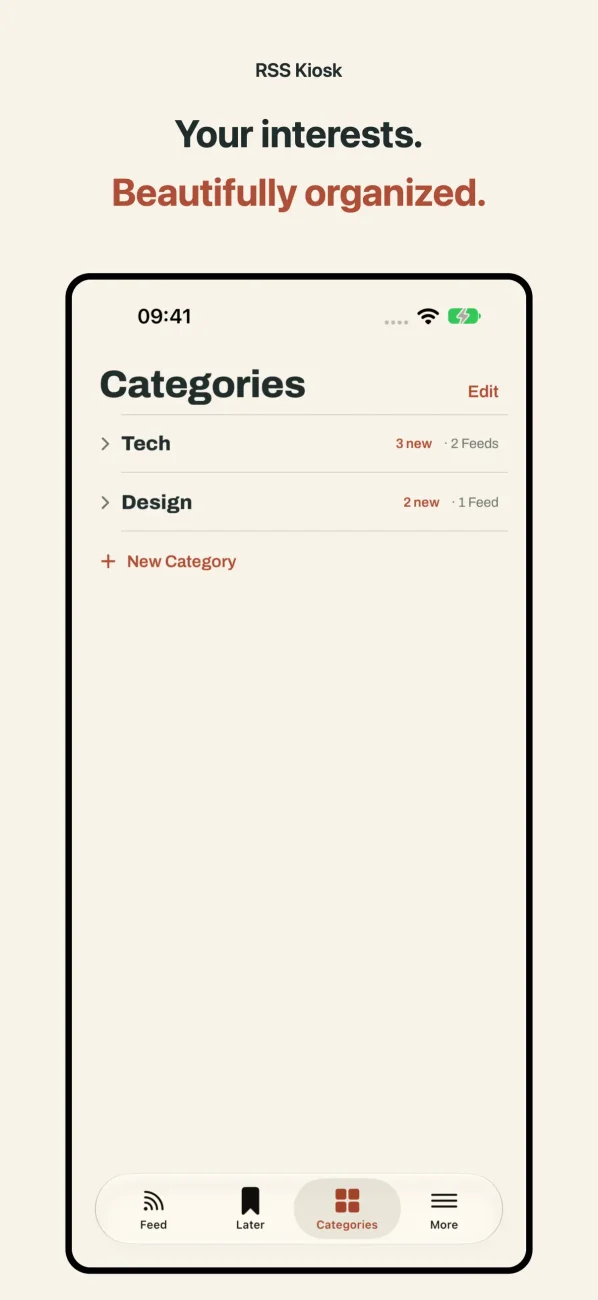
Organize feeds into categories and save your own reading filters. Search article text, mute keywords or highlight them. The topic overview shows related headlines and their individual sources.
KEEP YOUR THOUGHTS
Highlight passages, add notes and share quotations with source links. Saved quotations remain available even if an article changes later.
MORE FOR YOUR READING TIME
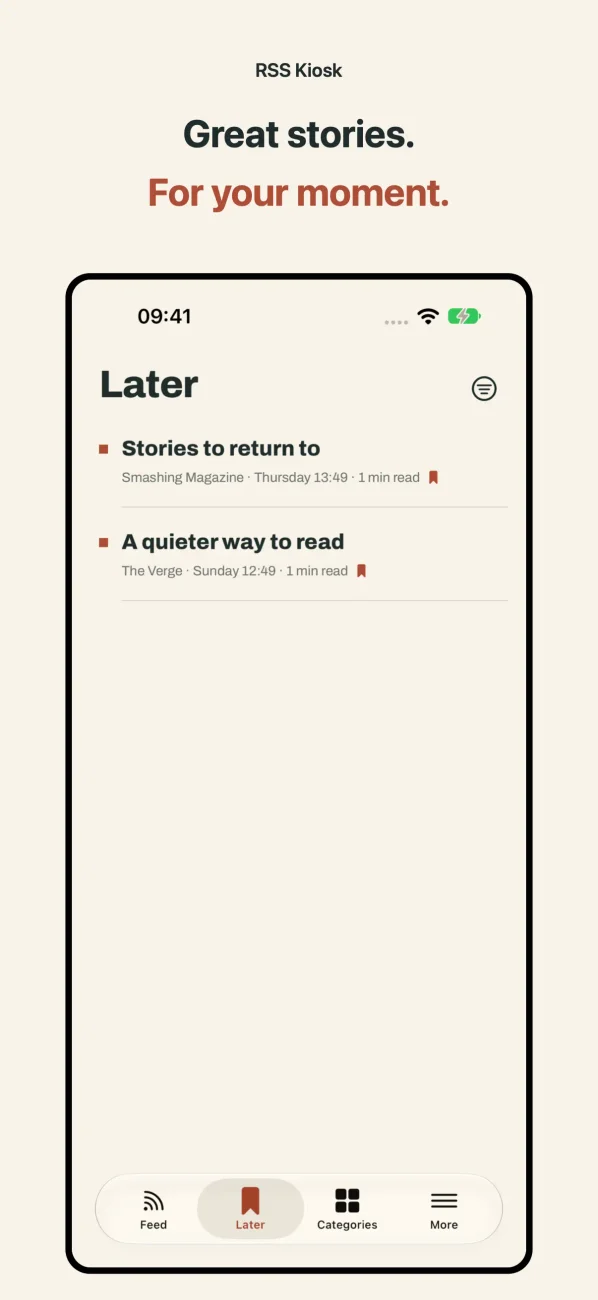
– Read Later and full-text search
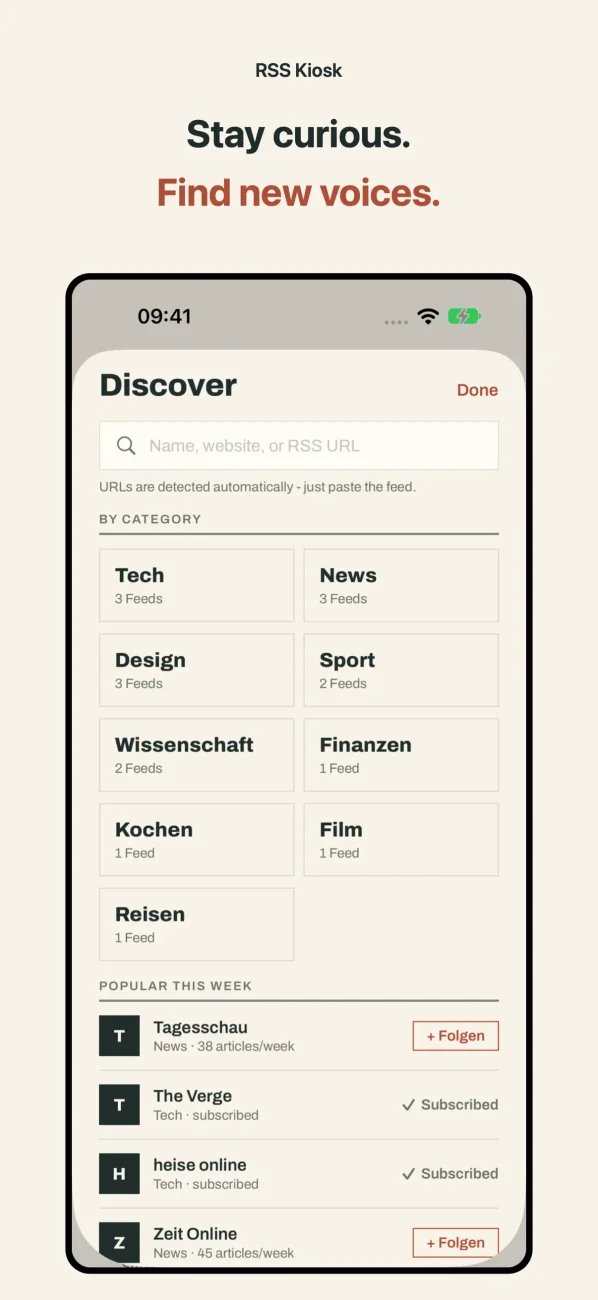
– Feed discovery and OPML import/export
– Widgets, Spotlight and Siri Shortcuts
– Apple Watch app with a daily overview
– On supported devices: article summaries and daily briefings with available Apple Intelligence, directly on device
Full-text downloads, listening queues, notes and smart reading lists stay on each individual device. Image loading can be disabled in Settings.
Requires iOS 26 or later.
What’s new
Version 2.0 · Nov 16, 2026
– A refreshed editorial design with warm paper colors and a calm reader.
– Optimized for iOS 27 and iPhone Duo: browse your article list beside the reader when space allows.
– Full-text downloads: save available article text and images for offline reading. Check status in the reader and manage downloads in More.
– Listening queue: play articles in order, rearrange them and resume from your saved position. Includes a sleep timer and Lock Screen controls.
– Smart reading lists: save filters for keywords, sources, reading time, dates and reading status. New matching articles appear automatically.
– Highlights and notes: select text, keep quotations, add your thoughts and share quotes with source links.
– Related stories: a new topic overview groups similar headlines from different sources directly on your device.
– Optional sentiment analysis, plus version, licenses, privacy policy and feedback in settings.
RSS Kiosk requires iOS 26 or later.
App privacy
What Daniel Bitzer declares on the App Store about how this app handles data.
-
Data not collected
The developer does not collect any data from this app.
Privacy practices may vary, for example with the features you use or your age.
Information
- Seller
- Daniel Bitzer
- Category
- News
- Version
- 2.0
- Updated
- Nov 16, 2026
- Released
- Jul 13, 2026
- Size
- 7.0 MB
- Requires
- iOS 26.0 or later
- Age rating
- 4+
- Languages
- German, English
- Copyright
- © Daniel Bitzer
You might also like
-
 Feedlane - RSS ReaderFeeds synced across devices
-
 Feedstand: RSS ReaderPrivate news feeds & blogs
-
 CleanRSSClean & Simple News Reader
-
 Auslese – Your RSS-BriefingLess flood, more overview
-
 Riff: RSS ReaderSwipe news, AI summary, no ads
-
 Teletext ProNews
-
 unlock: Nachrichten & NewsNews
-
 HiwePrivate, ad‑free RSS reader.
-
 Amethyst – RSS & News ReaderSync feeds & blogs everywhere
-
 Alume: RSS & Podcasts ReaderRSS feeds, podcasts, AI digest