- Age rating4+
- CategoryEducation
- Developerkoji kamogawa
- LanguagesEnglish
- Size5.4 MB
Links to the official App Store page
Download.org hosts no file of RST MR Pro. The button opens its official App Store page, published by koji kamogawa. Listing last checked on Nov 18, 2026.
Screenshots
About
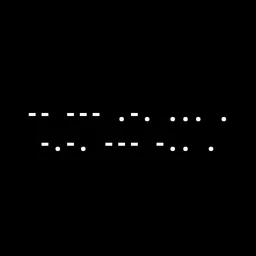
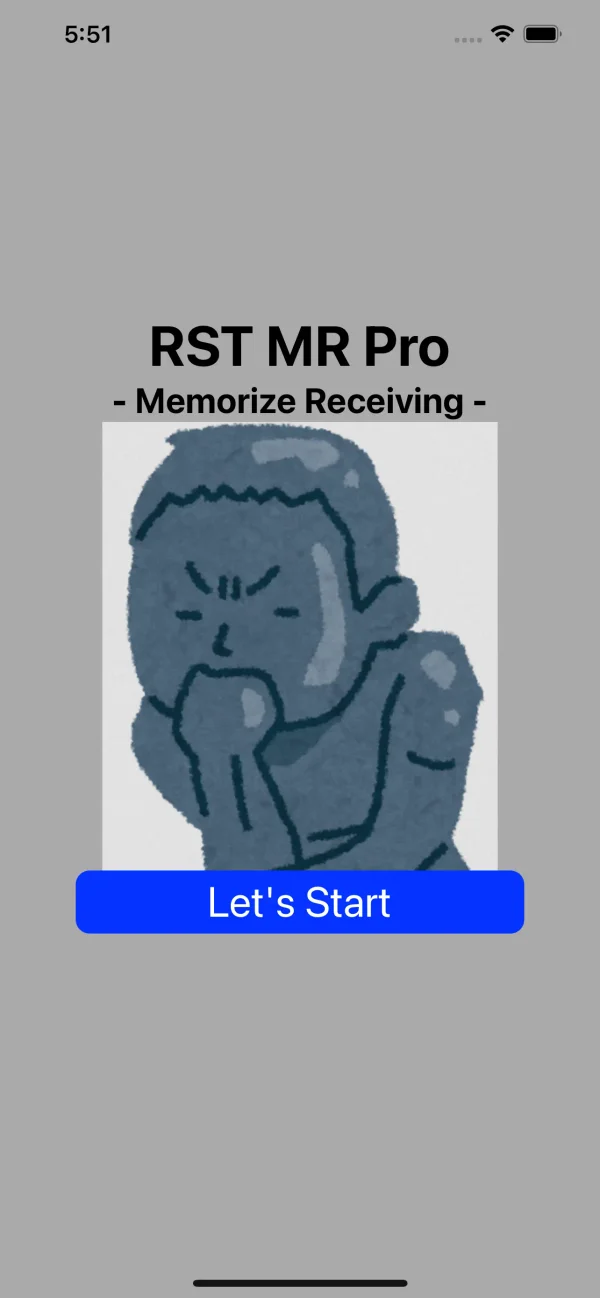
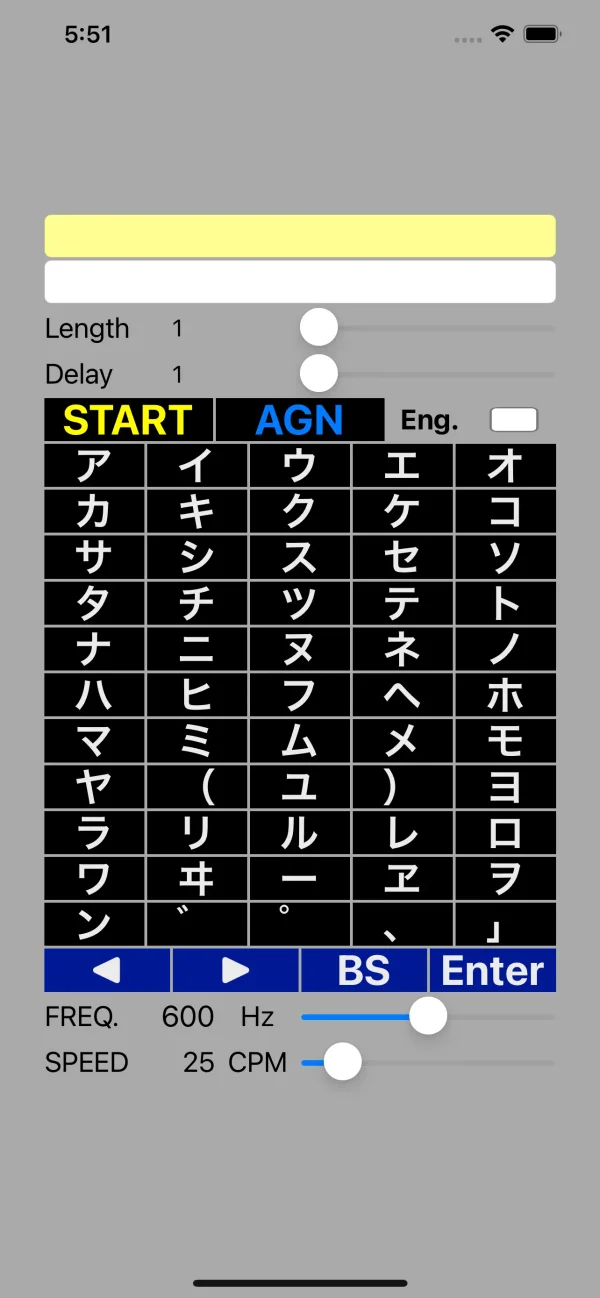
This app is a practice app for memorization reception, which can be said to be essential for Morse reception.
Memorization reception is also called "delayed reception", and it is a method of interpreting the heard Morse code with a delay after listening to the Morse code for several characters, instead of interpreting it immediately (writing it on paper etc).
It is not necessary for receiving low-speed Morse code, but it is an essential reception technique for receiving some high-speed Morse code.
[App features]
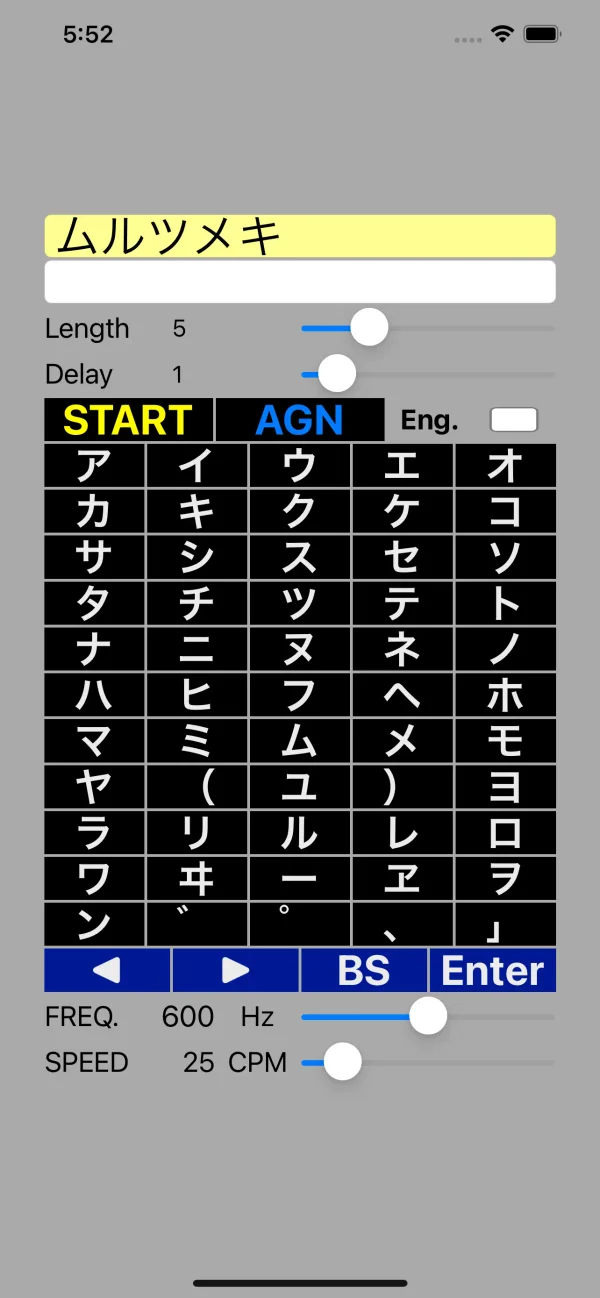
1. The code length generated is a minimum of 5 characters and a maximum of 20 characters, in units of 1 character.
It can be set arbitrarily.
2. The minimum number of delayed characters is 1 and the maximum is 10 characters.
However, it cannot be set longer than the code length to be generated.
3. Use the in-app keyboard until you reach the set number of delayed characters.
Even if you enter characters, the input operation will be ignored.
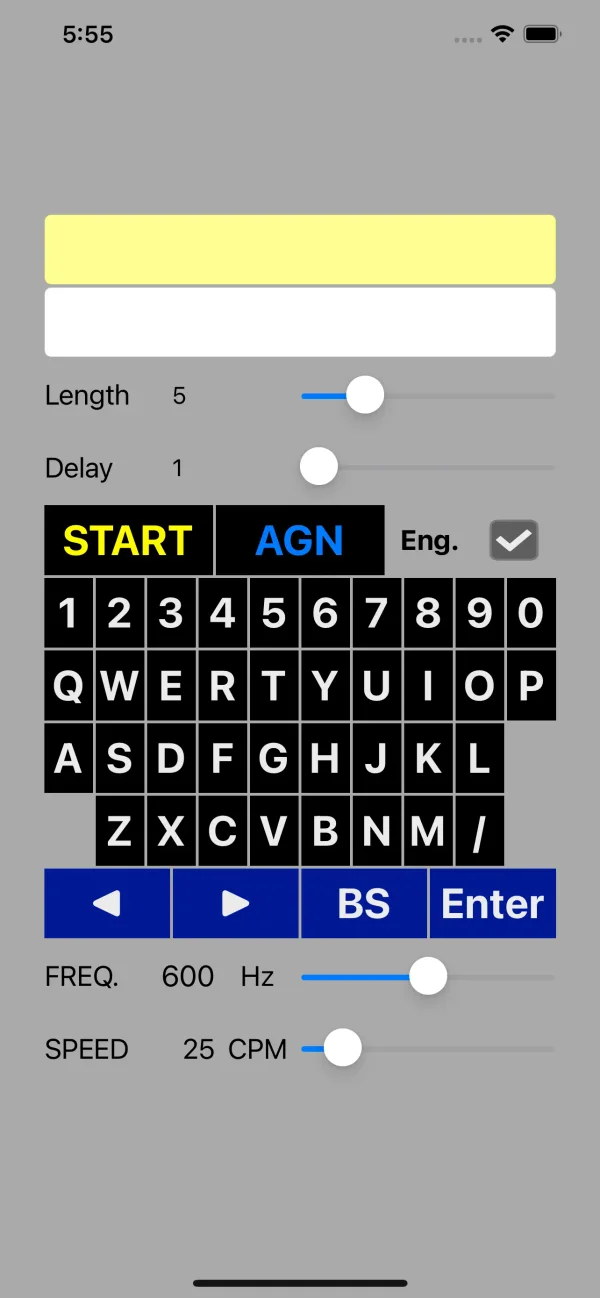
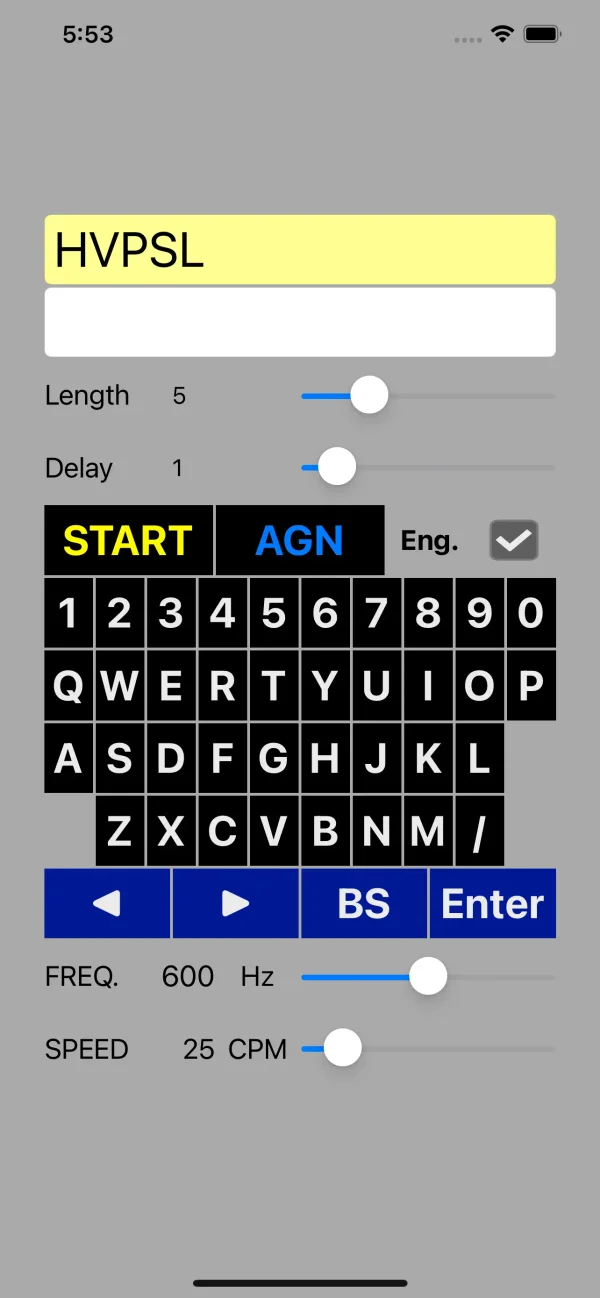
4. The generated code is "Japanese KANA" or "alphabet + number".
To select "alphabet + number", select the "Eng." check box.
In the current version, " ゛ ゜( ) 」 " does not appear.
5. The dial tone of the generated Morse code can be changed with the "Frequency" slide bar.
(Variable range: 300Hz-900Hz)
6. The speed of the generated Morse code can be changed with the "Speed" slide bar.
(Variable range: 10CPM to 150CPM)
7. The speed of the generated Morse code can be changed with the "Volume" slide bar.
You can also adjust with the volume button on the main unit.
[How to use the app]
1. Set the "code length" and "delayed character".
* At first, "code length: 5 delayed characters: 1" is recommended
2. Set "Frequency", "Speed" and "Volume".
* "Frequency: 600Hz", "Speed: 50-60CPM", "Volume" are optional
3. When you press "START", you will hear the Morse code, so you can use the app
Enter the code with the keyboard.
However, during the number of characters of "delayed characters", memorize without inputting and the number of characters
When you reach, enter from the first letter you memorized.
4. If you cannot hear the characters of "code length" length, press "AGN".
The Morse code was heard from the beginning again, so enter the correct characters.
5. Finally press "Enter"
6. Press "Enter" to score, and after a certain amount of time, the next Morse code
You will hear it, so enter the code on the keyboard of the app in the same way.
7. If you make a mistake in the input characters, you can correct them using "BS" and etc.
When the operation for 8.10 questions is completed, the scoring result pop-up will be displayed.
What’s new
Version 1.7.0 · Aug 19, 2026
Supported the Dark mode.
App privacy
What koji kamogawa declares on the App Store about how this app handles data.
-
Data not collected
The developer does not collect any data from this app.
Privacy practices may vary, for example with the features you use or your age.
Information
- Seller
- koji kamogawa
- Category
- Education
- Version
- 1.7.0
- Updated
- Aug 19, 2026
- Released
- May 2, 2021
- Size
- 5.4 MB
- Requires
- iOS 15.0 or later
- Age rating
- 4+
- Price
- $1.99
- Languages
- English
- Copyright
- © 2026, Koji Kamogawa