RTF Converter: PDF & Doc Tools
50+ File Conversion Tools
Designed for iPhone, iPad
Free · In-app purchases
- Age rating9+
- CategoryProductivity
- DeveloperMuhammad Zikaria
- LanguagesEnglish+ 12 more
- Size6.7 MB
Links to the official App Store page
Download.org hosts no file of RTF Converter: PDF & Doc Tools. The button opens its official App Store page, published by Muhammad Zikaria. Listing last checked on Nov 17, 2026.
Screenshots
About
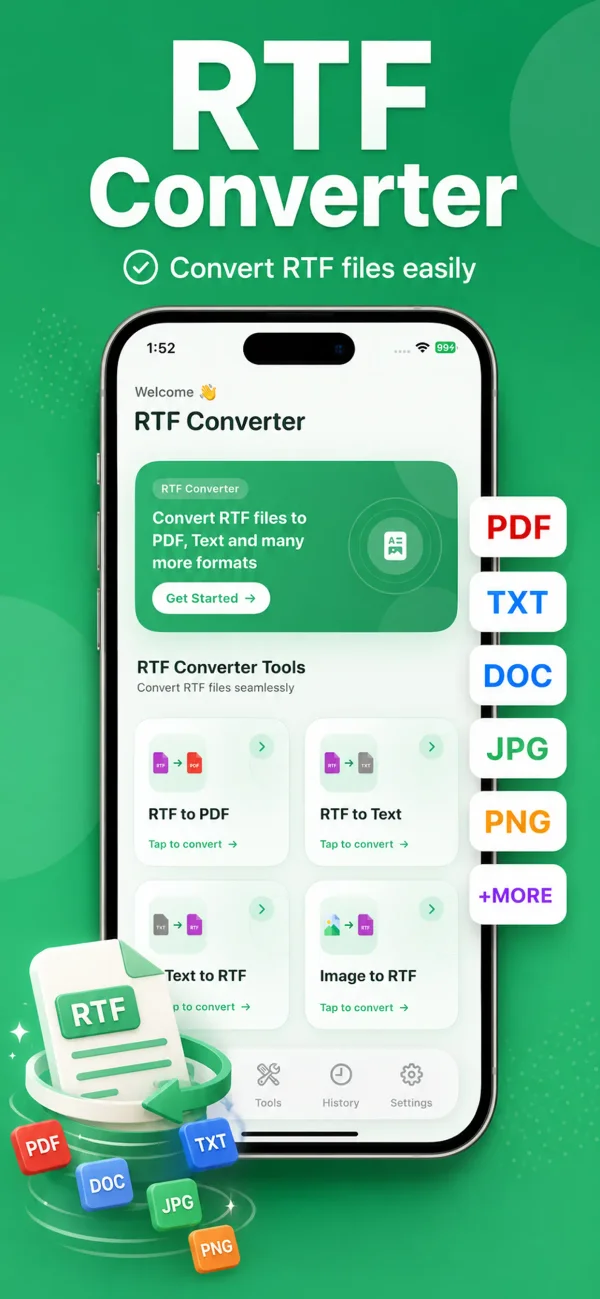
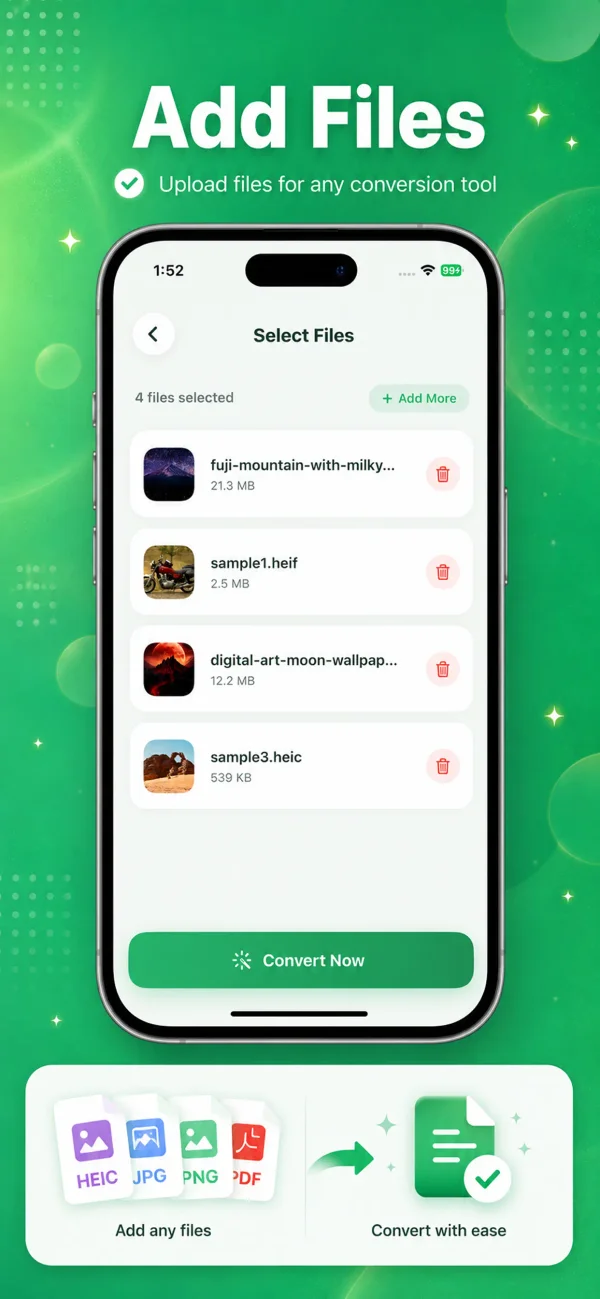
RTF Converter is the fastest and most complete document conversion toolkit for iPhone and iPad. Whether you need to turn an RTF file into a polished PDF, compress a large document, or batch-convert images into a single PDF, everything is just one tap away — no desktop required.
The most complete file conversion toolkit for iPhone and iPad — 50+ tools, all on-device, all private.
Whether you're a student, professional, or someone who receives files in the wrong format, RTF Converter handles it in seconds. No cloud uploads. No login required. No subscription needed to get started.
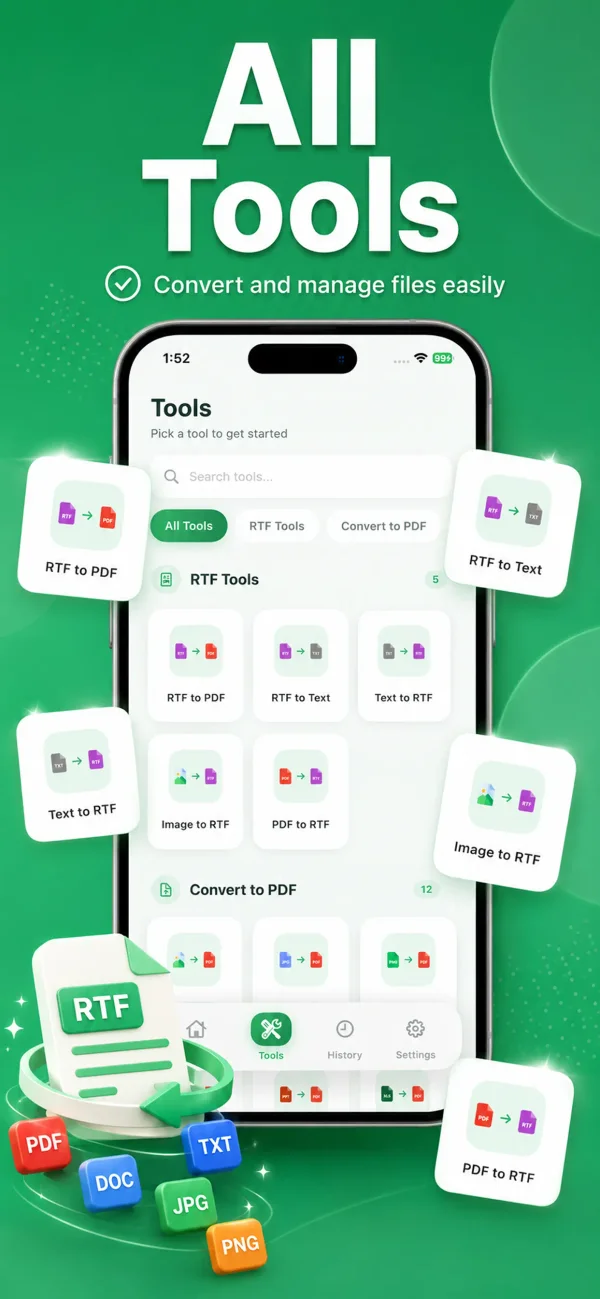
RTF TOOLS
RTF to PDF — Convert rich text files into polished PDFs
RTF to Text — Extract clean plain text from any RTF file
Text to RTF — Create RTF documents from plain text
Image to RTF — Turn photos into editable RTF documents
PDF to RTF — Convert PDFs back into editable rich text
CONVERT TO PDF
Image to PDF — Combine photos into a single PDF
JPG to PDF
PNG to PDF
HEIC to PDF — Convert iPhone photos directly
HEIF to PDF
GIF to PDF
TIFF to PDF
WebP to PDF
Word to PDF — Convert DOCX files perfectly
Excel to PDF — Preserve spreadsheet formatting
PPT to PDF — Convert slides with layouts intact
Text to PDF — Turn plain text into clean PDF documents
CONVERT FROM PDF
PDF to Word — Create editable DOCX files in seconds
PDF to Excel — Extract tables into spreadsheets
PDF to PPT — Convert PDFs back into presentations
PDF to JPG — Export every page as an image
PDF to PNG — High-quality transparent exports
IMAGE CONVERSION
PNG ↔ JPG
JPG ↔ WebP
PNG ↔ WebP
HEIC → JPG / PNG
HEIF → JPG / PNG
TIFF → JPG / PNG
GIF → JPG / PNG
WebP → GIF / TIFF
PDF TOOLS
Compress PDF — Reduce file size without quality loss
Merge PDFs — Combine multiple PDFs into one
Lock PDF — Password-protect sensitive documents
Unlock PDF — Remove passwords from PDFs you own
Watermark PDF — Add text or image watermarks
Convert to ZIP — Package files for easy sharing
WHY USERS CHOOSE RTF CONVERTER
• 100% On-Device — Files never leave your iPhone or iPad. No server uploads, no privacy risks, and no internet required for most tools.
• Instant Results — Conversions complete in seconds, even for large multi-page documents.
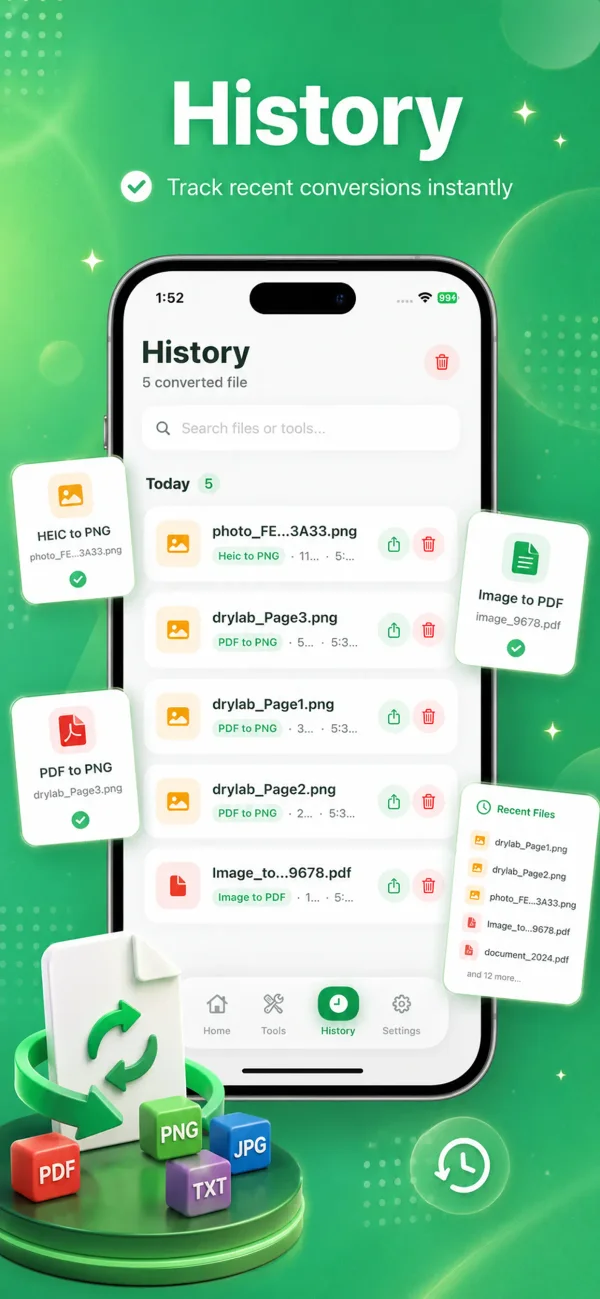
• History & Search — Every converted file is saved automatically, grouped by date, and fully searchable. Preview, share, or delete with a tap.
• One-Tap Share — Send results via Mail, WhatsApp, AirDrop, Dropbox, Google Drive, or any app using the standard iOS share sheet.
• No Ads — No banners, no pop-ups, no distractions.
• iPad Ready — Full native iPad layout with larger grids and optimized spacing.
PRO
Upgrade to Pro to unlock unlimited conversions and access every tool without restrictions. Start free — no commitment required.
Terms: https://stechza.org/terms
Privacy: https://stechza.org/privacy
What’s new
Version 1.0.2 · Oct 28, 2026
- Ehanced Performance
- Improved Tools Functionality
- Meta Data Localization
App privacy
What Muhammad Zikaria declares on the App Store about how this app handles data.
-
Data not collected
The developer does not collect any data from this app.
Privacy practices may vary, for example with the features you use or your age.
Information
- Seller
- Muhammad Zikaria
- Category
- Productivity
- Version
- 1.0.2
- Updated
- Oct 28, 2026
- Released
- May 13, 2026
- Size
- 6.7 MB
- Requires
- iOS 16.0 or later
- Age rating
- 9+
- Price
- Free
- In-app purchases
- Yes
- Languages
- English, Arabic, French, German, Japanese, Korean, Malay, Portuguese, Russian, Simplified Chinese, Spanish, Traditional Chinese + 1 more
- Copyright
- © 2026
You might also like
-
 KonspektorRTF and TXT files editor
-
 AI Presentation Maker: SlidePPT, Slides & Decks with AI
-
 DocSwitch - PDF EditorConvert, scan and merge
-
 RC ToolkitToolkit Rally Codriver App
-
 Fav: Saved Posts OrganizerSave for later, find by memory
-
 9xchatPrivate AI Workspace
-
 JapalityQRCodeProductivity
-
 Sicurmed HACCPProductivity
-
 Task Manager - TodoitProductivity
-
 CoilCalcProductivity