Rubric Scorer (cloud)
By a teacher, for teachers
Designed for iPhone, iPad, Mac
Free · In-app purchases
- Age rating4+
- CategoryEducation
- DeveloperGlen Botha
- LanguagesEnglish+ 4 more
- Size17.1 MB
Links to the official App Store page
Download.org hosts no file of Rubric Scorer (cloud). The button opens its official App Store page, published by Glen Botha. Listing last checked on Nov 12, 2026.
Screenshots

About
Designed by a teacher, for teachers.
Rubric Scorer (cloud) is a new release of the Rubric Scorer app. The major change is this version stores data in the cloud instead of only locally on the device. This means the data is accessible from multiple devices such as an iPhone, an iPad and a MacBook computer. Your data automatically syncs across all your devices. This new version does not offer support for photos of students work, but that may be added in the future.
FEATURES
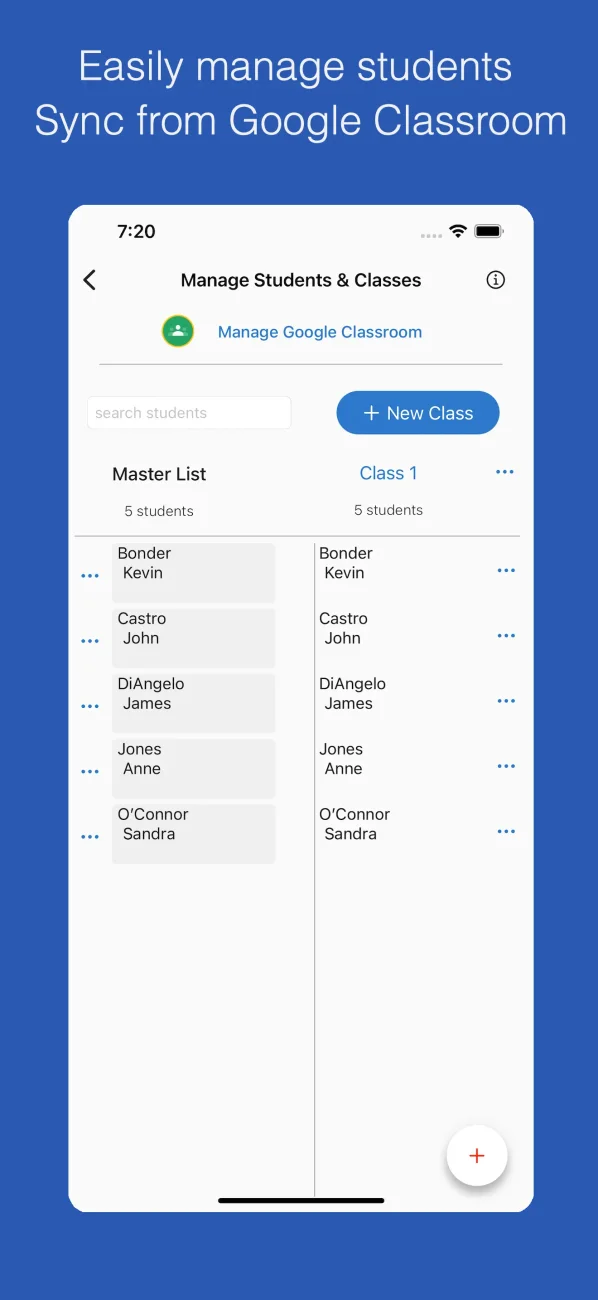
• Import student rosters directly from Google Classroom
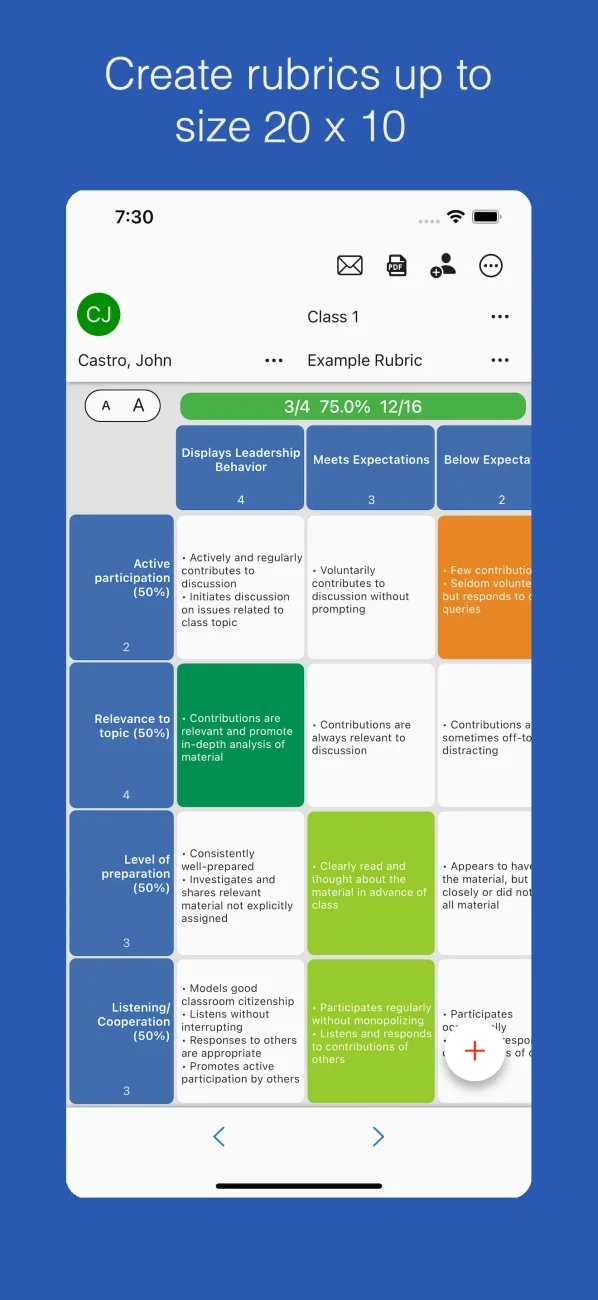
• Support up to a 20 row x 10 column rubric
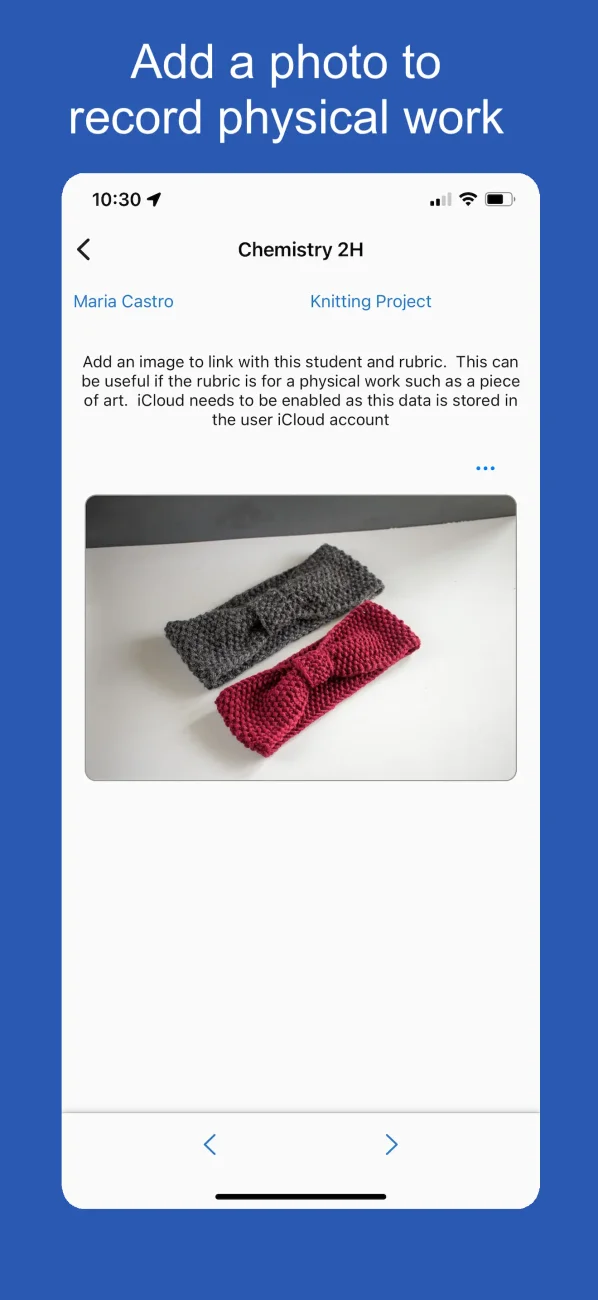
• Add a photo of any physical work for a student
• Sync the rubric score to a Google Classroom assignment
• Import a rubric from a Spreadsheet CSV file
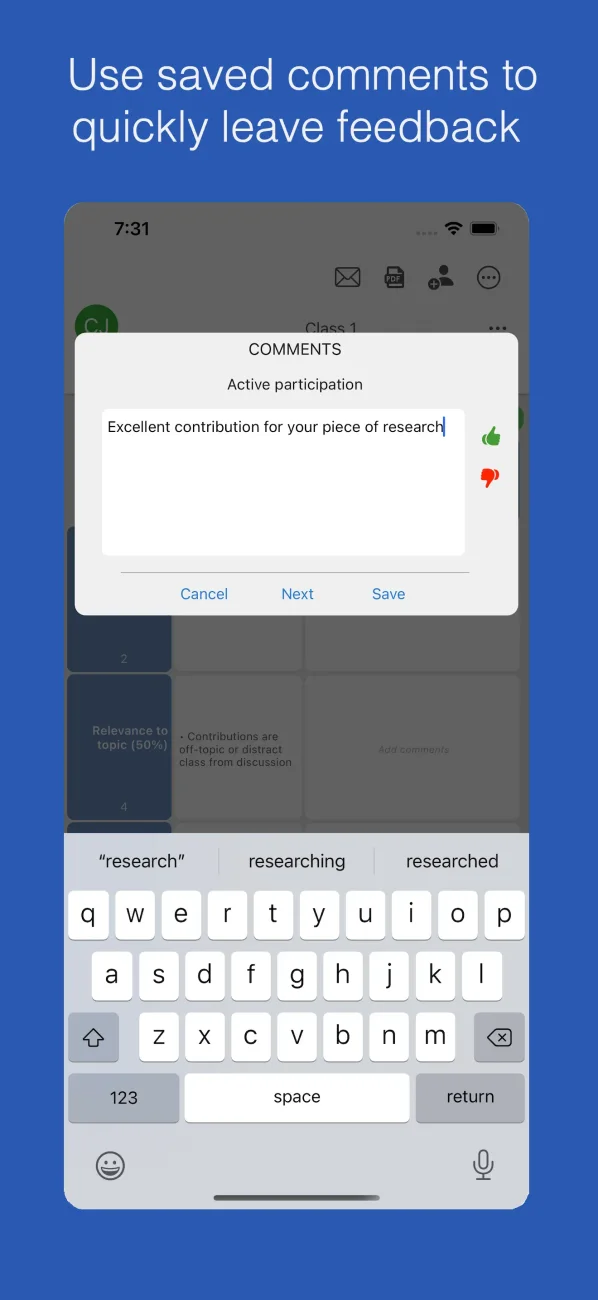
• Feedback with comments
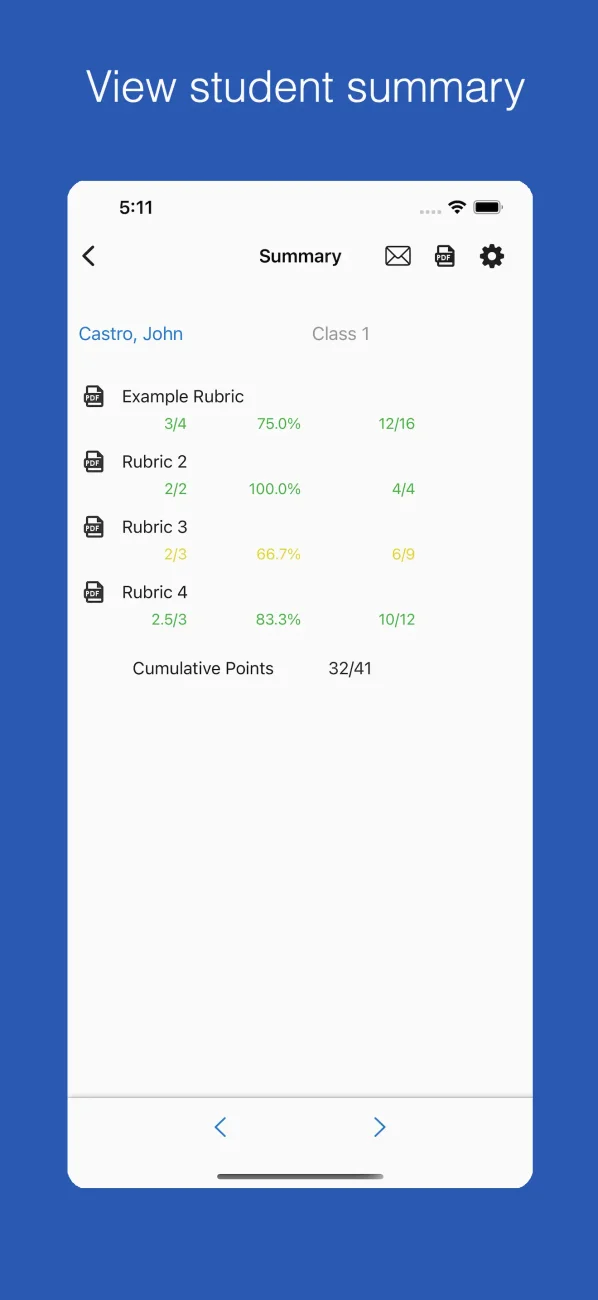
• Email all students in a class a copy of their rubric with 1 tap.
• View rubric statistics screen for a class
Rubric Scorer makes it grading rubrics fast and easy. Teachers can easily add custom comments as well as set up a list of common comments that can be easily accessed.
Try Rubric Scorer for free for one class for a month.
The monthly or yearly renewable subscription supports up to 20 classes, with up to 100 rubrics each, along with premium features such as bulk email of PDF's to students and guardians.
Auto renewable Subscription Details
To access premium features the user needs to subscribe to an auto renewable subscription. This means the subscription automatically renews 24 hours before the end of the subscription date. Auto renewable subscriptions can be managed from the user iTunes account, and a link is provided in the subscription screen while in the app. All future updates are included with the auto renewable subscription. The subscription may be cancelled for any future months, and the user will still have access to the data, only the additional features will be disabled. Any unused portion of a free trial period, if offered, will be forfeited when the user purchases a subscription to that publication, where applicable
Please email the developer at support@inpocketsolutions.com with any questions or suggestions.
Privacy Policy: https://inpocketsolutions.com/privacy-policy
Terms of Use: https://inpocketsolutions.com/terms
What’s new
Version 2.15.3 · Aug 29, 2026
New drag & drop option to reorder rubrics or classes.
Add a custom message to the bulk emails sent to students and guardians.
App privacy
What Glen Botha declares on the App Store about how this app handles data.
-
Data not linked to you
May be collected but is not linked to your identity.
- Purchases
- Contact info
Privacy practices may vary, for example with the features you use or your age.
Information
- Seller
- Glen Botha
- Category
- Education
- Version
- 2.15.3
- Updated
- Aug 29, 2026
- Released
- Oct 31, 2021
- Size
- 17.1 MB
- Requires
- iOS 18.0 or later
- Age rating
- 4+
- Price
- Free
- In-app purchases
- Yes
- Languages
- English, French, Portuguese, Spanish, Swedish
- Copyright
- © 2013 Glen Botha
You might also like
-
 RubricsGrading app for teachers
-
 GradeBook Pro: Teacher ToolkitAttendance & Behavior Tracking
-
 LessonAppLesson Planning Tool
-
 Simple GradebookAn app to track your grades
-
 FlixGRADE - a teacher plannerTeacher App with seating plan.
-
 Additio App, Teacher gradebookGradebook and lesson planner
-
 Quick Key: Paper GradingBubble Sheet Scanner for Tests
-
 Evidence for LearningEducation
-
 Popsicle Sticks: Teacher PicksRandom Name Picker