
Ruler∘
Tape measure in your camera!
Designed for iPhone, iPad
Free · In-app purchases
- Age rating4+
- CategoryLifestyle
- DeveloperAndrei Shpileuski
- LanguagesEnglish+ 12 more
- Size7.7 MB
Links to the official App Store page
Download.org hosts no file of Ruler∘. The button opens its official App Store page, published by Andrei Shpileuski. Listing last checked on Nov 17, 2026.
Screenshots

About
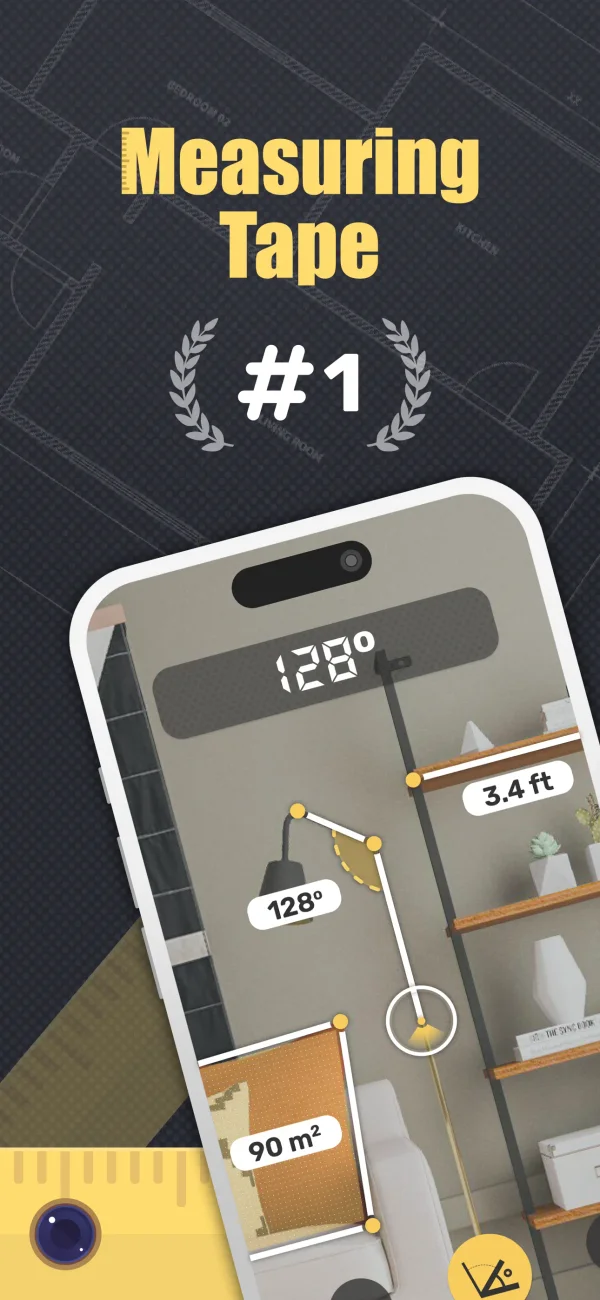
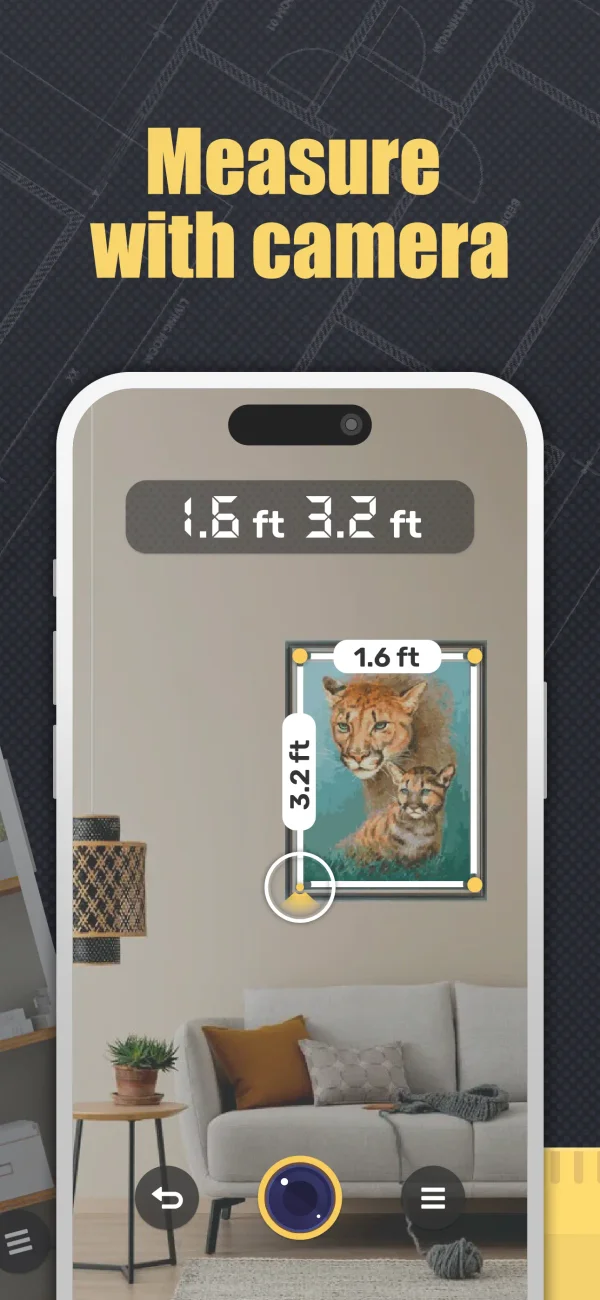
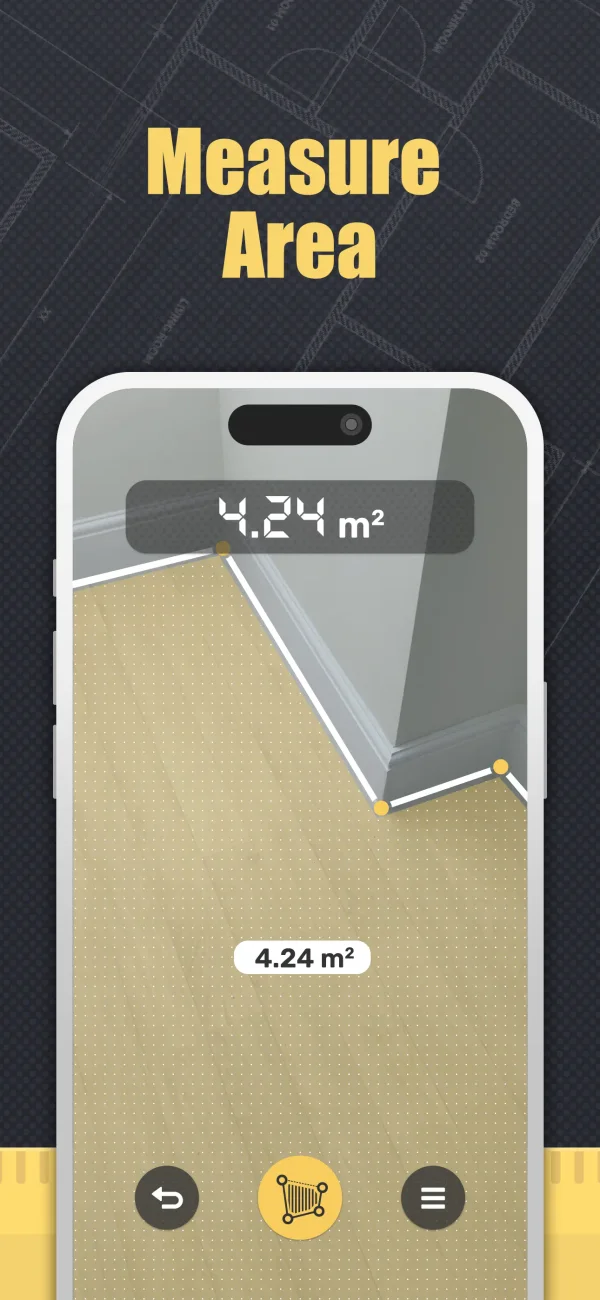
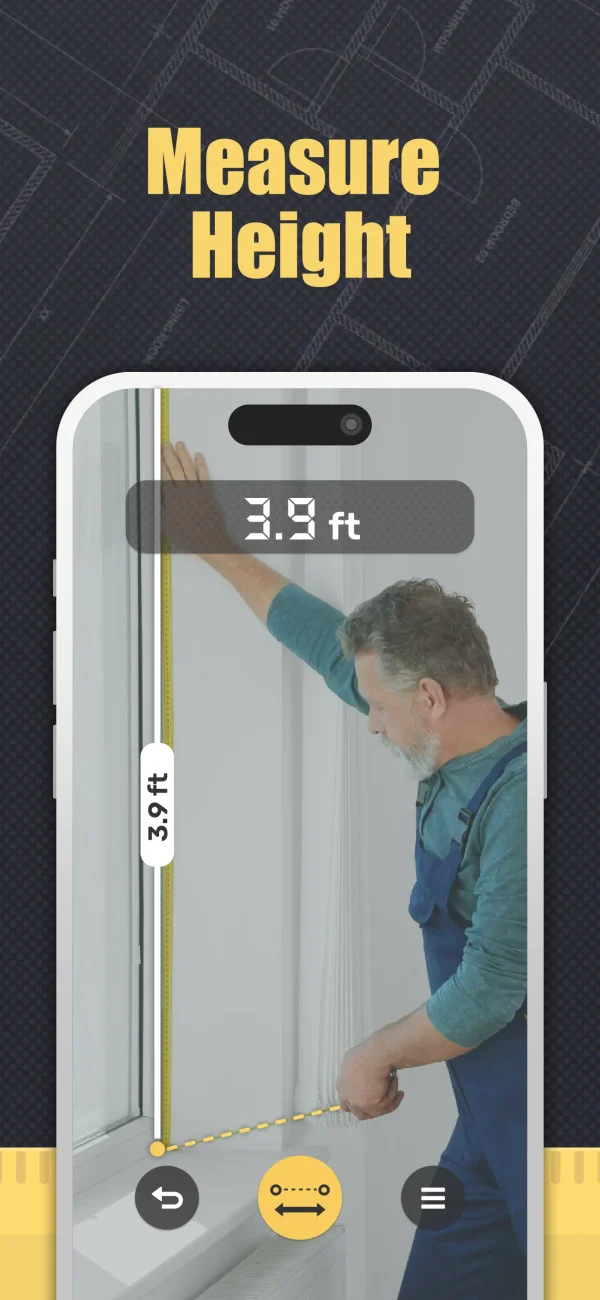
Measure height, length, square, angle and more with your iPhone camera! Download now!
Ruler AR uses Apple ARKit and augmented reality technology to bring you the full experience of a real tape measure right out of the box.
Get the right measurement everytime by choosing the right tool for the job.
• Point and shoot
Aim the camera toward an object to measure
• Air Mode
Move phone from A to B like a tape measure
• Surface Locked
Restrict to surfaces like a floor or wall
Features:
- Light and easy to design
- Measure distance, length, height, area, angles and more
- Use plane detection or feature point focus
- Measure in inches, meters, and centimeters
- Sliders to measure small objects accurately
- Save measures to Camera Roll
SUBSCRIPTION PRICING AND TERMS
Subscription Options:
Premium Membership Monthly offers a $1.99/monthly, $0.99/weekly subscription for premium functionally and removing ads.
* The price is for US customers. Pricing in other countries may vary and actual charges may be converted to your local currency depending on the country of residence.
* Free trial automatically converts to a paid subscription unless canceled at least 24-hours before the end of the trial period.
* Your subscription will automatically renew at the end of each term and your credit card will be charged through your iTunes account at confirmation of purchase.
* Account will be charged for renewal within 24-hours prior to the end of the current period, and identify the cost of the renewal.
* You can turn off auto-renew at any time from your iTunes account settings but refunds will not be provided for any unused portion of the term. The cancellation will take effect the day after the last day of the current subscription period, and you will be downgraded to the free service.
Privacy Policy - https://sites.google.com/view/rulerar/privacy-policy
Terms of Use - https://sites.google.com/view/rulerar/terms-of-use
What’s new
Version 1.5 · Sep 20, 2026
What’s New in Ruler 1.5
• Improved the accuracy and stability of AR measurements, especially on difficult and low-texture surfaces.
• Completely reworked room scanning with cleaner geometry, better detection of walls, recesses and projections, and lower device load.
• Improved the room 3D model with better contrast, readability and detail visibility.
• Optimized 3D object scanning and result processing.
• Refined the measurement and scanning interface with fewer distractions and clearer guidance.
• Improved saving of projects, rooms, measurements and 3D models.
• Saved items can now be deleted faster without an additional confirmation step.
• Improved LiDAR performance and handling in challenging lighting conditions.
• Reviewed and improved the interface and localization across all supported languages.
• Fixed bugs and improved overall performance and stability.
App privacy
What Andrei Shpileuski declares on the App Store about how this app handles data.
-
Data not collected
The developer does not collect any data from this app.
Privacy practices may vary, for example with the features you use or your age.
Information
- Seller
- Andrei Shpileuski
- Category
- Lifestyle
- Version
- 1.5
- Updated
- Sep 20, 2026
- Released
- Apr 2, 2020
- Size
- 7.7 MB
- Requires
- iOS 17.0 or later
- Age rating
- 4+
- Price
- Free
- In-app purchases
- Yes
- Languages
- English, Arabic, French, German, Italian, Japanese, Korean, Polish, Portuguese, Russian, Simplified Chinese, Spanish + 1 more
- Copyright
- © A Ruler
You might also like
-
 Walbum™ - Watch Faces GalleryLive Watch Faces, DIY Widgets
-
 58同城-招聘求职找工作家政租房二手房二手车Lifestyle
-
 Meituan-Eat Better,Live BetterDelivery,Reservations,Hotels…
-
 RV Trader: Shop RVsFind Your Next RV
-
 Watch Faces Gallery Widgets 3DCustom Live Watch Face iWatch
-
 Wellance – AI Health & BalanceHeart Rate Monitor&Blood Sugar
-
 Watch Faces & Widgets Gallery#1 Complications iWatch face
-
 HUAWEI AI LifeLifestyle
-
 Bird Identifier: BirdScopeBird Call & Photo Identifier
-
 4Plan: Home & Interior Planner3D Floor Plan & Room Design