Ruler & Digital Caliper
Measuring Tool for Small Items
Designed for iPhone
Free · In-app purchases
- Age rating4+
- CategoryUtilities
- DeveloperYurii Koshkin
- LanguagesEnglish+ 43 more
- Size8.8 MB
Links to the official App Store page
Download.org hosts no file of Ruler & Digital Caliper. The button opens its official App Store page, published by Yurii Koshkin. Listing last checked on Nov 26, 2026.
Screenshots
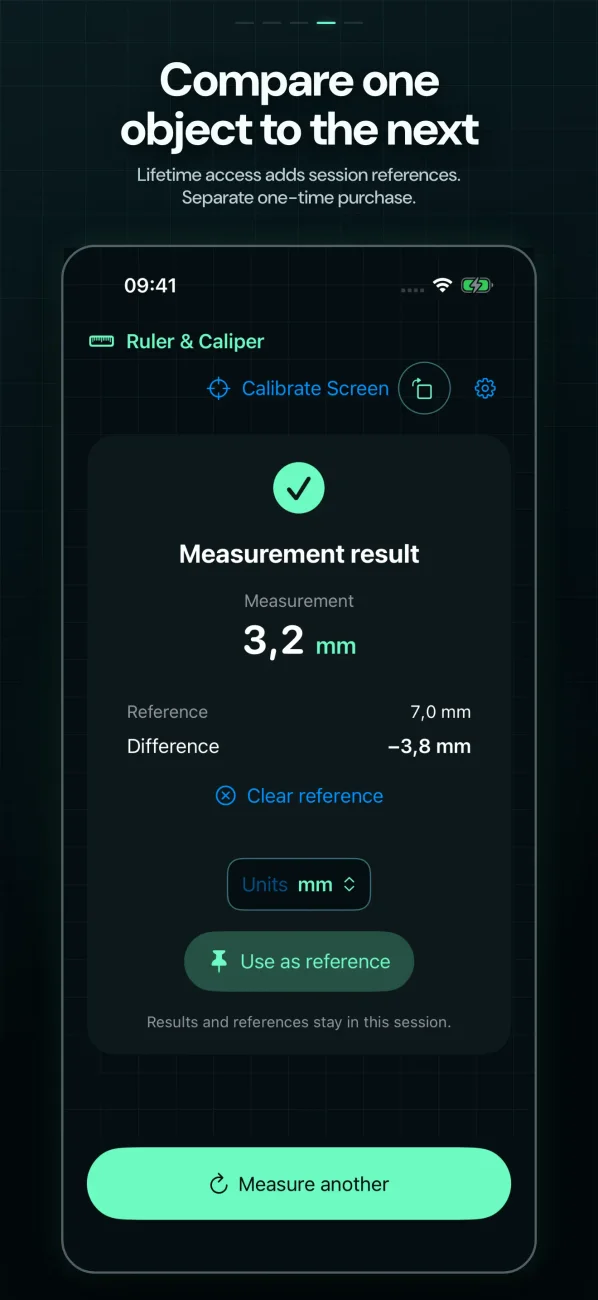
About
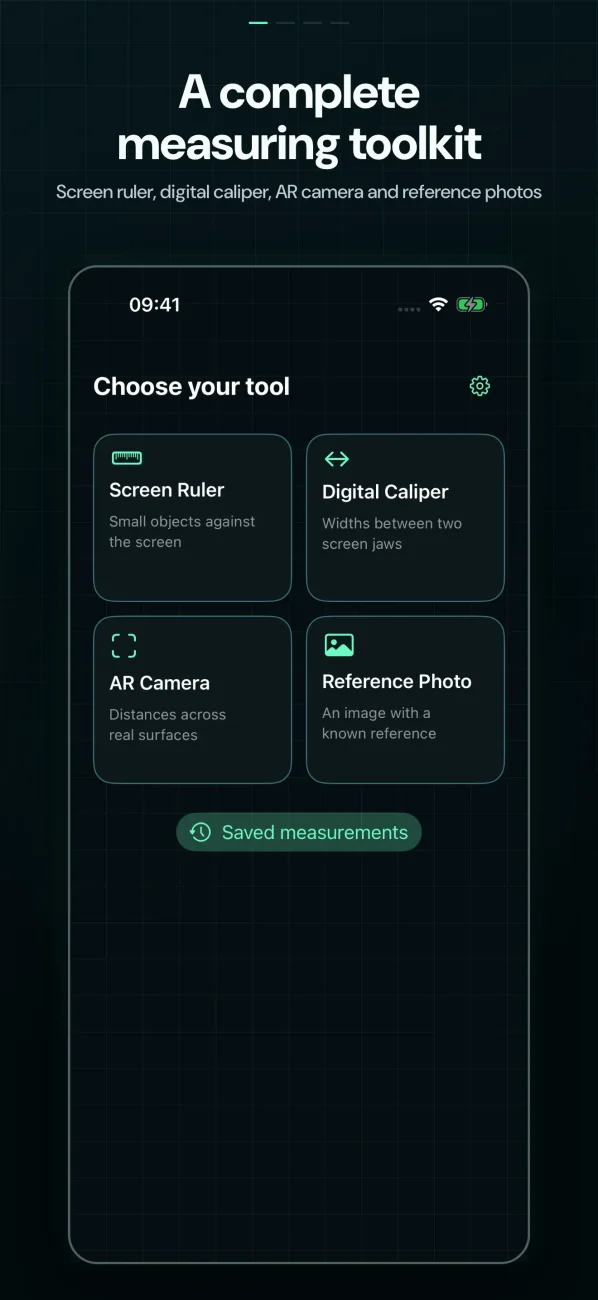
Measure on screen, estimate distances with AR Camera, or measure a photo against a known reference. Save named results with notes and optional photos, then share the measurements you need.
FOUR MEASURING MODES
• Screen Ruler: align small, flat objects with adjustable markers.
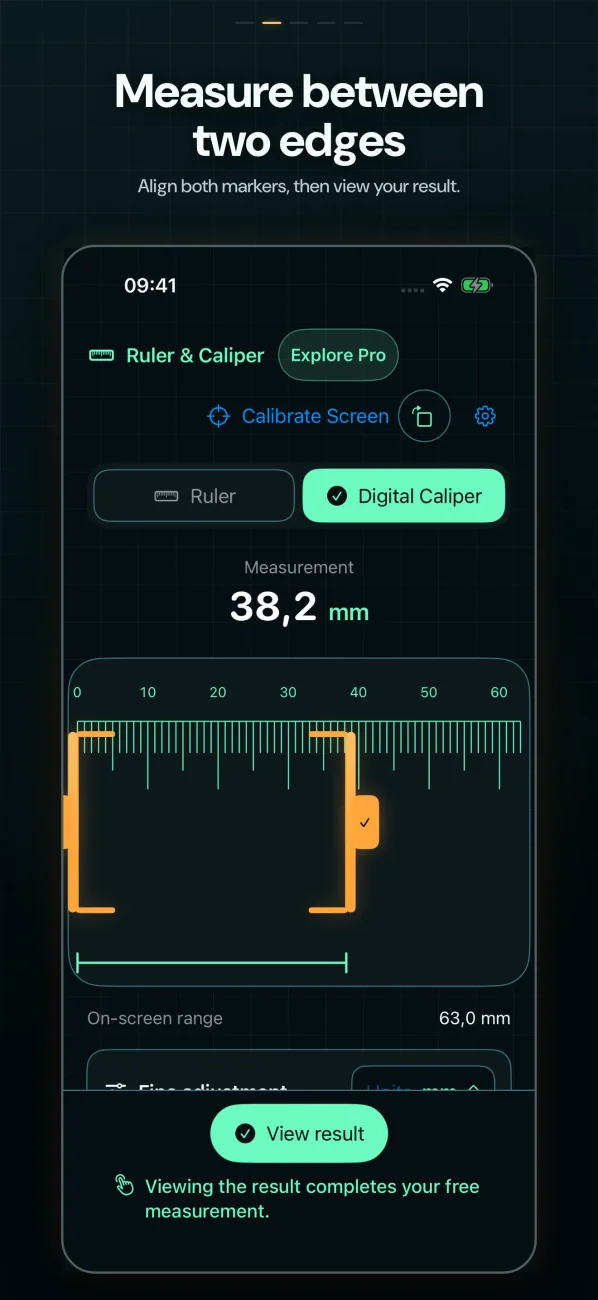
• Digital Caliper: position two independent jaws and fine-tune their contact points.
• AR Camera: mark two points on detected real surfaces for an estimated distance.
• Reference Photo: mark a known length and the target in the same image to estimate its size.
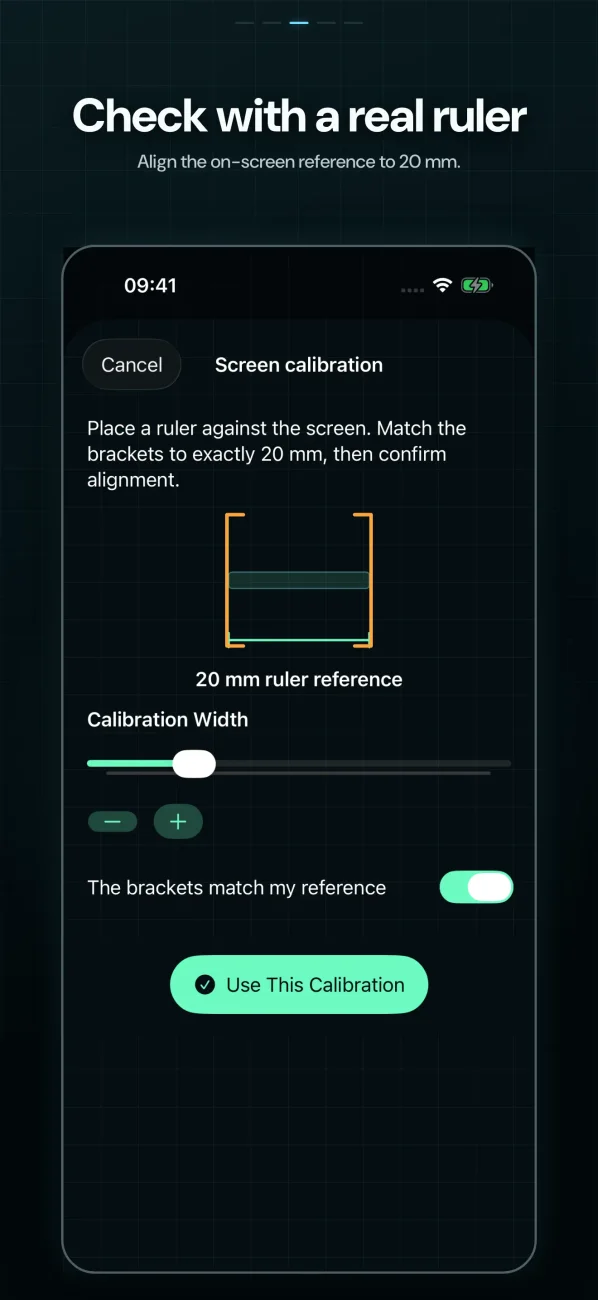
Use millimeters, centimeters, decimal inches or fractional inches. Follow the screen-scale check shown in the app before relying on a screen measurement.
SAVE, FIND AND SHARE
Keep measurements, names, notes and optional photos together in local History. Export selected records as PDF or CSV, or share an annotated photo. Saved records remain available to view and export after a subscription ends.
LEARN EACH TOOL
Optional tutorials explain every mode and saved-work exports. Skip a lesson or the introduction whenever you want, and reopen the tutorials from Settings.
PRO ACCESS
A monthly or yearly auto-renewable subscription is required to use the four measuring tools. Explore how they work in skippable tutorials before subscribing. Existing lifetime purchasers keep their Pro access and can use Restore Purchases in Settings. Manage or cancel subscriptions through your Apple account.
On your iPhone
No app account or advertising. Camera access is requested only when you open a camera feature. The system photo picker provides only the items you select. Measurement values, names, notes and photos are not sent through product analytics. Analytics can be disabled in Settings.
MEASUREMENT LIMITS
Results depend on calibration, alignment, tracking, perspective and the reference used. Camera and photo results are estimates. Check important dimensions with an appropriate physical tool. This app is not a certified measuring instrument.
Support: https://rulercaliper.app/support
Privacy Policy: https://rulercaliper.app/privacy
Terms of Use: https://rulercaliper.app/terms
What’s new
Version 1.2.3 · Nov 26, 2026
The subscription screen can now show what you can do with the measuring tool you chose in the tutorial.
App privacy
What Yurii Koshkin declares on the App Store about how this app handles data.
-
Data linked to you
May be collected and linked to your identity.
- Purchases
- Identifiers
- Usage data
Privacy practices may vary, for example with the features you use or your age.
Information
- Seller
- Yurii Koshkin
- Category
- Utilities
- Version
- 1.2.3
- Updated
- Nov 26, 2026
- Released
- Sep 5, 2026
- Size
- 8.8 MB
- Requires
- iOS 17.0 or later
- Age rating
- 4+
- Price
- Free
- In-app purchases
- Yes
- Languages
- English, Arabic, Bengali, Catalan, Croatian, Czech, Danish, Dutch, Finnish, French, German, Greek + 32 more
- Copyright
- © 2026 Yurii Koshkin
You might also like
-
 Caliper&RulerMeasure & Calibrate with Ease.
-
 Caliper CalculatorUtilities
-
 Ruler: Measure CM, MM & InchesActual Size, Auto-Calibrated
-
 Screen Ruler: Measure LengthCM, MM & Inch Measuring Tool
-
 Measuring Tape+ Measure AR appRuler・Level・Measurement Toolㅤ
-
 Level Tool · Angle FinderThe best level tool for you
-
 The Tape Measure & 3D ScannerMeasurement Tool, Room Planner
-
 Ruler, Measuring Tape - AR AppLength Measure Calculator Tool
-
 Measuring Tape +ㅤAR Measure, Ruler, Level Tool
-
 GPS Fields Area Measure MapDistance, acres, boundaries