
- Age rating4+
- CategoryUtilities
- DeveloperDavis McDowell
- LanguagesEnglish
- Size12.2 MB
Links to the official App Store page
Download.org hosts no file of Rules Measure. The button opens its official App Store page, published by Davis McDowell. Listing last checked on Nov 12, 2026.
Screenshots
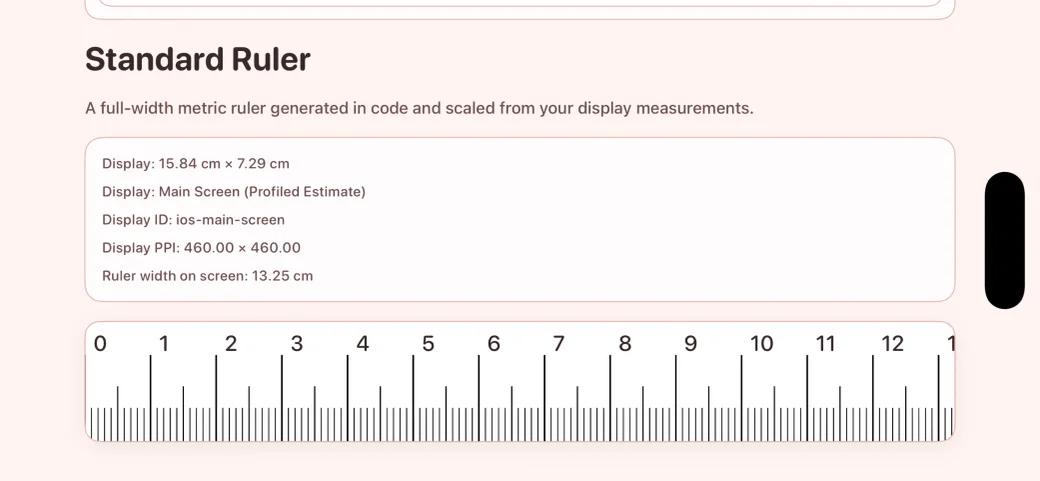
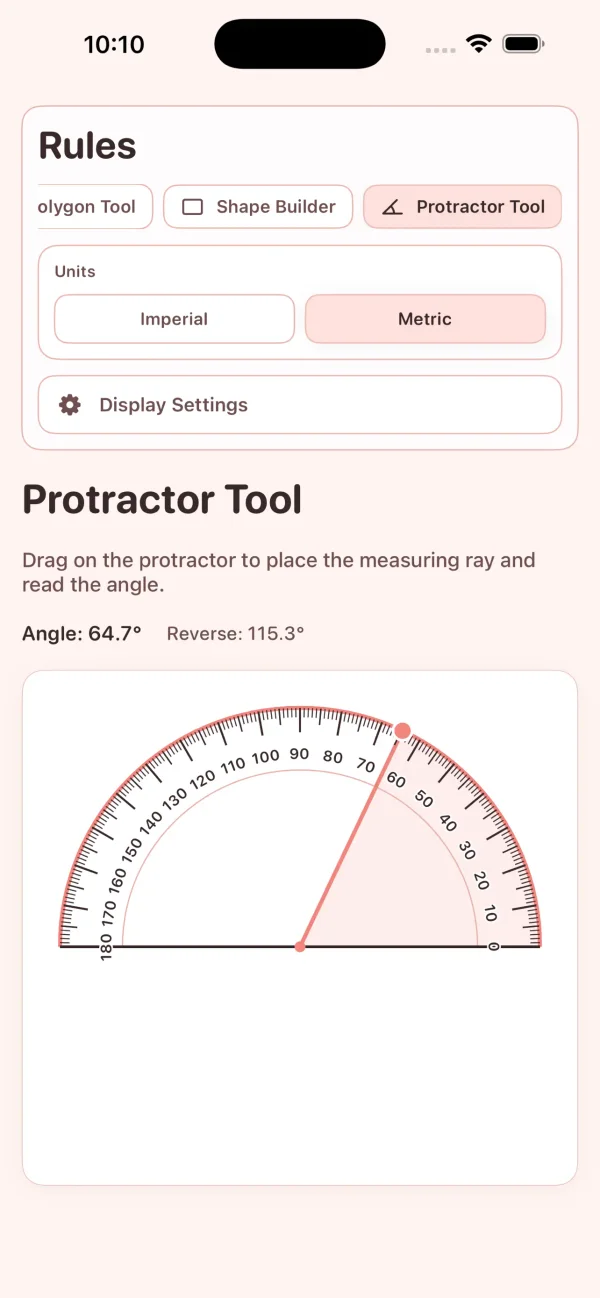
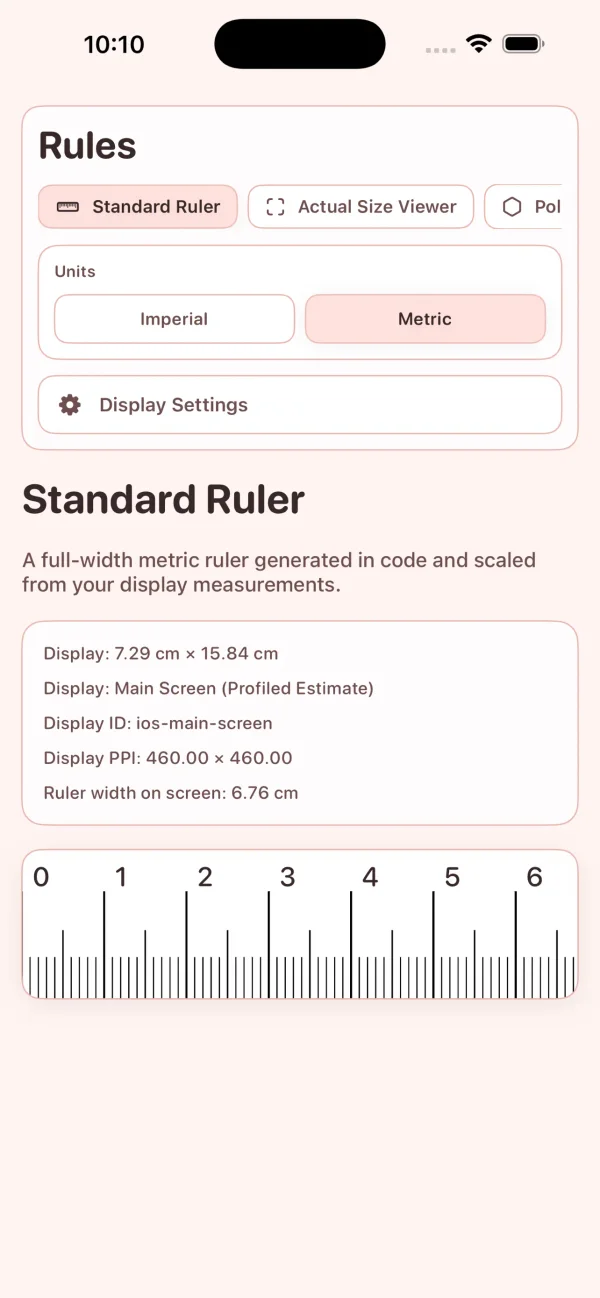
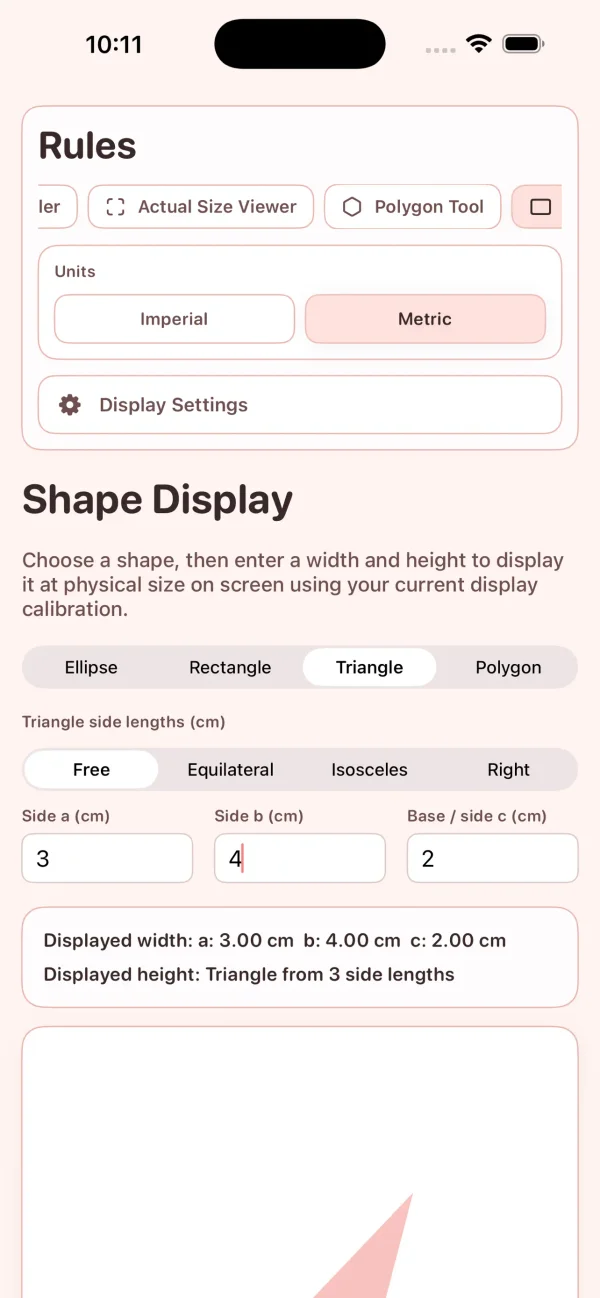
About
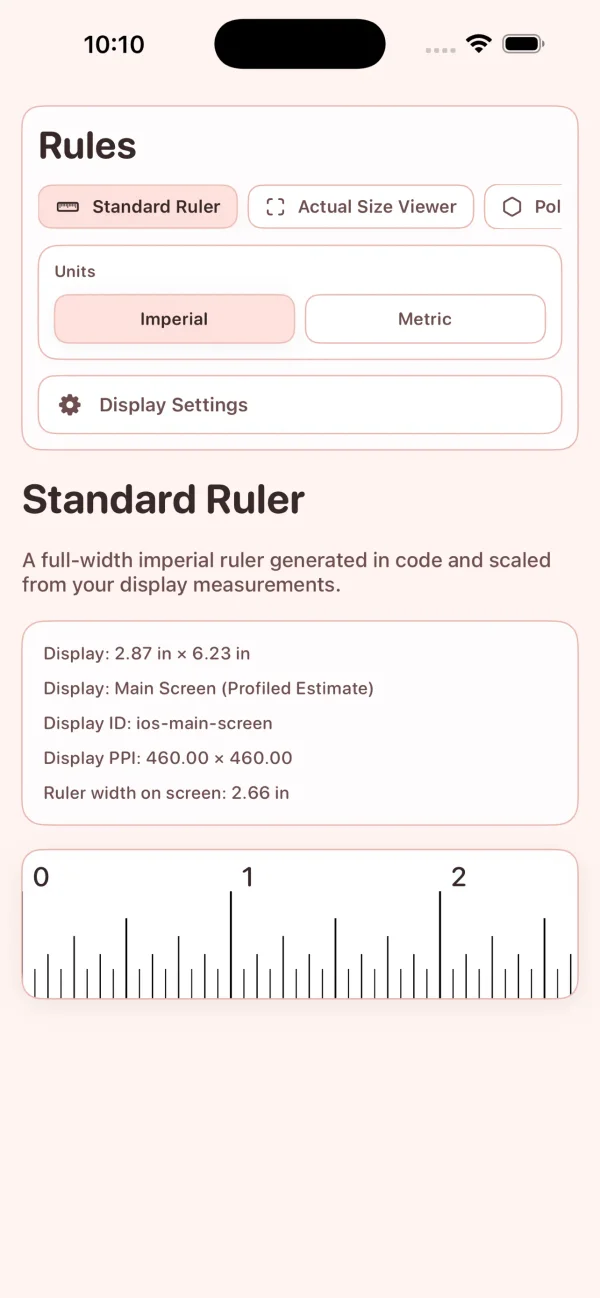
Rules turns your iPhone and iPad into calibrated, practical measurement tools.
Use Rules to measure with confidence on screen:
- Standard Ruler with imperial and metric units
- Protractor Tool with a draggable ray for angle measurement
- Shape Display for circles, rectangles, triangles, and polygons at real size
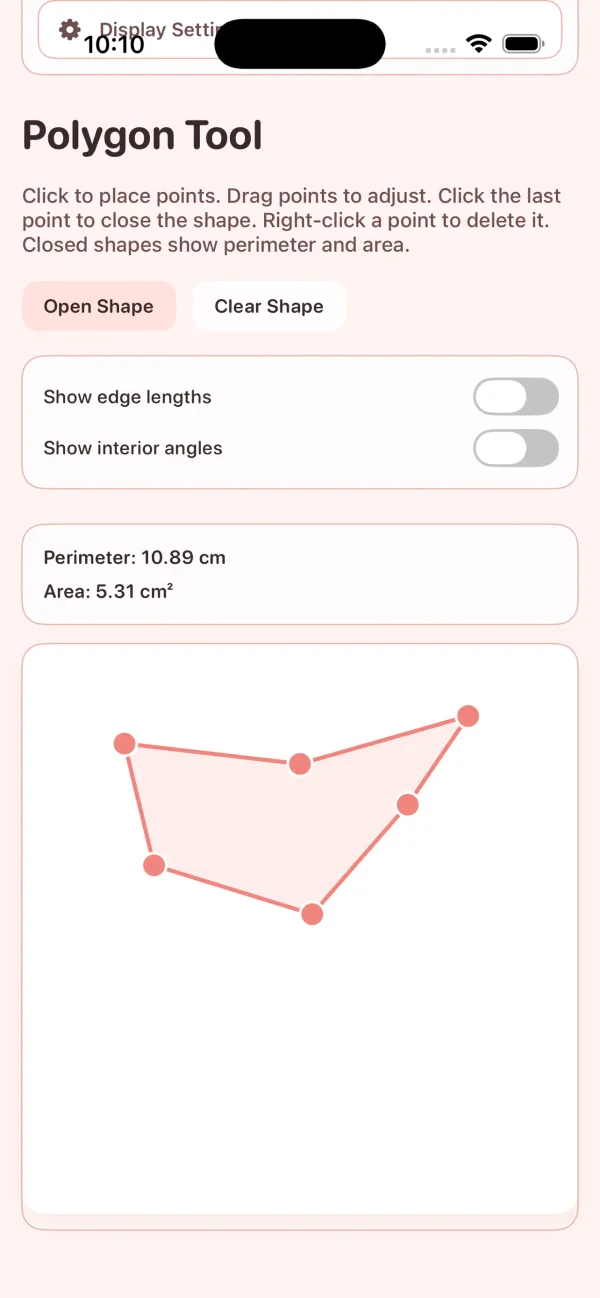
- Polygon Tool with perimeter, area, edge lengths, and interior angles
- Actual Size Viewer to display images at true physical size using image DPI metadata
Built for accuracy:
- Per-device display calibration
- Manual calibration override for custom tuning
- Fast unit switching between imperial and metric
- Clean interface optimized for quick, repeatable measurements
Whether you are checking print/layout scale, design dimensions, or geometry, Rules gives you reliable on-screen measuring tools in one app.
What’s new
Version 1.1 · Apr 9, 2026
Added close button in display settings
App privacy
What Davis McDowell declares on the App Store about how this app handles data.
-
Data not collected
The developer does not collect any data from this app.
Privacy practices may vary, for example with the features you use or your age.
Information
- Seller
- Davis McDowell
- Category
- Utilities
- Version
- 1.1
- Updated
- Apr 9, 2026
- Released
- Mar 31, 2026
- Size
- 12.2 MB
- Requires
- iOS 26.0 or later
- Age rating
- 4+
- Price
- Free
- Languages
- English
- Copyright
- © Davis McDowell
You might also like
-
 3D MyScannerUtilities
-
 lastHelloUtilities
-
 RulePadRuler, Protractor & AR Measure
-
 Screen Ruler – Millimetre CmActual Size Measure, Mm Inches
-
 Ruler with Caliper, ProtractorMeasure Angle, Level & Convert
-
 MetaCAD Pocket: Marine ToolsSea Time, Cases & Stability
-
 Counter - Easy Useful ToolSuper Simple Number Tracker
-
 Golden Ratio Visualizer & CalcAspect Ratio & Fibonacci Math
-
 Measure App: Level & SoundToolbox: Decibel, Compass
-
 GPS Land Measure: Field AreaAcres, Perimeter & Distance