
Runmeter Running GPS Tracker
Walk, Pace, Intervals & Plans
Designed for iPhone, iPad
Free · In-app purchases
- Age rating4+
- CategoryHealth & Fitness
- DeveloperAbvio Inc.
- LanguagesEnglish+ 4 more
- Size112.4 MB
Links to the official App Store page
Download.org hosts no file of Runmeter Running GPS Tracker. The button opens its official App Store page, published by Abvio Inc. Listing last checked on Nov 23, 2026.
Screenshots
About
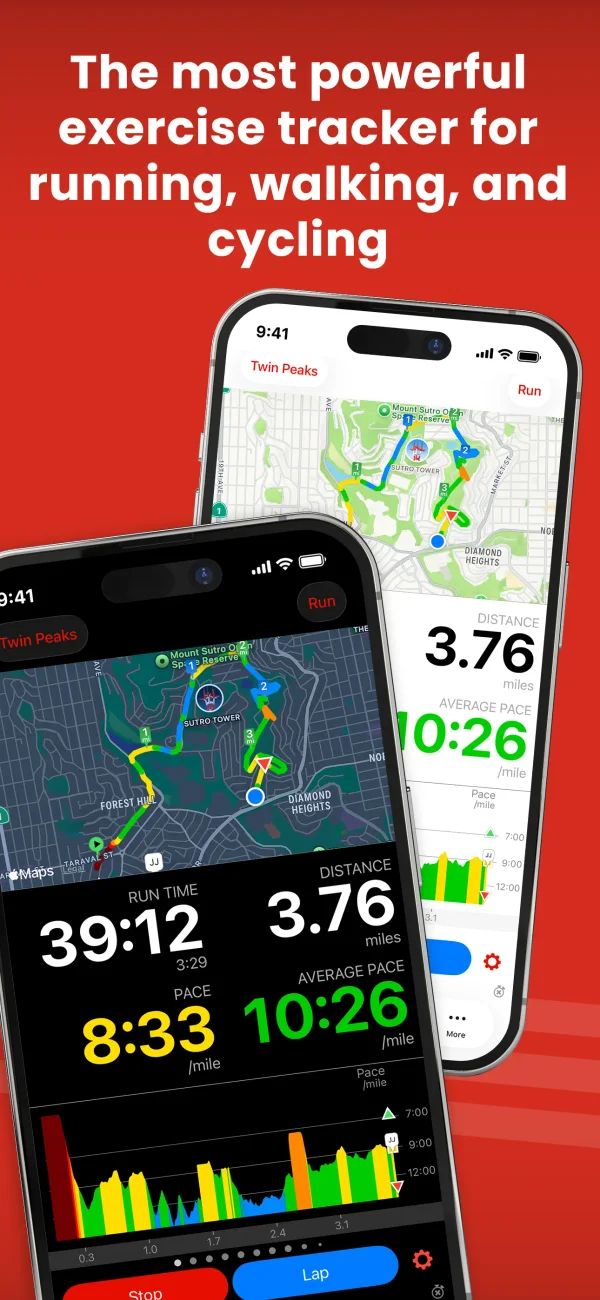
Runmeter is the most advanced application for runners. Built for iPhone, iPad, Apple Watch, and iCloud, it makes your iPhone a powerful fitness computer — with maps, graphs, splits, intervals, laps, announcements, zones, training plans and more.
• Obsessively complete — Wired
• Records a wealth of data — Macworld
• Clean, easy-to-use — New York Times
Experience core features and dependability for free, then upgrade to Elite to add advanced features.
Powered by your iPhone
• Tracks cycling, running, walking, hiking, skiing, kayaking, and more.
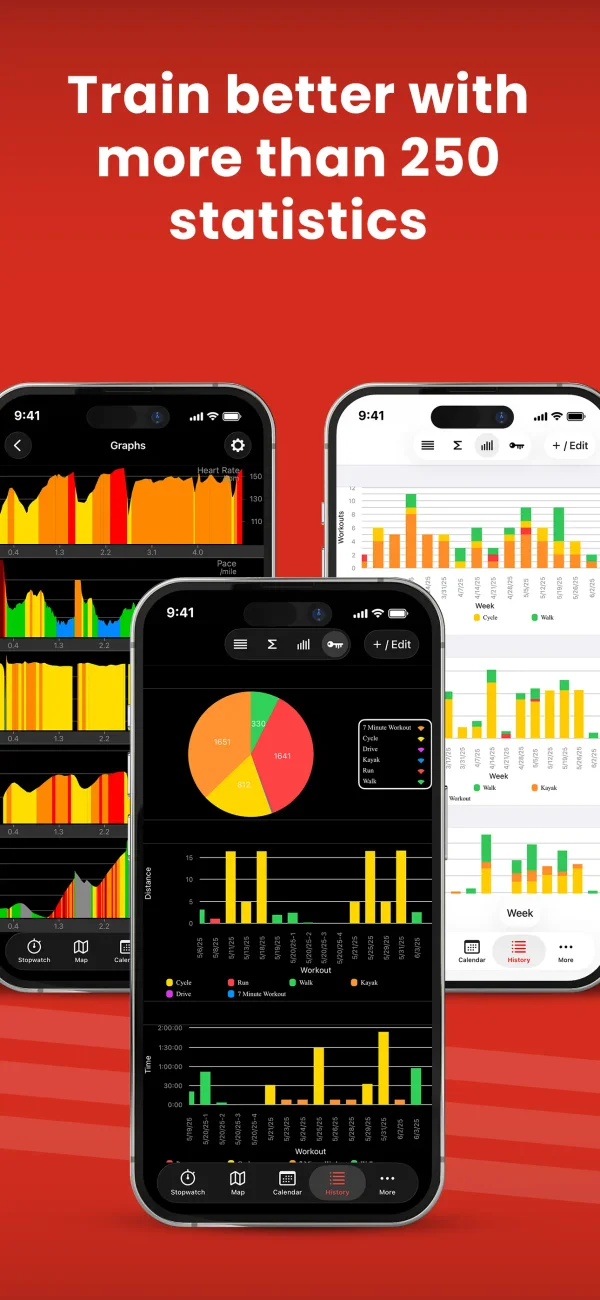
• Swipe across the stopwatch to see pages of stats, maps, and graphs - completely configurable.
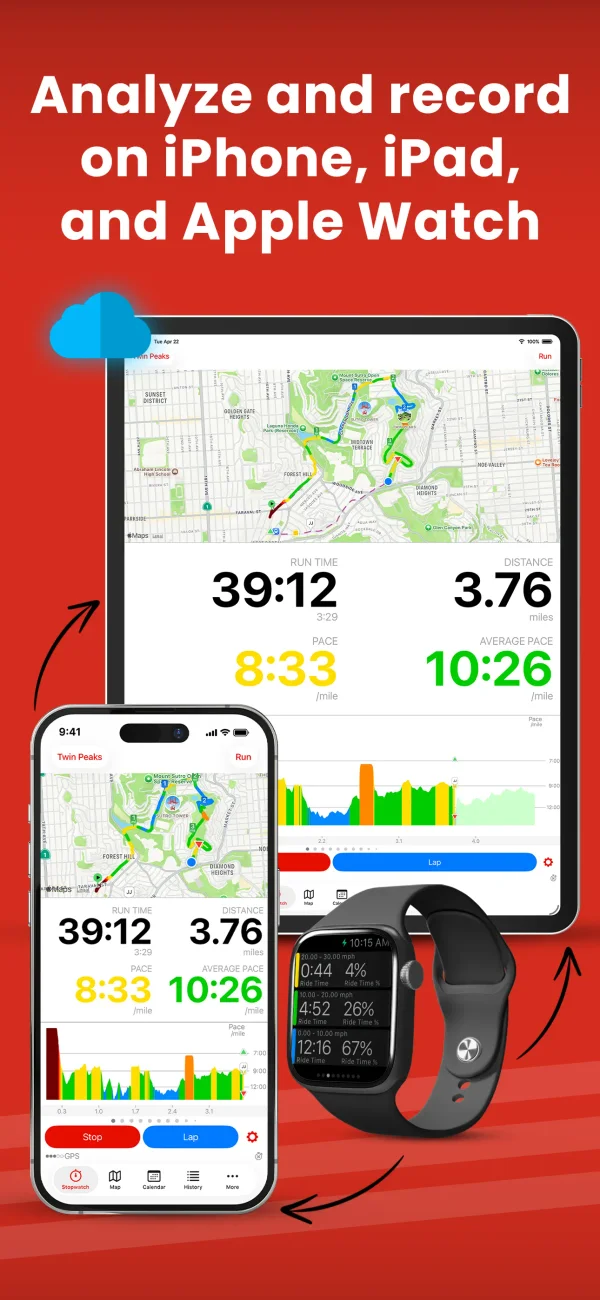
• Analyze your workouts on your iPad, updated with your latest data using iCloud.
Private & Secure
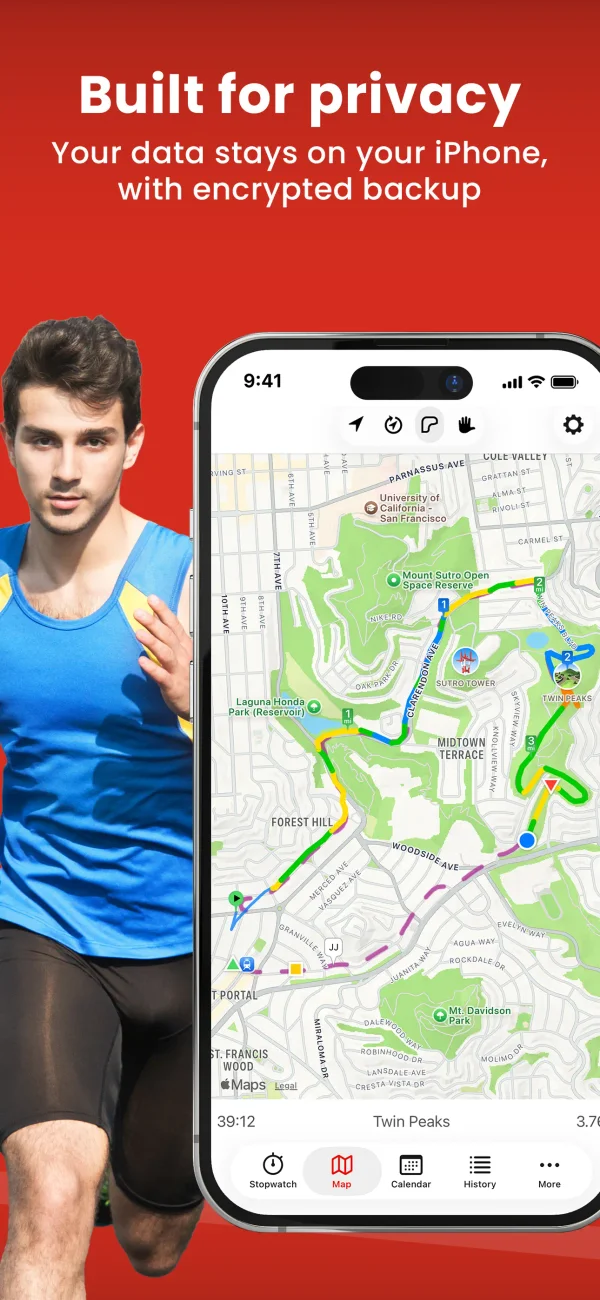
• Your workout data is securely stored on your iPhone — years of workouts only take up the space of a few songs.
• No user names or passwords are required.
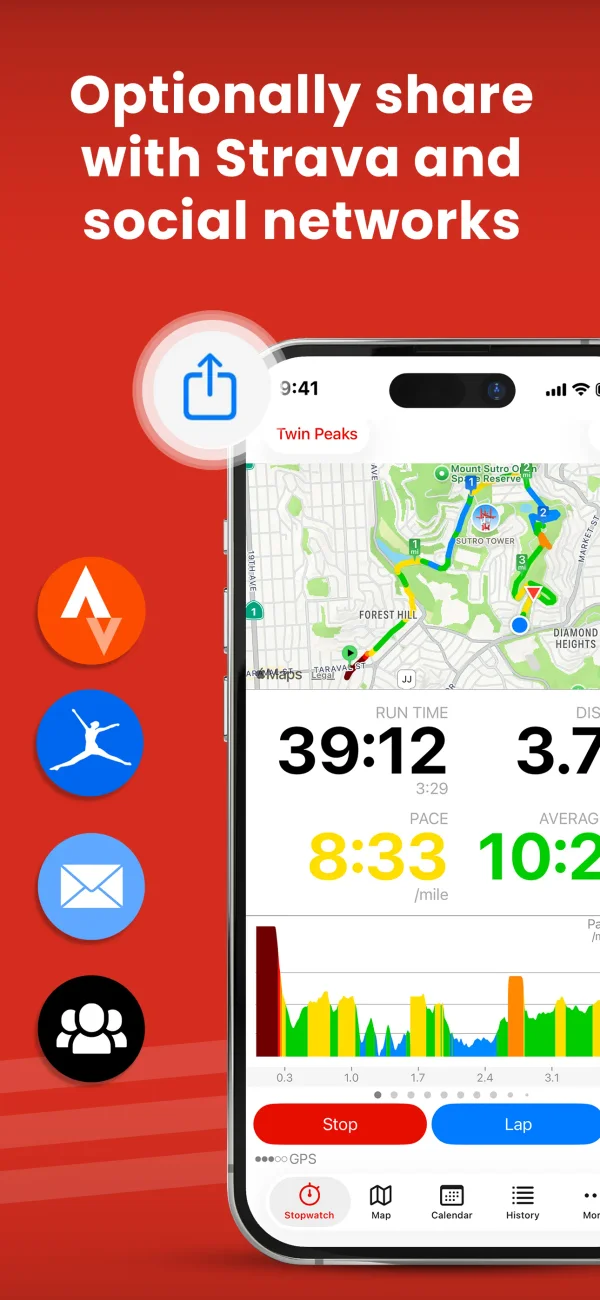
• Share workout data if you wish using email, Strava, MyFitnessPal.
• Live tracking is optional and only with friends you invite.
• Optional iCloud backup is encrypted.
Track
• Track heart rate, bike speed, bike cadence, and bike power with sensors.
• Track step cadence and steps.
• Use your iPhone's barometric altimeter to measure ascent & descent.
• Detect stops automatically.
• View terrain and traffic maps with Google Maps.
• Automatically record temperature and weather.
Voice-Enabled
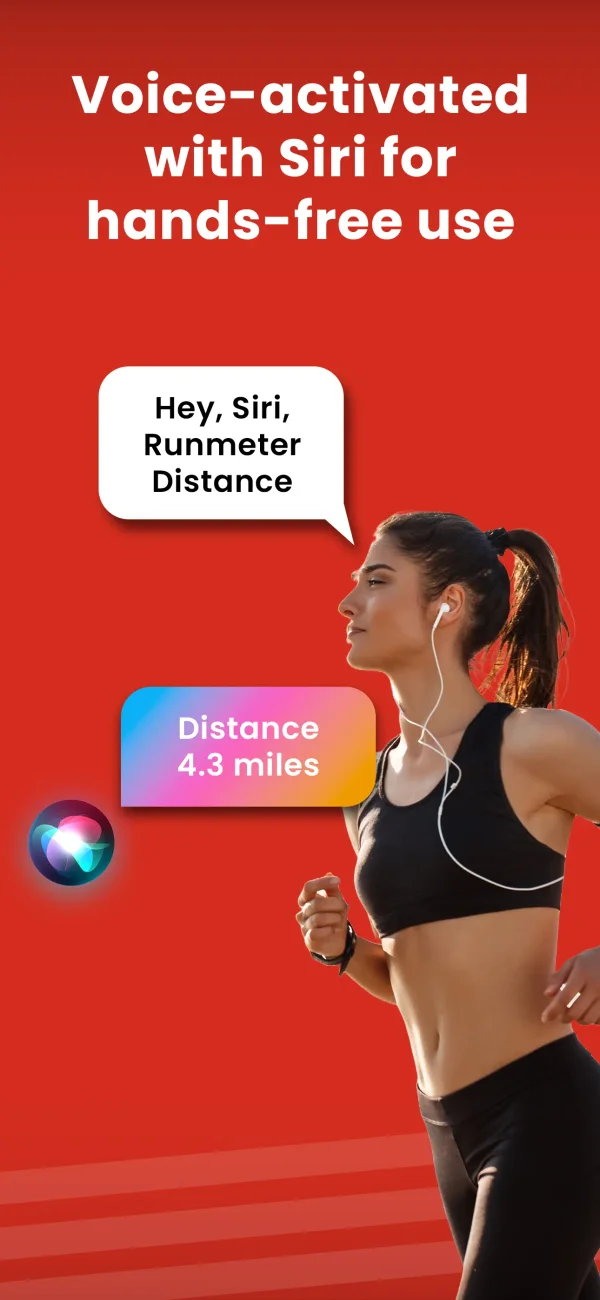
• Use Siri to start, stop, lap, and ask for statistics.
• Select from more than hundreds of configurable announcements including distance, time, speed, elevation, and heart rate.
• Hear stats on-demand, or at time and distance intervals.
Free Live-Tracking and Messaging
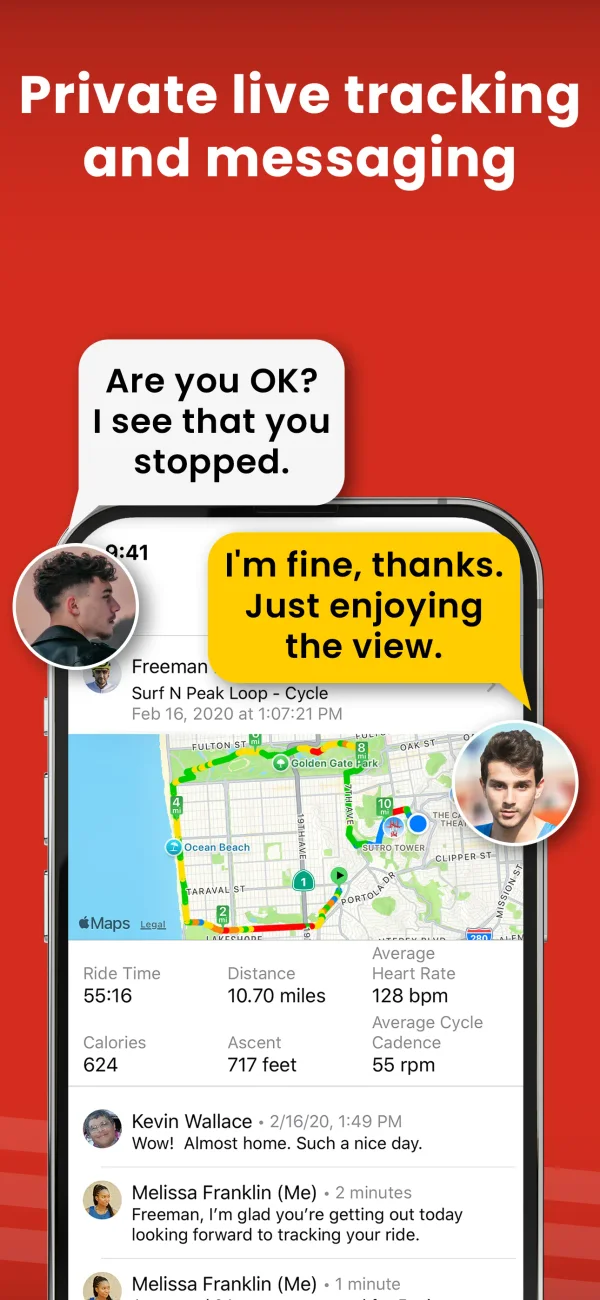
• Automatically share your location, path, and statistics with family and friends.
• Messages are automatically spoken to you with text-to-speech.
Share
• Share an online Workout Explorer for analyzing workouts.
• Share by email, Strava, or MyFitnessPal.
• Use HealthKit to export or import your workouts in the Health app and to read heart rate and biometric data.
• Share to your iPhone calendar and your online calendars.
• Imports and exports GPX, TCX, FIT, KML, and CSV.
Train
• Analyze your split, interval, and zone performance.
• Keep on track with configurable interval training, zones, and targets.
• Compete against your previous workouts along a route.
• Includes 5K, 10, half, and marathon running plans.
• Design your own training plans.
Apple Watch
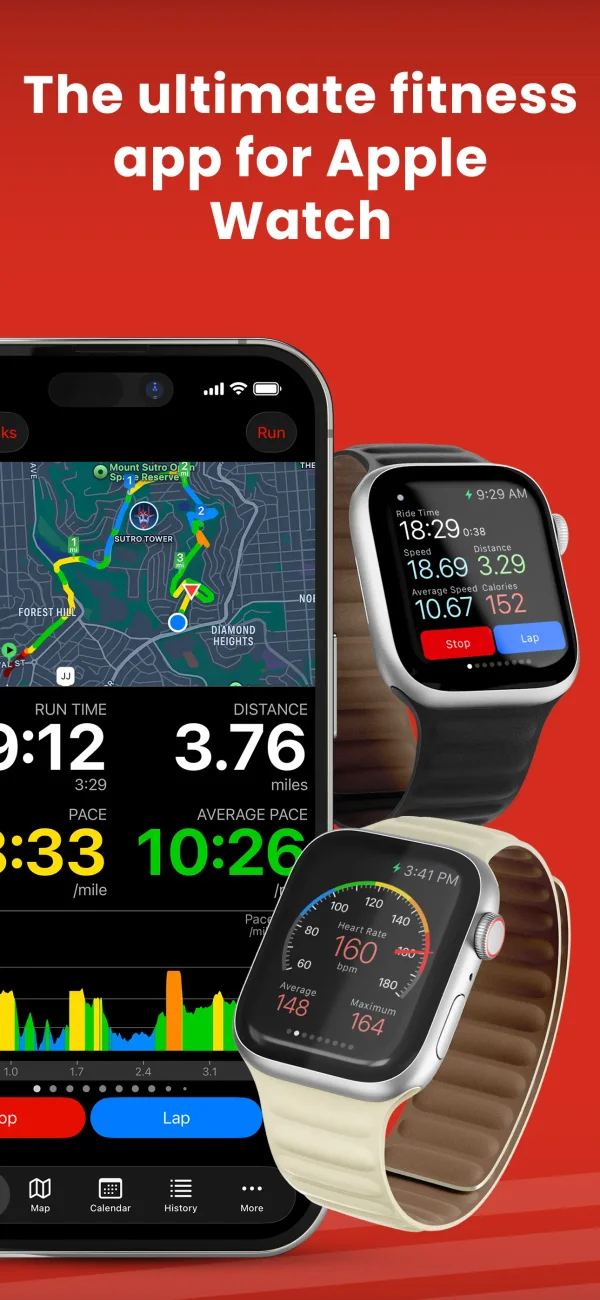
• Start, stop, lap and finish a workout all from the Apple Watch.
• Includes beautiful gauge pages with zones.
Elite includes a 7-day free trial. Payment will be charged to iTunes Account after confirmation of purchase. Subscription automatically renews unless auto-renew is turned off at least 24-hours before the end of the current period. Account will be charged for renewal within 24-hours prior to the end of the current period, at the same price. Subscriptions may be managed by the user and auto-renewal may be turned off by going to the user's Account Settings after purchase. Any unused portion of a free trial period will be forfeited when the user purchases a subscription, where applicable.
Privacy: abvio.com/privacy
Terms: abvio.com/terms
What’s new
Version 12.1.61 · Nov 4, 2026
This update brings new gauges, the AI Assistant for all Elite users, VoiceOver support on iPhone and Apple Watch, and a faster start. As always, we'd love to hear from you at support@abvio.com.
GAUGES
New gauge pages. Elite users now get gauge pages on the iPhone Stopwatch page and in the Cyclemeter Bike Computer.
Average and Maximum marks. Gauges now show needle marks for your Average and your Maximum (or Fastest), so you can see at a glance how your current effort compares.
Side by side gauges. iPhone Gauge panes can now show two gauges next to each other.
AI ASSISTANT
Now for all Elite users. The AI Assistant (BETA) is available to every Elite user at More > AI Assistant. It uses Apple's on-device, privacy-focused Foundation model, so you can ask questions about your workouts and history in plain language, or tell it to control the app, and your data never leaves your iPhone.
APPEARANCE
Classic Stopwatch looks. Two new appearance options, Classic Dark Stopwatch and Classic Light Stopwatch, give the Stopwatch one appearance and the rest of the app the other.
APPLE WATCH
Lap feedback. Tapping Lap on your watch in Record on iPhone mode now plays a click haptic to confirm it.
Choose your recording mode. The watch app will ask you once more whether you want Record on iPhone or Record on Apple Watch if you haven't explicitly chosen recently.
ACCESSIBILITY
VoiceOver on iPhone. The whole iPhone app is now labeled for VoiceOver. Focus follows the Start, Stop, and Done buttons, and the Confirm Stop alert waits for you while VoiceOver is speaking. GPS and sensor status icons speak their names, and the image-only toolbar buttons, History segments, music controls, and menu switches all have names.
VoiceOver on Apple Watch. The Apple Watch app is labeled for VoiceOver too. Each stat reads as a single element with its units spoken in words, the status and settings controls have names, and changes in state are announced. Magic Tap announces your current stats, and Page Press no longer conflicts with VoiceOver's double-tap.
PERFORMANCE
Faster start. The Stopwatch page appears more quickly when you launch the app, and the brief stutter in announcements when you tap Start should be reduced or gone.
BUG FIXES
Posts that stick. If a post fails when you tap Done, it is retried automatically the next time you open the app. Nothing for you to do.
Plus many more bug fixes throughout the app.
Thanks for riding, running, and walking with us!
App privacy
What Abvio Inc. declares on the App Store about how this app handles data.
-
Data not linked to you
May be collected but is not linked to your identity.
- Health and fitness
- Location
- Usage data
- Diagnostics
Privacy practices may vary, for example with the features you use or your age.
Information
- Seller
- Abvio Inc.
- Category
- Health & Fitness
- Version
- 12.1.61
- Updated
- Nov 4, 2026
- Released
- Sep 18, 2009
- Size
- 112.4 MB
- Requires
- iOS 16.6 or later
- Age rating
- 4+
- Price
- Free
- In-app purchases
- Yes
- Languages
- English, French, German, Italian, Japanese
- Copyright
- © 2026 Abvio Inc.
You might also like
-
 Any Distance Running TrackerRunning tracker trainer & map
-
 RUN interval - Running TimerInterval running made easier.
-
 Tempo: Run Log & InsightsOne app for all your run stats
-
 Running Mile TrackerRun Distance Tracking by Vima
-
 Run Trainer - Running TrackerCouch to 5K,10K, Half Marathon
-
 Bike & Run Tracker - CadenceGPS Running & Cycling Computer
-
 Step Counter ⓒWalk Counter, Calories & Water
-
 Map My Tracks: Hike, Bike, RunOutdoor GPS tracker & routes
-
 Sports Tracker: Run Bike HikePlan, track & analyze workout
-
 WorkOutDoorsAdvanced Workout App with Maps