
- Age rating4+
- CategoryUtilities
- DeveloperMUGEUNBON
- LanguagesKorean+ 5 more
- Size96.4 MB
Links to the official App Store page
Download.org hosts no file of S.CALENDAR. The button opens its official App Store page, published by MUGEUNBON. Listing last checked on Nov 21, 2026.
Screenshots

About
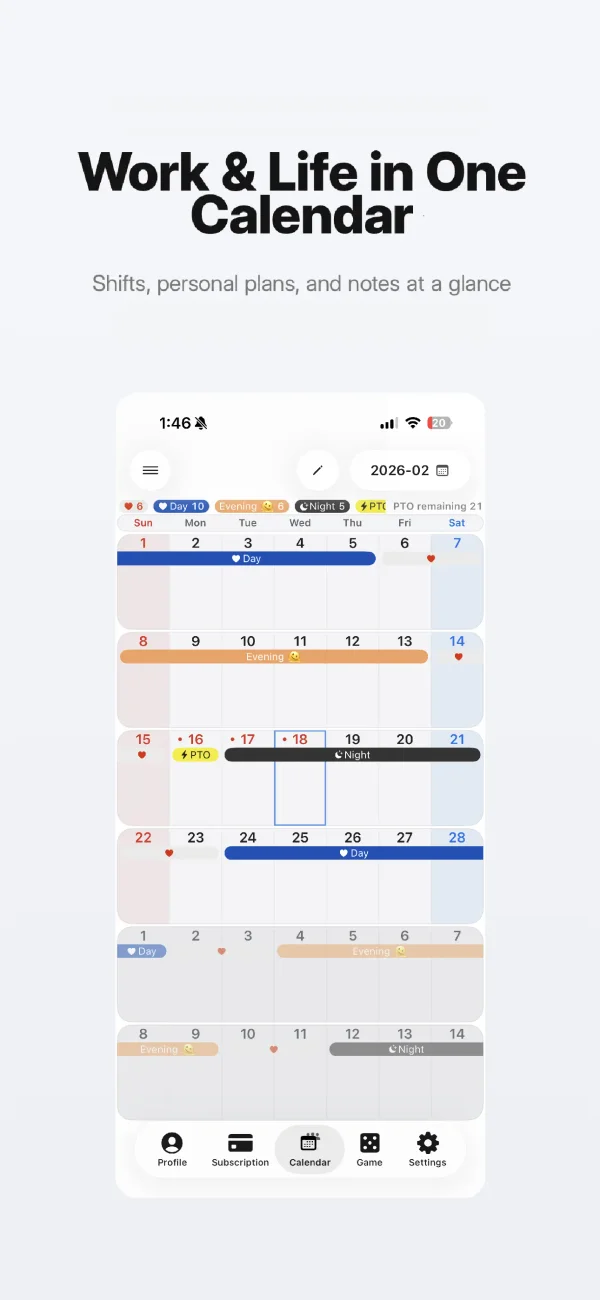
SCALENDAR is a calendar for your work and personal life, made to share with the people who matter.
From office hours and vacation days to rotating shifts, track everything your way and see each other's schedules at a glance.
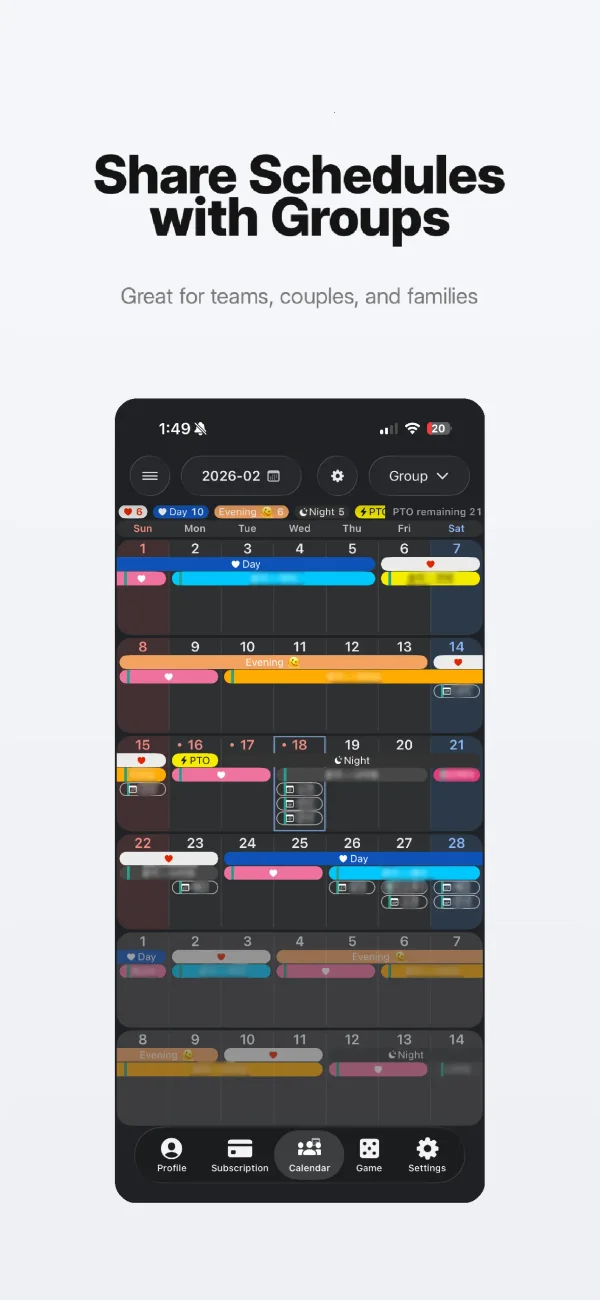
■ Switch between personal and group calendars
Tap the Calendar tab again to switch between your personal and group calendars, so your plans never get mixed up with shared ones.
Invite people to a group with a link, and use member colors to see who's working or off at a glance.
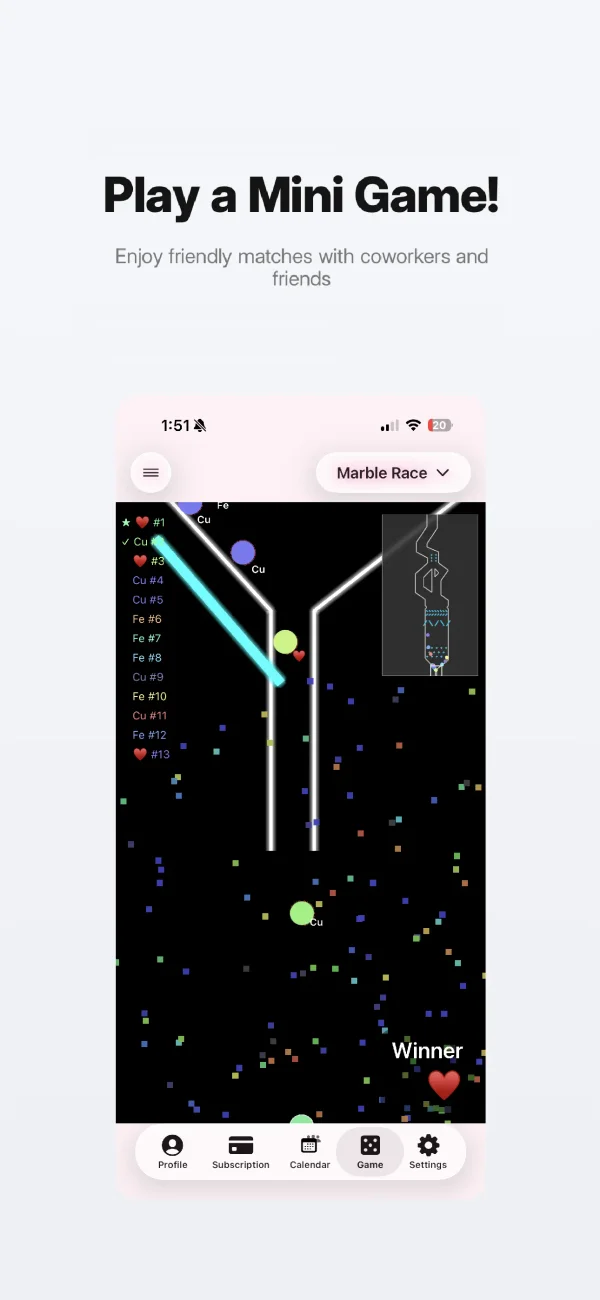
Need to decide an order or a penalty? Settle it with the mini game "Marble Race."
■ Simple work and schedule tracking
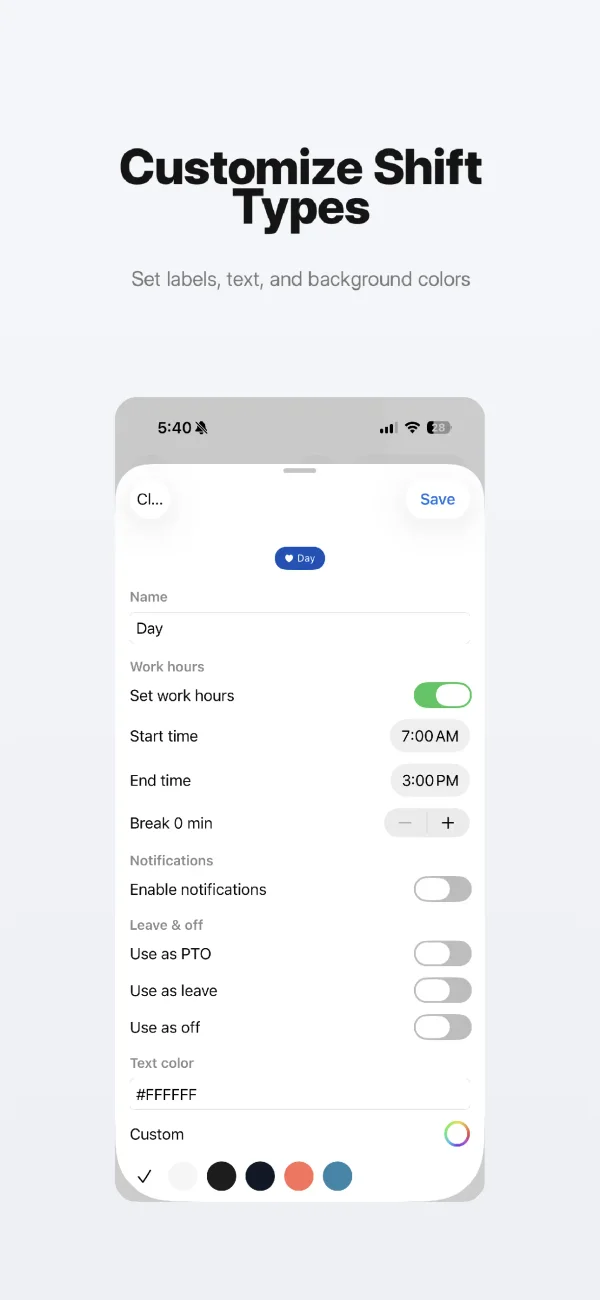
Create your own work types, like Office, Remote, or Day Off, with their own colors and hours, and add personal events alongside them.
Working rotating shifts? Set up a pattern once and fill months or even a full year at once.
■ Work hour summary
• Total hours by year and month
• Automatic night and overtime totals
• Average weekly hours over recent months
• Remaining vacation and leave
■ Built for every day
• Check your schedule from the Home Screen widget
• Reminders for your work, events, and group schedules
• View and log your schedule without an internet connection
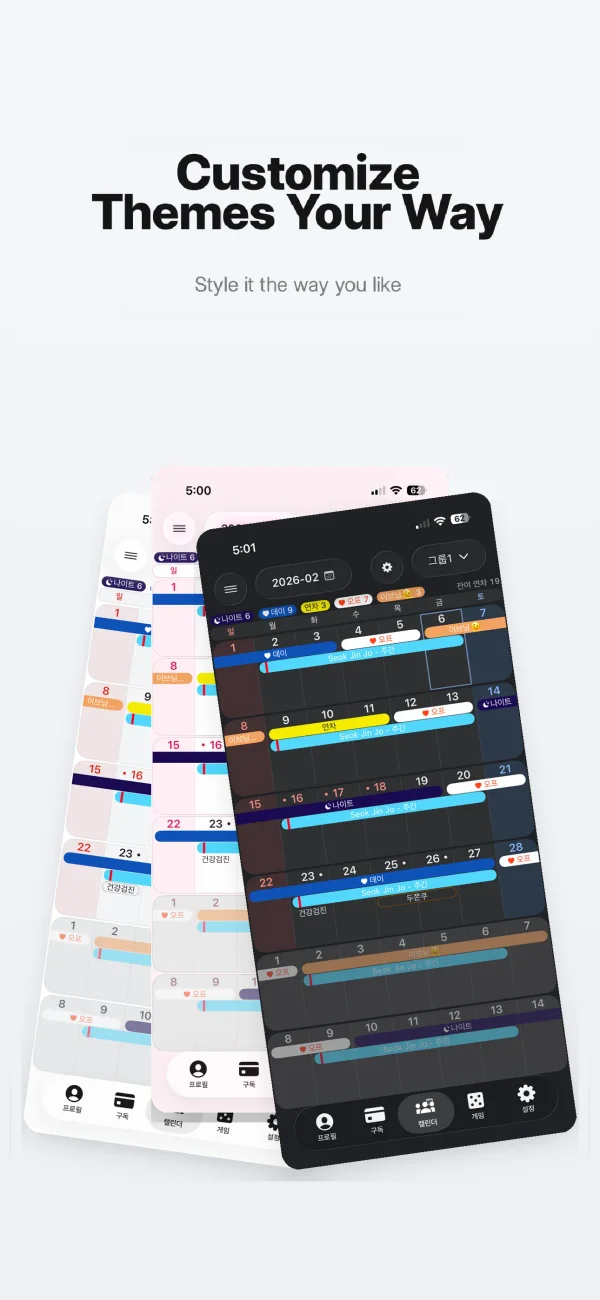
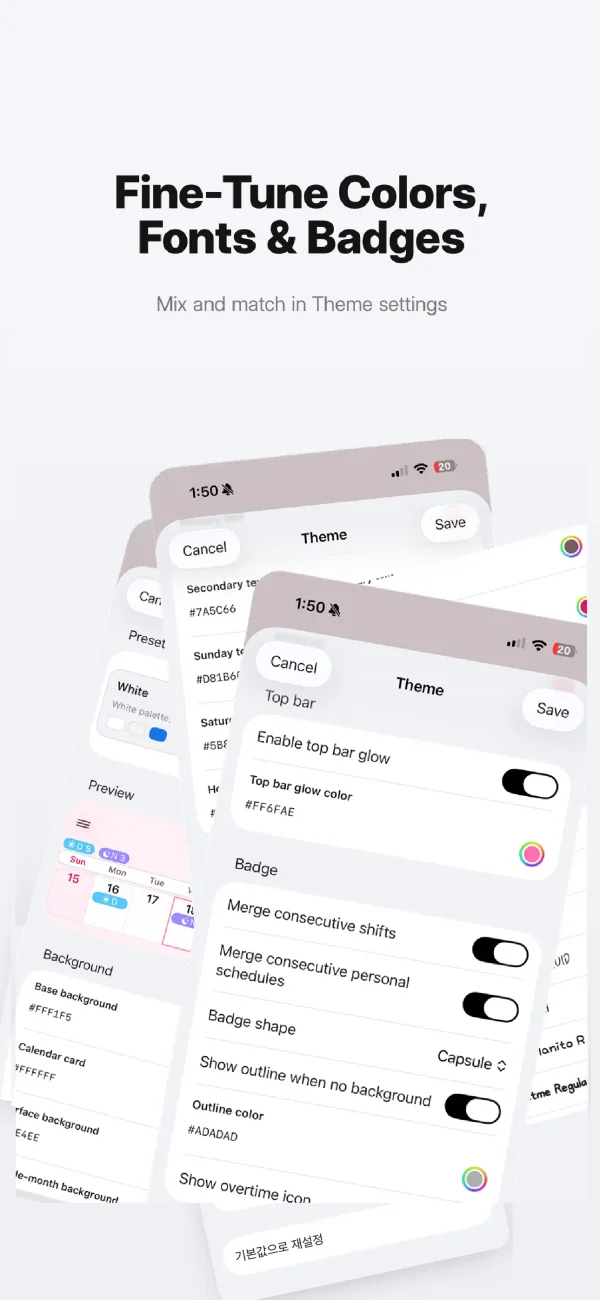
• Personalize your calendar with themes
■ Subscriptions
Core features are free. Some features, such as syncing across devices and more groups and members, require a subscription.
Subscriptions renew automatically unless canceled in your App Store account settings at least 24 hours before the end of the current period.
Terms of Use (EULA): https://www.apple.com/legal/internet-services/itunes/dev/stdeula/
Privacy Policy: https://scvapp.kr/privacy/
What’s new
Version 1.0.36 · Nov 12, 2026
Meet the new Plus and Pro plans.
• Plus: 5 groups, 10 people per group
• Pro: 25 groups, 60 people per group
• Both plans include no ads and sync across devices
• Choose monthly or yearly; yearly costs less
• A simpler, easier-to-read subscription screen
• No ads while you're subscribed
• Optionally show remaining vacation next to remaining annual leave at the top of the calendar (turn it on in Profile > edit leave)
• Fixed the today highlight staying on yesterday after the date changed
• Fixed the add and edit screens opened from a day's card not responding to taps
Existing subscriptions keep working through the period you've paid for.
App privacy
What MUGEUNBON declares on the App Store about how this app handles data.
-
Data used to track you
May be used to track you across apps and websites owned by other companies.
- Usage data
-
Data not linked to you
May be collected but is not linked to your identity.
- Identifiers
- Usage data
Privacy practices may vary, for example with the features you use or your age.
Information
- Seller
- MUGEUNBON
- Category
- Utilities
- Version
- 1.0.36
- Updated
- Nov 12, 2026
- Released
- Mar 4, 2026
- Size
- 96.4 MB
- Requires
- iOS 18.0 or later
- Age rating
- 4+
- In-app purchases
- Yes
- Languages
- Korean, Russian, English, Japanese, Simplified Chinese, French
- Copyright
- © MUGEUNBON
You might also like
-
 FunDeciderSelect by turning the wheel
-
 Random Number Generator-DiceOffline Fair Draw Team Color
-
 쉬운 음력Utilities
-
 Shift Mate - Shift CalendarSmart Rota & Wage Calculator
-
 MyTodo: Habits & RemindersAI routines and countdowns
-
 D³-Naked Eye 3D ConverterCreate 3D Videos, No VR Needed
-
 LuckyGames - Roulette & DiceDecide with Roulette & Draw
-
 Part-Time Pay CalculatorHourly & Holiday Pay Tracker
-
 Daily Work Hours Tracker & PayTime Clock & Work Countdown