
S3 Client - Files location
for AWS, Backblaze & MinIO
Designed for iPhone, iPad, Mac
Free · In-app purchases
- Age rating4+
- CategoryProductivity
- DeveloperAnders Borum ApS
- LanguagesEnglish+ 4 more
- Size70.9 MB
Links to the official App Store page
Download.org hosts no file of S3 Client - Files location. The button opens its official App Store page, published by Anders Borum ApS. Listing last checked on Nov 25, 2026.
Screenshots
About
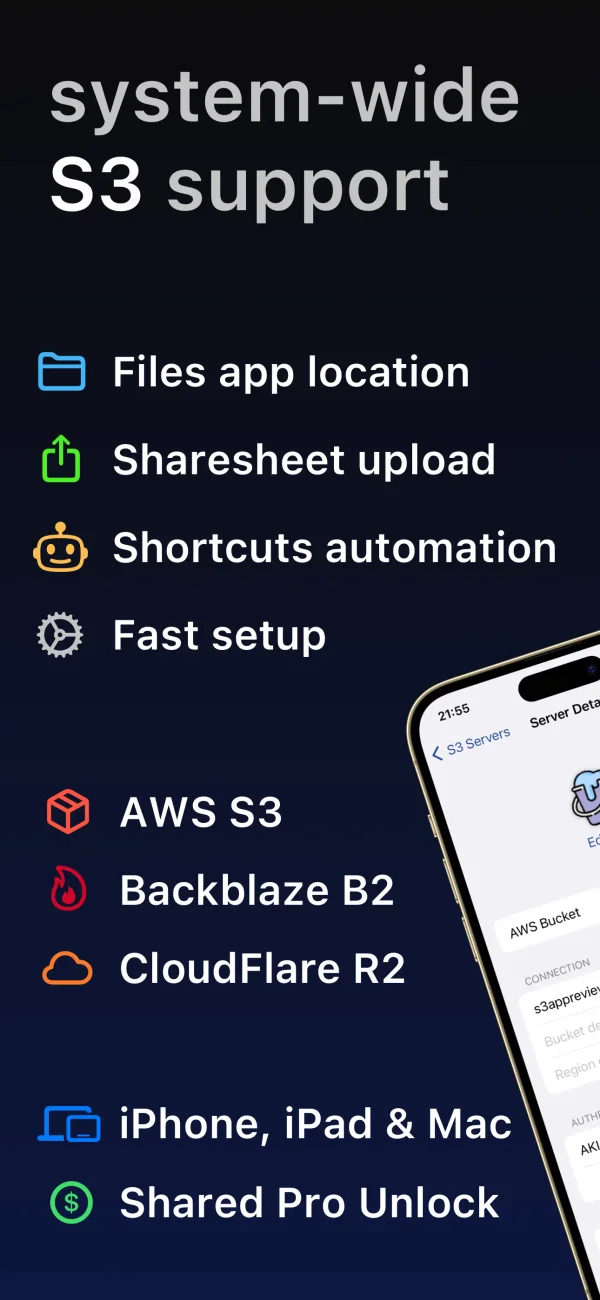
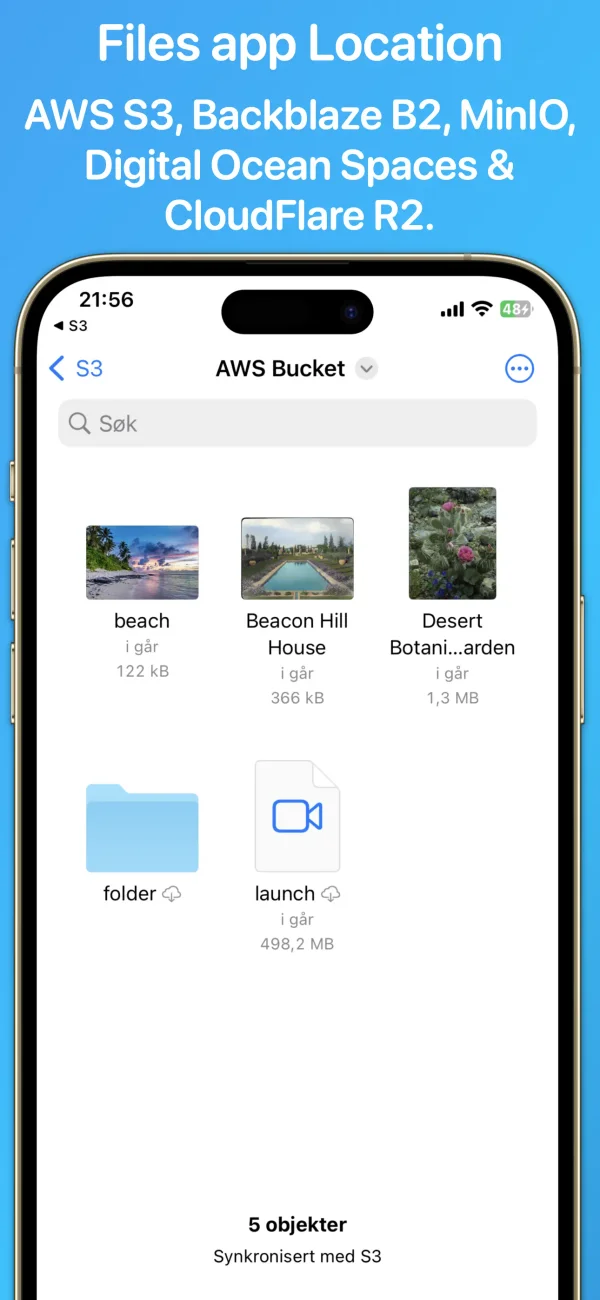
Access your S3 storage directly from the Files app, Finder, and other applications on iPhone, iPad, and Mac. Developed by the creator of Working Copy, this application provides seamless integration with S3-compatible storage services.
Once configured, S3 buckets appear alongside other cloud storage providers, with files available on demand. Files are downloaded as needed and automatically synchronized back to S3 when modified.
The app supports a wide range of S3-compatible services, including AWS S3, BackBlaze B2, CloudFlare R2, DigitalOcean Spaces, MinIO, and others.
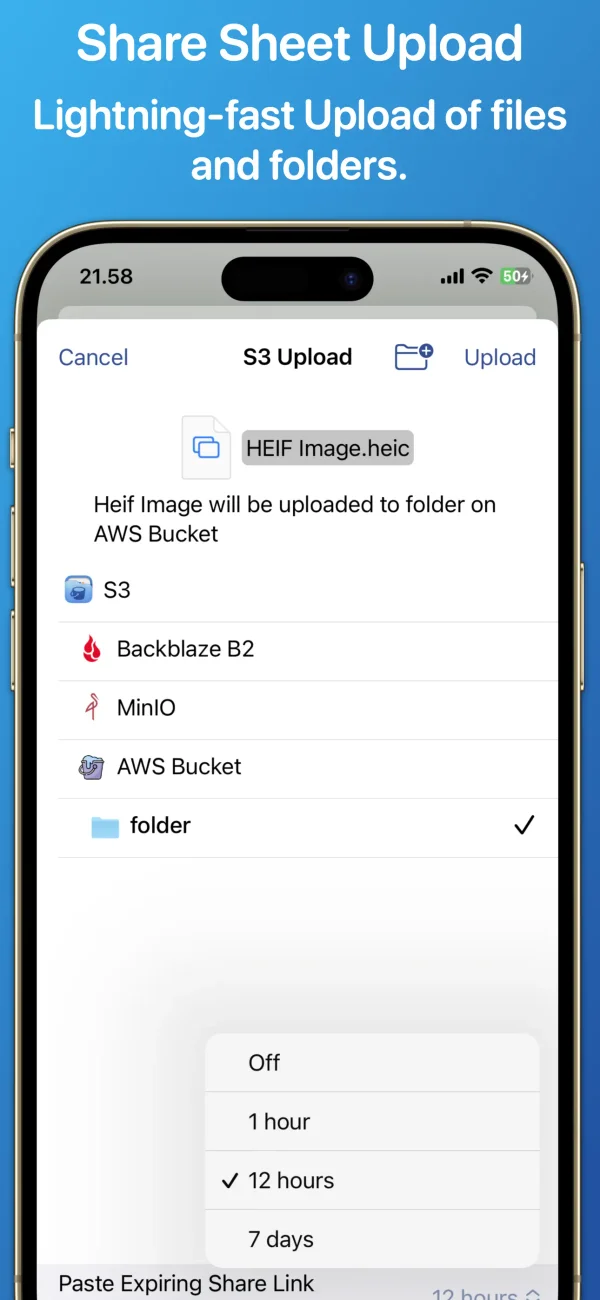
Files and directories can be uploaded through the system share sheet on iOS and the Services menu on macOS. The app remembers preferred upload destinations for different file types, streamlining file management.
Pre-signed sharing links can be generated directly from Finder and the Files app, allowing temporary access to files for up to seven days.
Support for server-side encryption with customer-provided keys (SSE-C) and client-side AES-GCM encryption compatible with the Amazon S3 Encryption Client.
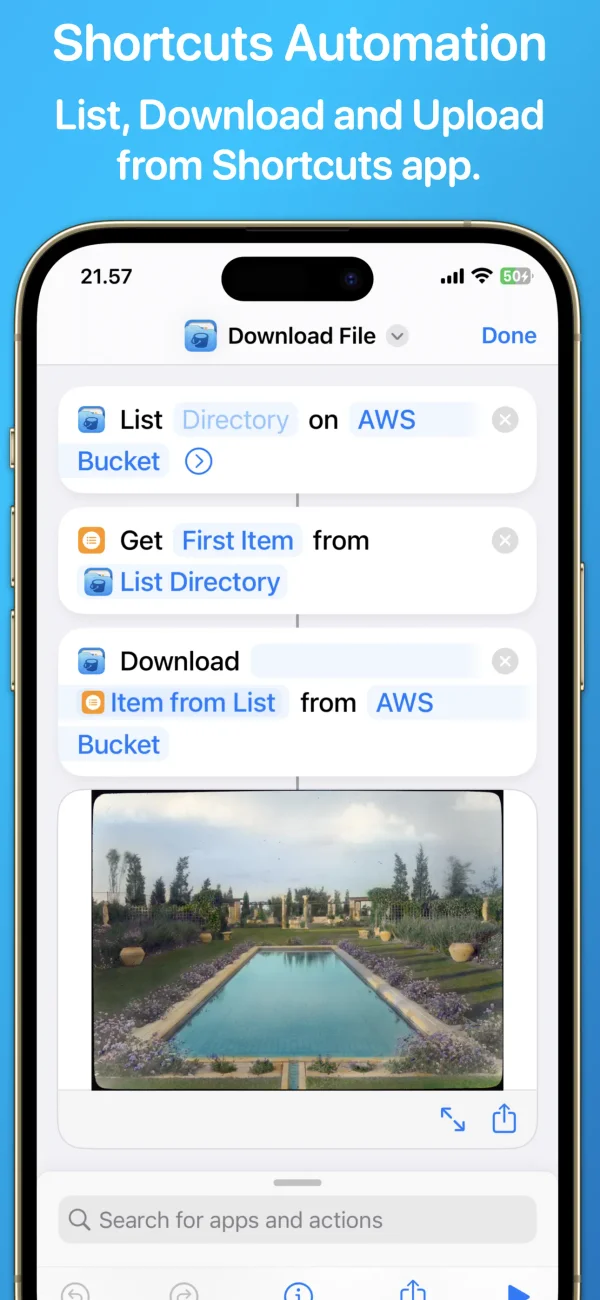
Comprehensive support for Shortcuts automation enables operations such as listing, downloading, uploading, and moving files.
The app is free to use with a single server. A Pro Unlock is required for multiple servers, available as a one-time purchase or a monthly subscription, with access shared across iPhone, iPad, and Mac. A one-week free trial allows users to evaluate Pro features before purchase.
What’s new
Version 2026.45 · Nov 24, 2026
Files and folders whose names contain + or parentheses no longer fail on servers that use path-style buckets.
App privacy
What Anders Borum ApS declares on the App Store about how this app handles data.
-
Data not linked to you
May be collected but is not linked to your identity.
- Purchases
- Usage data
Privacy practices may vary, for example with the features you use or your age.
Information
- Seller
- Anders Borum ApS
- Category
- Productivity
- Version
- 2026.45
- Updated
- Nov 24, 2026
- Released
- Jun 29, 2023
- Size
- 70.9 MB
- Requires
- iOS 18.2 or later
- Age rating
- 4+
- Price
- Free
- In-app purchases
- Yes
- Languages
- English, Danish, French, German, Simplified Chinese
- Copyright
- © 2023-2026 Anders Borum ApS
You might also like
-
 Dropshare - File Sharing ToolUpload Anything Anywhere
-
 Container ManagerDocker management
-
 Extended File InfoSee more about your file
-
 Mission Ctrl for DigitalOceanManage your cloud on the go
-
 DriveHQ File ManagerCloud Storage, FTP, WebDAV
-
 Control for GitLabProductivity
-
 myTextViewer: Code & Log FileOpen Any Text, JSON, YAML, CSV
-
 Owlfiles - File ManagerAccess SMB WebDAV FTP and S3
-
 Conduit: Open WebUI & AIOpen WebUI, APIs & Agents
-
 Karakeep AppSave, tag & search everything