Safe Driving App: Drowsy Alert
AI Warning for Sleepy Drivers
Designed for iPhone, iPad
Free · In-app purchases
- Age rating4+
- CategoryNavigation
- DeveloperHandy Bro Technologies LLC
- LanguagesEnglish+ 12 more
- Size88.8 MB
Links to the official App Store page
Download.org hosts no file of Safe Driving App: Drowsy Alert. The button opens its official App Store page, published by Handy Bro Technologies LLC. Listing last checked on Nov 14, 2026.
Screenshots

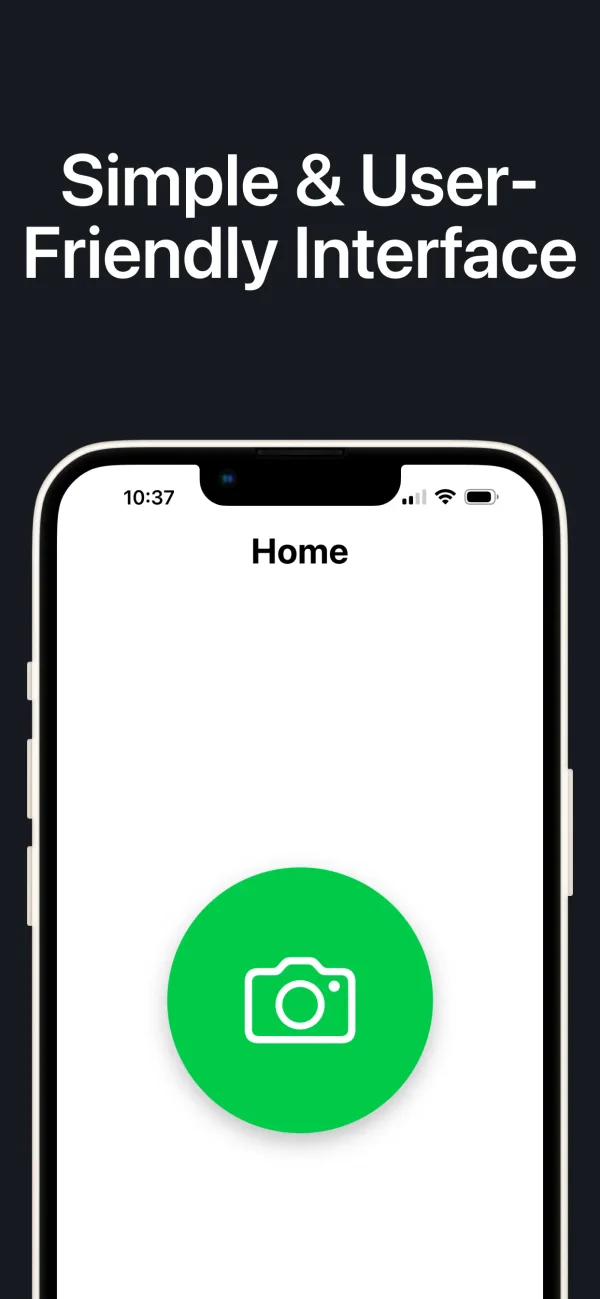


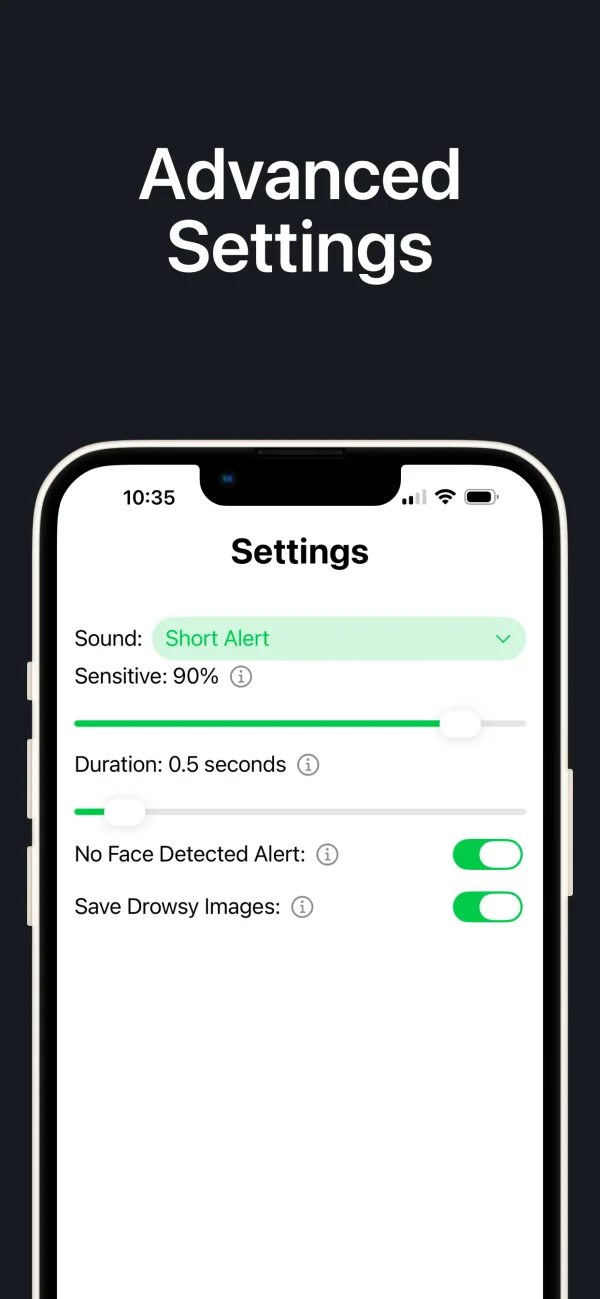
About
Stay awake. Drive safer.
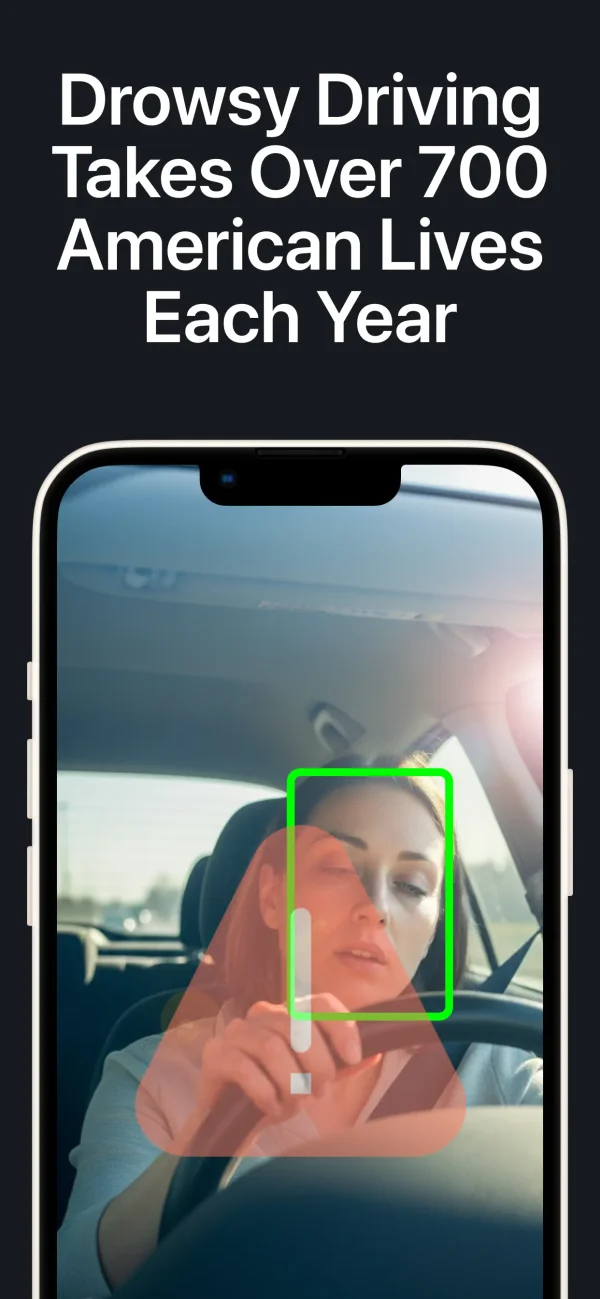
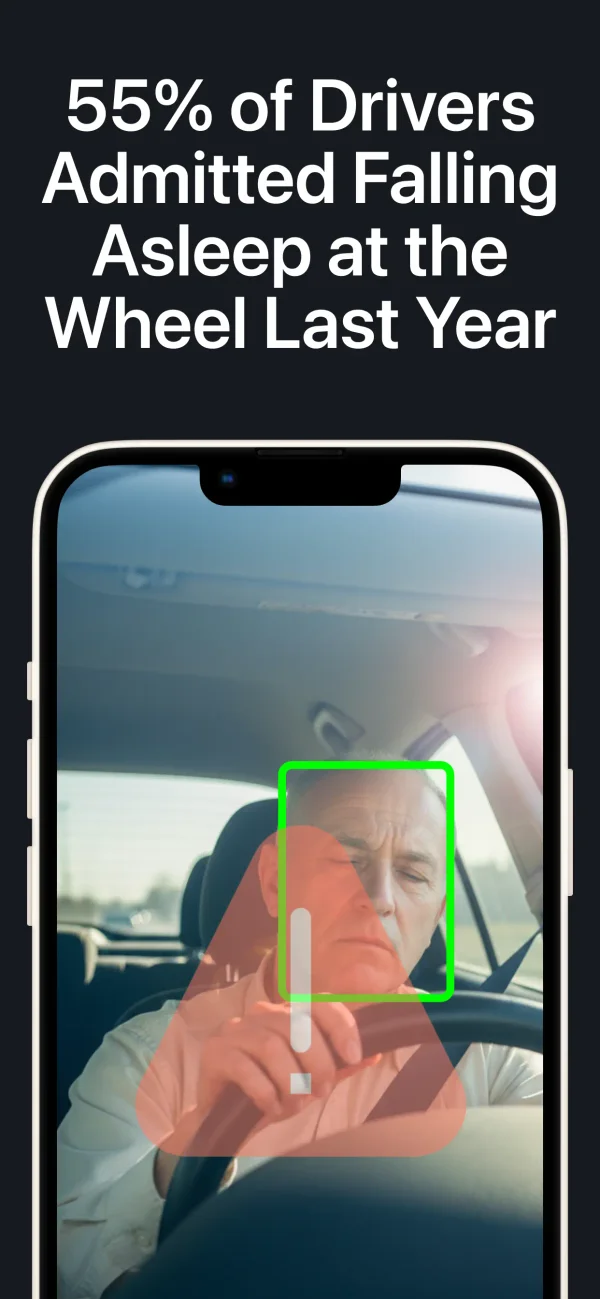
Drowsy Driving Alert uses AI-powered face and eye detection to monitor for signs of fatigue in real time. When prolonged eye closure is detected, the app sounds a loud alarm to help you refocus and recognize when it may be time to take a break.
Whether you are commuting, driving at night, or taking a long road trip, Drowsy Driving Alert provides an extra layer of awareness while you are behind the wheel.
How It Works
Your phone’s front-facing camera monitors your face and eye movements while you drive.
The app’s AI is designed to distinguish normal blinking from prolonged eye closure, helping reduce unnecessary alarms while responding quickly to potential signs of drowsiness.
Key Features
• AI-powered face and eye detection
• Blink-aware technology designed to reduce false alarms
• Multiple alarm sounds
• Adjustable detection sensitivity and alarm volume
• Background and Picture-in-Picture support
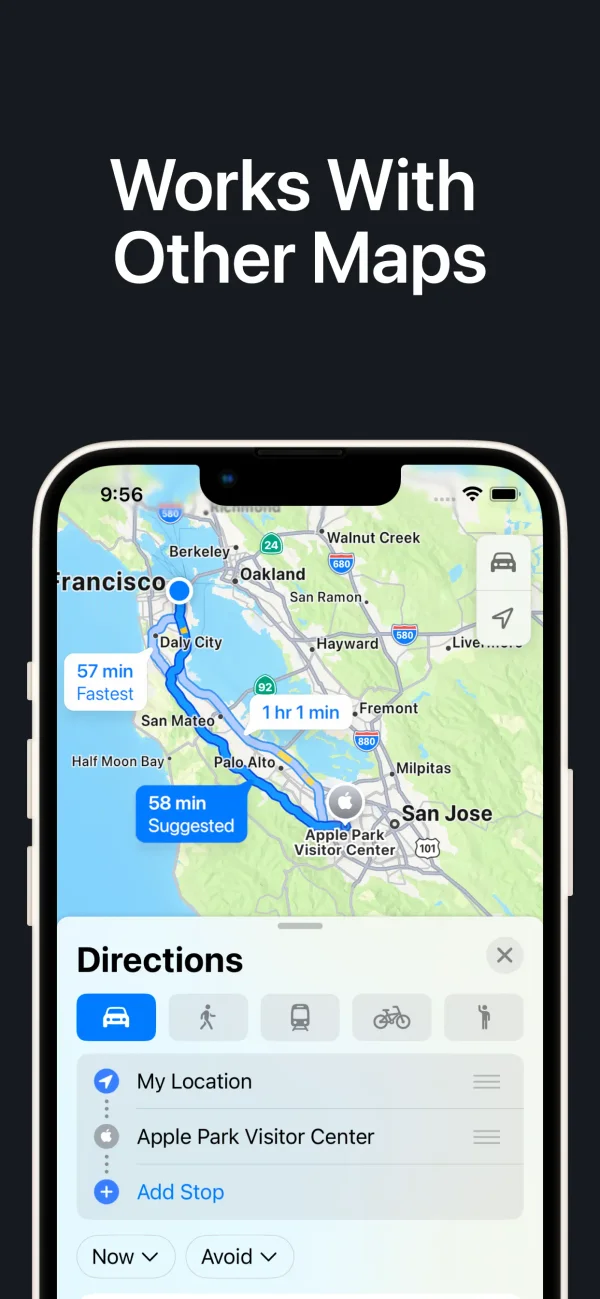
• Works alongside navigation apps such as Apple Maps, Google Maps, and Waze
• Save and review images captured during drowsiness events
• Optimized to reduce battery and processor usage
• Private by design—your detection data stays on your device and is never uploaded or shared
Quick Setup
Securely mount your phone at eye level with a clear view of your face.
Place your phone in landscape orientation for the best detection performance.
Start driving and let the app monitor for signs of drowsiness.
Safety Information
• Never interact with your phone while driving.
• If you feel sleepy or fatigued, pull over in a safe location and rest.
• Make sure your face remains clearly visible to the front-facing camera.
• Drowsy Driving Alert is an assistive tool. It is not a substitute for adequate rest, attentive driving, professional medical advice, or responsible decision-making.
Terms of Use (EULA): https://www.apple.com/legal/internet-services/itunes/dev/stdeula/
What’s new
Version 1.2.14 · Aug 8, 2026
We continuously enhance our AI and detection technology to ensure the most accurate and reliable experience.
App privacy
What Handy Bro Technologies LLC declares on the App Store about how this app handles data.
-
Data used to track you
May be used to track you across apps and websites owned by other companies.
- Identifiers
-
Data not linked to you
May be collected but is not linked to your identity.
- Location
- Identifiers
- Usage data
Privacy practices may vary, for example with the features you use or your age.
Information
- Seller
- Handy Bro Technologies LLC
- Category
- Navigation
- Version
- 1.2.14
- Updated
- Aug 8, 2026
- Released
- Sep 8, 2020
- Size
- 88.8 MB
- Requires
- iOS 16.6 or later
- Age rating
- 4+
- Price
- Free
- In-app purchases
- Yes
- Languages
- English, Danish, Dutch, French, German, Greek, Hindi, Italian, Japanese, Korean, Polish, Spanish + 1 more
- Copyright
- © Trung Huynh
You might also like
-
 Sleepy Driver Alarm: WakeGuardStay Awake While Driving
-
 RoadHelpsTravel
-
 RedMechanic AppTruck Repair & Roadside Help
-
 Roolz Navigation for TruckersWalkie-Talkie, GPS & Maps
-
 OZTP ELDTravel
-
 Truck Maps NavigationTruck, Bus & RV Navigation
-
 United Fuel DriverSave on Diesel at Truck Stops
-
 TrucqXL Navigation: Smart GPSCommercial Route Navigation
-
 OCTANE FuelFuel Discounts & AI Assist
-
 RP Global LogisticsDriver Tracking