- Age rating4+
- CategoryBusiness
- DeveloperSage Global Services Ltd
- LanguagesEnglish+ 4 more
- Size27.6 MB
Links to the official App Store page
Download.org hosts no file of Sage Verify. The button opens its official App Store page, published by Sage Global Services Ltd. Listing last checked on Nov 19, 2026.
Screenshots

About
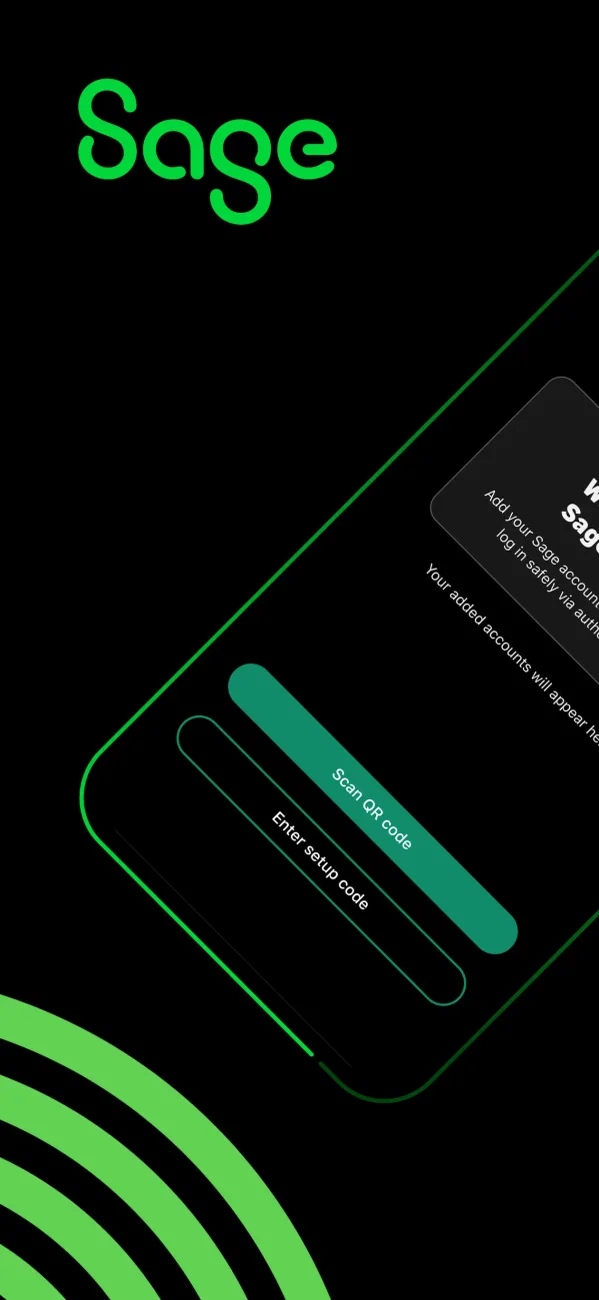
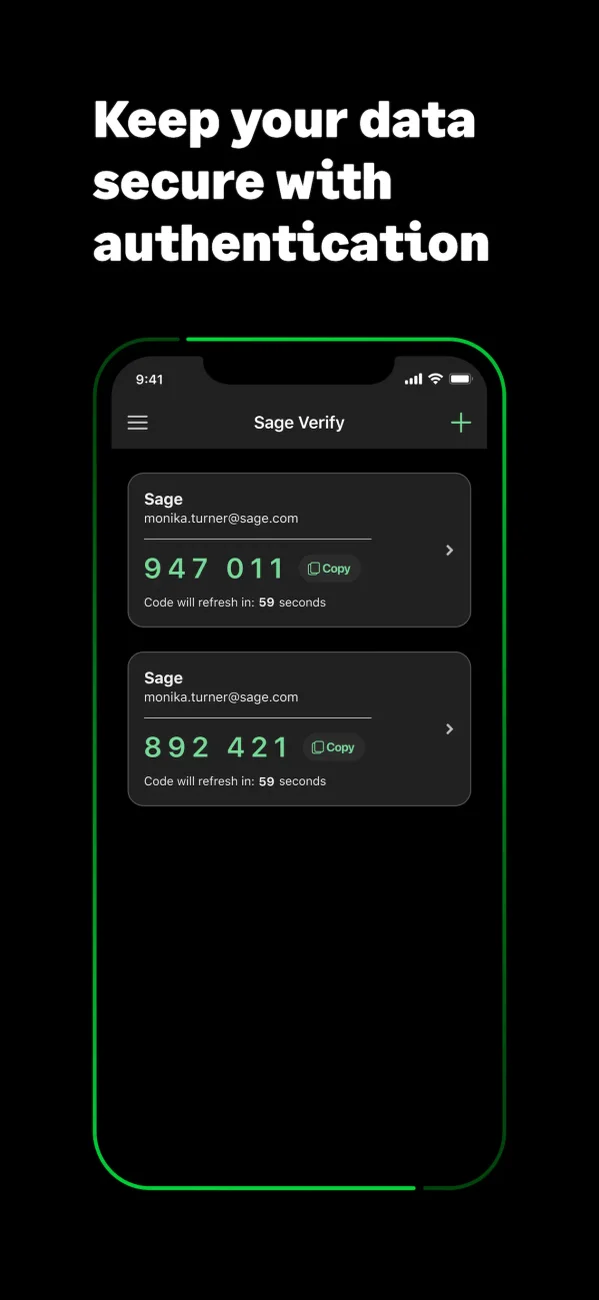
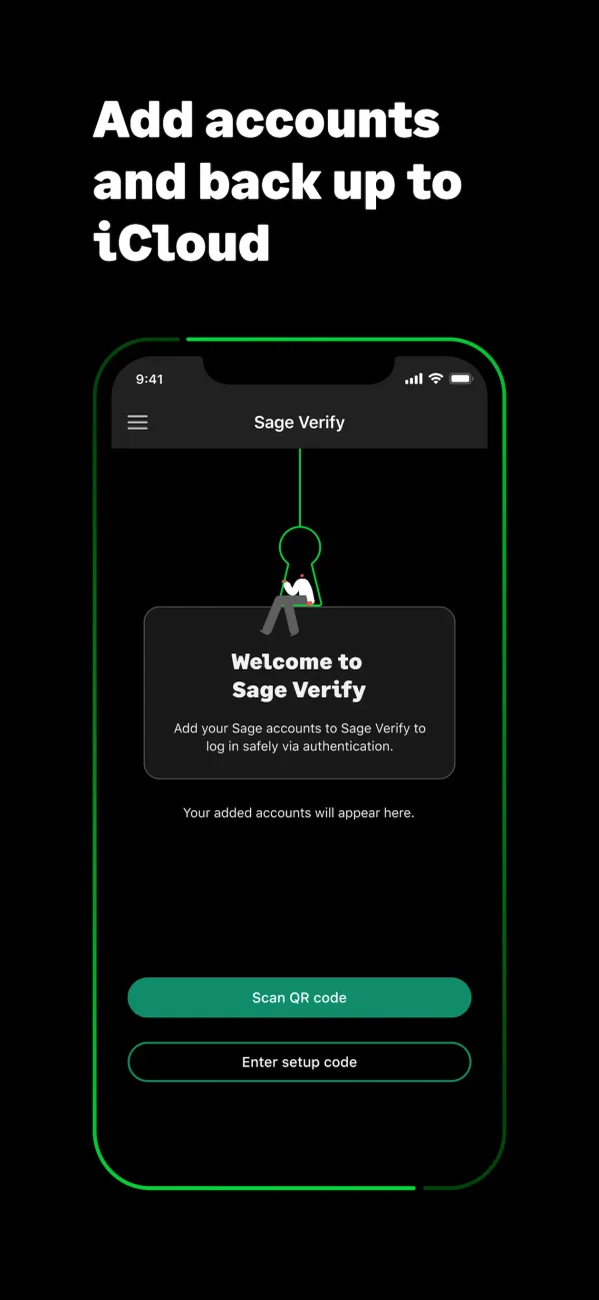
Sage Verify makes logging into your Sage accounts safer and easier with authentication.
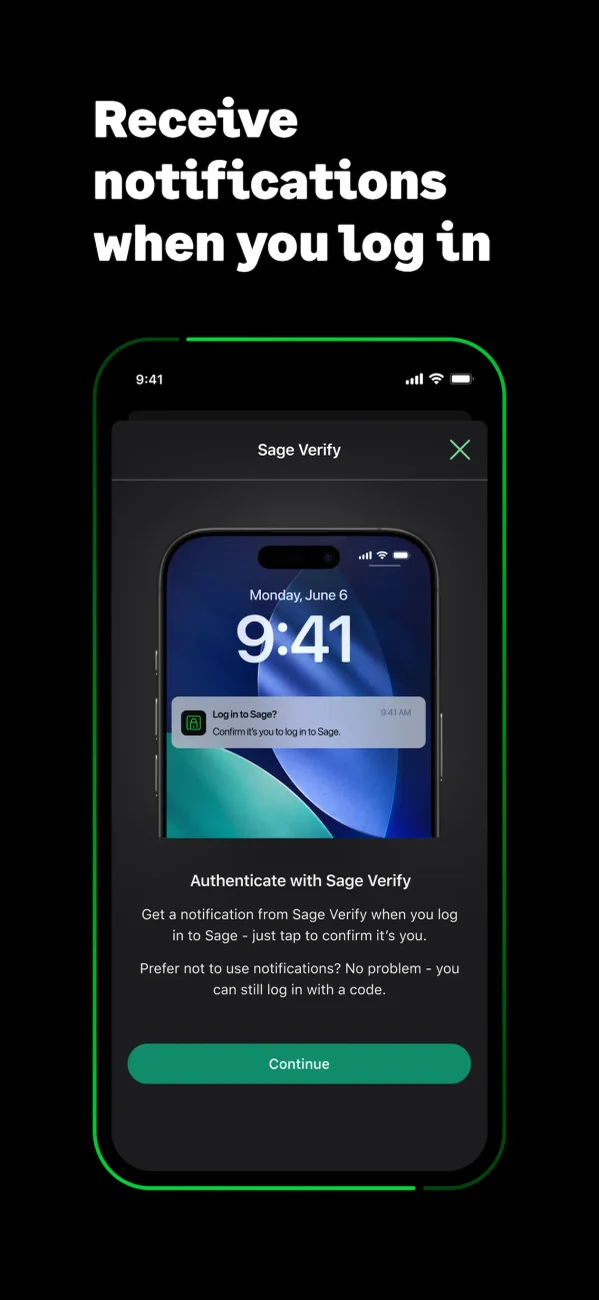
Add your Sage account to the app, and each time you sign in, you'll receive a notification or code in Sage Verify. Tap the notification or enter the code to confirm it’s you, and you’re logged into your Sage account in seconds.
This additional layer of protection makes sure only you can access your account, keeping your data secure and private.
You can add multiple Sage accounts, and you can back up your data securely, so if you get a new device, you can still log in quickly and easily.
What’s new
Version 2.2.2 · Sep 1, 2026
Minor UI improvements
App privacy
What Sage Global Services Ltd declares on the App Store about how this app handles data.
-
Data not linked to you
May be collected but is not linked to your identity.
- Contact info
- Usage data
- Diagnostics
Privacy practices may vary, for example with the features you use or your age.
Information
- Seller
- Sage Global Services Ltd
- Category
- Business
- Version
- 2.2.2
- Updated
- Sep 1, 2026
- Released
- Jan 29, 2026
- Size
- 27.6 MB
- Requires
- iOS 16 or later
- Age rating
- 4+
- Price
- Free
- Languages
- English, French, German, Portuguese, Spanish
- Copyright
- © 2026 The Sage Group plc or its licensors. All rights reserved.
You might also like
-
 Sage 50 MobileSmart business control
-
 Sage Timeslips GoBusiness
-
 HSBC UK Business BankingFinances at your fingertips
-
 Sage HCMBusiness
-
 CFC ResponseCyber incident notification
-
 TD Token for BusinessTD Web Business Banking Token
-
 Clarien iSecureClarien Bank Authenticator App
-
 Dext: Expense TrackerScan receipts, extract & sync
-
 CIBC Mobile BusinessFinance
-
 Clarien iMobileClarien Bank Mobile App