- Age rating4+
- CategoryProductivity
- DeveloperMing Chen
- LanguagesTraditional Chinese+ 1 more
- Size1.9 MB
Links to the official App Store page
Download.org hosts no file of Sageio Type. The button opens its official App Store page, published by Ming Chen. Listing last checked on Nov 11, 2026.
Screenshots

About
The developer has not provided this text in your language.
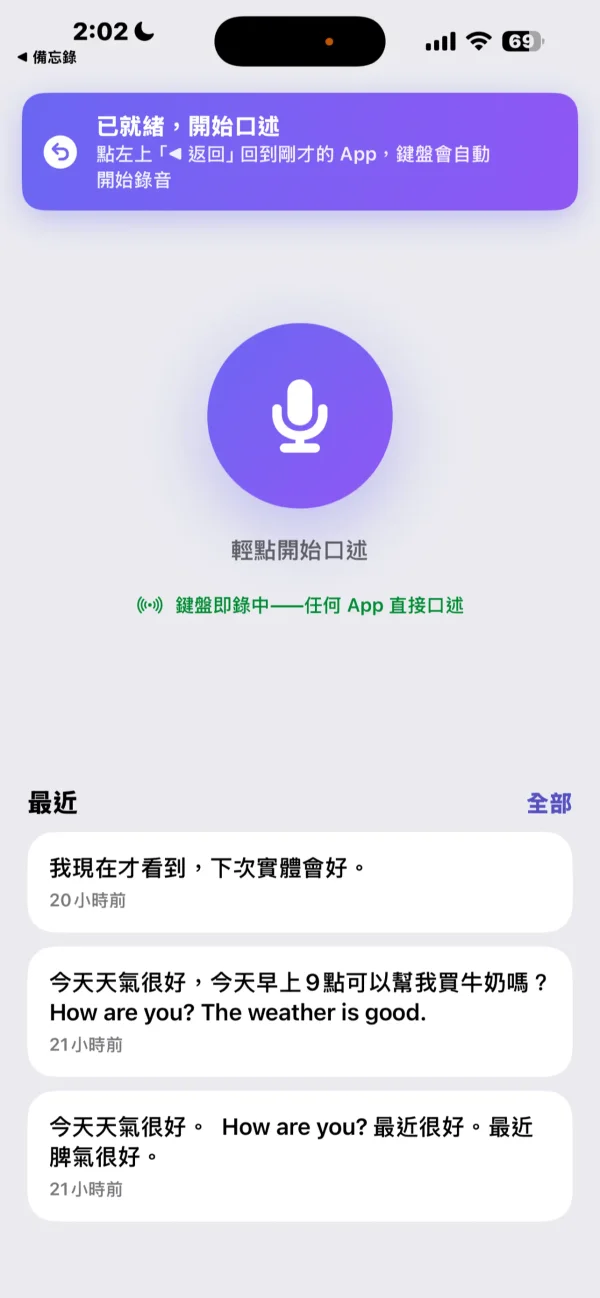
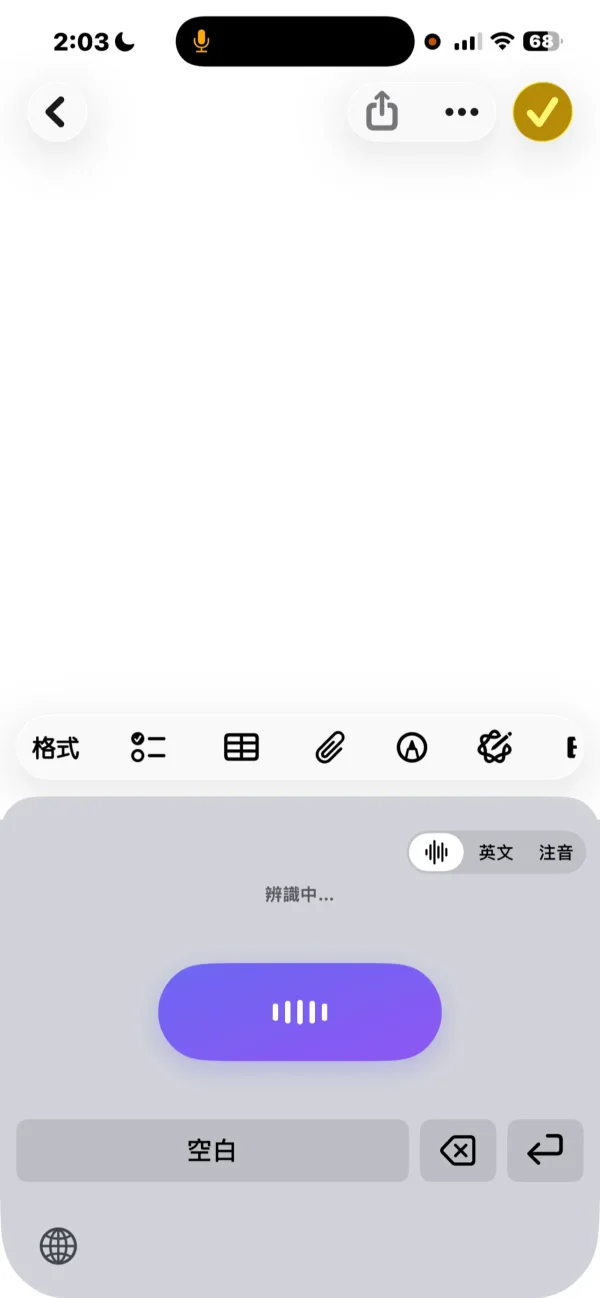
在任何 App 的輸入框裡切到 Sageio Type 鍵盤,按下麥克風說話,AI 潤飾過的文字就會插進游標的位置。訊息、郵件、備忘錄、社群、待辦——能打字的地方就能說話。
■ 為「插進去的字是對的」而生
繁體中文與中英混講是主戰場。它願意多花一兩秒換正確性,不做邊講邊上屏那種看起來快、實際還要回頭改的事。
■ 說中文,輸出外語
在鍵盤上按住麥克風往上滑,就用你設定的語言輸出。想用日文回訊息,直接講中文。
■ 專有名詞不再被聽錯
把人名、公司名、慣用詞加進個人辭典,辨識與潤飾時會提示模型。辭典跟著你的帳號,Mac 和 iPhone 兩邊同步。
■ 隨時待命,免跳轉
打開「隨時待命」後,切到鍵盤就能直接口述,不必在 App 之間跳來跳去。
■ 關於你的聲音
・音訊不留存:辨識完就丟。伺服器不保存錄音,也不記錄文字內容。
・鍵盤本身不連網,也不會存下你的錄音。
・口述紀錄存在你自己的手機裡。
・密碼欄位由 iOS 強制使用系統鍵盤,Sageio Type 不會出現在那裡。
■ 需要 Sageio 帳號
口述、個人辭典與跨裝置同步需要登入 Sageio 帳號(與其他 Sageio 產品共用同一個帳號)。
Mac 版:sageio.net/type
What’s new
Version 1.2 · Oct 21, 2026
・新增「Sageio 口述」控制項:可放進控制中心、鎖定畫面,或指派給動作按鈕。在任何 app 裡按一下就開始口述,不用切換畫面;再按一次停止,文字會由 Sageio 鍵盤插入。
・首次設定新增「快速鍵」步驟,教你把口述放到動作按鈕或控制中心。
・可以使用藍牙耳機的麥克風口述。
・連線更穩定:手機閒置一段時間後再口述,不會再卡住或等很久。
・其他穩定性修正。
App privacy
What Ming Chen declares on the App Store about how this app handles data.
-
Data linked to you
May be collected and linked to your identity.
- Contact info
- User content
- Identifiers
- Usage data
- Diagnostics
Privacy practices may vary, for example with the features you use or your age.
Information
- Seller
- Ming Chen
- Category
- Productivity
- Version
- 1.2
- Updated
- Oct 21, 2026
- Released
- Aug 25, 2026
- Size
- 1.9 MB
- Requires
- iOS 17.0 or later
- Age rating
- 4+
- Languages
- Traditional Chinese, English
- Copyright
- © 2026 Sageio