- Age rating4+
- CategoryPhoto & Video
- DeveloperLuis Loyola
- LanguagesEnglish+ 1 more
- Size30.8 MB
Links to the official App Store page
Download.org hosts no file of Saint Collages. The button opens its official App Store page, published by Luis Loyola. Listing last checked on Nov 23, 2026.
Screenshots




About
Saint Collages makes photo collages that keep every pixel. Other collage apps shrink your photos on the way in and again on the way out; this one copies each photo exactly as it is, builds the collage from the originals, and exports at the resolution the photos have, up to 200 megapixels. It needs no account, uses no cloud and sends nothing anywhere. Everything happens on your iPhone or iPad.
EVERY PIXEL KEPT
• Photos are copied byte for byte, never re-encoded, in HEIC, JPEG, PNG, TIFF or RAW
• Full-size export: the size at which no photo is downsampled, and the sheet tells you which photos a smaller size would reduce and which a larger one would enlarge
• Check the sharpness of any part of the export at its real pixels before it is written
• HEIC, JPEG, PNG, 16-bit TIFF and PDF, in Display P3 or sRGB; HDR photos keep their highlights with a gain map
• Print sizes at 300 DPI, from a 2 × 6 strip to A3, with bleed and trim marks; print straight to AirPrint
• Cut-outs, soft edges, fades and shapes are masks on the original pixels, so they cost nothing
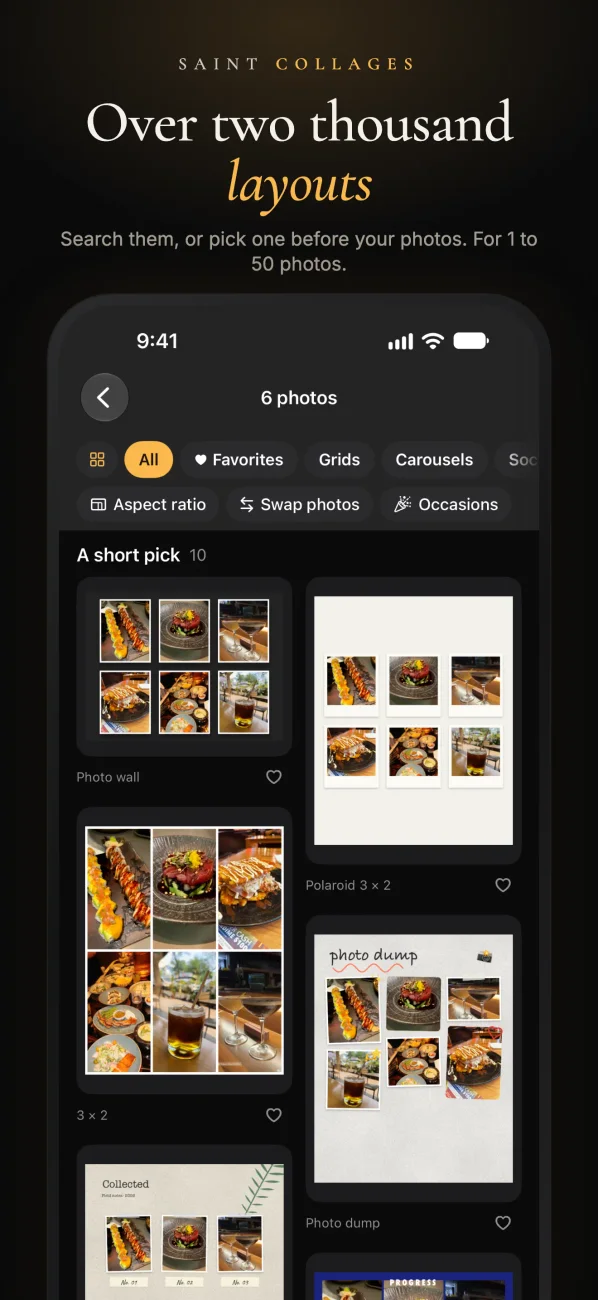
OVER TWO THOUSAND LAYOUTS
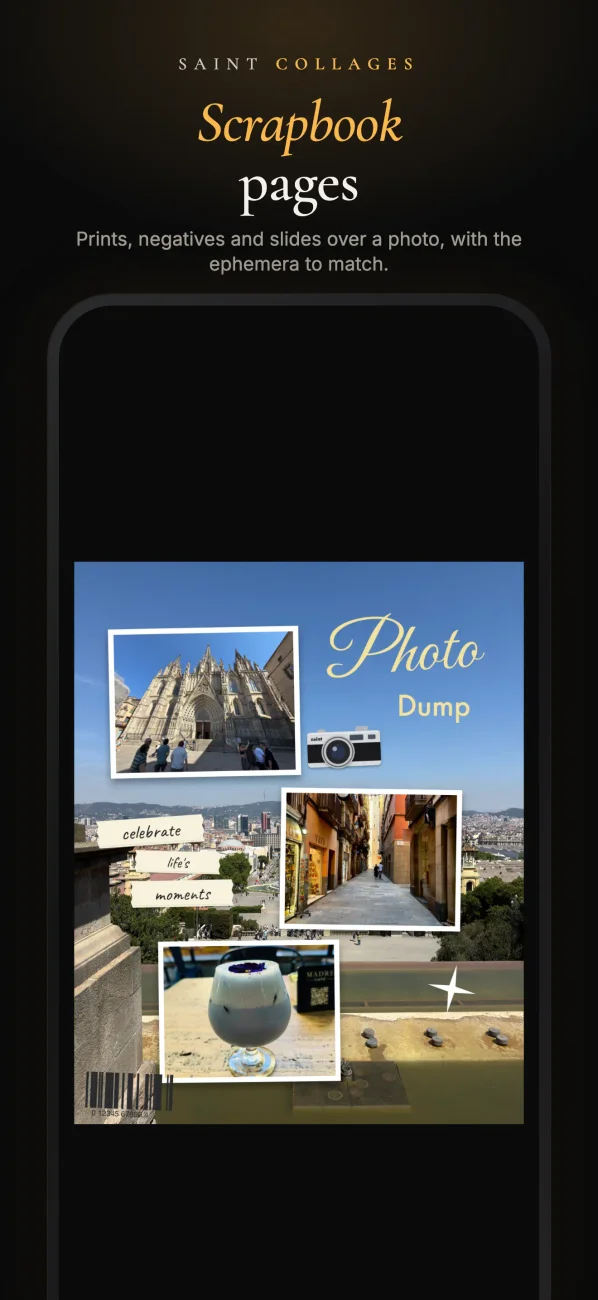
• Grids, polaroids, film strips, taped prints, stamps, photo booth strips, cards, boards, pages and wallpapers, for 1 to 50 photos
• Grids you can bend: drag the gaps, lean the dividers, spread one photo across cells, join cells, fade their seams, or let the rows follow the photos so nothing is cropped
• Every cell takes a photo's tools: flip, pop out, words behind, shapes, frames, animation
• Photos filling a heart, a star, your own word, or the outline of a country or state
• Scrapbook, social and editorial pages; search every layout, or choose one before your photos
• A map of your trip drawn on your device, your photos pinned where they were taken
• A pile of prints landing one by one, a paper cut, and your photos counted in numbers
• Kits for birthdays, weddings, babies, travel and holidays, and kits of your own
• Your own layouts, saved from any collage, and the same collage again with other photos
MAKE IT YOURS
• About 200 drawn stickers, sharp at any size, some that move; and stickers from any photo or picture
• Every symbol and emoji, found by name
• Text in any font, including yours, with looks like neon, foil, stamp and knockout, on a curve, in a circle or filling a shape
• Backgrounds of color, gradient, texture, pattern, wash, or a photo, blurred or tiled
• Light leaks, grain, snow and confetti over the whole picture
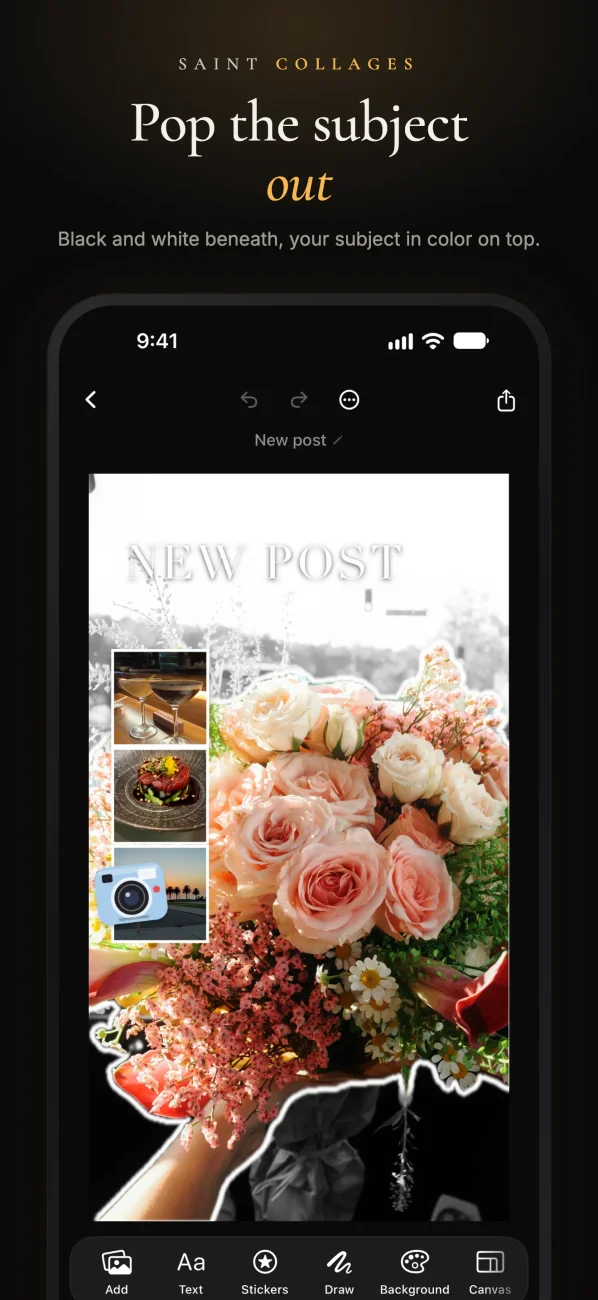
• Subject cut-outs made on your device, found for you or drawn by hand: Pop out, Words behind, Blur behind, and words that wrap around the person in your photo
• Remix: a new look from your photos' own colors in one tap
PRIVATE BY DESIGN
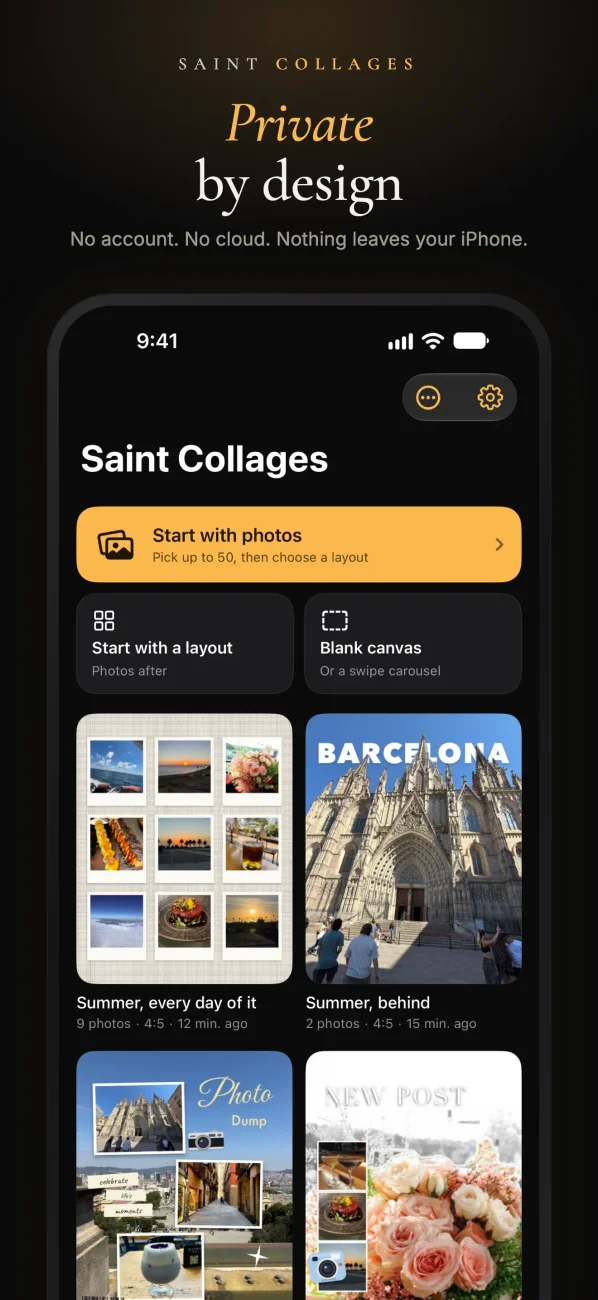
• No account, no sign-up, no advertising, no analytics
• No cloud: your photos are read from your library and never uploaded
• No generative AI; cut-outs and captions use Apple's on-device Vision and speech recognition
• Collages can live in your own iCloud Drive if you choose, and back up to a single file
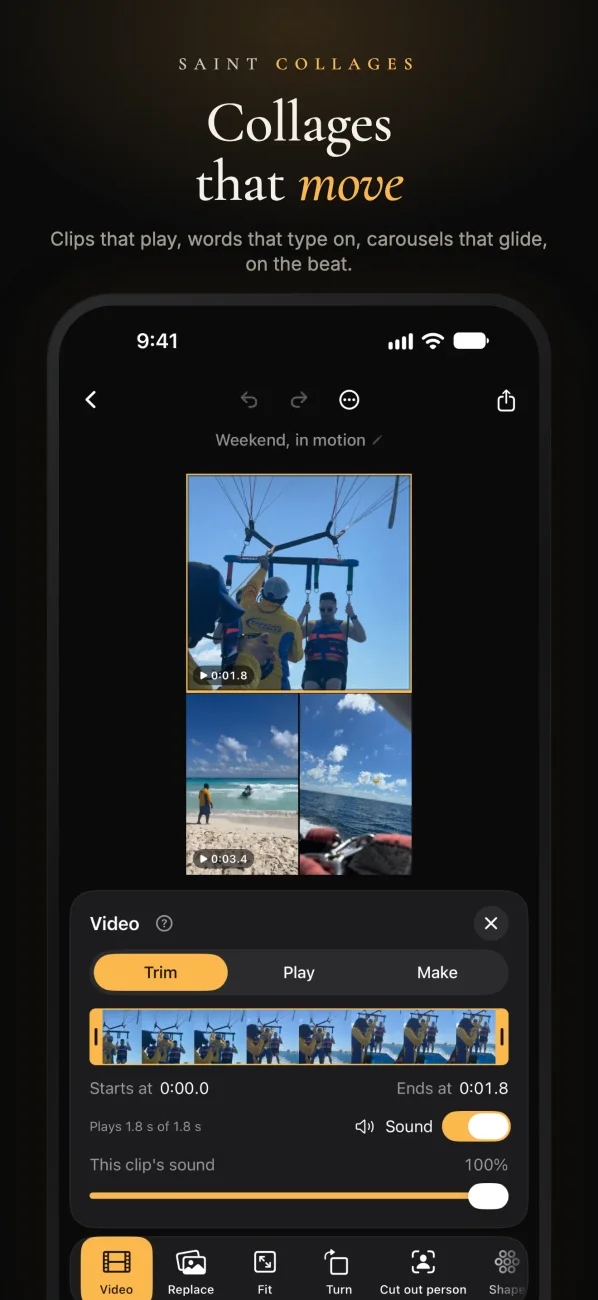
VIDEO TOO
• Videos sit in a collage as photos do, kept exactly as recorded, in any frame or shape
• Layouts made for video: split screen, side by side, picture in picture, stacks
• Trim each clip, play several in a row, choose whether its sound plays
• Export as a movie at up to 4K and 60 frames a second, with HDR, every photo drawn from its original; or a GIF up to 1080p, or a Live Photo
• Words and stickers that move, photos that appear one at a time in the order you choose, and carousels as slideshows that glide, swipe, stack, fade, flip or magic move on the beat
• A song, a voiceover and captions of it; slow motion, boomerangs and long exposures
AND
• Carousels: one wide canvas exported as slides for a swipe post
• A profile grid: one picture cut into three, six or nine tiles, numbered in posting order
• A Home Screen and Lock Screen widget that shows a collage, or a different one each hour
• Versions, undo kept between sessions, Recently deleted for 30 days
• In English and Spanish
What’s new
Version 2.4 · Nov 21, 2026
A cleaner, easier app.
• Photos shared from another app open the layouts as soon as the app comes up.
• Start with a layout lets you choose how many photos, from 1 to 20.
• Hold a collage on Home to share it or save it to Photos the way you last exported it.
• In a grid, drag a photo to move it inside its cell, or hold it a moment to swap it with another.
• A short card shows the main gestures the first time you open the editor.
• A selected photo's buttons are larger and sit clear of the photo.
• Cancel asks before throwing away a drawing, a touch-up or hidden parts.
• One search finds drawn stickers, symbols and emoji.
• The app now always uses its dark look.
App privacy
What Luis Loyola declares on the App Store about how this app handles data.
-
Data not collected
The developer does not collect any data from this app.
Privacy practices may vary, for example with the features you use or your age.
Information
- Seller
- Luis Loyola
- Category
- Photo & Video
- Version
- 2.4
- Updated
- Nov 21, 2026
- Released
- Oct 22, 2026
- Size
- 30.8 MB
- Requires
- iOS 26.0 or later
- Age rating
- 4+
- Price
- Free
- Languages
- English, Spanish
- Copyright
- © 2026 Luis Loyola
You might also like
-
 PolaroidMePhoto & Video
-
 PostcardFilmtake a photo. write on it.
-
 FFFrameOne tap photo frames
-
 Collagio: Photo Collage MakerGrid, Layout & Story Collages
-
 Shape Collage Maker UnlimitedCollage for unlimited images
-
 Big Grid - Photo CollagePhoto grid & mosaic maker
-
 Photo Grid: Collage EditorPhoto & Video Collage Maker
-
 Collage Maker - Photo FramePhoto Editing Tool, Photo Grid
-
 Strobfy – Strobe VideoTurn photos into strobe video
-
 My Photo CollagesFast, intuitive & easy