
SalesBinder - Inventory
Inventory Management System
Designed for iPhone, iPad
Free
- Age rating4+
- CategoryBusiness
- DeveloperSalesBinder
- LanguagesEnglish
- Size30.4 MB
Links to the official App Store page
Download.org hosts no file of SalesBinder - Inventory. The button opens its official App Store page, published by SalesBinder. Listing last checked on Nov 13, 2026.
Screenshots



About
Your business, connected. Wherever you work.
Completely rebuilt for iPhone and iPad, SalesBinder brings a fresh design, smoother navigation, and powerful tools to manage your business on the go.
Check inventory, manage orders, organize tasks, and stay connected to your team with live data syncing, offline support, push notifications, and built-in barcode scanning—all in a beautifully designed app with light and dark modes.
STAY CONNECTED
• Live updates keep your business data in sync as your team works.
• Work offline and sync your changes when you’re back online.
• Receive push notifications about business activity and third-party integration issues.
• Switch between light and dark modes to suit your day.
ASK SIRI
On iOS 27, get answers from SalesBinder using your voice. Try saying:
• “Check stock in SalesBinder” to check available inventory.
• “Check invoice in SalesBinder” to check an invoice’s status and outstanding balance.
• “Check customer in SalesBinder” to find customer contact details.
Siri will ask which record you need, show the details, and let you open it in SalesBinder.
KNOW YOUR INVENTORY
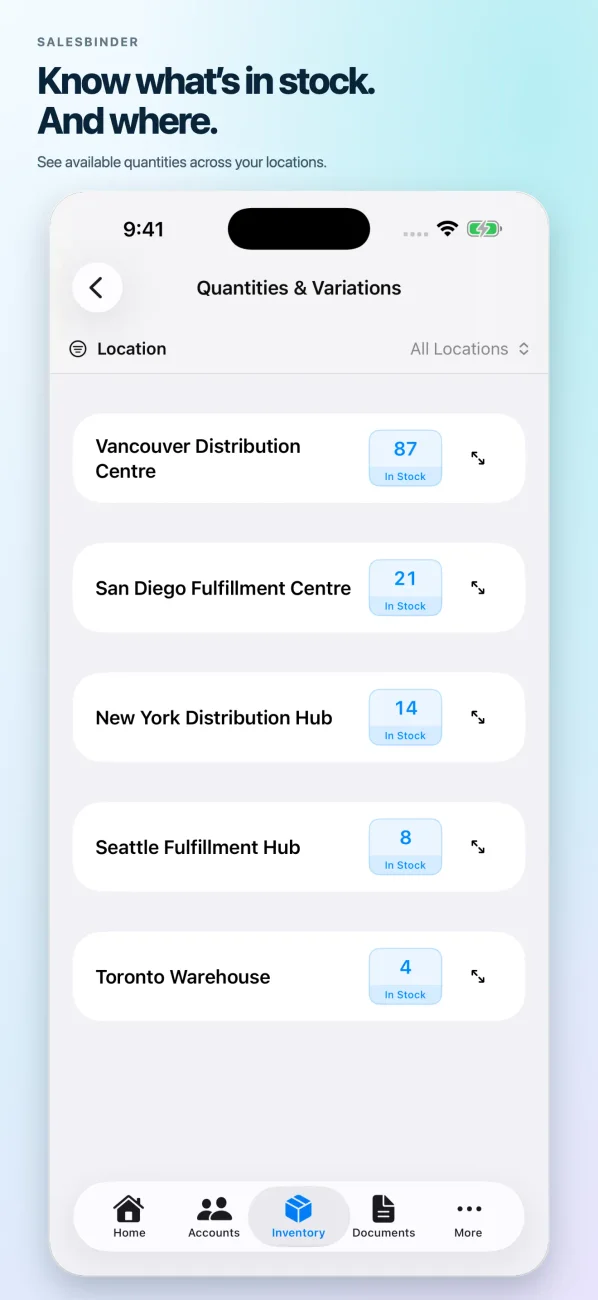
• Browse products, photos, pricing, and stock quantities.
• Find items quickly with search, filters, and built-in barcode scanning.
• Track inventory across locations and zones.
• Manage stock transfers between locations.
KEEP BUSINESS MOVING
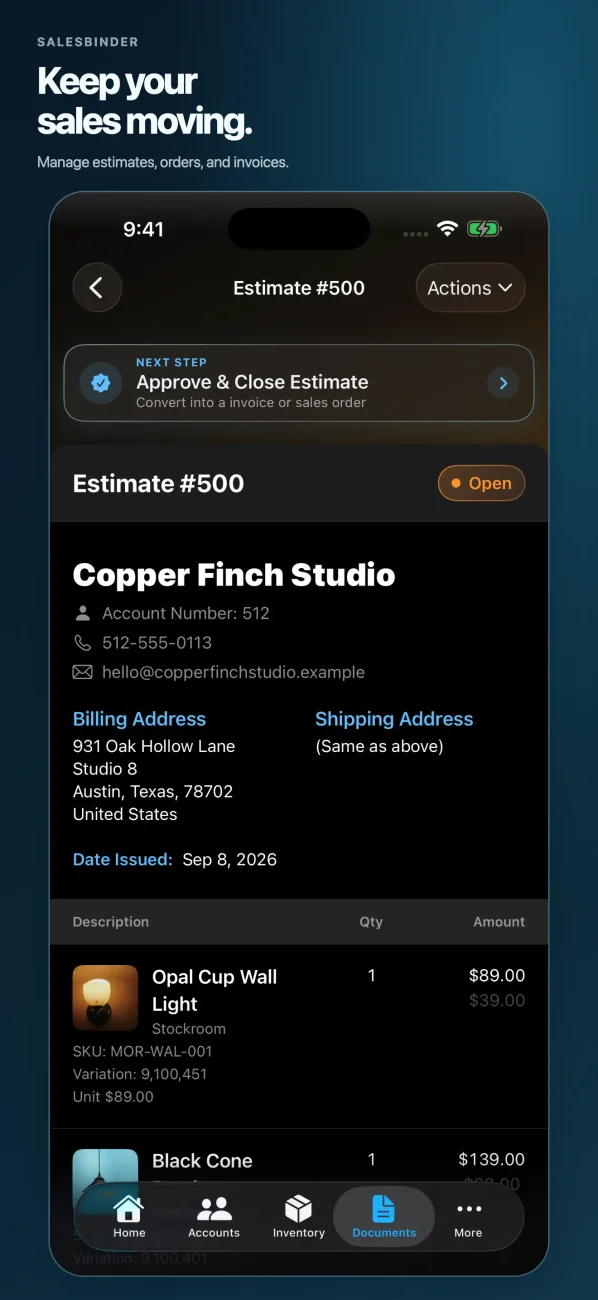
• Create and manage estimates, sales orders, and invoices.
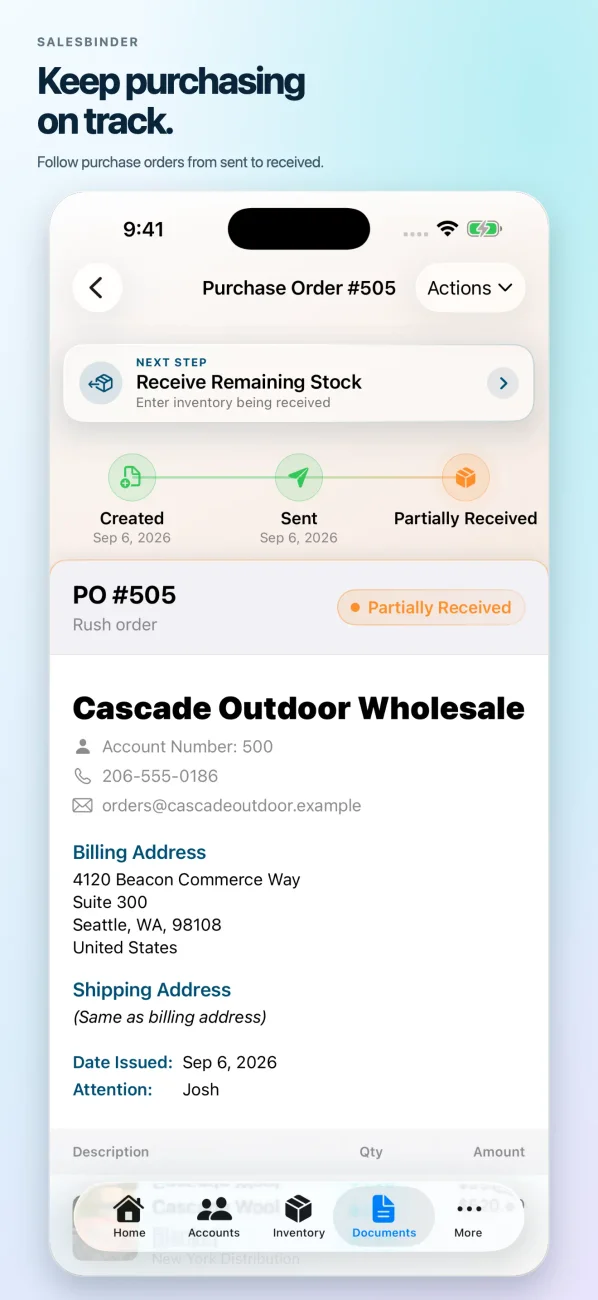
• Track purchase orders and incoming inventory.
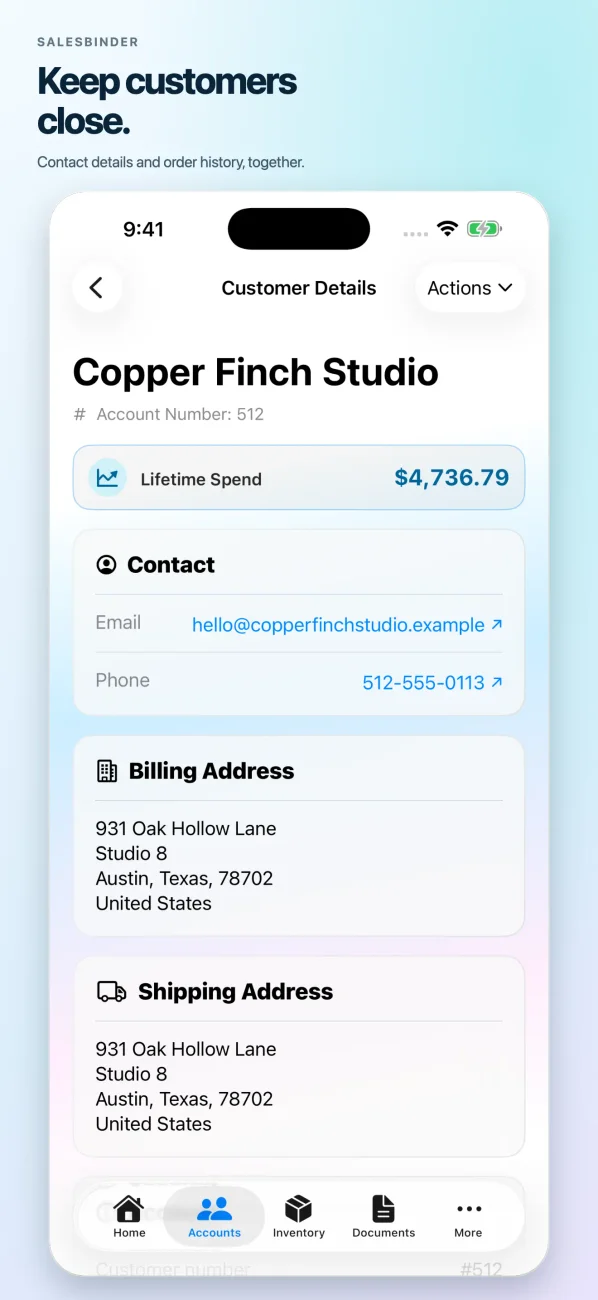
• Keep customers, prospects, suppliers, and contacts organized.
• Access customer details and purchase history.
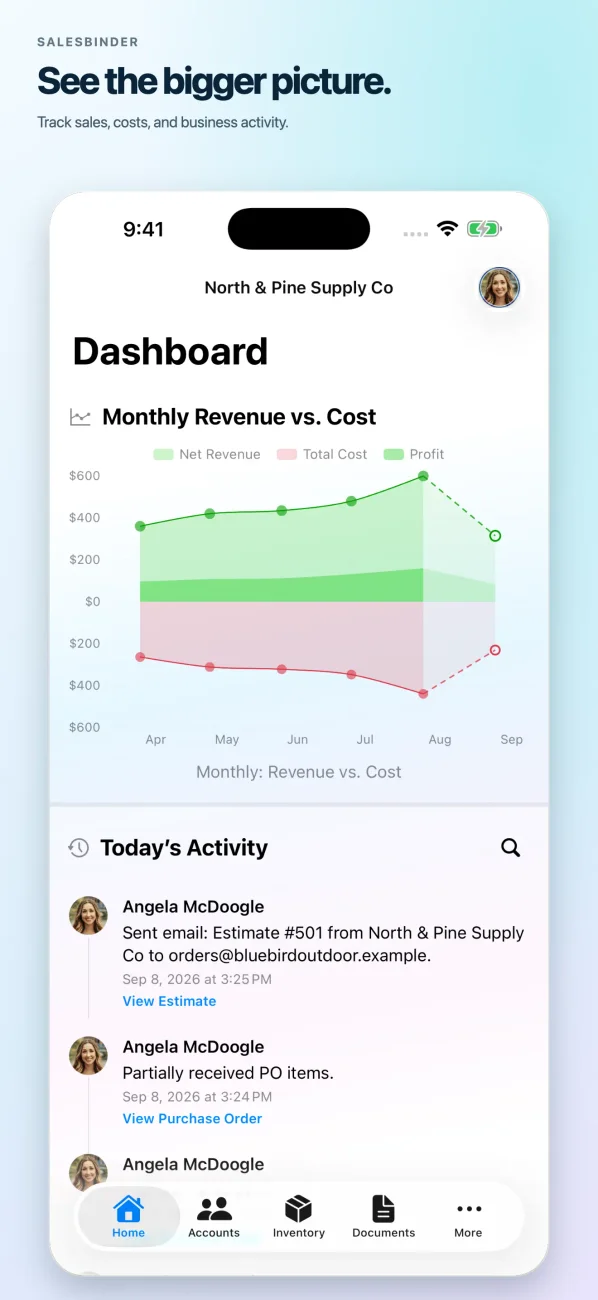
• Follow sales, costs, and recent activity from your dashboard.
STAY ON TOP OF TASKS
• Create and manage tasks with due dates and reminders.
• Link tasks to business records to keep relevant details close at hand.
• Find overdue and upcoming work, track progress, and mark tasks complete.
• Snooze reminders when you need more time.
From the stockroom to a customer meeting, keep the information you need close at hand.
Flexible inventory management for the way you work.
Sign in with your SalesBinder account to get started.
What’s new
Version 3.0.2 · Oct 22, 2026
• New layouts designed for iPhone Duo, making the most of its screen sizes.
• Bug fixes and improvements for a smoother, more reliable experience.
App privacy
What SalesBinder declares on the App Store about how this app handles data.
-
Data linked to you
May be collected and linked to your identity.
- Contact info
- Identifiers
-
Data not linked to you
May be collected but is not linked to your identity.
- User content
- Diagnostics
Privacy practices may vary, for example with the features you use or your age.
Information
- Seller
- Krave Media Group Corp.
- Category
- Business
- Version
- 3.0.2
- Updated
- Oct 22, 2026
- Released
- Mar 2, 2014
- Size
- 30.4 MB
- Requires
- iOS 17.4 or later
- Age rating
- 4+
- Price
- Free
- Languages
- English
- Copyright
- © Krave Media Group Corp.
You might also like
-
 Inventory Pro - Multi User AppInventory, expense tracking an
-
 Inventory for BusinessInventory Tracker & Control
-
 Daily Sales Record - POSSales Tracker, Stock & Billing
-
 Inventory Control with ScannerInventory Tracker, Barcode, QR
-
 Microsoft Warehouse ManagementMobile App in Dynamics 365 SCM
-
 Assetsy: Inventory Tracker AppBusiness Inventory Management
-
 Inventory Tracker & ScannerStock Control, Barcode & QR
-
 Loyverse CDS Customer DisplayCustomer Facing Display
-
 Scan to Sheets - QR & BarcodeFast scanning to Google Sheets
-
 Loyverse Dashboard for POSAnalytics & Sales Reports