SamRemote - Smart TV Remote
Smart View TV Controller
Designed for iPhone, iPad
Free · In-app purchases
- Age rating4+
- CategoryUtilities
- DeveloperJing Tang
- LanguagesEnglish+ 10 more
- Size11.8 MB
Links to the official App Store page
Download.org hosts no file of SamRemote - Smart TV Remote. The button opens its official App Store page, published by Jing Tang. Listing last checked on Nov 16, 2026.
Screenshots

About
Turn your phone into a powerful Smart TV remote - no physical remote needed.
Not affiliated with or endorsed by Samsung Electronics.
FREE FEATURES
- D-Pad navigation (Up, Down, Left, Right)
- OK, Back, Home, Menu controls
- Volume up/down and Mute
- Channel up/down
- Playback: Play, Pause, Stop, Skip
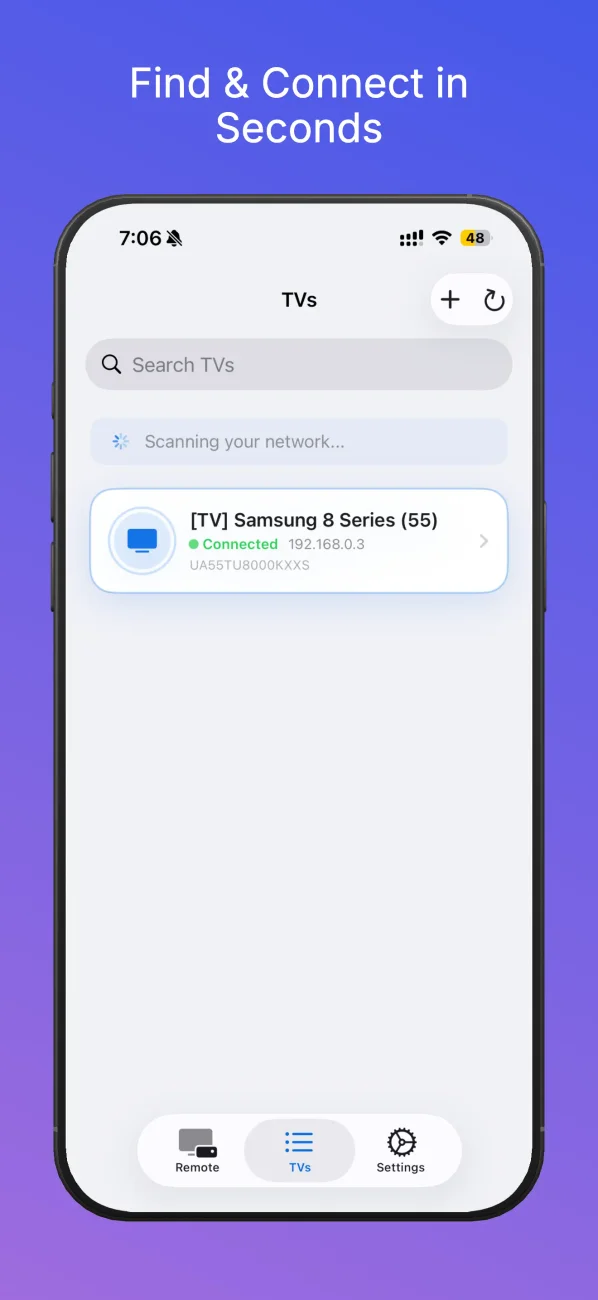
- Auto-discover Smart TVs on your Wi-Fi
- Manual connect via IP address
- Save and reconnect to your TVs
PREMIUM - 7-DAY FREE TRIAL
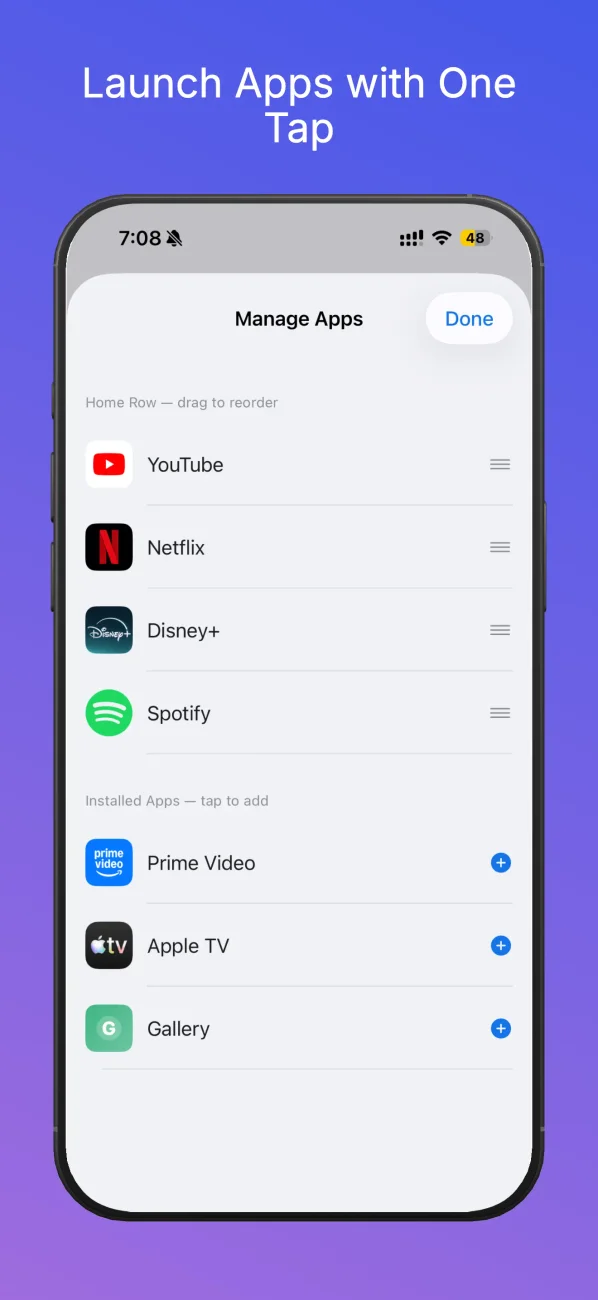
- App Launcher: open Netflix, YouTube, Prime Video, and more in one tap
- Pad Mode: touchpad gestures for fast, precise navigation
- Power On: wake your Smart TV from your phone
- Ad-Free: no ads, no interruptions
HOW IT WORKS
Your phone and Smart TV must be on the same Wi-Fi network. The app automatically scans and connects with no cables, no Bluetooth, and no complicated setup. On first connection, accept the pairing prompt on your TV screen. Supports most Smart TVs (2016-2025).
NOTES
- Requires Local Network Access permission
- Power On requires your TV's MAC address (found in TV Network Settings)
- Smart TVs only
SUBSCRIPTION TERMS
Premium plans: Monthly, Annual, or Lifetime. Monthly and Annual include a 7-day free trial for new subscribers. Payment is charged to your Apple ID at purchase confirmation. Subscription auto-renews unless canceled at least 24 hours before the period ends. Manage subscriptions in Apple ID Account Settings.
Support: https://sweeper.sg-van.fun/tvremote/support/index.html?lang=en
Privacy: https://sweeper.sg-van.fun/tvremote/privacy/index.html
Terms: https://www.apple.com/legal/internet-services/itunes/dev/stdeula/
What’s new
Version 1.3 · Oct 9, 2026
• Faster, more reliable TV discovery on your Wi-Fi
• Turn on your TV right from the TV list, with live progress while it wakes
• Smoother first-time pairing — more time to accept the prompt on your TV
• Automatic reconnection after your TV has been off or asleep
• LG: fixed pairing and remote key handling
• Roku: fixed discovery, added channel buttons
• Android TV: fixed pairing with on-screen code entry
• Clearer guidance when Local Network permission is disabled
• Stability improvements and bug fixes
App privacy
What Jing Tang declares on the App Store about how this app handles data.
-
Data used to track you
May be used to track you across apps and websites owned by other companies.
- Identifiers
-
Data not linked to you
May be collected but is not linked to your identity.
- Identifiers
- Usage data
- Diagnostics
Privacy practices may vary, for example with the features you use or your age.
Information
- Seller
- Jing Tang
- Category
- Utilities
- Version
- 1.3
- Updated
- Oct 9, 2026
- Released
- Mar 2, 2026
- Size
- 11.8 MB
- Requires
- iOS 16.0 or later
- Age rating
- 4+
- Price
- Free
- In-app purchases
- Yes
- Languages
- English, French, German, Hindi, Indonesian, Japanese, Korean, Portuguese, Simplified Chinese, Spanish, Traditional Chinese
- Copyright
- © SG VAN 2026
You might also like
-
 Remote Control for TV ProUniversal TV Controller
-
 Smart TV Remote SamsungSmart Things App
-
 Sam Remote for Smart TV ThingsSmart View, Control Things TV
-
 Sam : tv remote for Samsungremote control for smart tv
-
 TV Remote for SamsungSmart TV Remote control app
-
 Universal Remote — TV ControlSmart WiFi Controller for TVs
-
 Remote Control for Samsung TV・Universal Smart Hub
-
 Samsung Smart TV Remote PlusControl & Connect Smart Things
-
 Samsung Smart TV remote myTifiControl watch and view things
-
 Smart Remote for Sam TVSmart View, Remote & Mirroring