
- Age rating4+
- CategoryBusiness
- DeveloperSapo Technology Joint Stock Company
- LanguagesEnglish+ 1 more
- Size56.7 MB
Links to the official App Store page
Download.org hosts no file of Sapo Order. The button opens its official App Store page, published by Sapo Technology Joint Stock Company. Listing last checked on Nov 24, 2026.
Screenshots


About
With Sapo - Order an entire process of staff ordering, serving at the restaurant will be optimized, helping to place orders for customers quickly, increasing working efficiency by 70%. At the same time, eliminating errors in the service process such as late ordering, not remembering the price of the dish, wrong processing, returning the wrong table, and so on
Let's explore the outstanding features that Sapo - Order brings:
CONTROL THE BOOKING ACCURATELY
With an intuitive table map for each room and floor, the Sapo Order application helps you easily check the status of the table in use or empty so that you can arrange tables for guests quickly and conveniently.
ORDER BY PHONE/TABLET
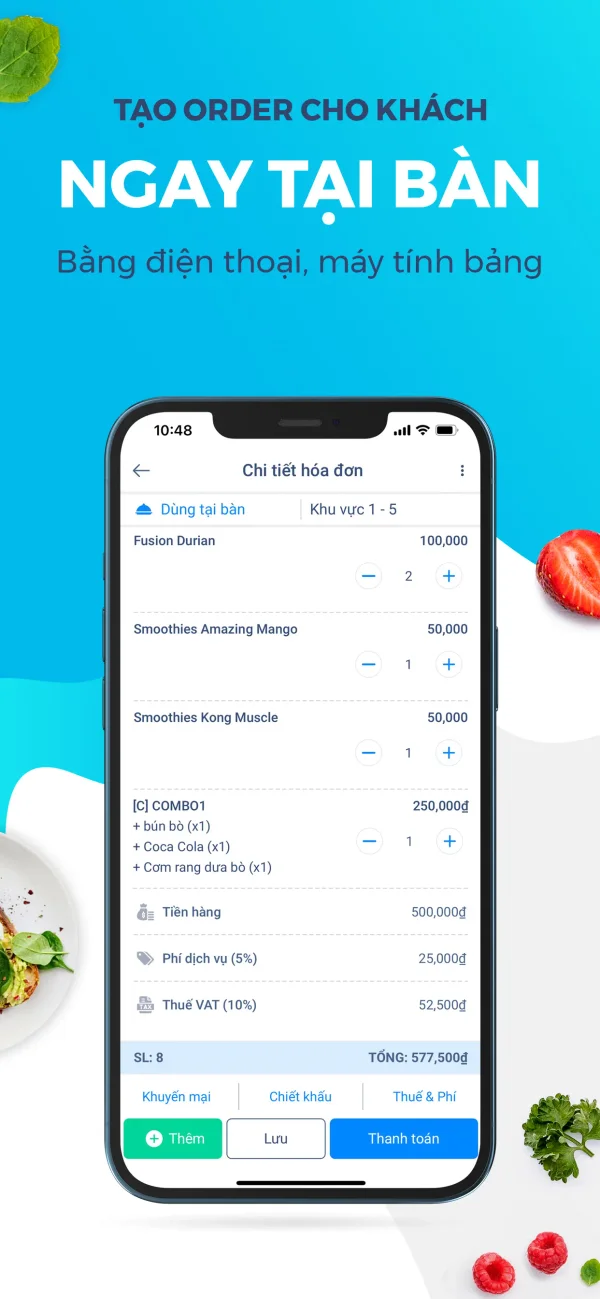
With a friendly and easy-to-use interface, the service staff only need to choose the dishes ordered on the menu list on the screen without manually taking paper notes, reducing customer ordering mistakes.
OUT OF INGREDIENTS ITEMS WARNING
With Sapo Order, items that run out of ingredients will be alerted to help service staff easily navigate customers to choose other dishes.
TRANSFER ORDER TO KITCHEN/BAR QUICKLY
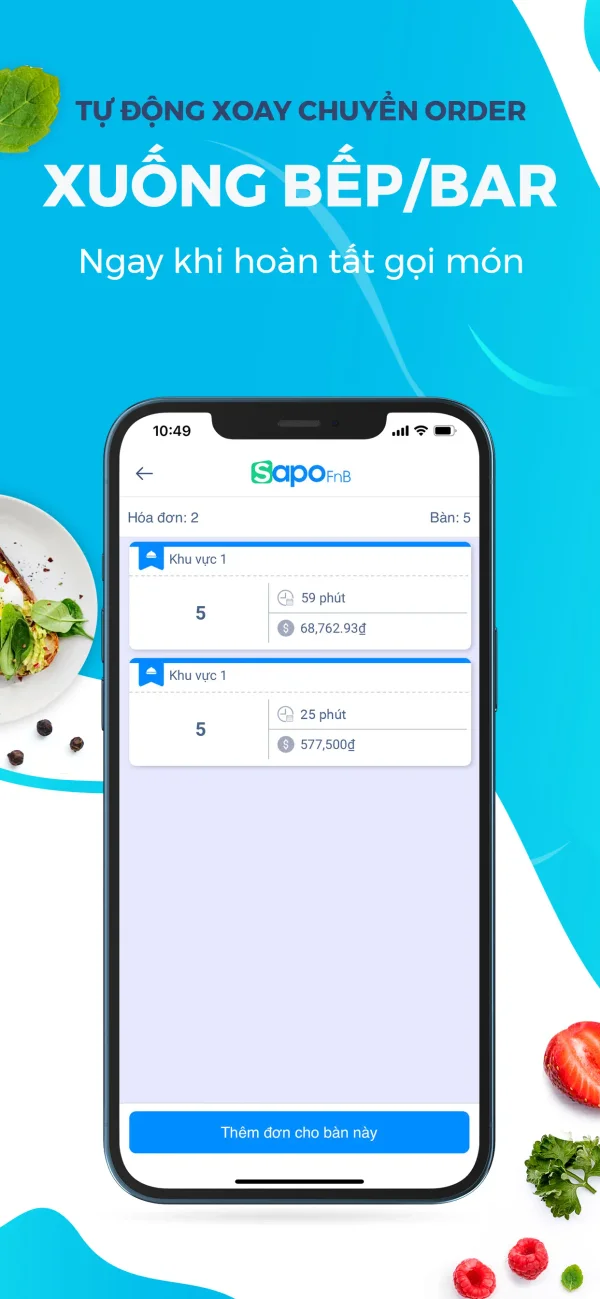
As soon as the customer completes the selection of the dishes, the order will automatically be transferred directly and printed at the kitchen/bar so staff does not need to move around.
RECEIVE ORDER REQUESTS FROM QR ORDER
When customers scan the QR code to open the menu on customer's smartphones and order, the waiter will receive a notification of the order request at the customer's table, as well as payment request, and staff request, and view the details note from the customer on service staff's devices (this feature is now available for restaurants using Pro package).
CREATE QUICK ORDER WITH DEFAULT ITEM LIST
Buffet, and karaoke business models often have items that customers often order. Sapo supports adding default items in the order so that the service becomes quick. Service staff only need to manipulate the addition and subtraction of the items’ quantity in order.
OPTIMIZED ON MOBILE PHONES
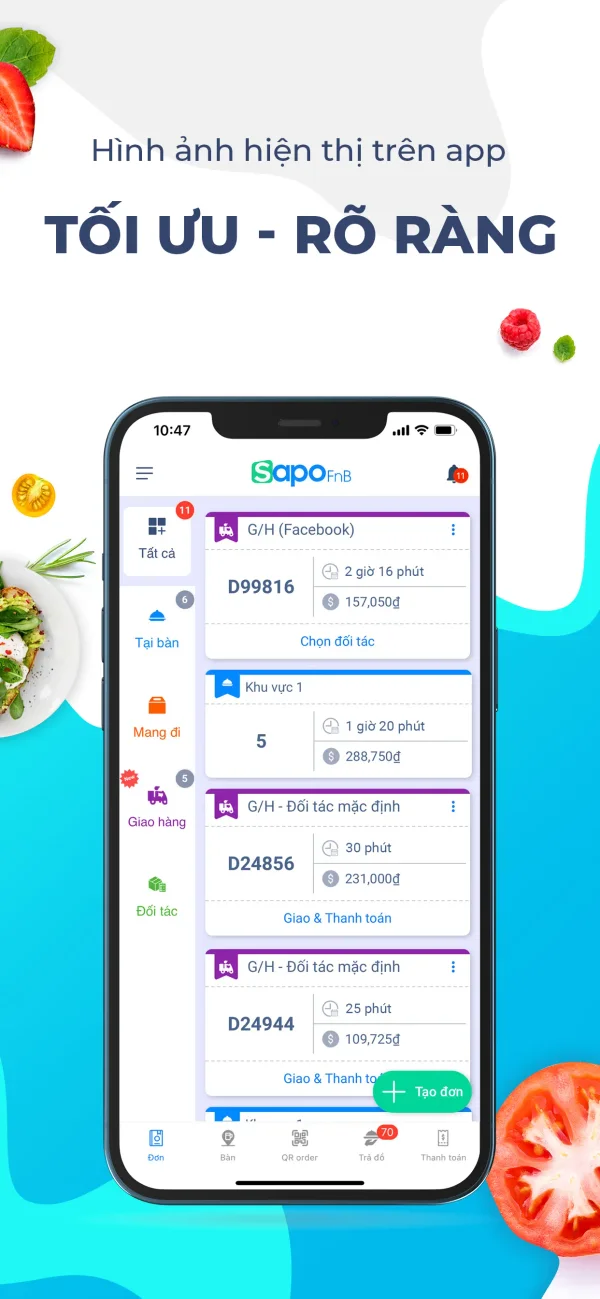
Sapo Order is optimally designed for any mobile device. All information and images are displayed extremely easy to see.
DOWNLOAD AND EXPERIENCE NOW!
CONTACT INFORMATION:
- Hotline: 1900 6750
- Email: support@sapo.vn
What’s new
Version 1.55.5 · Nov 23, 2026
- Bug fixes and performance improvements
App privacy
What Sapo Technology Joint Stock Company declares on the App Store about how this app handles data.
-
Data not linked to you
May be collected but is not linked to your identity.
- Diagnostics
Privacy practices may vary, for example with the features you use or your age.
Information
- Seller
- Sapo Technology Joint Stock Company
- Category
- Business
- Version
- 1.55.5
- Updated
- Nov 23, 2026
- Released
- Nov 27, 2019
- Size
- 56.7 MB
- Requires
- iOS 13.0 or later
- Age rating
- 4+
- Price
- Free
- Languages
- English, Vietnamese
- Copyright
- © @ Sapo 2020
You might also like
-
 KiotViet Nhân viên Nhà hàngBusiness
-
 FABi PDABusiness
-
 KiotViet Quản lý Nhà hàngBusiness
-
 Sổ Bán Hàng: Quản lý toàn diệnBusiness
-
 iPOS HRMBusiness
-
 Knote - POS bán hàng AIBusiness
-
 Timesheet & Time Track: AtWorkShift Schedule & Attendance
-
 KiotVietSales Management Software
-
 Tingbox – Loa Quốc DânBusiness
-
 Store NotiFor store owners and staffs