
- Age rating4+
- CategoryProductivity
- DeveloperSTEVEN T DEOBALD
- LanguagesEnglish
- Size921.0 KB
Links to the official App Store page
Download.org hosts no file of Save Button for Safari. The button opens its official App Store page, published by STEVEN T DEOBALD. Listing last checked on Nov 16, 2026.
Screenshots
About
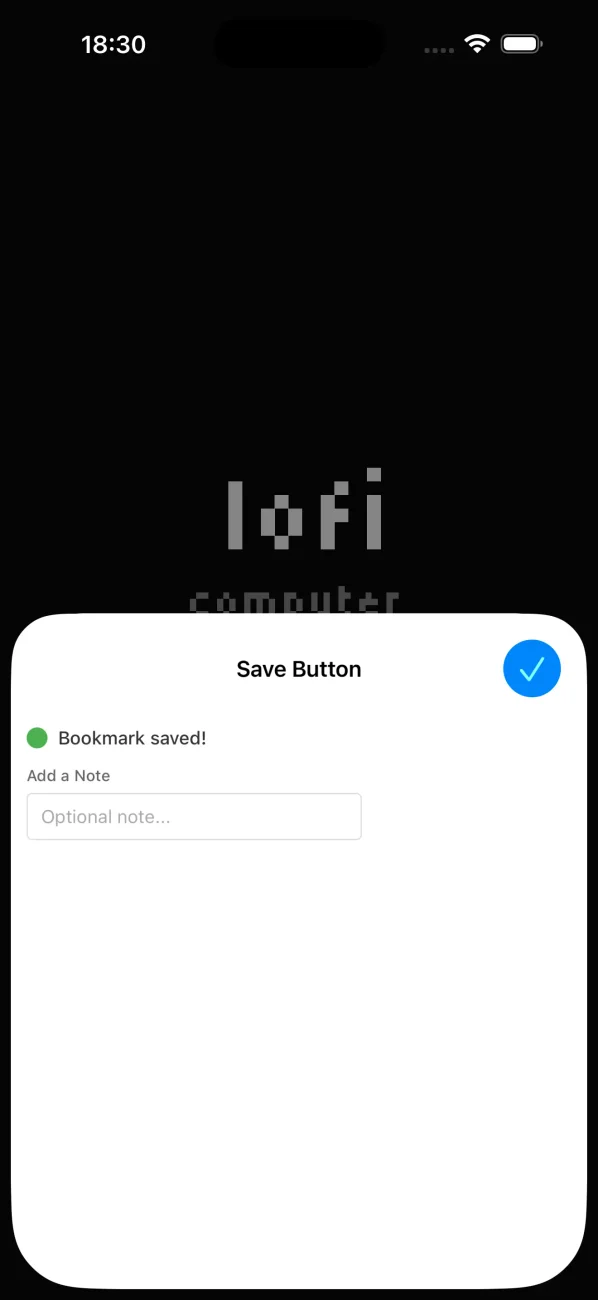
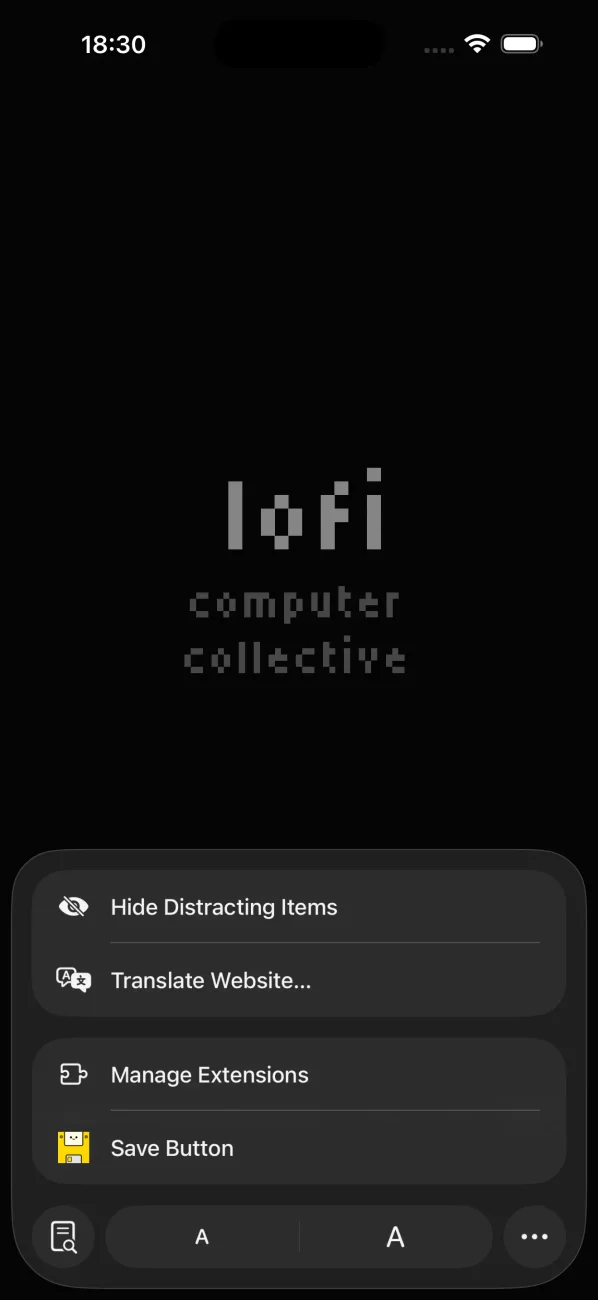
Save Button is a cross-browser, open-source, local-first bookmarking extension that saves your bookmarks, text quotes, and images locally and syncs them to your own server.
Click the toolbar button to bookmark any page. Right-click text or images to save them (macOS only). Everything is stored locally in the browser and synced to your Save Button server over a simple HTTP API.
Features:
- One-click bookmarking from the toolbar
- Save text quotes and images from context menus
- Add notes to any bookmark
- Automatic sync with your Save Button server
- Works with Firefox, Chrome, Edge, Safari, and other Chromium-based browsers
- All data stored as plain files (bookmarks as .url, quotes as .md, metadata as .toml)
- No third-party analytics or tracking
An optional local app is available on macOS for users who want files mirrored to disk at '~/.kaya/'. Visit https://savebutton.com for details.
App privacy
What STEVEN T DEOBALD declares on the App Store about how this app handles data.
-
Data linked to you
May be collected and linked to your identity.
- Contact info
-
Data not linked to you
May be collected but is not linked to your identity.
- User content
Privacy practices may vary, for example with the features you use or your age.
Information
- Seller
- STEVEN T DEOBALD
- Category
- Productivity
- Version
- 0.2.0
- Updated
- Feb 24, 2026
- Released
- Feb 24, 2026
- Size
- 921.0 KB
- Requires
- iOS 16.0 or later
- Age rating
- 4+
- Price
- Free
- Languages
- English
- Copyright
- © 2026 Steven Deobald
You might also like
-
 Video Compressor StudioCompress Videos, Reduce Size
-
 Balane TextDeck: ShortcutsPrompt Library & Text Expander
-
 Speech Board: Voice TypingSpeak: AI Dictation Keyboard
-
 Mp3 Editor - Music EditorAudio Record, Trim & Merge
-
 Smart Notes & Folders: FogSmart suggestions. You decide.
-
 SimpleNote: Tasks & NotesTasks. Notes. Done.
-
 sort & find documents: DocSortSmart Document Photos Manager
-
 LiberaGPT Offline Privacy AIFeatured on USAToday & AP News
-
 Lens - Photo to PDF ConverterDocument Scanner & Editor
-
 Journal Mate: Daily PlannerKeep scans, PDFs & photos