Save Google Map Image
Save Google Maps in HD
Designed for iPhone, iPad, iPod touch
Free
- Age rating4+
- CategoryPhoto & Video
- DeveloperQUACH VAN HAO
- Size1.6 MB
Links to the official App Store page
Download.org hosts no file of Save Google Map Image. The button opens its official App Store page, published by QUACH VAN HAO. Listing last checked on Nov 14, 2026.
Screenshots

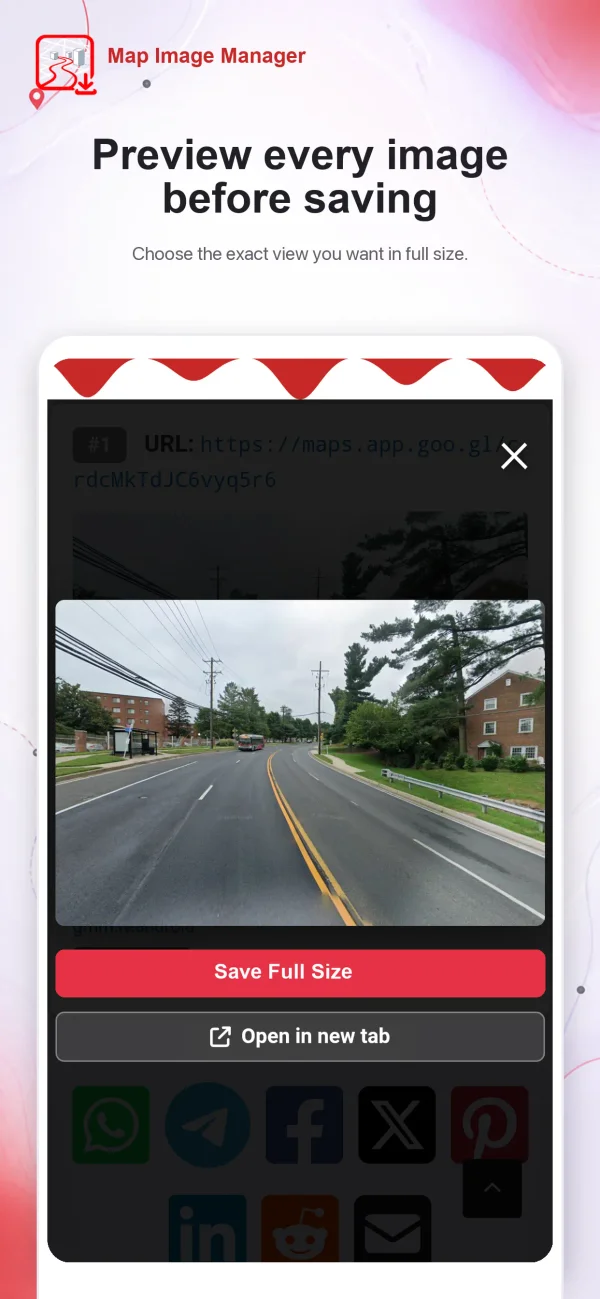
About
HOW TO USE
1. Open the Google Maps app and find any photo or 360° image you want
2. Tap the photo to open it at full size (Important)
3. Tap Share → Copy Link
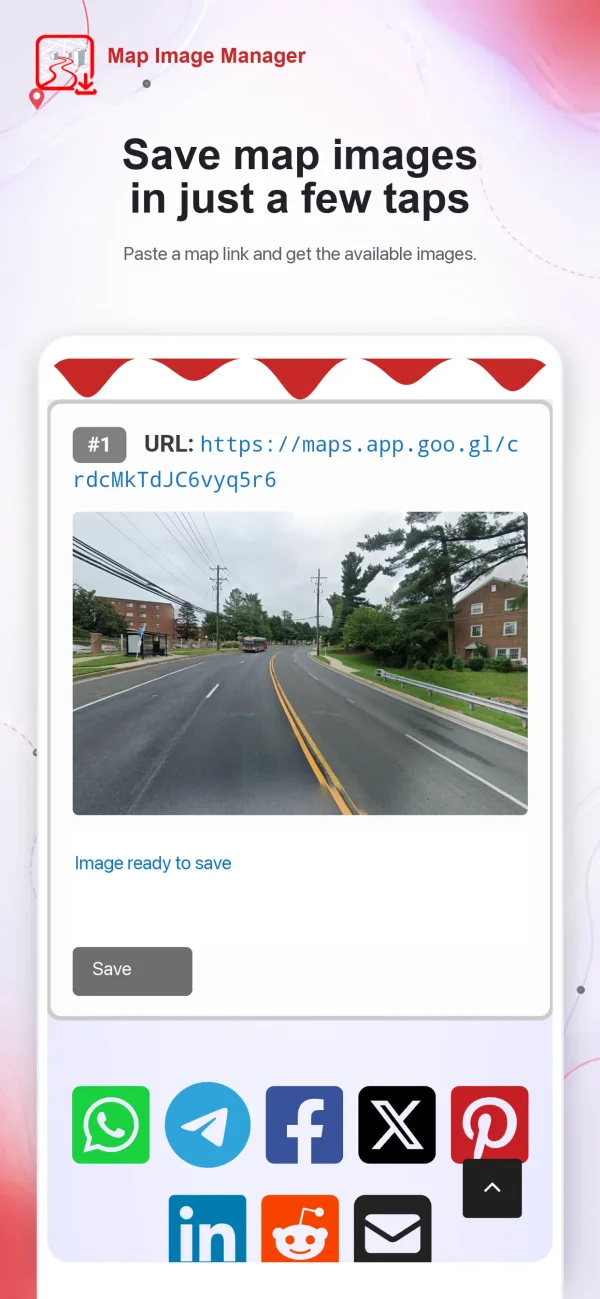
4. Paste the link into this app
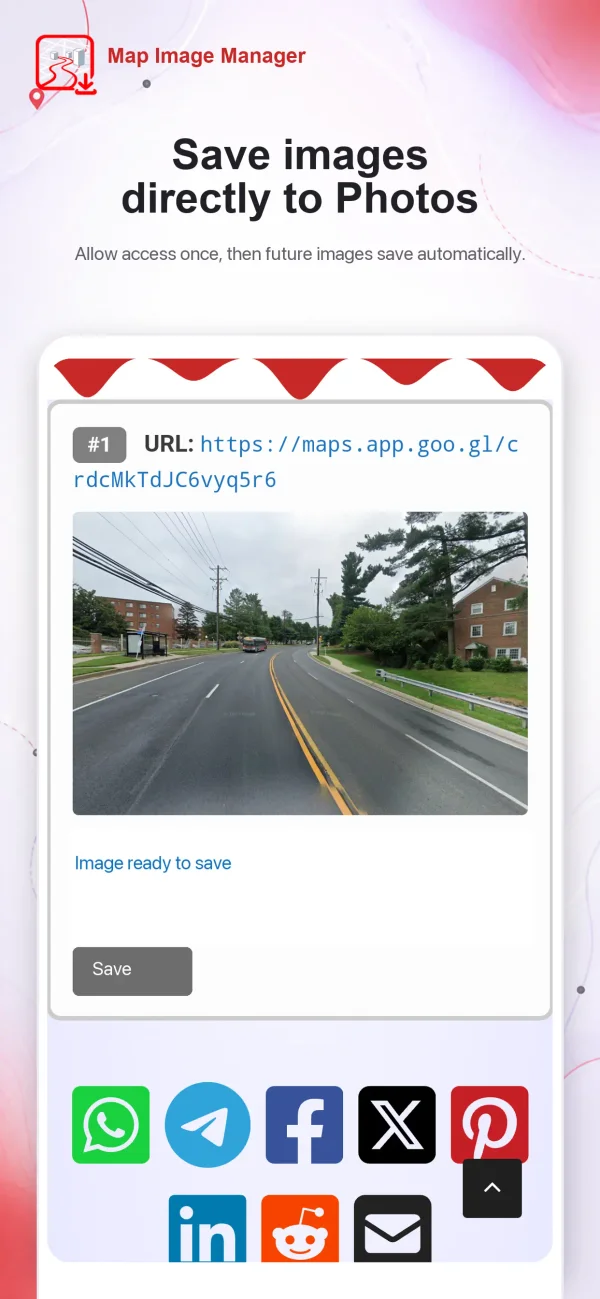
5. Tap “Save Image” to save it directly to your Photo Library
FEATURES
- Save location photos from anywhere on Google Maps
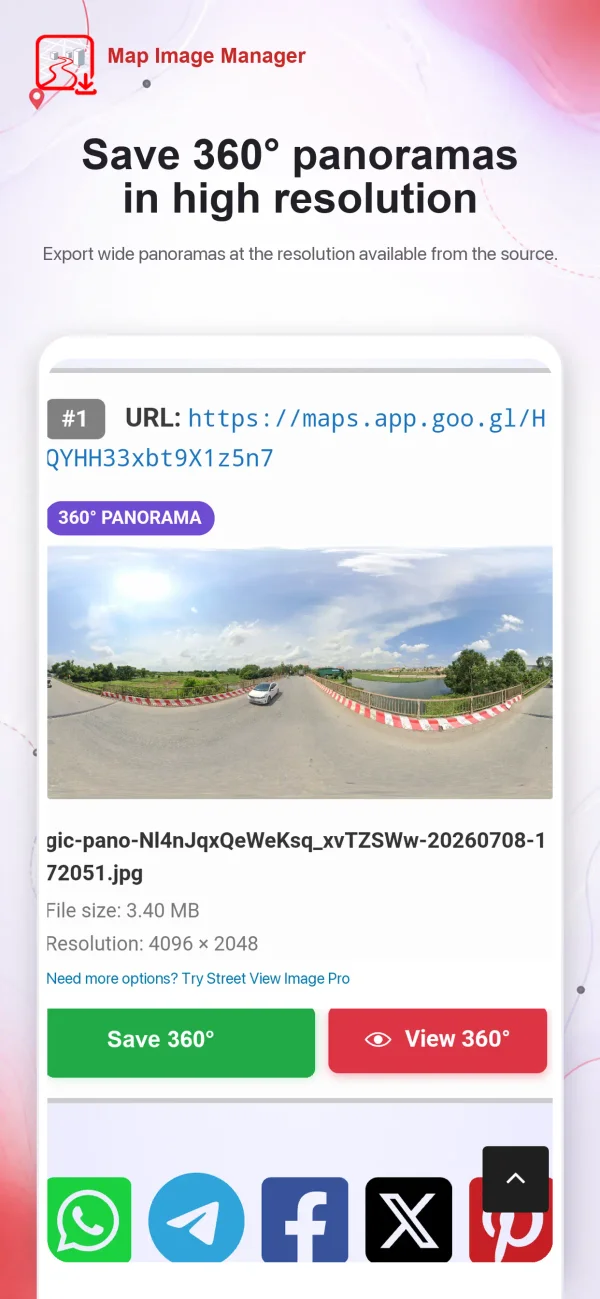
- Save 360° Street View panoramas
- Works with short links from mobile and full links from desktop
- Share directly from the Google Maps app, no copy-paste needed
- Fast, lightweight, no account required
- Photos are saved straight to your Photo Library
COMPATIBLE WITH
- Short links from the Google Maps app
- Google Maps location photos on desktop
- Street View panorama photos
Perfect for travelers, photographers, real estate agents, researchers, and anyone who wants to save Google Maps images for offline use.
What’s new
Version 1.0.2 · Aug 25, 2026
Bug fixes and performance improvements.
App privacy
What QUACH VAN HAO declares on the App Store about how this app handles data.
-
Data not collected
The developer does not collect any data from this app.
Privacy practices may vary, for example with the features you use or your age.
Information
- Seller
- QUACH VAN HAO
- Category
- Photo & Video
- Version
- 1.0.2
- Updated
- Aug 25, 2026
- Released
- Aug 20, 2026
- Size
- 1.6 MB
- Requires
- iOS 15.0 or later
- Age rating
- 4+
- Price
- Free
- Copyright
- © @nguyenbavinh
You might also like
-
 Nisky: Night Photo FiltersCinematic looks for low light
-
 Photo Organizer: CullifyStorage Cleaner & Compressor
-
 Coloroid AI: Restore Old PhotoFix, Colorize, Repair photos
-
 LeanCam: Space Saving CameraSmaller photos and videos
-
 Nightlux: AI Star Sky CameraNight, Moon & Star Trail Cam
-
 ScanRacerPhoto & Video
-
 Private Video Camera VaultYour moments. Password locked.
-
 Photo Art FiltersPhoto & Video
-
 Artistica - Photo Art FilterArtistica - Photo Art Filter
-
 CH3 CamcorderA VHS camcorder. Seriously.