
- Age rating4+
- CategoryUtilities
- Developergangadhar goud
- LanguagesEnglish
- Size11.5 MB
Links to the official App Store page
Download.org hosts no file of Save Speech. The button opens its official App Store page, published by gangadhar goud. Listing last checked on Nov 17, 2026.
Screenshots

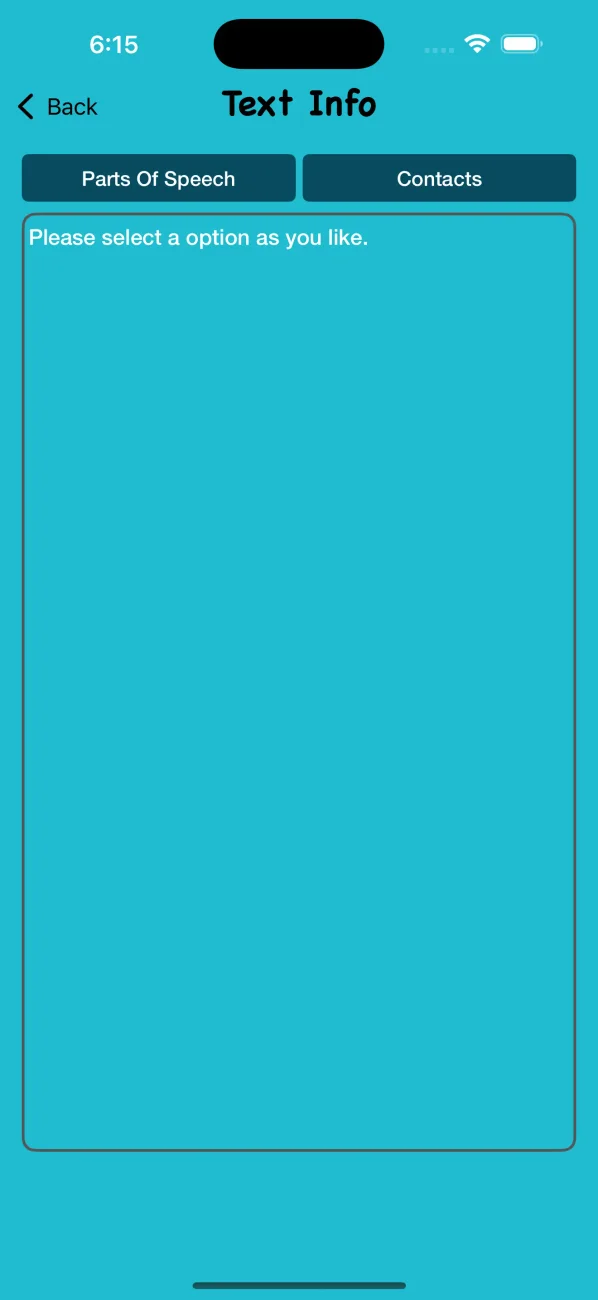
About
If you want to send a text message to someone, you need to type out the entire message, which can take a lot of time. However, with the Save Speech app, you can easily send a text message.
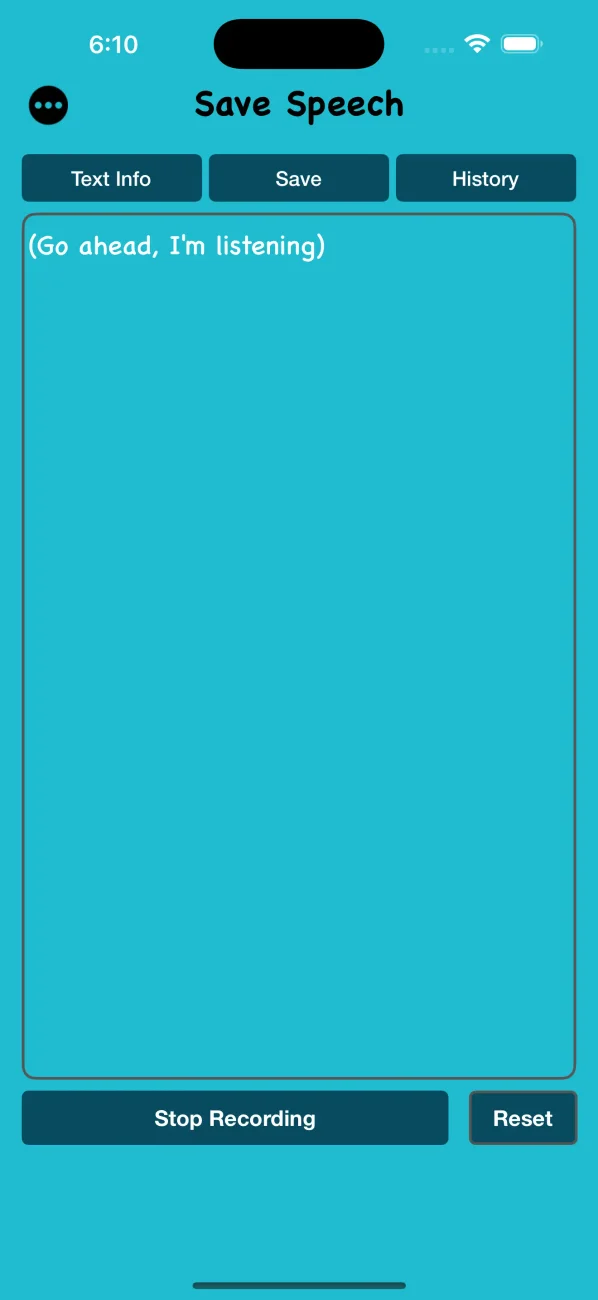
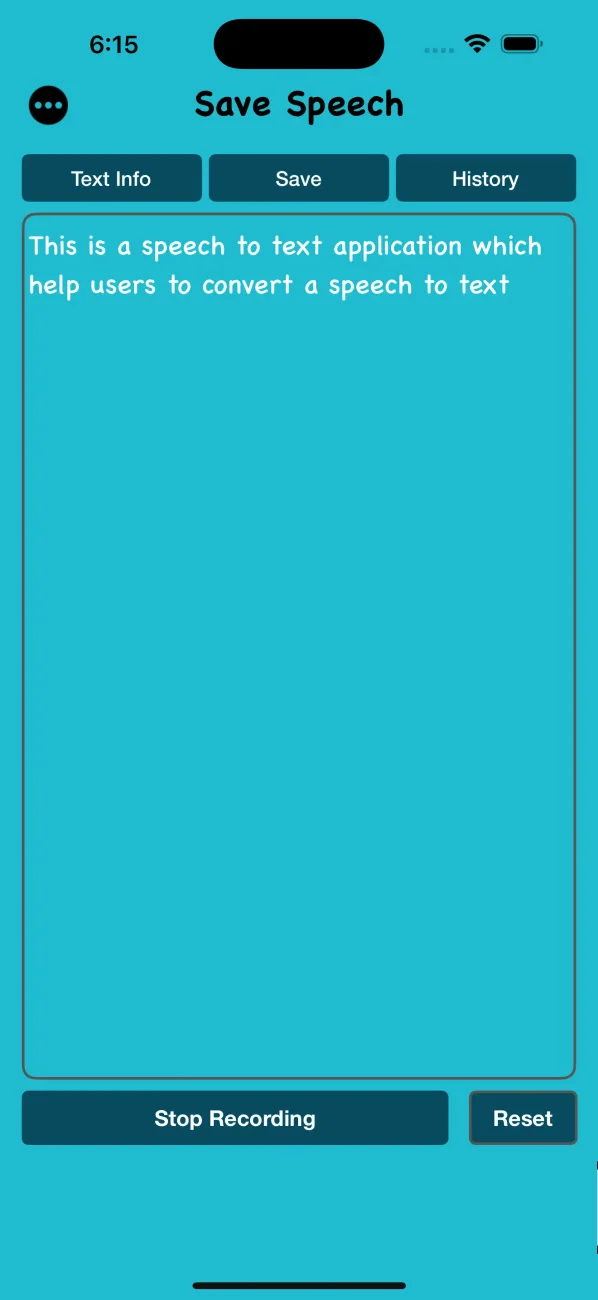
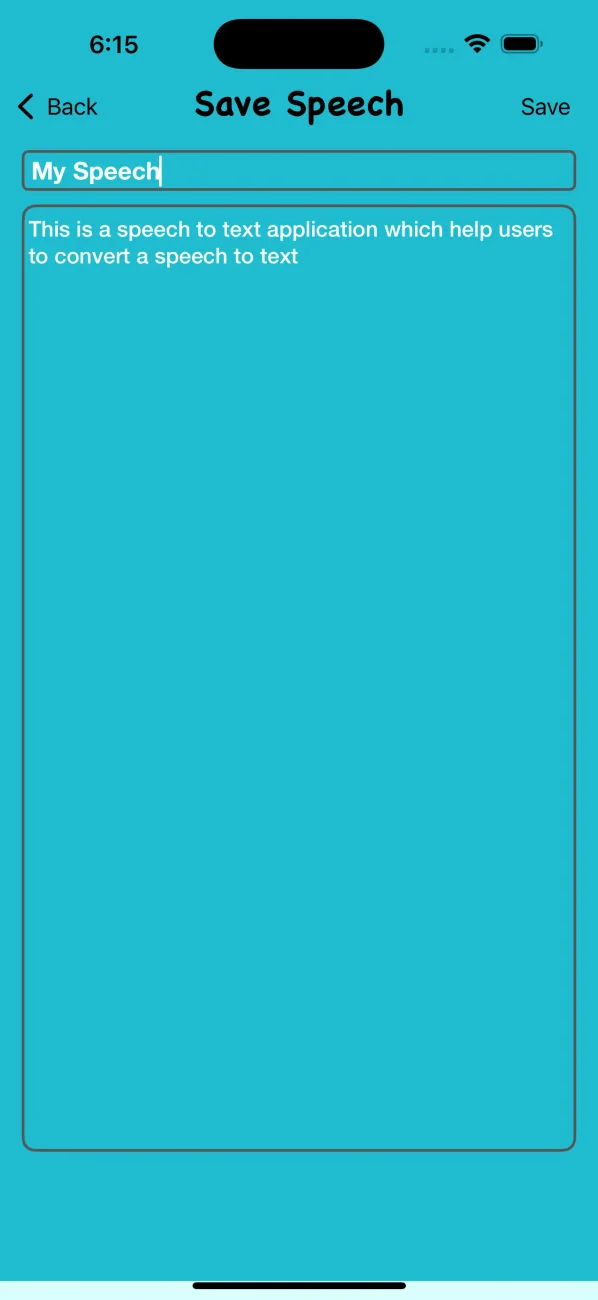
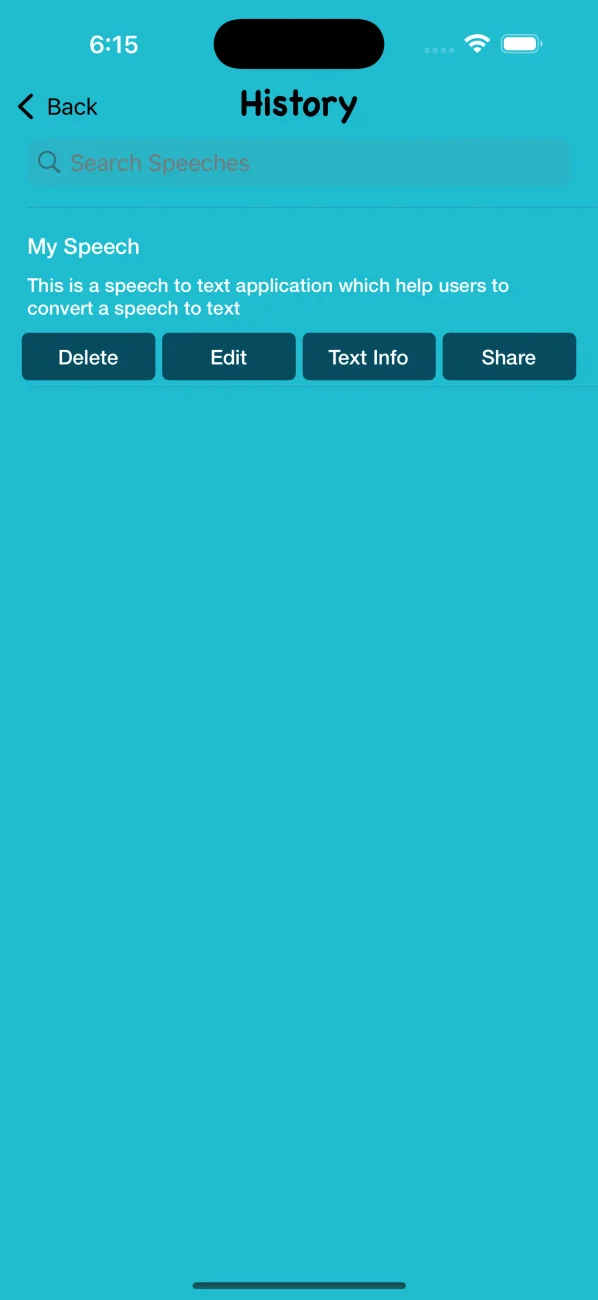
Simply click the "Start Recording" button, and the app will begin recording your speech. Once you finish speaking, click the "Stop Recording" button. You can then save your speech by clicking the "Save" button and share the text message by going to the "History" section.
Many people attend speeches but may forget the content a few days later. The Save Speech app helps them by allowing users to save the speech, enabling them to revisit and edit it later.
With this app, users can practice the pronunciation of words.
What’s new
Version 1.5 · Jun 22, 2025
Minor bug fixes.
UI improvements.
App privacy
What gangadhar goud declares on the App Store about how this app handles data.
-
Data used to track you
May be used to track you across apps and websites owned by other companies.
- Usage data
-
Data linked to you
May be collected and linked to your identity.
- Usage data
Privacy practices may vary, for example with the features you use or your age.
Information
- Seller
- gangadhar goud
- Category
- Utilities
- Version
- 1.5
- Updated
- Jun 22, 2025
- Released
- Sep 14, 2019
- Size
- 11.5 MB
- Requires
- iOS 12.0 or later
- Age rating
- 4+
- Price
- Free
- Languages
- English
- Copyright
- © @gbsg
You might also like
-
 ALRTEKReal-time Gun Detection Alerts
-
 Flash PDF:Fast Read,ScanSplit & Merge PDF quickly
-
 oKeyboard EduA talking, predictive keyboard
-
 HaukSelf-hosted location sharing
-
 Altimeter: GPS ElevationBarometer Altitude Tracker
-
 ChargerBiHEV charging app
-
 Car Play Sync: AI Connect AppCar Sync Connect Dashboard
-
 SESA ResidentUtilities
-
 AppID SearchUtilities
-
 PhotoDedup: Duplicate CleanerClear duplicates & screenshots