- Age rating4+
- CategoryHealth & Fitness
- DeveloperBenjamin Chevignard
- LanguagesEnglish
- Size3.0 MB
Links to the official App Store page
Download.org hosts no file of Save Your Screen Time. The button opens its official App Store page, published by Benjamin Chevignard. Listing last checked on Nov 24, 2026.
Screenshots


About
Apple's Screen Time only keeps a few weeks of history — SaveYourScreenTime keeps yours for as long as you want it.
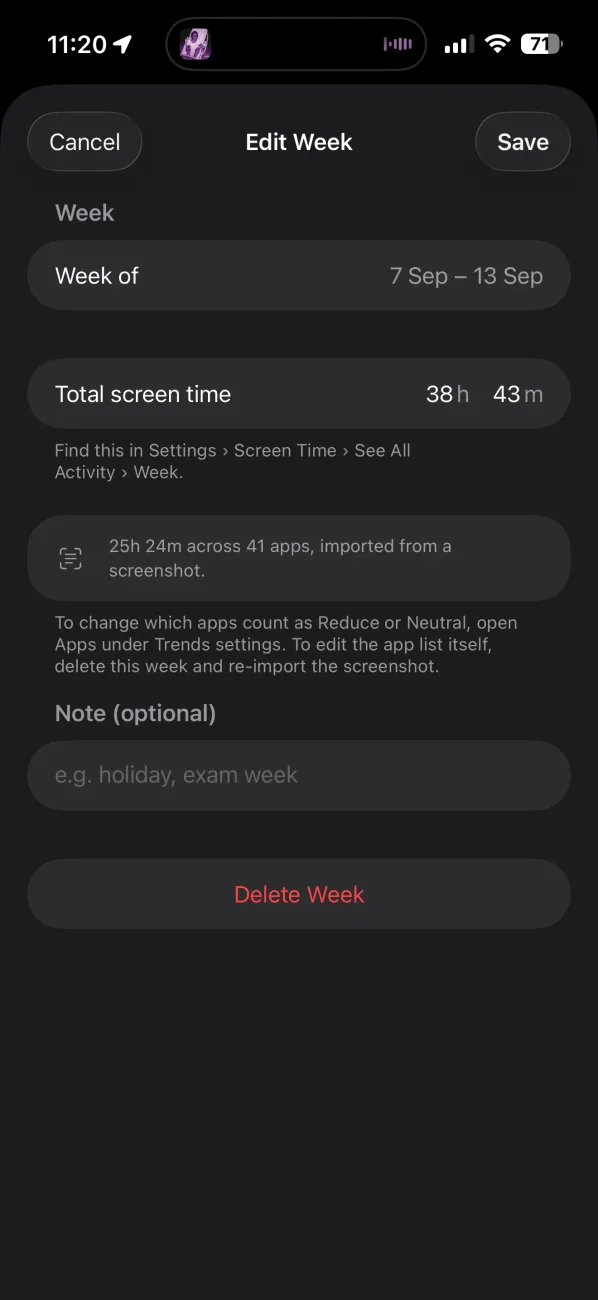
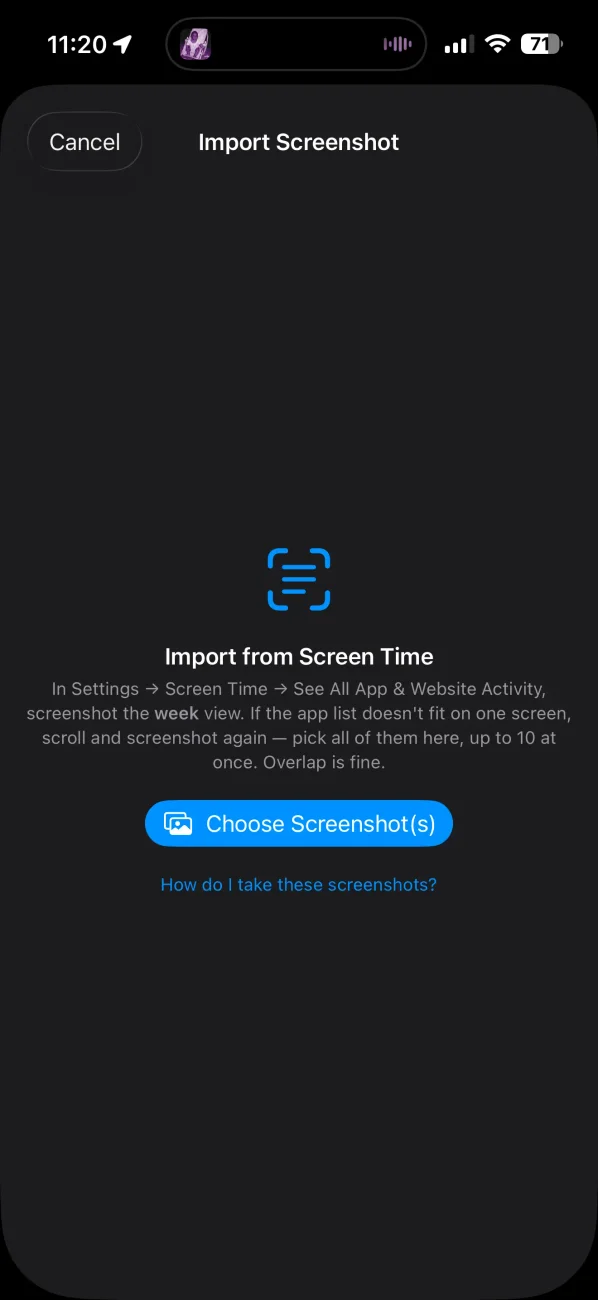
Log your weekly total in seconds, or import a screenshot straight from Settings and let on-device text recognition fill in the details for you — no manual re-typing every app and duration.
See what actually matters. Not all screen time is the same. Mark apps and categories as Reduce (time you're trying to cut down) or Neutral (navigation, banking, anything unavoidable) — and watch your real trend, not just a raw total.
Trends that go back further than Apple's own app. Weekly, monthly, and long-run charts for your Reduce time, your Neutral time, and your overall total. Set a weekly target and track how many weeks you're actually hitting it.
Completely private. No account. No server. No analytics, ever. Everything — your weekly totals, your app breakdown, your settings — stays on your device. Screenshot imports are processed with Apple's on-device text recognition; the image itself is never uploaded anywhere and is discarded the instant the numbers are read.
SaveYourScreenTime doesn't try to block your apps or lecture you — it just remembers, so you can see the pattern Apple won't show you.
What’s new
Version 2.0 · Nov 23, 2026
SaveYourTime 2.0 is a complete rebuild.
• No more screenshots. Your screen time is now read automatically and live, straight from iOS Screen Time.
• One simple screen: see how much time you have left, whether you're on track, and how this period compares with the last.
• Day, Week, Month and Year views.
• Set limits per app, per group of apps, or for all your avoidable apps together, by the day, week or month. Remove a limit any time.
• Tap any app to see its progress and change its limit right there.
• Your data stays on your iPhone.
Note: weeks logged from screenshots in earlier versions are not carried over.
App privacy
What Benjamin Chevignard declares on the App Store about how this app handles data.
-
Data not collected
The developer does not collect any data from this app.
Privacy practices may vary, for example with the features you use or your age.
Information
- Seller
- Benjamin Chevignard
- Category
- Health & Fitness
- Version
- 2.0
- Updated
- Nov 23, 2026
- Released
- Oct 15, 2026
- Size
- 3.0 MB
- Requires
- iOS 26.5 or later
- Age rating
- 4+
- Price
- Free
- Languages
- English
- Copyright
- © 2026 Benjamin Chevignard
You might also like
-
 Screen Time Tracker - BoundPhone Detox & Habit Tracker
-
 LAB StudiosHealth & Fitness
-
 Vora: AI Longevity CoachCalorie, Sleep, Stress & HRV
-
 MealMate: Protein Meal PlanFat Loss & Weight Gain Diet
-
 SoyO2Health & Fitness
-
 Jetts Fitness (UK edition)Health & Fitness
-
 pushr – push-up workoutsthe #1 push-up counting app
-
 Cigna Wellbeing™Health & Fitness
-
 Planter - Meal plannerPlant-based meal planner
-
 Garmin Clipboard™Team App