- Age rating4+
- CategoryProductivity
- DeveloperMihee Youn
- LanguagesEnglish
- Size8.8 MB
Links to the official App Store page
Download.org hosts no file of SaveBoard. The button opens its official App Store page, published by Mihee Youn. Listing last checked on Nov 15, 2026.
Screenshots


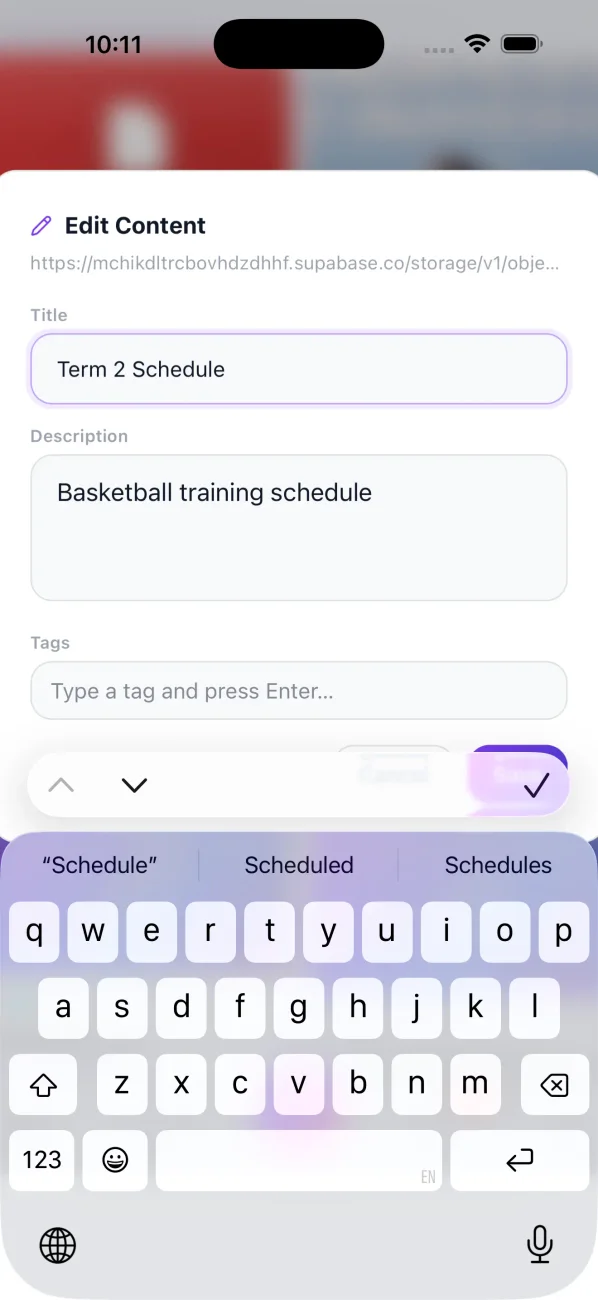
About
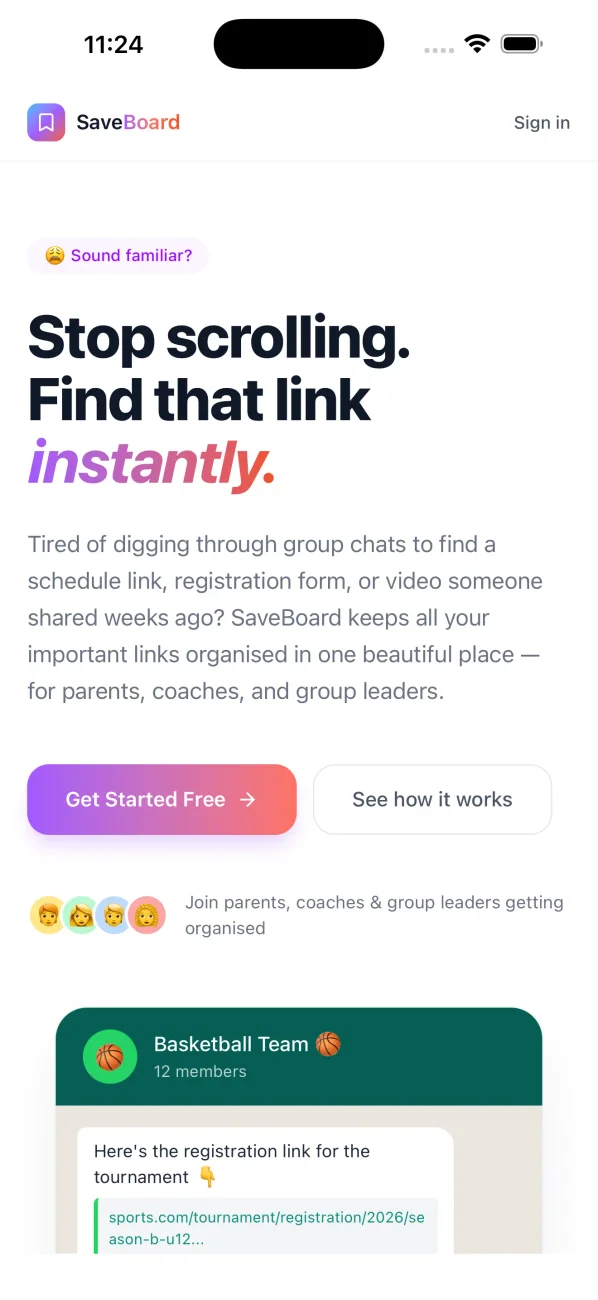
SaveBoard — Save Links. Stay Organized.
Stop losing important links in group chats and overflowing inboxes. SaveBoard turns
every URL into a beautiful visual card, so you can find anything instantly.
Save any link, beautifully.
Paste a URL and SaveBoard automatically generates a rich preview card — with title,
image, and description pulled from the page. No more scrolling through chat history
trying to find "that link someone shared last week."
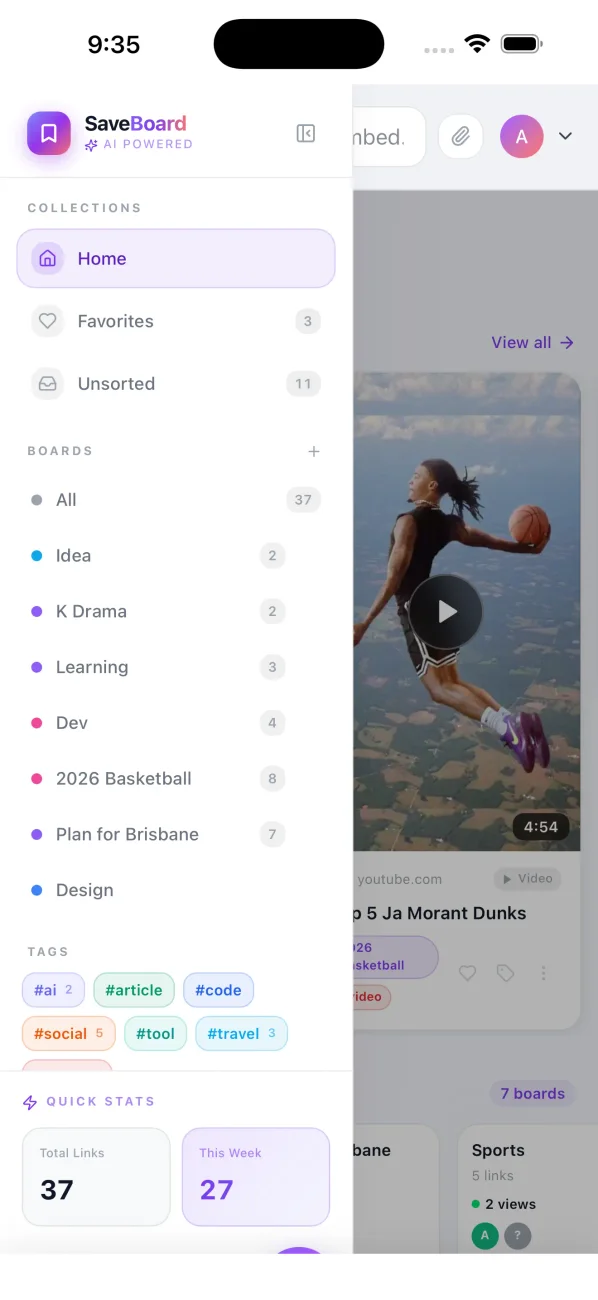
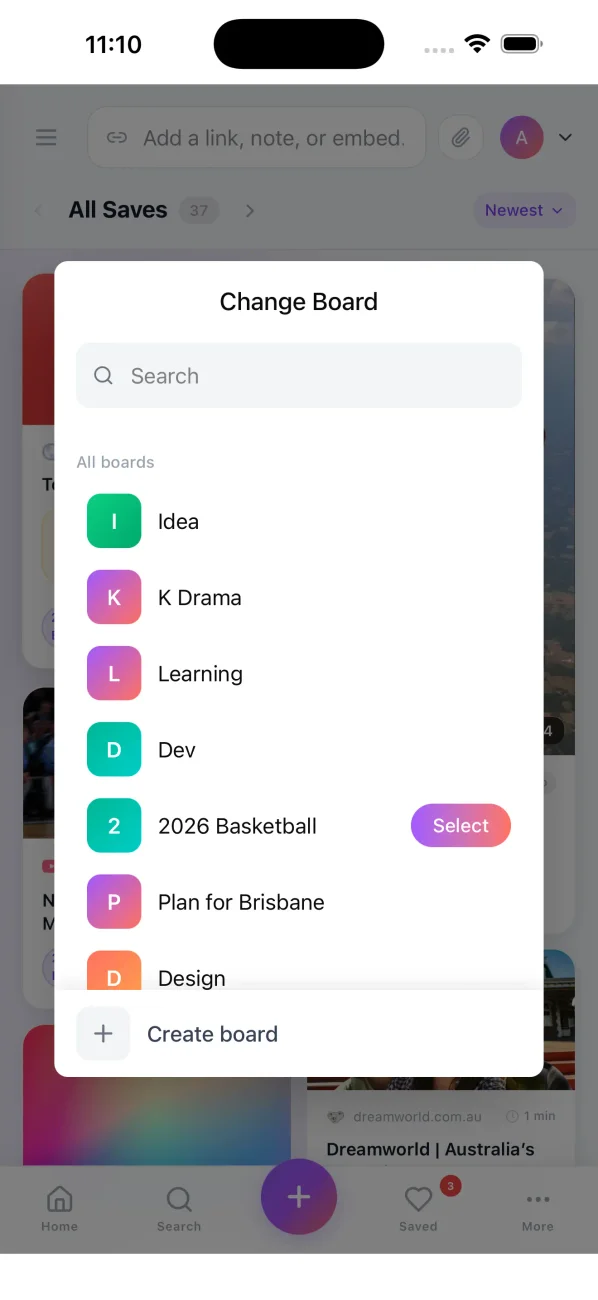
Organize into boards.
Create boards for anything — Basketball Schedule, School Notices, Travel Research,
Work Projects. Drag, sort, and manage your links the way that makes sense to you.
Find it instantly.
Powerful search across all your saved links, notes, and tags. Filter by board or tag.
Whether it's a YouTube video, a PDF, a registration form, or a recipe — it's always
one tap away.
Share boards with anyone.
Share an entire board with a single link. Perfect for team projects, group
activities, or sending curated collections to friends and family.
More than just links.
- Add personal notes and tags to any save
- Mark favorites for quick access
- Kanban view to manage links like tasks
- File uploads supported
- AI-powered tags and summaries
Built for real life.
SaveBoard was built by a parent who was tired of losing important links across dozens
of group chats — gymnastics schedules, school registration forms, event videos. If
you manage multiple group chats, this app is for you.
Free to start. Upgrade for more saves and storage.
Terms of Use (EULA): https://saveboard.app/terms
Privacy Policy: https://saveboard.app/privacy
What’s new
Version 1.0.11 · Sep 10, 2026
Previews that stay put. Instagram, TikTok, Facebook and X host their thumbnails on links that expire after a few days, which left your cards blank — SaveBoard now keeps its own copy of the image, so the preview stays. TikTok links you share in are also recognised as videos now: the right vertical shape and a play button, instead of being filed as an article. Fetching titles and previews is more reliable too.
App privacy
What Mihee Youn declares on the App Store about how this app handles data.
-
Data linked to you
May be collected and linked to your identity.
- Purchases
- Contact info
- Identifiers
- Usage data
Privacy practices may vary, for example with the features you use or your age.
Information
- Seller
- Mihee Youn
- Category
- Productivity
- Version
- 1.0.11
- Updated
- Sep 10, 2026
- Released
- Jun 16, 2026
- Size
- 8.8 MB
- Requires
- iOS 15.0 or later
- Age rating
- 4+
- In-app purchases
- Yes
- Languages
- English
- Copyright
- © @ Mihee Youn
You might also like
-
 Keep CloseProductivity
-
 Span (Did I?) – Task TrackerSimple routine reminders
-
 Book Note - Reading JournalBooks, quotes and thoughts
-
 Calendar Widget - Schedule AppWidget Calendar Daily Planner
-
 Listy: Movie & Book ListsSave, track & share favorites
-
 폰트통Productivity
-
 Noto: Notes, Lists & JournalNotes, beautifully simple
-
 YouMind - AI Chat & CreateAgent, board & skill workflow
-
 Did I Do? - ADHD & OCD HelpDaily Task Tracker
-
 RixFontCloudFont for your splendid design!