
SaveMarker: Timecode Marker
Mark your video while filming
Designed for iPhone
Free · In-app purchases
- Age rating4+
- CategoryPhoto & Video
- DeveloperYB STUDIOS
- LanguagesEnglish+ 5 more
- Size19.8 MB
Links to the official App Store page
Download.org hosts no file of SaveMarker: Timecode Marker. The button opens its official App Store page, published by YB STUDIOS. Listing last checked on Nov 23, 2026.
Screenshots

About
Mark the moment.
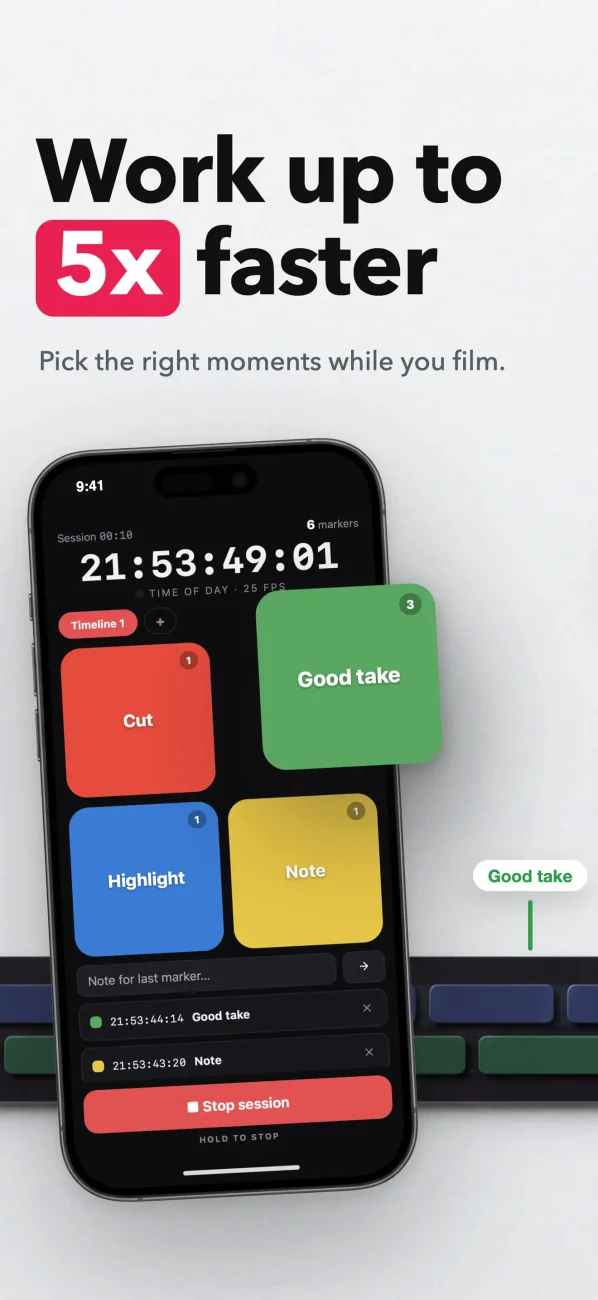
SaveMarker turns your phone into a marker button for your shoot. Tap while you film: good take, cut, highlight or a note. Every marker is saved with frame-accurate timecode, so you find the right moments in your edit straight away instead of scrubbing through hours of footage.
ONE TAP, MARKED
• Four or six buttons, each with its own name and colour
• Hold a button to mark a range from in to out
• Add a note to any marker afterwards
• Big buttons you can use without looking, even upside down on a rig
TIMECODE THAT MATCHES YOUR CAMERA
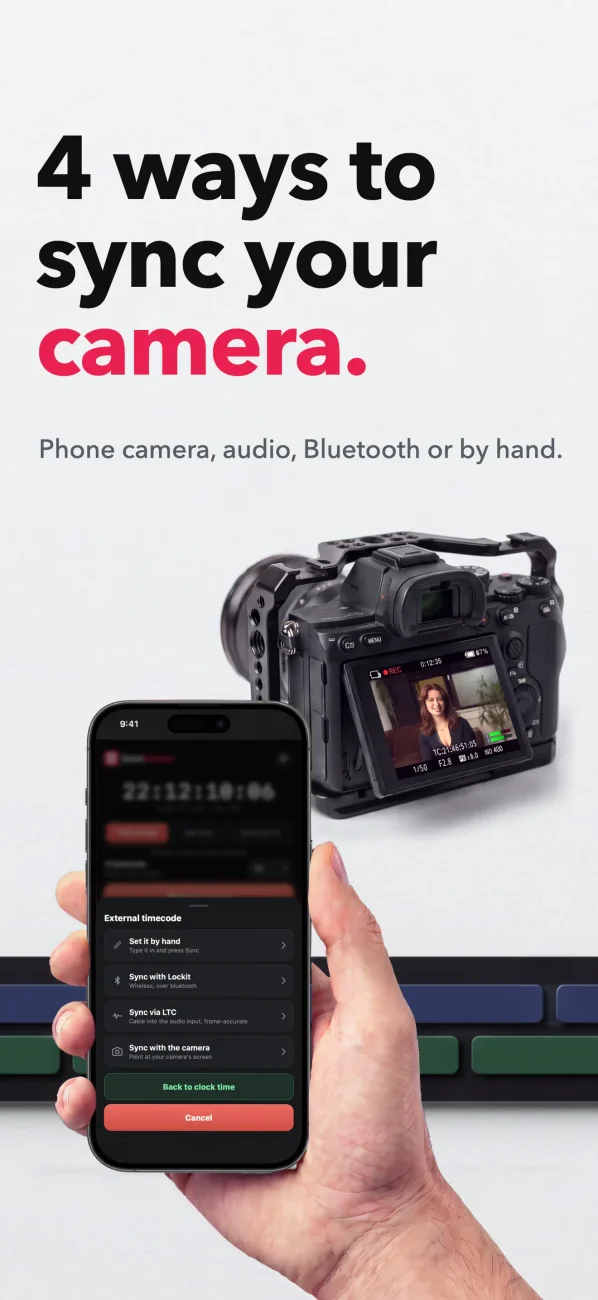
• Time of Day, Rec Run or External TC
• Sync with a Lockit over bluetooth, with LTC on the audio input, or by pointing at your camera's screen
• All common frame rates, including 23.976, 29.97 drop frame and high frame rates
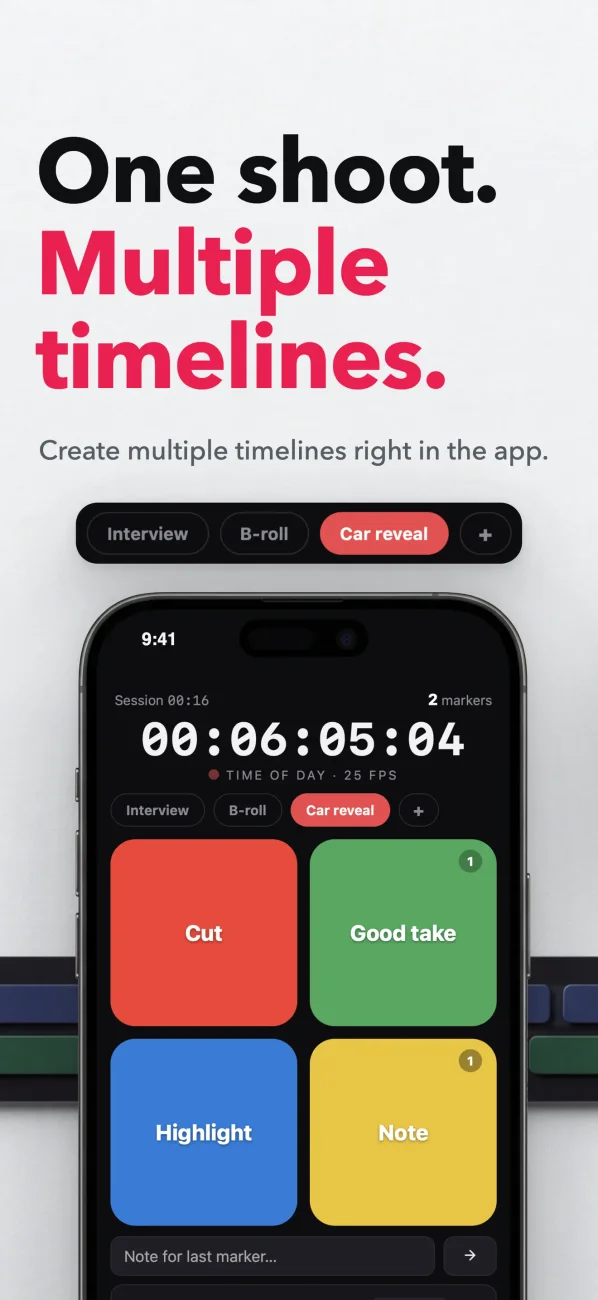
MULTIPLE TIMELINES
• Create several timelines in one shoot day and switch with one tap
MARK FROM YOUR WRIST
• Set markers from your Apple Watch, with the same buttons and colours
READY FOR YOUR EDITOR
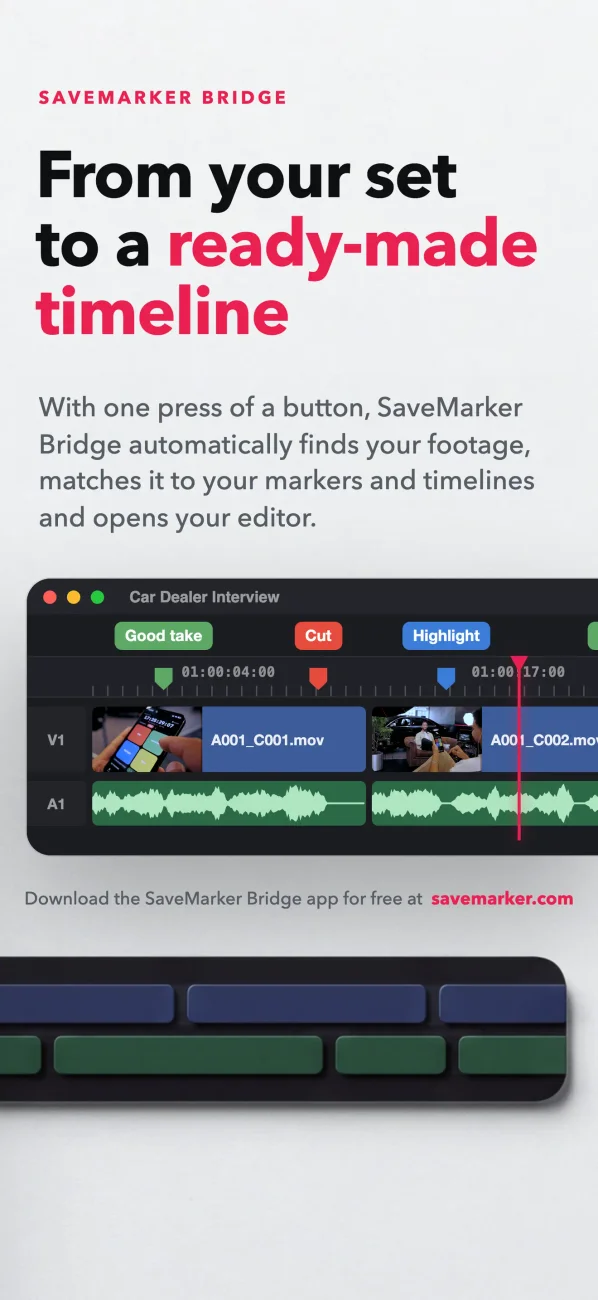
• Export to DaVinci Resolve, Premiere Pro and Final Cut Pro, or as CSV
• With the free SaveMarker Bridge for Mac and Windows, one click finds your footage, matches it to your markers and timelines and opens your editor
PRIVATE BY DESIGN
• Your sessions stay on your device. No account needed.
Available in English, Dutch, German, Spanish, French and Arabic.
SAVEMARKER PRO
SaveMarker Pro unlocks new sessions, timelines and markers. Choose a monthly or yearly plan. New subscribers can try the monthly plan free for 7 days before the first payment. Payment is charged to your Apple ID at confirmation of purchase. The subscription renews automatically unless you cancel it at least 24 hours before the end of the current period. You can manage or cancel it in your App Store account settings. Your existing sessions and exports always stay available.
Terms: https://savemarker.com/terms.html
Privacy: https://savemarker.com/privacy.html
What’s new
Version 1.9.9 · Nov 20, 2026
Small improvements and fixes. Tip: sync SaveMarker with your camera in 4 ways: by hand, from the camera display, via LTC audio or with Lockit (Bluetooth).
App privacy
What YB STUDIOS declares on the App Store about how this app handles data.
-
Data linked to you
May be collected and linked to your identity.
- Purchases
Privacy practices may vary, for example with the features you use or your age.
Information
- Seller
- YB STUDIOS
- Category
- Photo & Video
- Version
- 1.9.9
- Updated
- Nov 20, 2026
- Released
- Oct 22, 2026
- Size
- 19.8 MB
- Requires
- iOS 16.4 or later
- Age rating
- 4+
- Price
- Free
- In-app purchases
- Yes
- Languages
- English, Arabic, Dutch, French, German, Spanish
- Copyright
- © 2019 YB STUDIOS
You might also like
-
 CastPadATEM Switcher Remote
-
 Video Maker Editor AppCut, mix, export.
-
 LUT Smith: Camera LooksMake .cube Color Presets
-
 CreatorShot - Video VFX & LUTSShoot Smarter. Create Faster.
-
 Reelab: Audio & Video EditorRecord, Mix & Edit Reels
-
 Luttie: Log & LUT Color StudioBuild Looks for every camera
-
 Filmtone: Film LUT EditorColor Grade, Compare, Export
-
 Luxmio: Batch LUTs & FiltersFast batch edit & film presets
-
 Wavcut: AI Video EditorAuto Captions & Faceless Reels
-
 LumaFlow: HDR to SDR converterConvert and compress any video