- Age rating4+
- CategoryMusic
- DeveloperRonald Fella
- LanguagesEnglish
- Size9.1 MB
Links to the official App Store page
Download.org hosts no file of SaveSound. The button opens its official App Store page, published by Ronald Fella. Listing last checked on Nov 12, 2026.
Screenshots


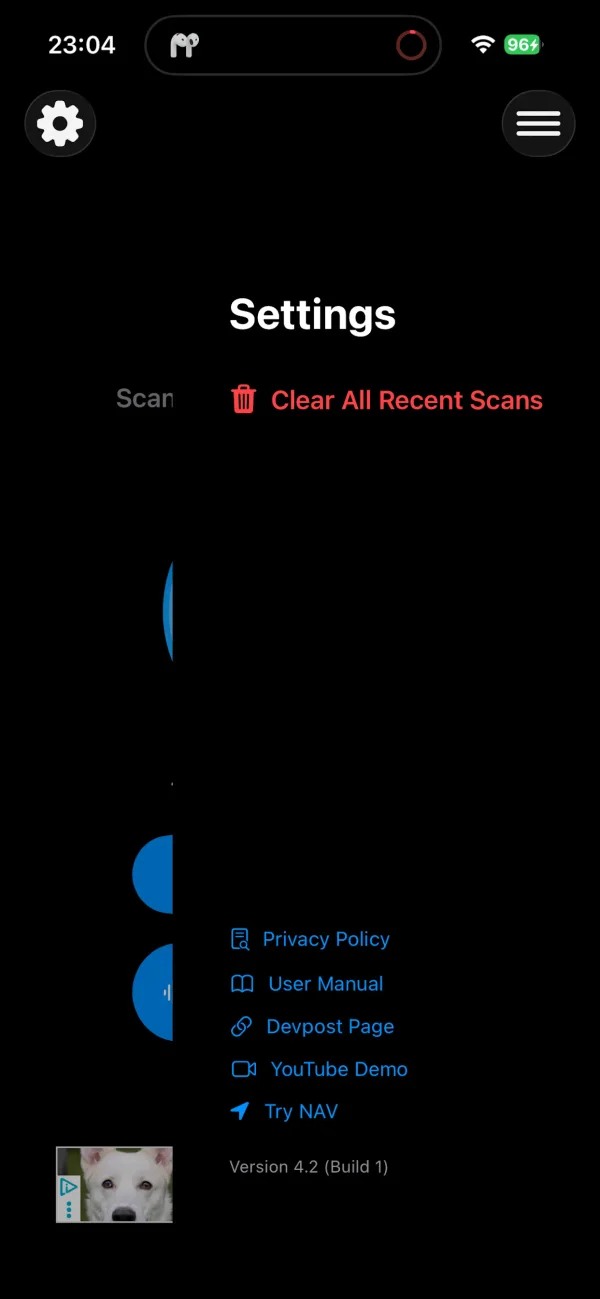
About
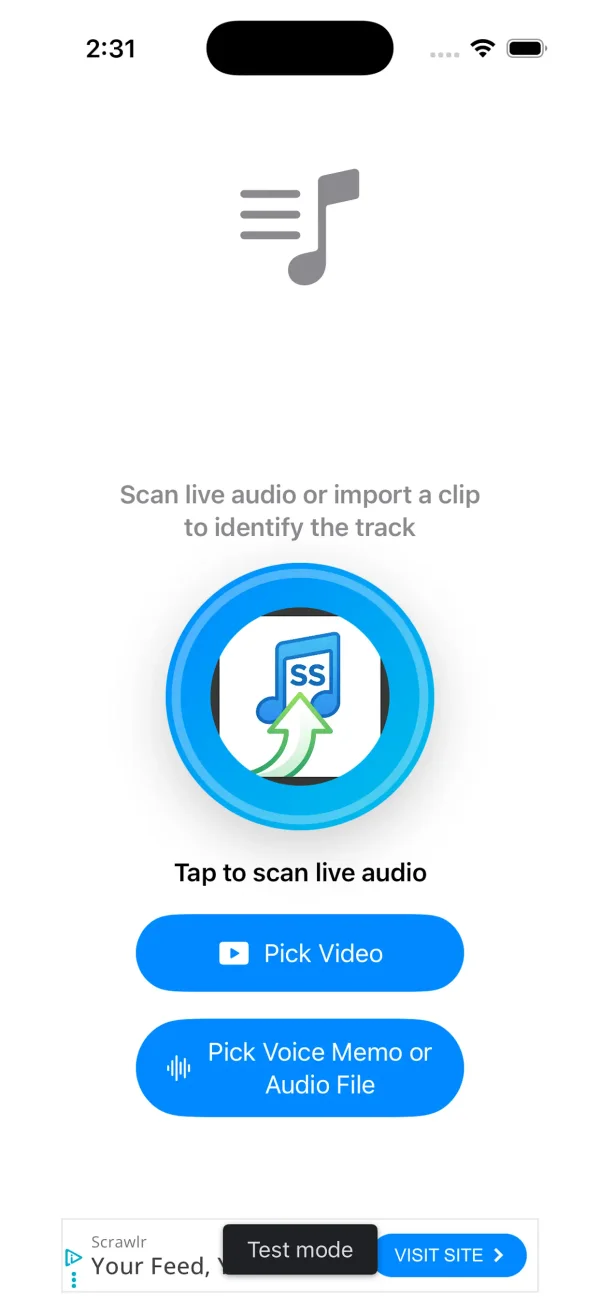
Identify music and sounds hidden within your videos, audio files, and live environment. SaveSound lets you discover track titles, artists, and artwork in seconds using fast, privacy-focused audio recognition.
Voice Announcements: Choose whether SaveSound announces identified songs aloud. Customize song identification and no-match announcements independently in Settings.
No Match Announcements: When Voice Announcements are enabled, SaveSound announces when no song is identified, so you know the scan is complete without looking at your screen.
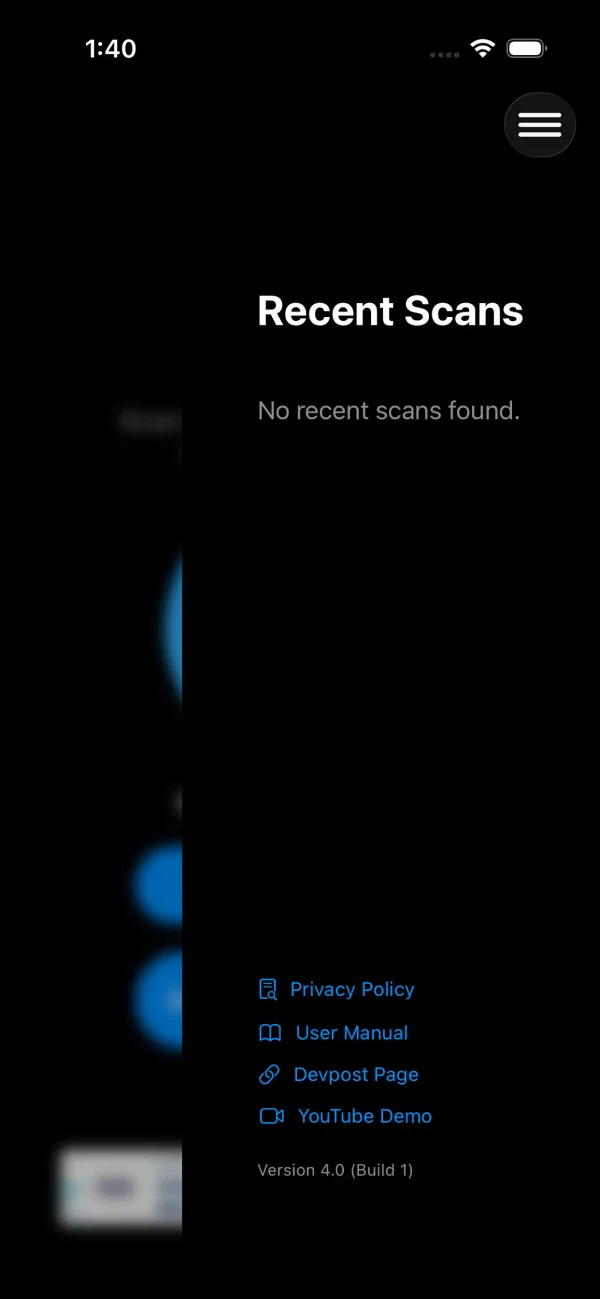
Scan History: Automatically save identified tracks and revisit your discoveries anytime. Open tracks directly from your history using your preferred streaming service.
Share Extension: Scan videos and voice memos directly from the Share Sheet in apps like Photos and Voice Memos without manually opening SaveSound.
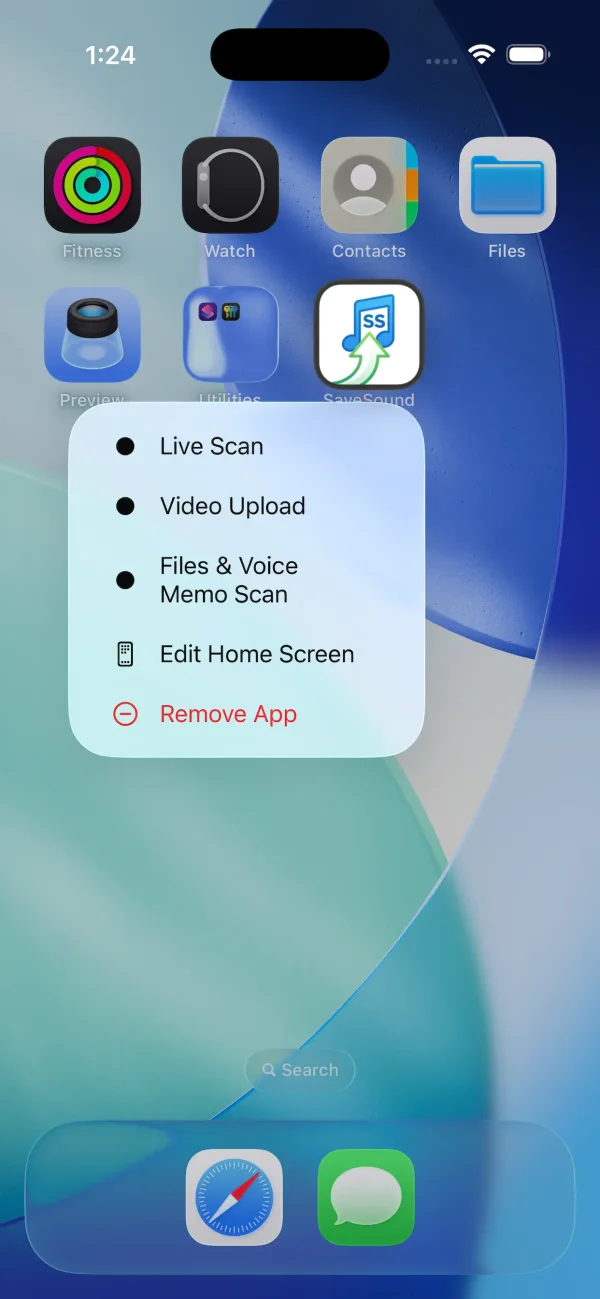
Home Screen Quick Actions: Quickly start Live Scan, Video Upload, or Files & Voice Memo Scan by long-pressing the SaveSound icon.
Siri Live Scan: Say “Hey Siri, Live Scan with SaveSound” and SaveSound will open and immediately begin listening for music.
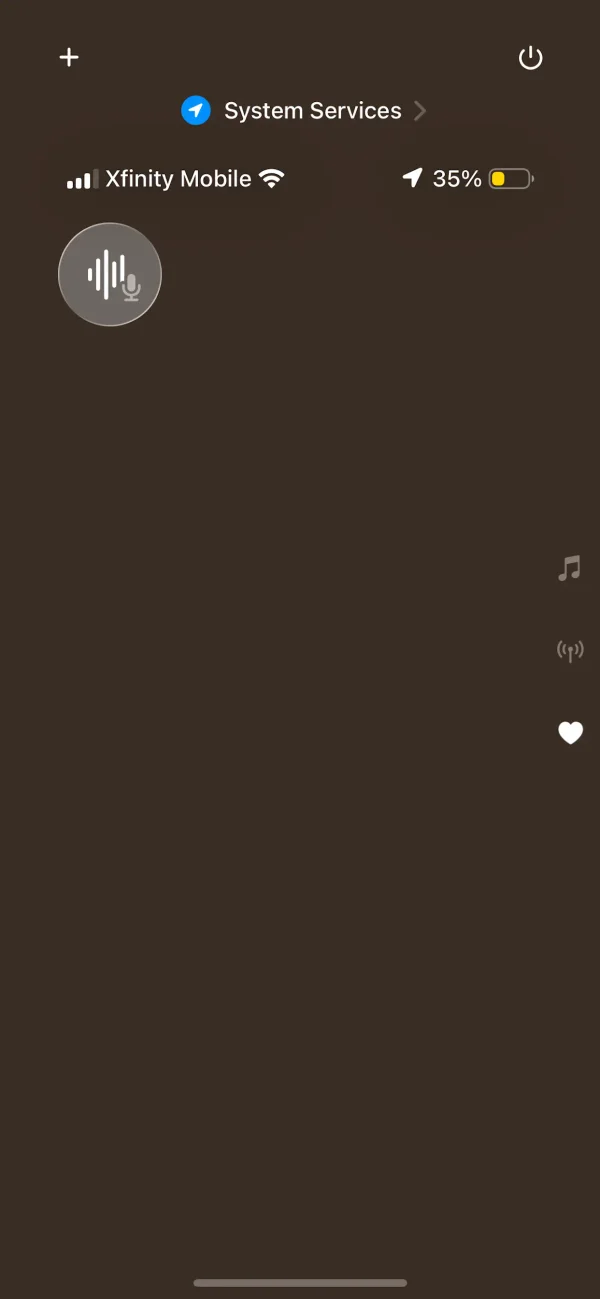
Control Center Live Scan: Start Live Scan directly from iOS Control Center, even when SaveSound isn't already open.
Multi-Platform Integration: Open identified tracks in Apple Music, Spotify, SoundCloud, YouTube Music, Amazon Music, Pandora, Deezer, TIDAL, or YouTube.
Key Features:
Video Identification: Identify music from videos in your Photos library.
Audio & Voice Memo Support: Import audio files from Files or Voice Memos.
Live Scanning: Identify music playing around you with a 15-second listening session.
Powered by ShazamKit: Fast and accurate music recognition.
Privacy-First Design: Audio signatures are processed securely, with permissions requested only when necessary.
Clean & Simple UI: Pick a file or start a Live Scan with minimal setup.
Ad-Supported Experience: SaveSound remains free with a non-intrusive advertising experience.
How it Works:
Select Media: Choose a video, audio file, voice memo, or Live Scan.
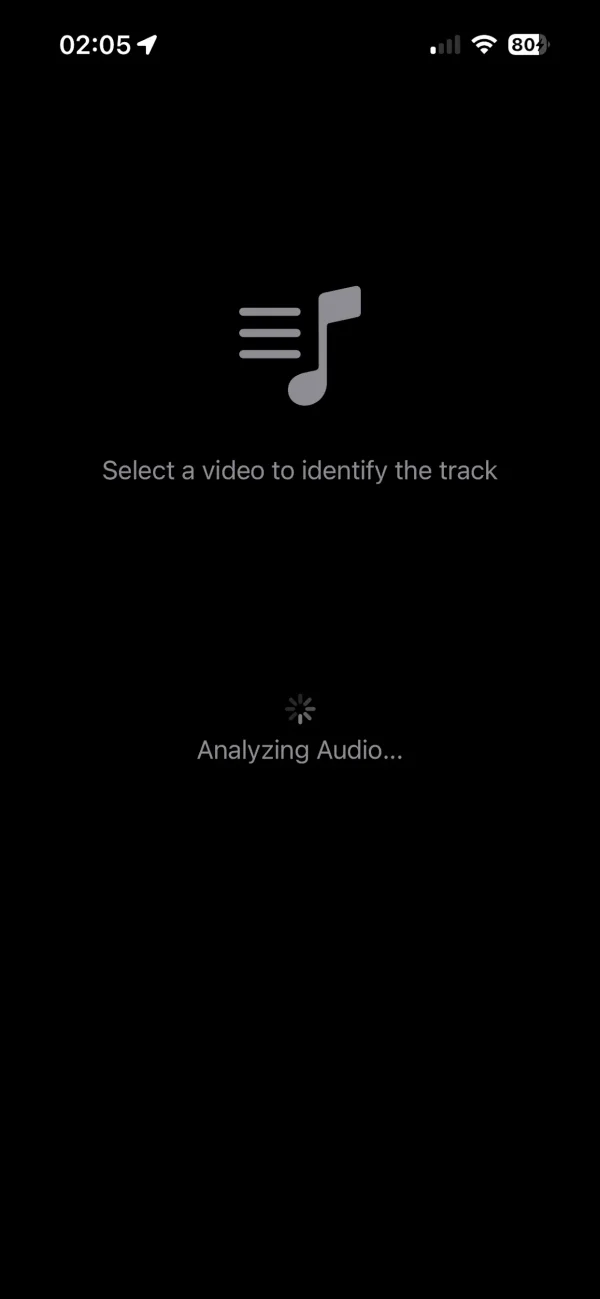
Analyze: SaveSound generates a digital audio signature from your media or microphone.
Discover & Stream: View the matched track, artist, and artwork, then open it in your preferred music service.
Note: An active internet connection is required for music recognition. Microphone access is required for Live Scan.
What’s new
Version 5.3 · Oct 23, 2026
•Added SoundCloud support so you can search for recognized songs on SoundCloud.
•Expanded music service options while keeping your existing music platforms available.
App privacy
What Ronald Fella declares on the App Store about how this app handles data.
-
Data used to track you
May be used to track you across apps and websites owned by other companies.
- Identifiers
- Usage data
-
Data not linked to you
May be collected but is not linked to your identity.
- Identifiers
- Usage data
- Diagnostics
- Other data
Privacy practices may vary, for example with the features you use or your age.
Information
- Seller
- Ronald Fella
- Category
- Music
- Version
- 5.3
- Updated
- Oct 23, 2026
- Released
- Apr 20, 2026
- Size
- 9.1 MB
- Requires
- iOS 18.6 or later
- Age rating
- 4+
- Price
- Free
- Languages
- English
- Copyright
- © 2026 Ronald Fella
You might also like
-
 RecztSing It. Find It. Play It.
-
 TuneTraceMusic
-
 Video2MP3 AIMusic
-
 SpotisaverSpotisaver – Ringtone maker
-
 Retune AppTrending music near you
-
 ReelToReelLike MusicPlayerNostalgic and stylish player
-
 TuneTrace Offline Music PlayerRecord Phone Audio, Save Songs
-
 Sway - Song of the DayFind Your Song of the Day
-
 Showcase: New Music DailyWhat's Next In Music. Now.
-
 Song Identifier - Find MusicMusic Recognition, Find Lyrics