
Savvy Time: World Clock
Time Zone Converter & Widgets
Designed for iPhone, iPad
Free · In-app purchases
- Age rating4+
- CategoryProductivity
- DeveloperSavvy Time LLC
- LanguagesEnglish
- Size51.9 MB
Links to the official App Store page
Download.org hosts no file of Savvy Time: World Clock. The button opens its official App Store page, published by Savvy Time LLC. Listing last checked on Nov 24, 2026.
Screenshots



About
Compare times across cities and time zones, plan meetings, and keep the places you care about close at hand.
• Add cities and time zones, then change a date or time to see the corresponding times everywhere.
• Search 24,000+ places, with or without accents, or find a time zone by name or GMT offset.
• Best time: see the hours that work for the most places, then tap to move every clock there.
• Plan around daylight saving changes with automatic time-zone calculations.
• See upcoming clock changes for your saved places on Home.
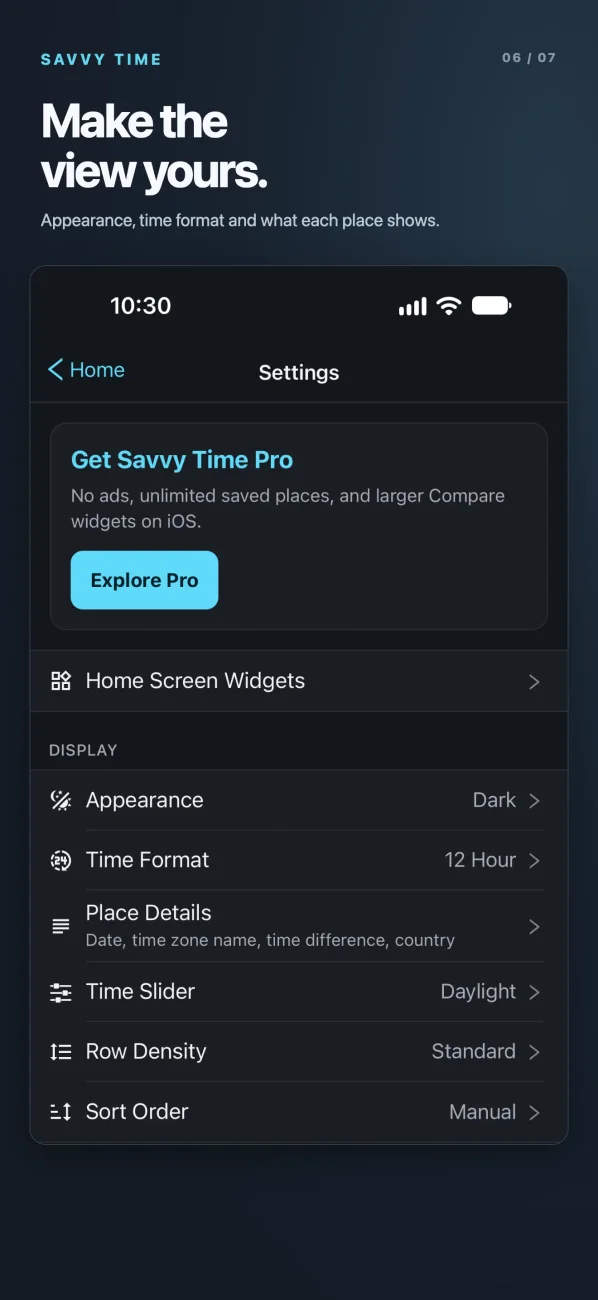
• Choose Compact or Standard layouts and pick what each place shows in Place Details.
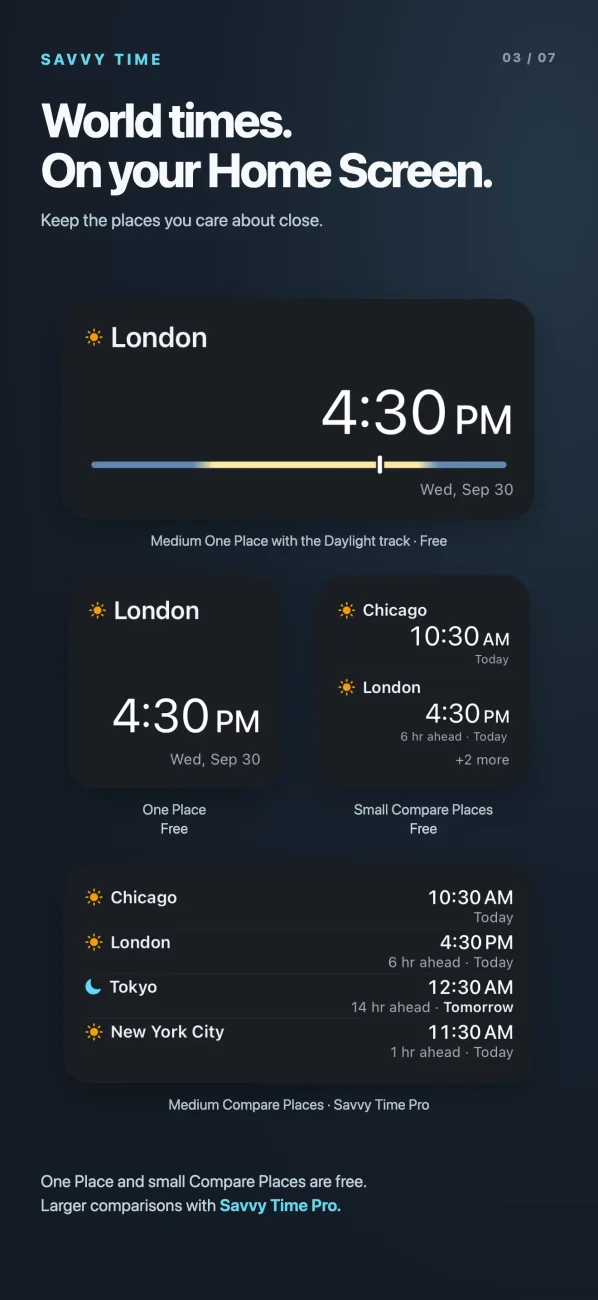
• Add One Place and Compare Places widgets to your Home Screen. One Place can show a Daylight or Working Hours track. On supported iPhones with iOS 27, a full-page Compare Places widget can show a track for each place.
• Add world clocks to your Lock Screen: One Place line and circle widgets are free; the rectangular Compare Places widget for up to three places requires Pro.
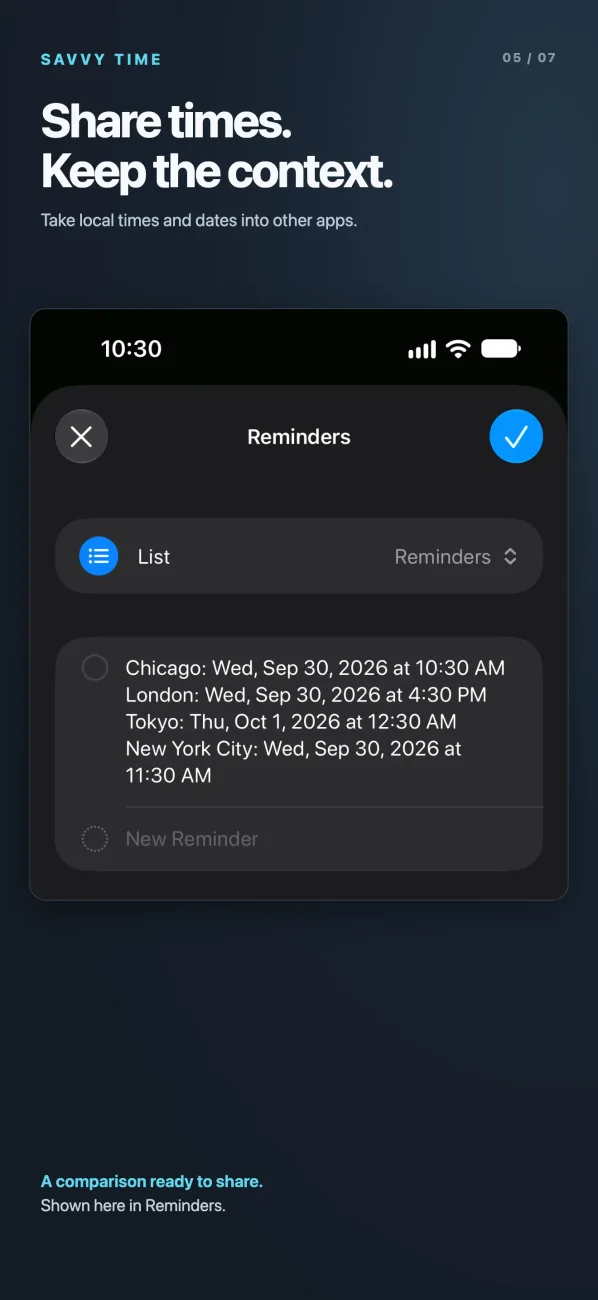
• Share a time comparison or add it to your calendar, and open supported Savvy Time comparison links in the app.
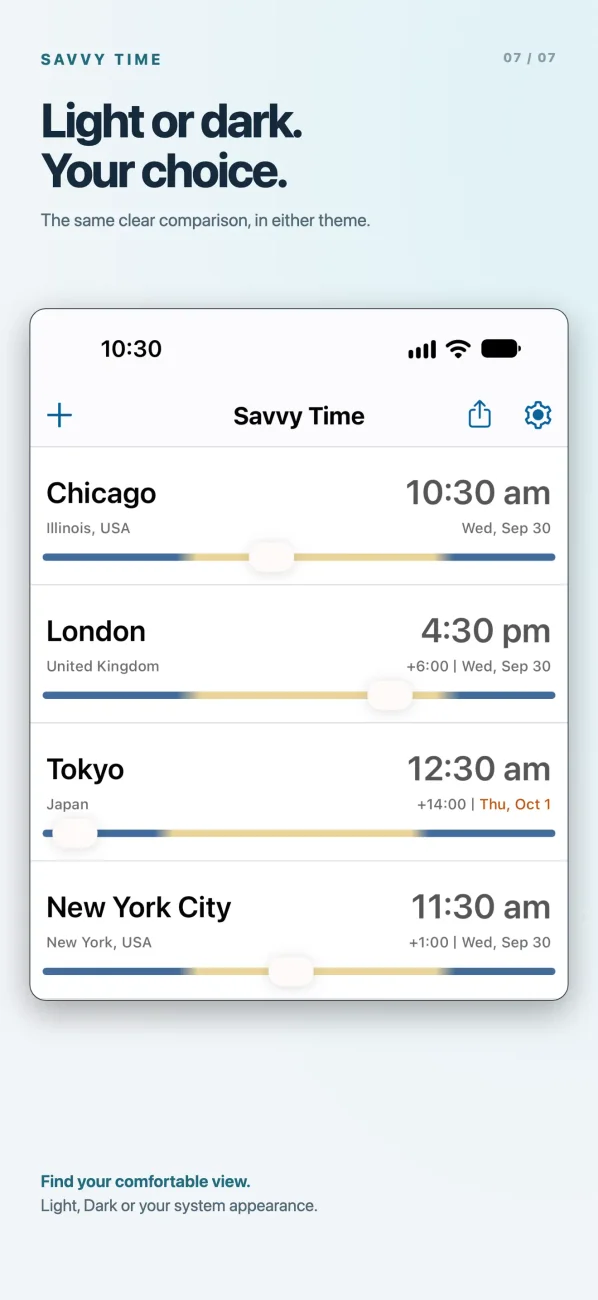
• Use light, dark, or system appearance.
• Send feedback from Settings with an optional screenshot.
Savvy Time needs no account, and comparing times works offline. Free users can save four places. Existing saved places are preserved when updating and are included in iPhone and iPad backups. One Place widgets and small Compare Places widgets are free.
Savvy Time Pro adds unlimited saved places, medium and large Compare Places widgets, the full-page Compare Places widget on supported iPhones with iOS 27, and an ad-free experience. Pro also adds six color themes for Home Screen widgets: Black, Ocean, Forest, Plum, Sand and Mist. Existing Ad-Free subscribers receive Pro access. New installations also receive a three-day ad-free welcome, which is separate from a subscription trial.
Optional subscriptions
Monthly subscriptions are billed immediately and have no free trial. Annual subscriptions offer a seven-day free trial for eligible customers; otherwise payment is charged when you subscribe. Localized prices, trial eligibility, and renewal terms are displayed before purchase. Subscriptions renew automatically unless canceled through your Apple account. Manage or cancel your subscription in Settings, and use Restore Purchases to restore eligible access.
Lifetime Pro
Where offered, Lifetime Pro unlocks the same iOS Pro benefits with one payment and no subscription or trial. Verified lifetime access works indefinitely offline. Restore using the Apple account that made the purchase. Refunds or revocations are applied on the next successful verification. Lifetime Pro does not cancel any separate subscription. Availability varies; the App Store shows your localized price before purchase.
Terms of Use: https://savvytime.com/terms
Privacy Policy: https://savvytime.com/privacy
What’s new
Version 2026.11.3 · Nov 16, 2026
• Savvy Time Pro adds six widget color themes: Black, Ocean, Forest, Plum, Sand and Mist. Choose one under Appearance when you edit a Home Screen widget.
• Widgets stay readable in StandBy and in the tinted and clear Home Screen styles.
• Best time now shows with every Time Slider setting, not only Working Hours. Hide it with ×, undo right away, or turn it back on in Settings › Time Slider, where you can also set the working hours it uses.
• The time slider’s hourly tap now comes as you reach each hour from either side, without buzzing on fast sweeps.
• In Search, time zones now say which place’s clock they follow and when it next changes.
• Alberta, British Columbia and Manitoba now show their year-round time names: Alberta Time, Pacific Time and Manitoba Standard Time.
• To remove one place, swipe it left on Home and tap Delete. The hint now stays until you’ve used it.
App privacy
What Savvy Time LLC declares on the App Store about how this app handles data.
-
Data linked to you
May be collected and linked to your identity.
- Purchases
- Location
- Contact info
- User content
- Identifiers
- Usage data
- Diagnostics
-
Data not linked to you
May be collected but is not linked to your identity.
- Diagnostics
Privacy practices may vary, for example with the features you use or your age.
Information
- Seller
- Savvy Time LLC
- Category
- Productivity
- Version
- 2026.11.3
- Updated
- Nov 16, 2026
- Released
- Jan 20, 2022
- Size
- 51.9 MB
- Requires
- iOS 17.0 or later
- Age rating
- 4+
- Price
- Free
- In-app purchases
- Yes
- Languages
- English
- Copyright
- © 2026 Savvy Time LLC
You might also like
-
 The Time Zone Converterfor remote teams & travelers
-
 World Clock • Easy TimezonesTime Planner for Global Teams
-
 Time Zone Converter・ConvertimeWorld Clock & Meeting Planner
-
 World CalSchedule across time zones
-
 TimeBuddy - World ClockWorld Clock & Meeting Planner
-
 Time Intersect - World ClockTime Zone Converter & Planner
-
 World Clock Widget & WeatherTime Zone Converter, reminders
-
 GoodReader PDF Editor & ViewerPDF Annotator, File Manager
-
 TimeBuddy: Focus TimerTrack Daily Routine & Planner
-
 SuperwhisperAI Keyboard & Dictation