
ScaleInk: Annotate PDF Plans
Markup & Measure Drawings
Designed for iPad
Free · In-app purchases
- Age rating4+
- CategoryProductivity
- Developerakihiro kawata
- LanguagesEnglish+ 1 more
- Size10.2 MB
Links to the official App Store page
Download.org hosts no file of ScaleInk: Annotate PDF Plans. The button opens its official App Store page, published by akihiro kawata. Listing last checked on Nov 15, 2026.
Screenshots


About
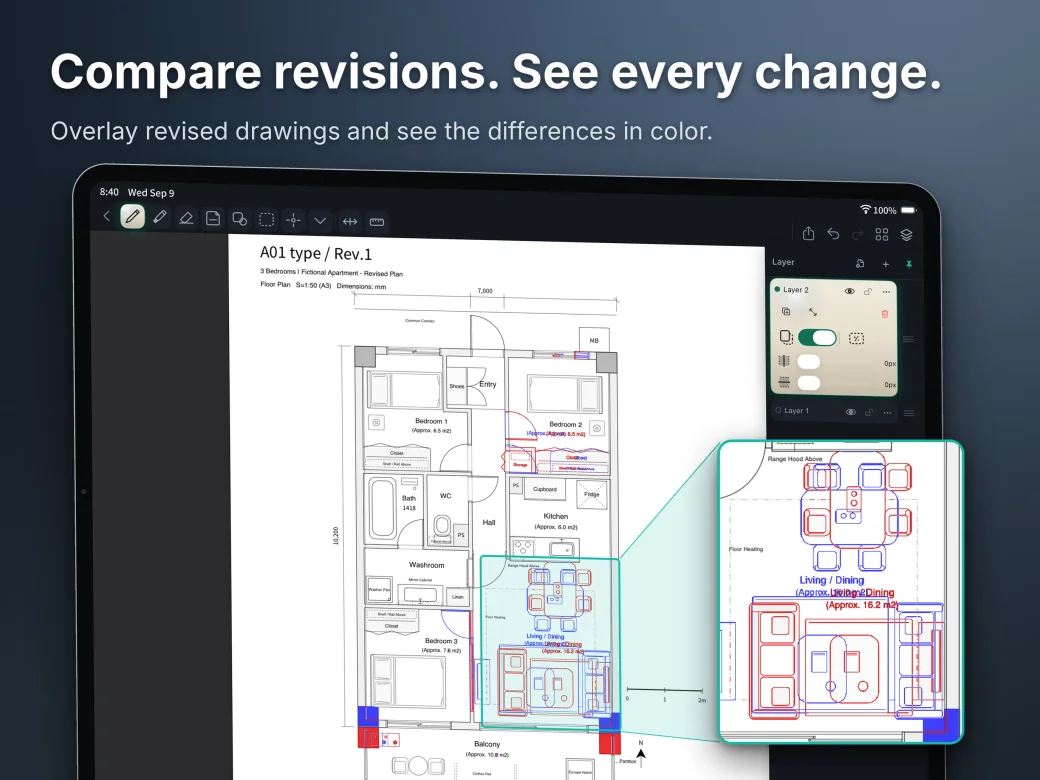
Compare multi-page drawing revisions more easily. Match pages between old and new PDFs and add them as reference layers in one batch. Check additions in red and deletions in blue on each page, then add handwritten notes and export your marked-up drawings.
ScaleInk brings PDF drawing review, annotation, and measurement together on iPad.
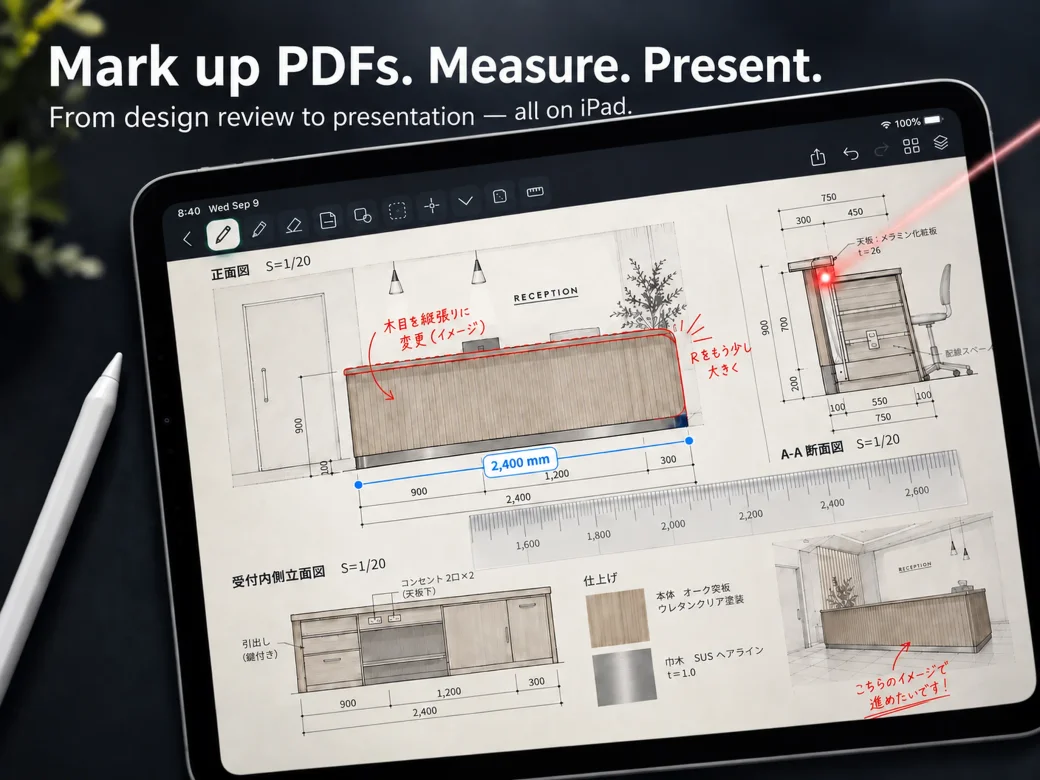
From architectural design and construction drawing reviews to redlining during meetings and on-site checks, simply open a PDF and start working with Apple Pencil.
Key Features
• Drawing revision comparison: additions in red, removals in blue
• Select areas to exclude from comparison
• Export PDFs with comparison results
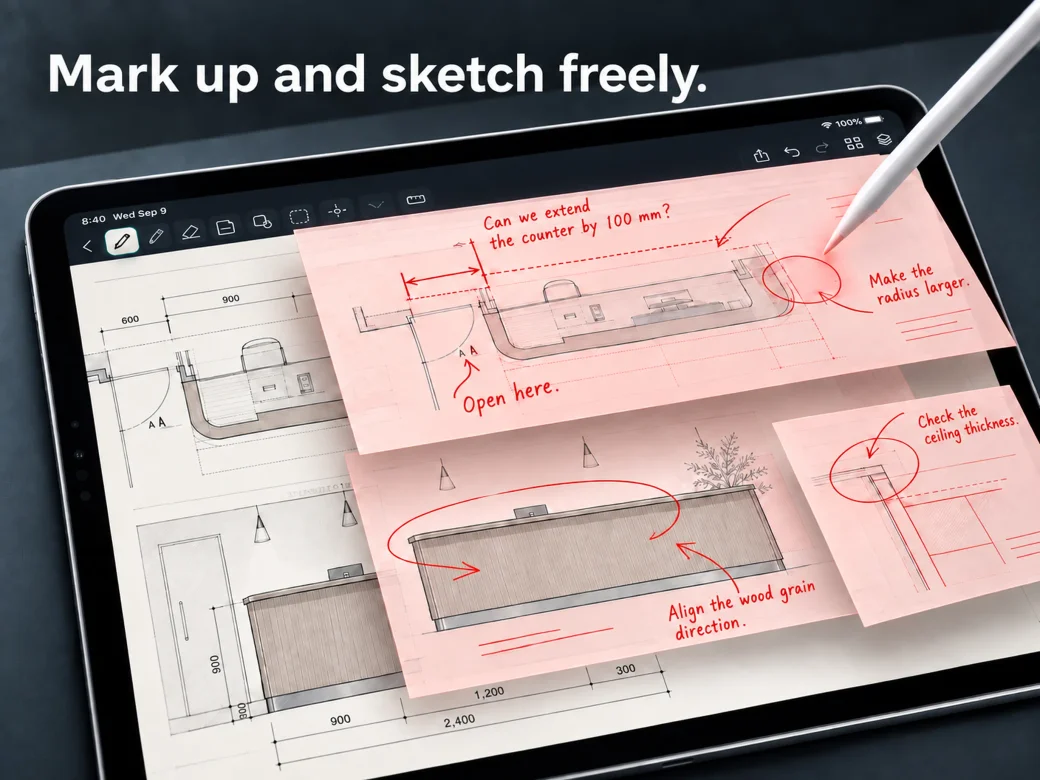
• Freehand drawing, highlighting, and erasing on PDFs
• Text and shape annotations
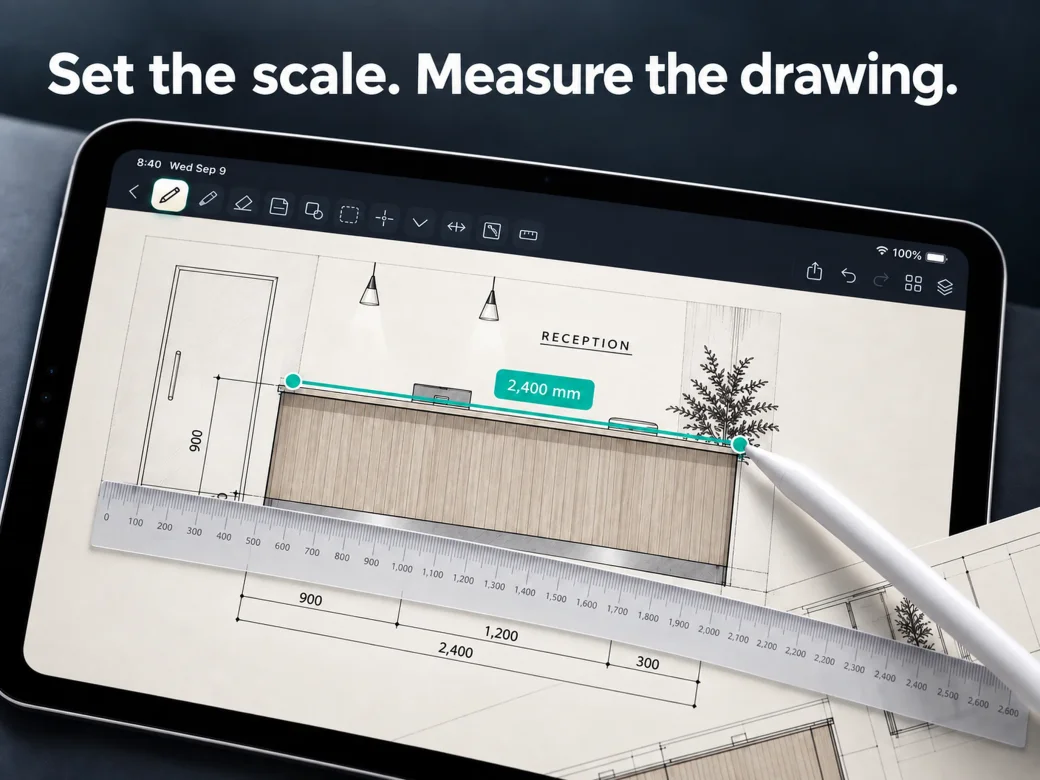
• Drawing scale calibration and measurement
• Ruler tools for drawing and checking
• Layers for organizing design studies and markups
• Overlay another PDF as a reference layer
• Organize multiple PDFs using Projects and Stacks
Mark up drawings as you would on paper, measure using a calibrated scale, and organize design studies with layers. Review changes, add annotations, and export PDFs for sharing, all on iPad.
Designed for architecture, construction management, interior design, engineering, and other professionals who work with PDF drawings.
With the Lifetime plan, you can continue using ScaleInk Pro features provided on-device. Monthly and Annual plans include Pro features and may also include continuously provided services, such as cloud integration, in the future.
Terms of Use (EULA): https://www.apple.com/legal/internet-services/itunes/dev/stdeula/
What’s new
Version 1.4.2 · Nov 14, 2026
• Open PDFs directly in ScaleInk from Files, Mail, and other apps
• Set measurement units (metric or feet & inches) per project
• Added a one-tap question on first use to help us improve ScaleInk
• Minor improvements and bug fixes
App privacy
What akihiro kawata declares on the App Store about how this app handles data.
-
Data linked to you
May be collected and linked to your identity.
- Purchases
- Identifiers
- Usage data
Privacy practices may vary, for example with the features you use or your age.
Information
- Seller
- akihiro kawata
- Category
- Productivity
- Version
- 1.4.2
- Updated
- Nov 14, 2026
- Released
- Sep 20, 2026
- Size
- 10.2 MB
- Requires
- iOS 17.0 or later
- Age rating
- 4+
- Price
- Free
- In-app purchases
- Yes
- Languages
- English, Japanese
- Copyright
- © 2026 akihiro kawata
You might also like
-
 Toccobird: PDF Drawing MarkupMeasure Plans & Create Reports
-
 Peon ControlProductivity
-
 CrewNote – Private People LogNotes on people you manage
-
 ダクト静圧計算・風量測定- Kazamichi 風道Productivity
-
 FalconASProductivity
-
 設備Works-建築機械設備のダクト、配管サイズの選定Productivity
-
 PlanBridge: Measure PDF PlansConstruction Project Organizer
-
 Horef ScanLiDAR plans: PDF, DXF and 3D
-
 HobbyWorld Magazine EnglishProductivity
-
 ScaleTap: PDF Plan MeasureFast Construction Takeoff