Scan Fast: PDF Scanner
Receipts, OCR & Signatures
Designed for iPhone
Free · In-app purchases
- Age rating4+
- CategoryUtilities
- DeveloperArda İlgili
- LanguagesEnglish+ 8 more
- Size17.7 MB
Links to the official App Store page
Download.org hosts no file of Scan Fast: PDF Scanner. The button opens its official App Store page, published by Arda İlgili. Listing last checked on Nov 15, 2026.
Screenshots

About
Turn paperwork into an organized, searchable digital library with Scan Fast.
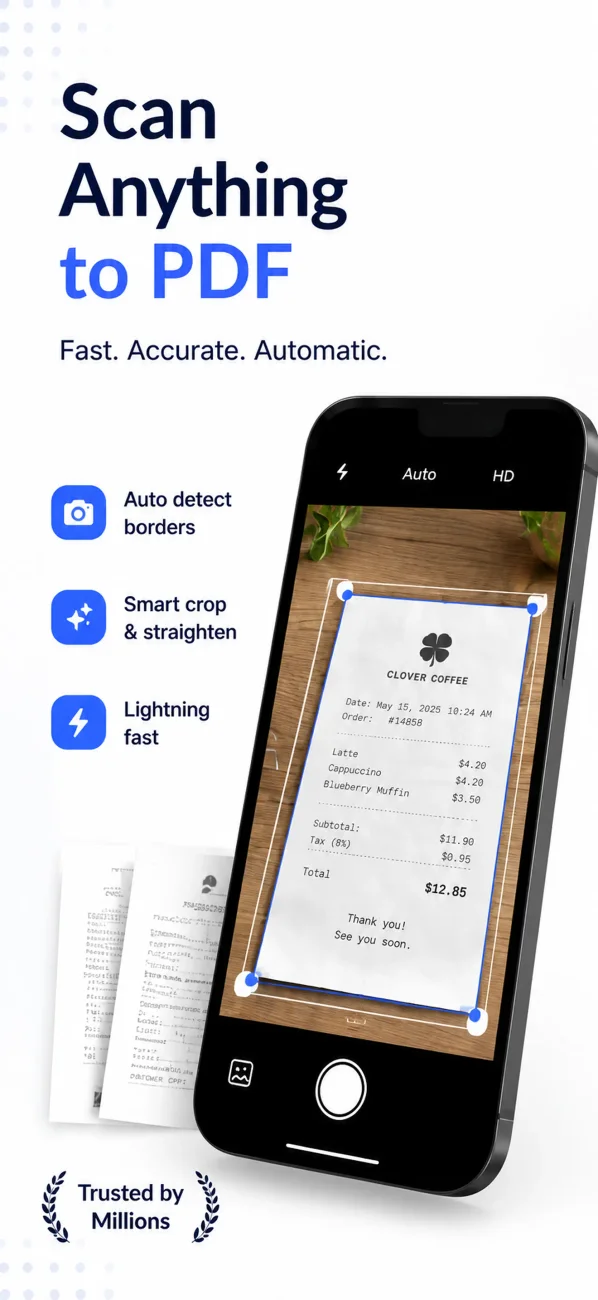
Scan receipts, invoices, contracts, forms, certificates, medical records, notes and everyday documents in seconds. Import existing PDFs and images, improve their appearance, add signatures or notes, and keep everything ready whenever you need it.
Scan with confidence
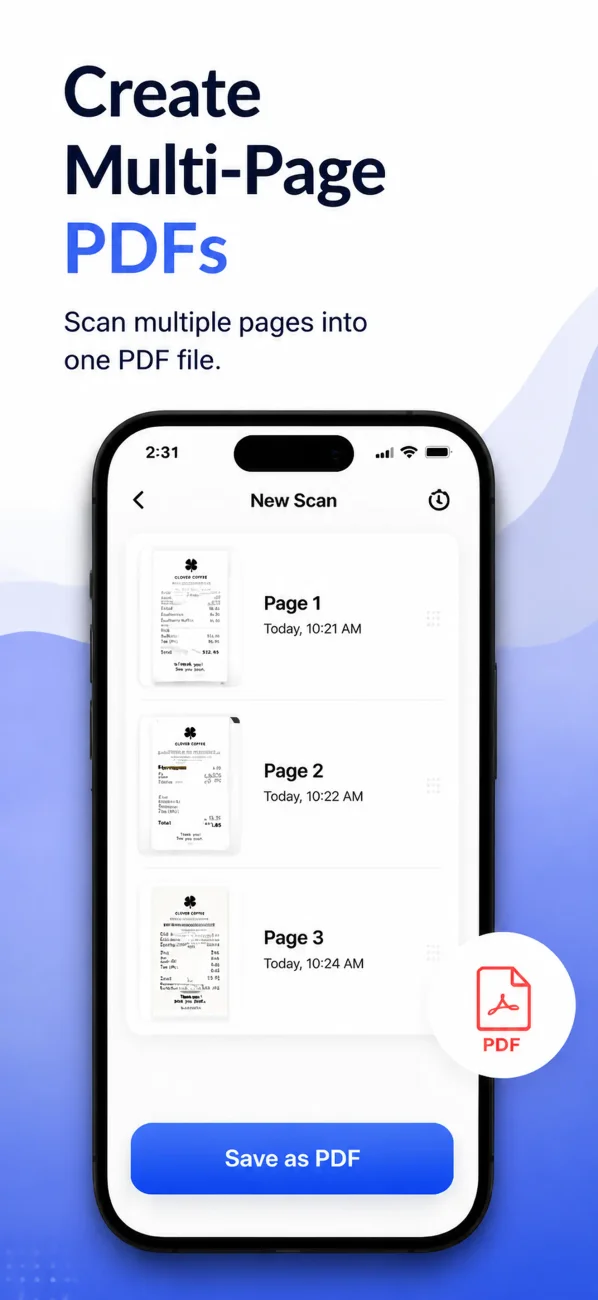
Capture single-page or multi-page documents using your iPhone. Scan Fast helps you create clean, readable PDFs that are easy to store, find and share.
Improve every page
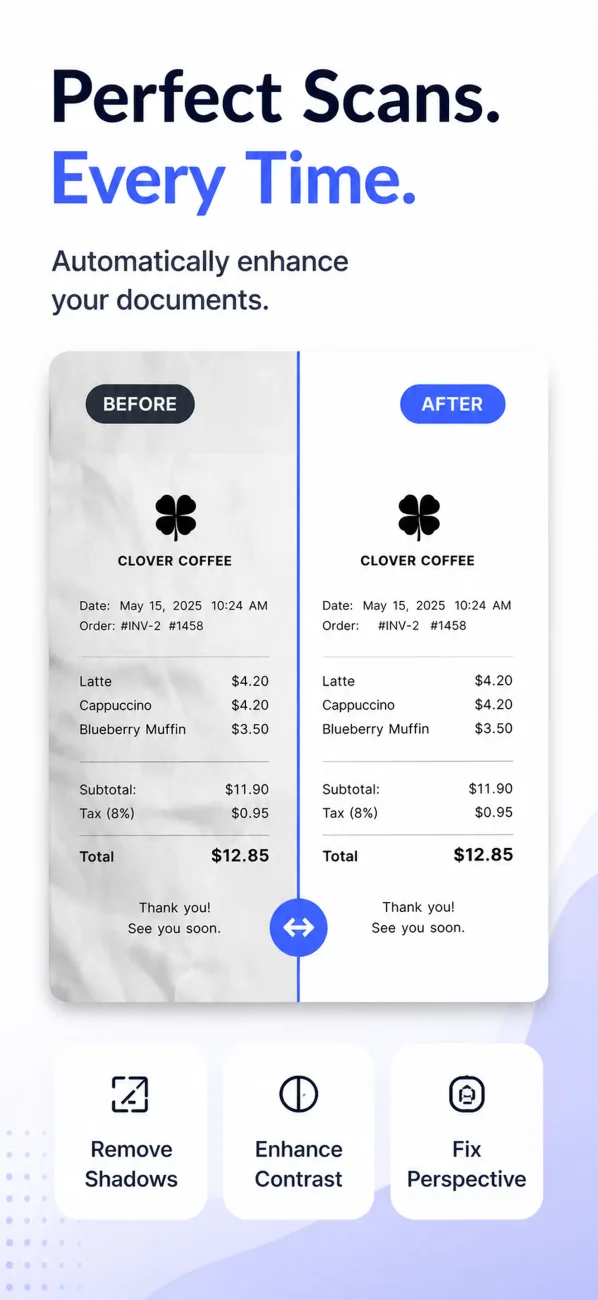
Use Document Quality Studio to preview enhancements before applying them. Adjust the appearance of scanned pages and create clearer, more professional-looking documents while keeping the original available.
Find documents quickly
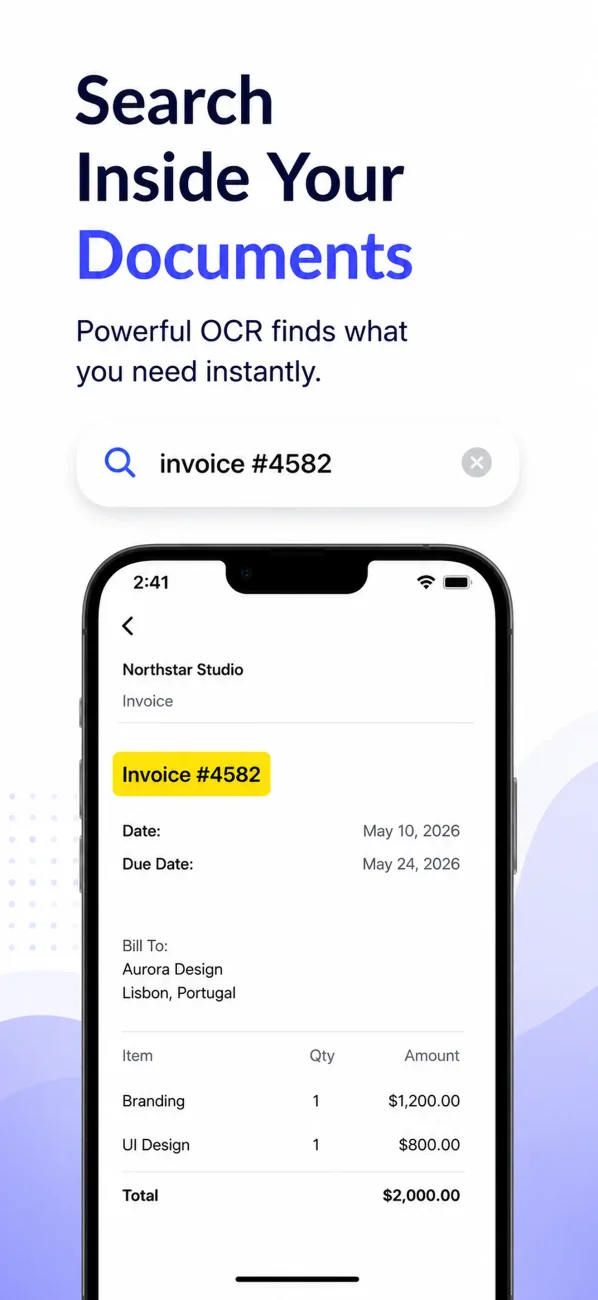
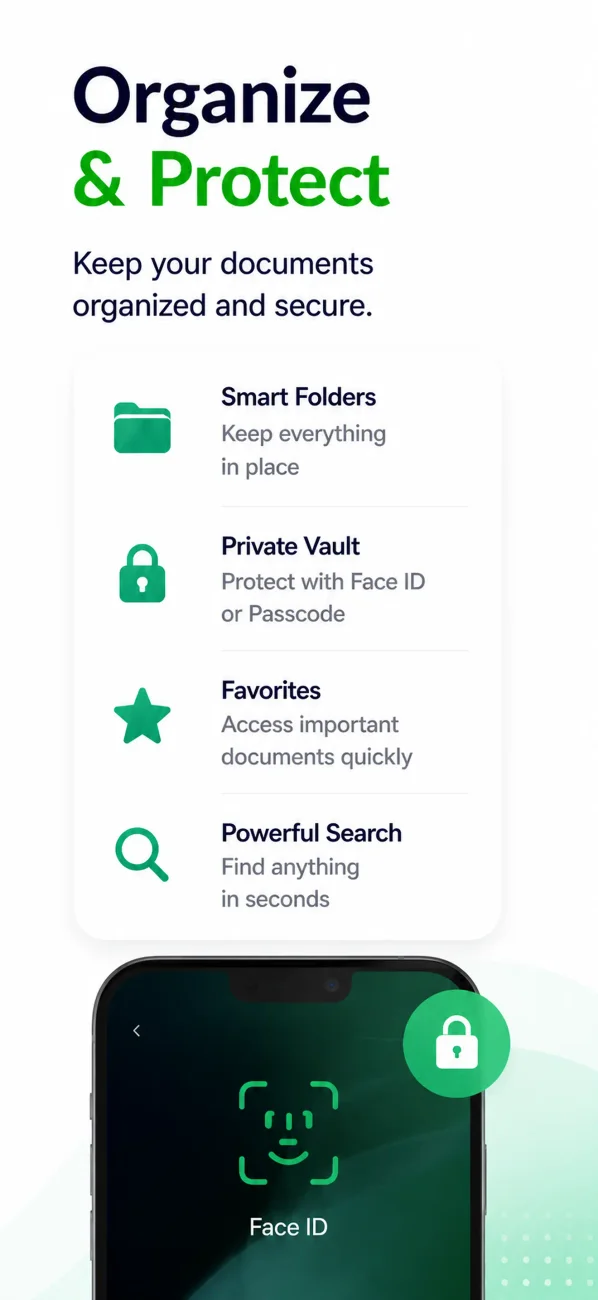
Extract text from scans with OCR and search using words inside your documents—not only filenames. Organize everything into folders such as Receipts, Finance, Work, Identity, Medical and Personal, or create folders that fit your own life.
You can also add tags, mark favorites and quickly return to recently used documents.
Sign and annotate
Add drawn signatures directly to a document, position them where needed and resize them for a natural fit.
Create customizable notes with your preferred font size, text color, background color and transparency. Place each note exactly where it belongs on the page.
Never miss an important date
Turn documents into actionable reminders. Add tasks and due dates to bills, applications, contracts or personal records.
Scan Fast can also help identify expiry dates, making it easier to remember renewals for important documents, memberships, policies and certificates.
Import everything in one place
Bring PDFs and images into your library through the Import Hub. Existing files can live alongside newly scanned documents, giving you one organized home for your paperwork.
Export and deliver intelligently
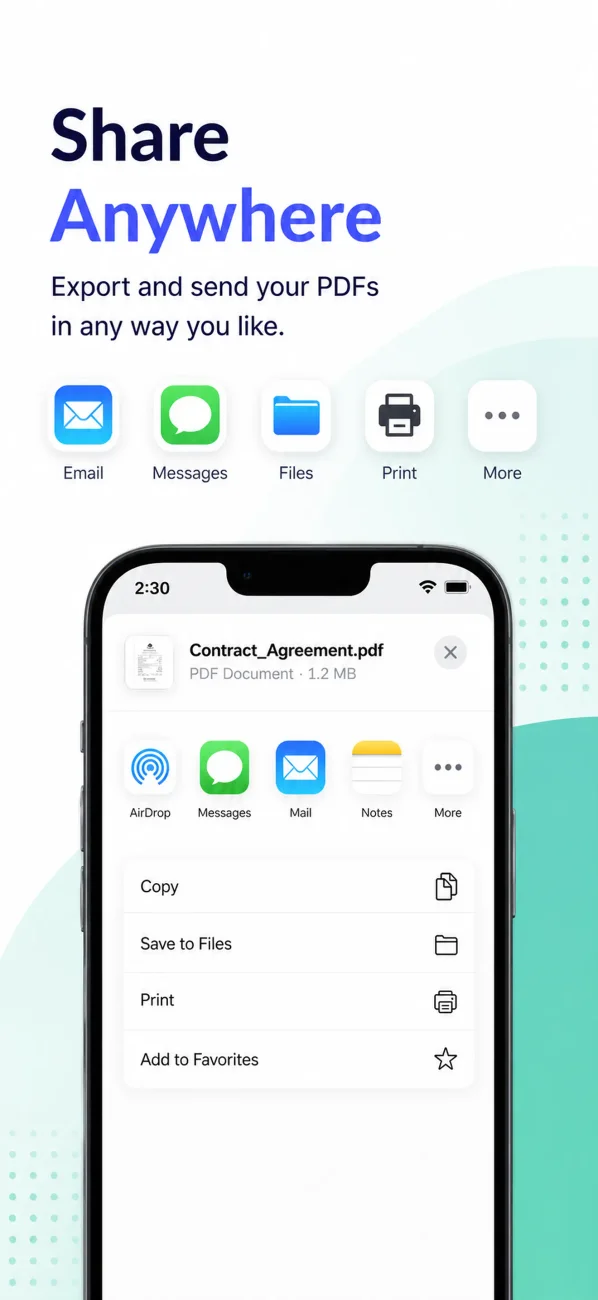
Create share-ready documents and choose the format that works for the recipient. Send polished PDFs, prepare documents for printing or sharing, and use protected delivery options when a document needs extra care.
Keep sensitive documents private
Move personal documents into Vault for additional privacy. Your documents remain on your device unless you explicitly choose to share them or enable backup.
Built for everyday paperwork
Scan Fast is useful for:
Receipts and expense records
Invoices and financial documents
Contracts and signed forms
Travel documents and itineraries
Medical and insurance records
Certificates and documents with expiry dates
Work files, study notes and personal paperwork
From capturing a page to finding it months later, Scan Fast helps you spend less time managing documents—and more time using them.
Some advanced features require Scan Fast Pro.
Terms of Use: https://www.syksoft.com/scanner-terms
Privacy Policy: https://www.syksoft.com/scanner-privacy
Support: https://www.syksoft.com/steps-support
What’s new
Version 2.1 · Oct 6, 2026
Bug fixes, performance improvements.
App privacy
What Arda İlgili declares on the App Store about how this app handles data.
-
Data not collected
The developer does not collect any data from this app.
Privacy practices may vary, for example with the features you use or your age.
Information
- Seller
- Arda ILGILI
- Category
- Utilities
- Version
- 2.1
- Updated
- Oct 6, 2026
- Released
- Nov 7, 2023
- Size
- 17.7 MB
- Requires
- iOS 17.0 or later
- Age rating
- 4+
- Price
- Free
- In-app purchases
- Yes
- Languages
- English, Arabic, German, Italian, Japanese, Russian, Simplified Chinese, Spanish, Turkish
- Copyright
- © 2026 syksoft
You might also like
-
 Express Scan:Fast PDF ScannerScan, organize & edit PDFs
-
 PDF scanner generatorImage to pdf
-
 Meter - Sensor DashboardAll-in-one measurement app
-
 Convert Photo to PDF: Air PDFEasy Photo to PDF converter
-
 SRS EquipmentJob & Service Management
-
 PDFToExcelUtilities
-
 PDF Converter - Quick ToolsCompress, Merge, Image to PDF
-
 Zeroa100Utilities
-
 Parsel MimarFAR, Coverage & Floor Area
-
 AutoPulse: Smart Vehicle CareSmart Vehicle Care