Scan PDF Document Page Scanner
Go paperless! with PDF Scanner
Designed for iPhone, iPad, iPod touch
Free
- Age rating17+
- CategoryProductivity
- DeveloperKachhadiya Kaushikbhai
- LanguagesEnglish
- Size40.1 MB
Links to the official App Store page
Download.org hosts no file of Scan PDF Document Page Scanner. The button opens its official App Store page, published by Kachhadiya Kaushikbhai. Listing last checked on Nov 15, 2026.
Screenshots
About
Go paperless! Scan, save, and share documents effortlessly with our PDF Scanner
Welcome to the Ultimate Document Scanner App! Scan PDF Document Page with Ease!
Supercharge Your Scanning Experience with Scan PDF Document Page Scanner!
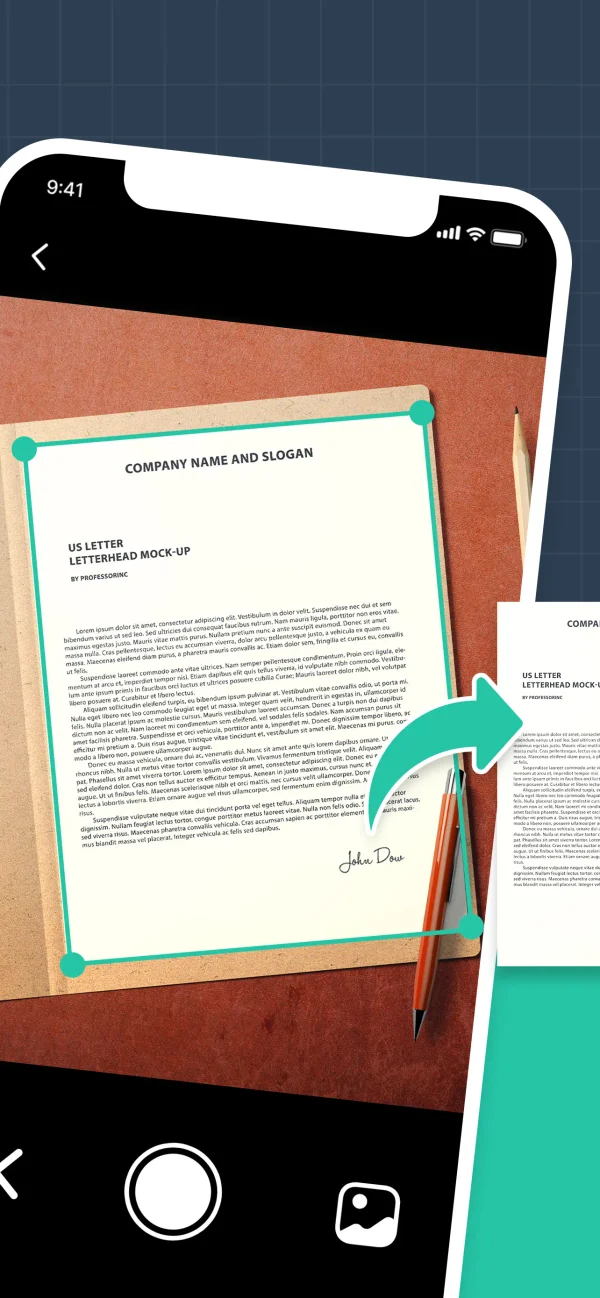
Unlock the full potential of your device's camera with our cutting-edge PDF scanner app! Transform your phone into a portable scanner and breeze through your document management needs. Whether it's capturing important notes, receipts, or business documents, we've got you covered.
Key Features:
High-Quality Scans:
Our advanced scanning algorithm ensures crisp and clear scans every time. Say goodbye to blurry or distorted images.
PDF Conversion Made Simple:
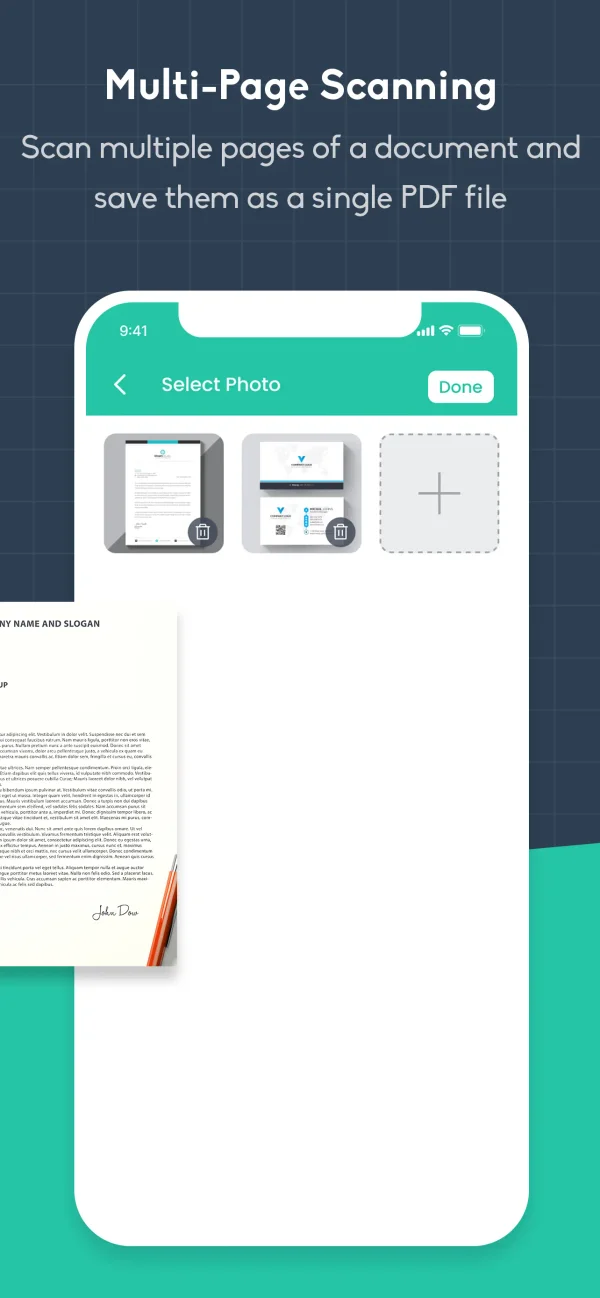
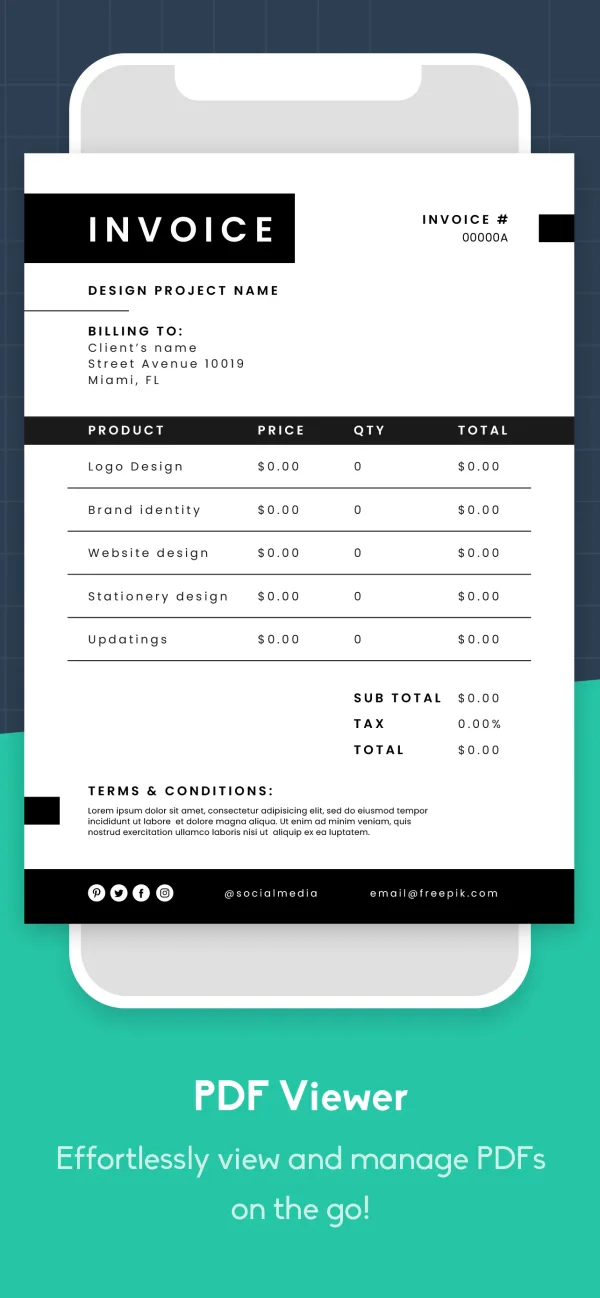
Instantly convert your scans into professional-looking PDFs. Perfect for sharing and organizing your documents. No more hassles or extra steps—efficiency at your fingertips!
Smart Edge Detection: Our intelligent edge detection ensures that you capture the entire document, no matter the size or shape. Say goodbye to awkwardly cropped scans!
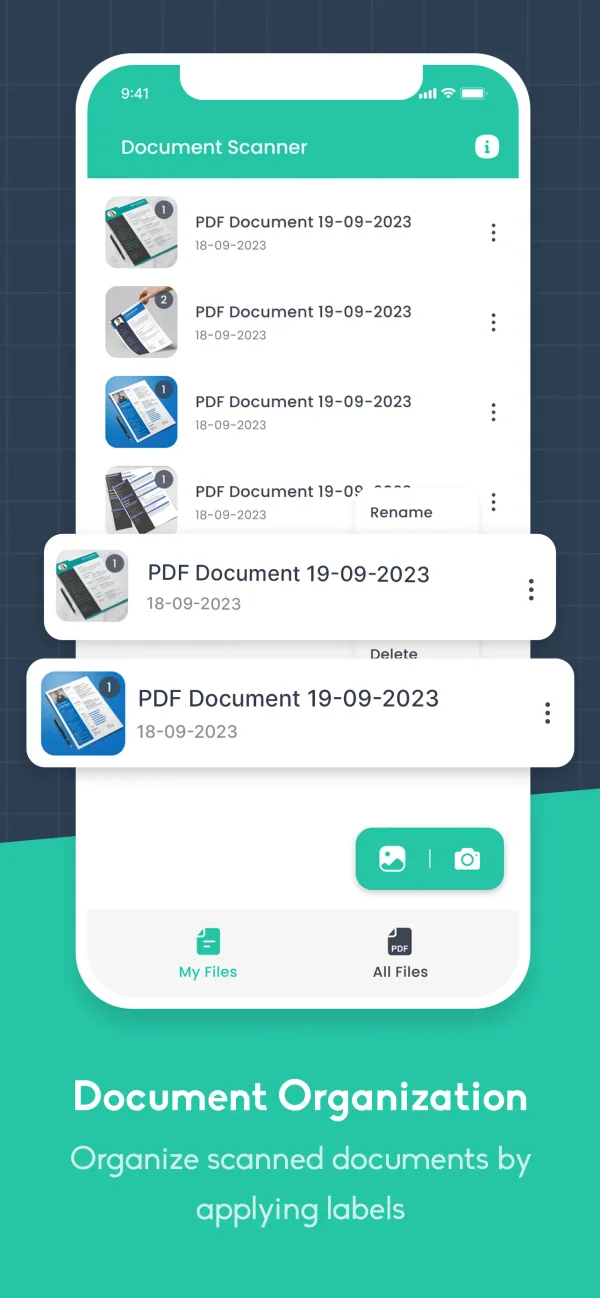
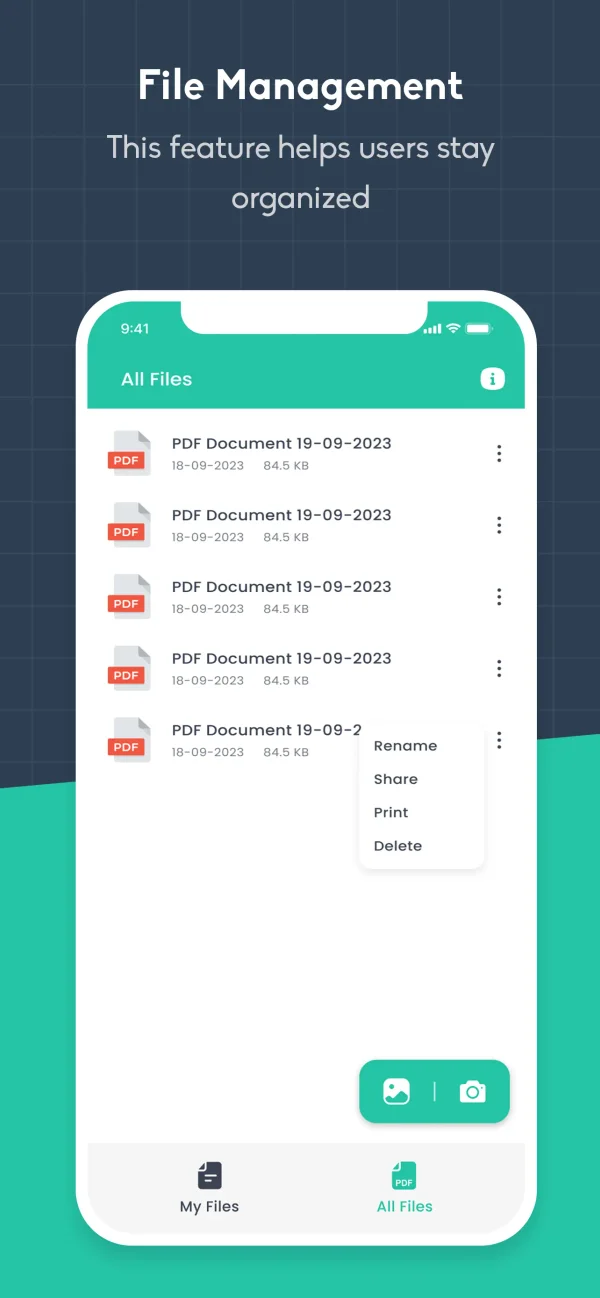
Effortless Organization:
Create folders, tag documents, and search with ease. Managing your scanned documents has never been this intuitive.
Fast and Lightweight:
Experience lightning-fast scanning without compromising on quality. Our app is designed to be both powerful and resource-efficient.
Intuitive UI/UX: Our user-friendly interface makes scanning and managing documents a breeze. No steep learning curves—start scanning like a pro from day one!
Why Choose Scan PDF Document Page Scanner?
Speed and Efficiency:
Scan PDF documents in a flash and get more done in less time.
Global Recognition:
Trusted by millions worldwide for its reliability and feature-rich scanning capabilities.
Optimized Performance:
Our app is continually updated for optimal performance on the latest devices and operating systems.
User-Friendly Interface:
Intuitive design makes scanning and managing documents a breeze, even for first-time users.
Boost Productivity:
Scan, store, and share documents on the go. Enhance your productivity with Scan PDF Document Page Scanner.
Experience the future of document scanning today. Download our app and see the difference for yourself. Scan PDF Document, Document Scanner—where innovation meets simplicity. Discover the joy of effortless document management. Download now and elevate your scanning experience!
Disclaimer:
- This app does not store any information provided by the user.
- This app does not store any scanned documents on anywhere. We care privacy of the users.
Download now and revolutionize the way you scan and manage documents! Embark on a new era of document scanning! Your productivity awaits.
Feel free to ask questions, report bugs or request or suggest new features on kaushik.ios521@gmail.com
What’s new
Version 2 · Jul 11, 2025
- improve performance
App privacy
What Kachhadiya Kaushikbhai declares on the App Store about how this app handles data.
-
Data not collected
The developer does not collect any data from this app.
Privacy practices may vary, for example with the features you use or your age.
Information
- Seller
- Kachhadiya Kaushikbhai
- Category
- Productivity
- Version
- 2
- Updated
- Jul 11, 2025
- Released
- Dec 29, 2023
- Size
- 40.1 MB
- Requires
- iOS 12.0 or later
- Age rating
- 17+
- Price
- Free
- Languages
- English
- Copyright
- © Kaushik
You might also like
-
 PM Pro: Password ManagerStore & Manage Secrets Offline
-
 RBrowser pro - Private BrowserIncognito,Safe, AI,Adblock
-
 Voice Recorder - Transcribe AIVoice Memos & Audio Edit
-
 CS PDF Editor - Scanner AppGenius QR Code & Cam Scanner
-
 Do Today: To-Do List PlannerNotes - Reminders and Tasks
-
 Juno: Task & Project ManagerOrganize Notes, Links & More
-
 Content Transfer : Phone CloneCopy My Data & Smart Switch
-
 The Blocker for Adult ContentFilter Websites & Block Apps
-
 Document Reader : PDF ReaderPDF, PPT, Excel, Word, Text
-
 PDF Maker: Image to pdfImage to pdf converter