Scan QR Code Generator Reader
QR,Barcode Scanner For iPhone
Designed for iPhone, iPad, iPod touch
Free · In-app purchases
- Age rating4+
- CategoryProductivity
- DeveloperMohsan Ali
- LanguagesEnglish
- Size58.4 MB
Links to the official App Store page
Download.org hosts no file of Scan QR Code Generator Reader. The button opens its official App Store page, published by Mohsan Ali. Listing last checked on Nov 17, 2026.
Screenshots
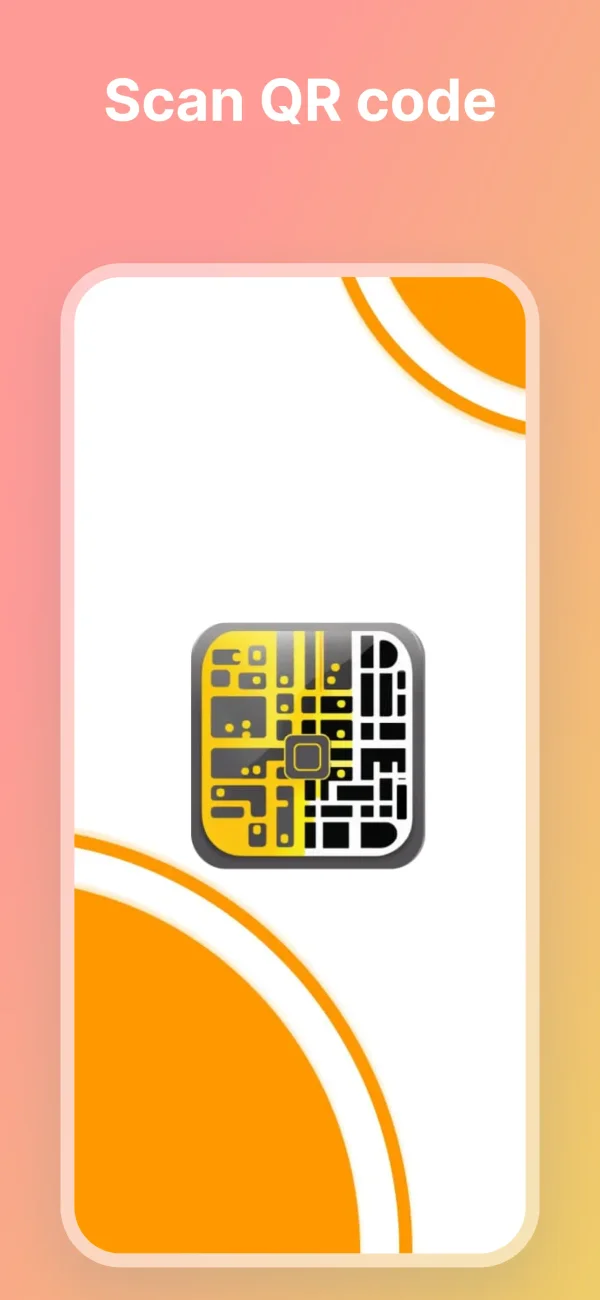
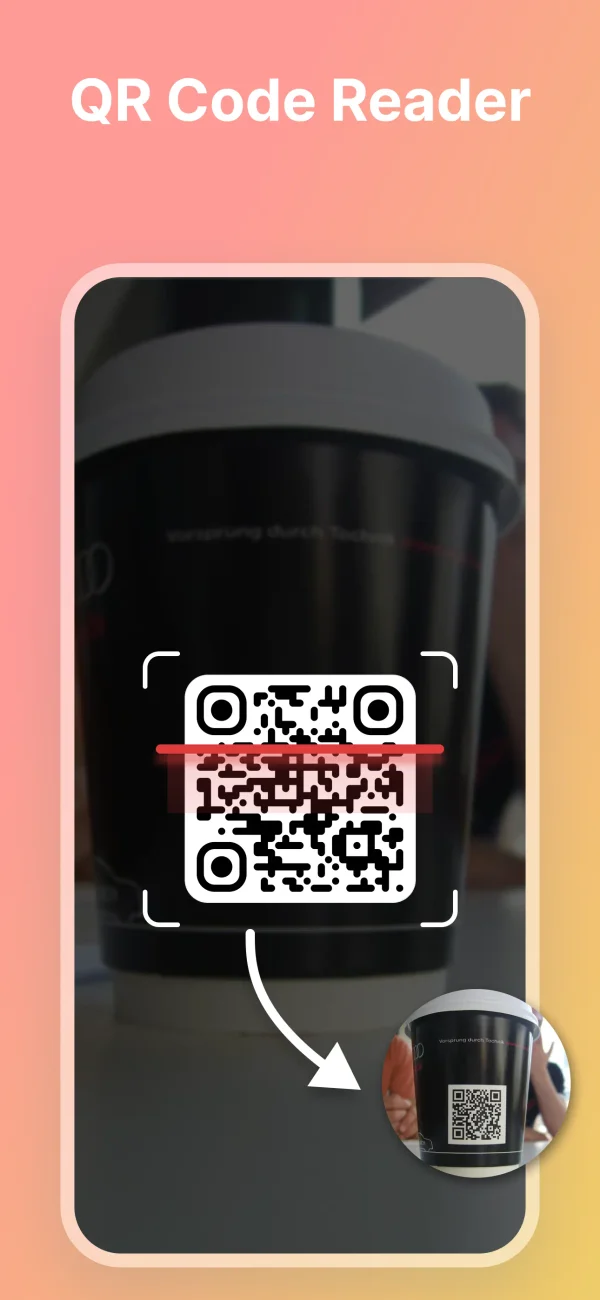

About
Embark on a seamless digital journey with Scanner app, the all-encompassing iOS app designed to meet all your scanning and QR code needs. Meticulously crafted for both personal and professional use, this app is a powerhouse that combines advanced document scanning capabilities with a sophisticated QR code creation and generation toolkit. Whether you're managing documents or diving into the dynamic world of QR codes, this is your go-to solution.
Key Features:
Advanced Document Scanning:
High-quality
scans with just a tap: Convert your paper documents into crystal-clear digital copies.
Auto-edge detection: Smart technology automatically detects document edges, ensuring perfect scans every time.
Multiple scan modes: Choose from color, grayscale, or black and white to suit the nature of your documents.
Versatile QR Code Generator:
Create QR codes: Generate QR codes for URLs, text, Wi-Fi networks, contacts, events, and more.
Customization options: Personalize your QR codes with different colors, patterns, and logos to make them stand out.
Easy sharing: Share your QR codes through email, social media, or directly within the app.
Efficient OCR (Optical Character Recognition):
Text extraction: Turn scanned documents into editable text.
Multilingual support: OCR supports various languages, enhancing its utility for global users.
Smart Document Organization:
Folders and tags: Keep your scans organized with custom folders and tagging options.
Search functionality: Quickly find any document or QR code with a simple search.
Seamless Cloud Integration:
Sync with cloud services: Store your scans and QR codes on iCloud, Google Drive, Dropbox, etc.
Access anywhere: Retrieve your documents and QR codes from any device, ensuring you're always connected.
Batch Scanning and Creation:
Multiple documents: Scan and create multiple pages or QR codes in one streamlined process.
Save time: Ideal for handling large documents or creating a series of QR codes efficiently.
User-Friendly Interface:
Intuitive design: Enjoy a smooth, user-friendly experience, making scanning and QR code creation easy and enjoyable.
Quick tutorials: Get started with easy-to-follow guides and tips.
Customizable Settings:
Tailor the app to your needs: Adjust scan quality, QR code size, and more to suit your specific requirements.
Why Choose this app?
All-in-One Functionality: With its dual capabilities of scanning and QR code creation, [App Name] is the only app you'll need for your document handling and digital encoding tasks.
Time-Saving and Efficient: Streamline your workflow with fast, accurate scanning and QR code generation.
Universally Compatible: Whether for business, education, or personal use, [App Name] is versatile enough to fit all contexts.
Transform the way you handle documents and embrace the digital age with QR codes. Download [App Name] now and step into a world of efficiency and convenience!
Note:
We value your privacy and never use or share your personal data with any third parties. None of the text or document uploaded on our app is stored or shared with any third party. This app is completely safe and secure to use for everyone.
Payment will be charged to your iTunes account at confirmation of purchase.Your subscription will automatically renew unless auto-renew is turned off at least 24-hours before the end of the current subscription period. Your account will be charged for renewal within 24-hours prior to the end of the current subscription period. Automatic renewals will cost the same price you were originally charged for the subscription. You can manage your subscriptions and turn off auto-renewal by going to your Account Settings on the App Store after purchase.
Terms of use:
https://www.systecltd.ca/2023/06/systec-ltd-terms-of-use.html?m=1
Privacy Policy:
https://www.systecltd.ca/2023/06/systec-ltd-privacy-policy.html?m=1
What’s new
Version 1.0.4 · Jun 8, 2024
UI improvements
Fix bugs
App privacy
What Mohsan Ali declares on the App Store about how this app handles data.
-
Data not collected
The developer does not collect any data from this app.
Privacy practices may vary, for example with the features you use or your age.
Information
- Seller
- Mohsan Ali
- Category
- Productivity
- Version
- 1.0.4
- Updated
- Jun 8, 2024
- Released
- Feb 1, 2024
- Size
- 58.4 MB
- Requires
- iOS 12.0 or later
- Age rating
- 4+
- Price
- Free
- In-app purchases
- Yes
- Languages
- English
- Copyright
- Copyright © 2023 Systec Ltd. All rights reserved.
You might also like
-
 AdscribeAI Ad Copy Generator
-
 Print Master: Print to SizePrinter for iPad & AirPrint
-
 Habit Tracker - MetaHabitsStreaks & Accountability
-
 99 Recurring RemindersRoutine & chore tracker
-
 Block Apps, Sites & FocusApp Blocker, Website Limit
-
 T2QR: QR Maker & ScannerCreate, scan, and customize
-
 Chunk: AI Notebook & ResearchAsk Your Docs, Automate Work
-
 AI Translate GPT Translator.aiPwred by Gemini & ChatGPT API
-
 AI qr code scanner:qrcode.aiQR Code & Barcode Sanner
-
 Image Converter : PDF PhotosConvert JPG , PNG, HEIC to PDF