Scan to PDF & Text OCR
Seamless Scanning on-the-Go!
Designed for iPhone, iPad
Free · In-app purchases
- Age rating12+
- CategoryUtilities
- DeveloperVU LE THANH
- LanguagesEnglish+ 17 more
- Size35.1 MB
Links to the official App Store page
Download.org hosts no file of Scan to PDF & Text OCR. The button opens its official App Store page, published by VU LE THANH. Listing last checked on Nov 17, 2026.
Screenshots
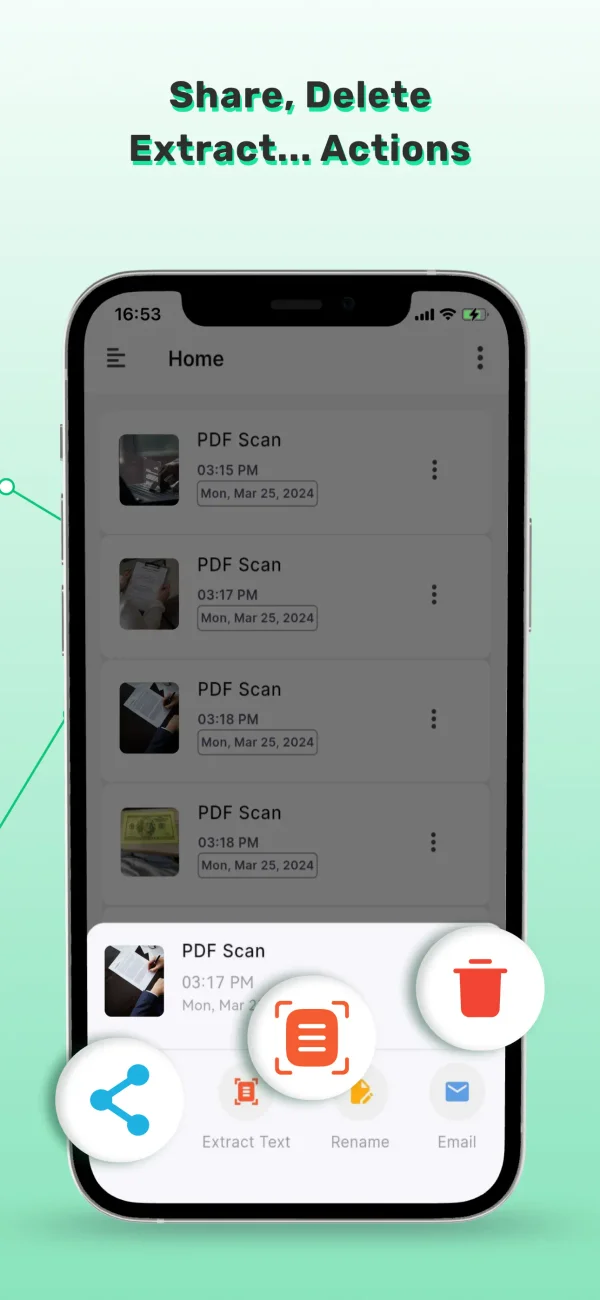
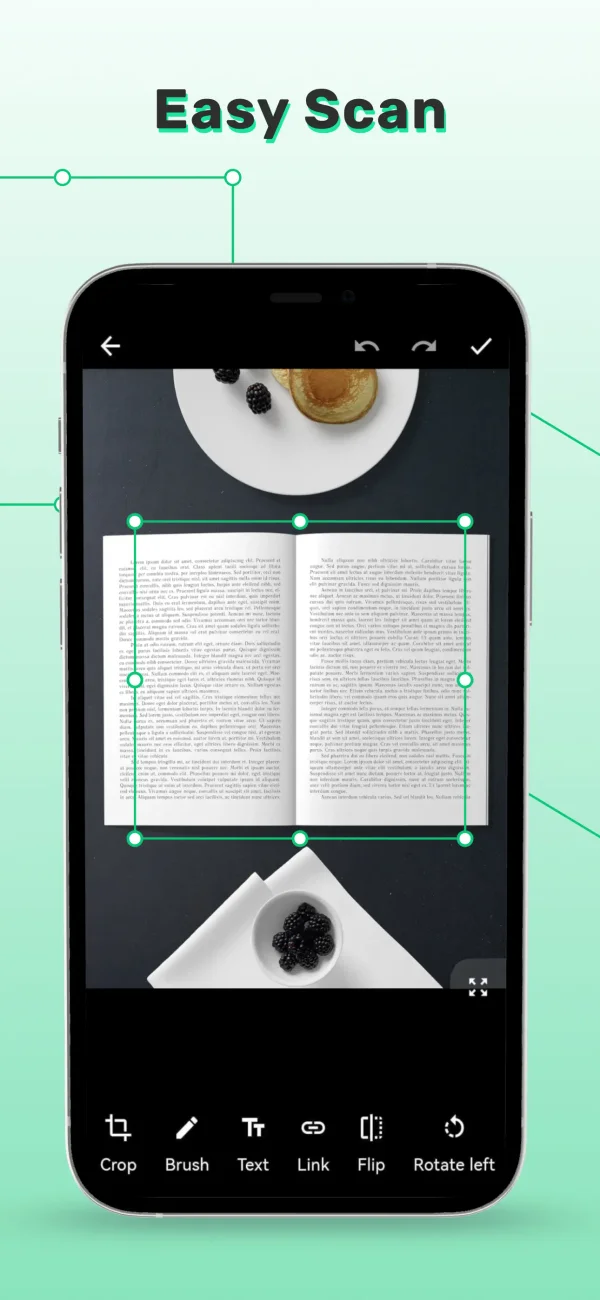
About
Scan documents, pull the text out of them and work on your PDFs, all on your iPhone and iPad. xPDF needs no account, and your files stay on your device.
SCAN TO PDF
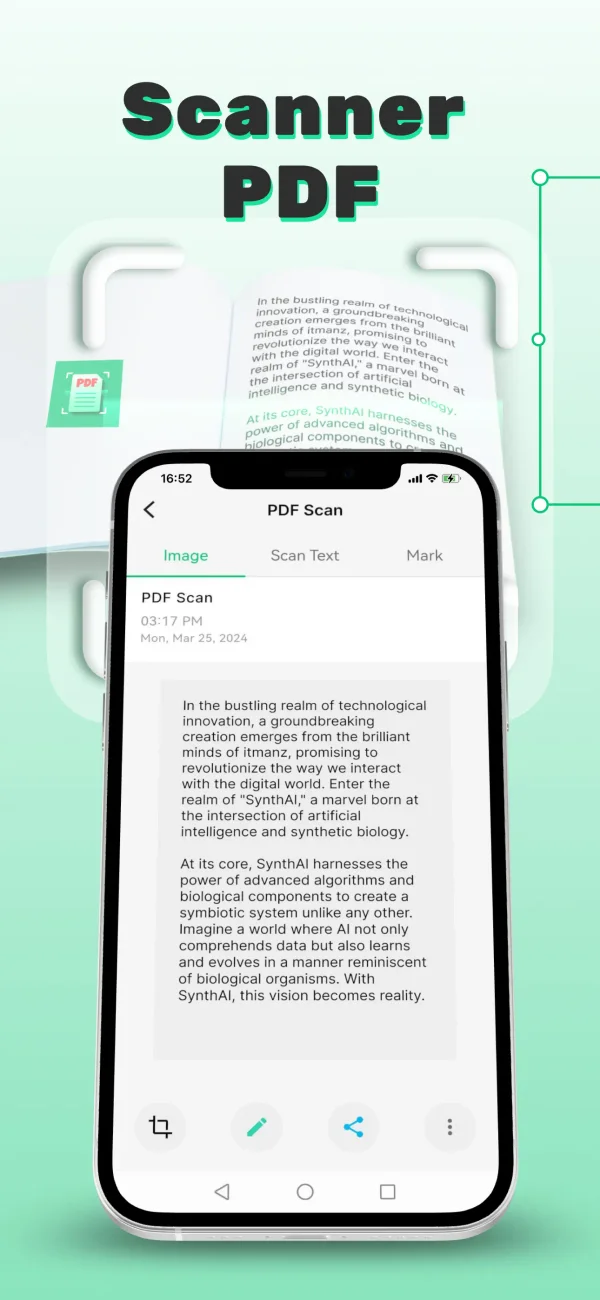
• Scan with the camera: page edges are found automatically
• Scan several pages into one PDF, then rotate, reorder, filter or retake a page
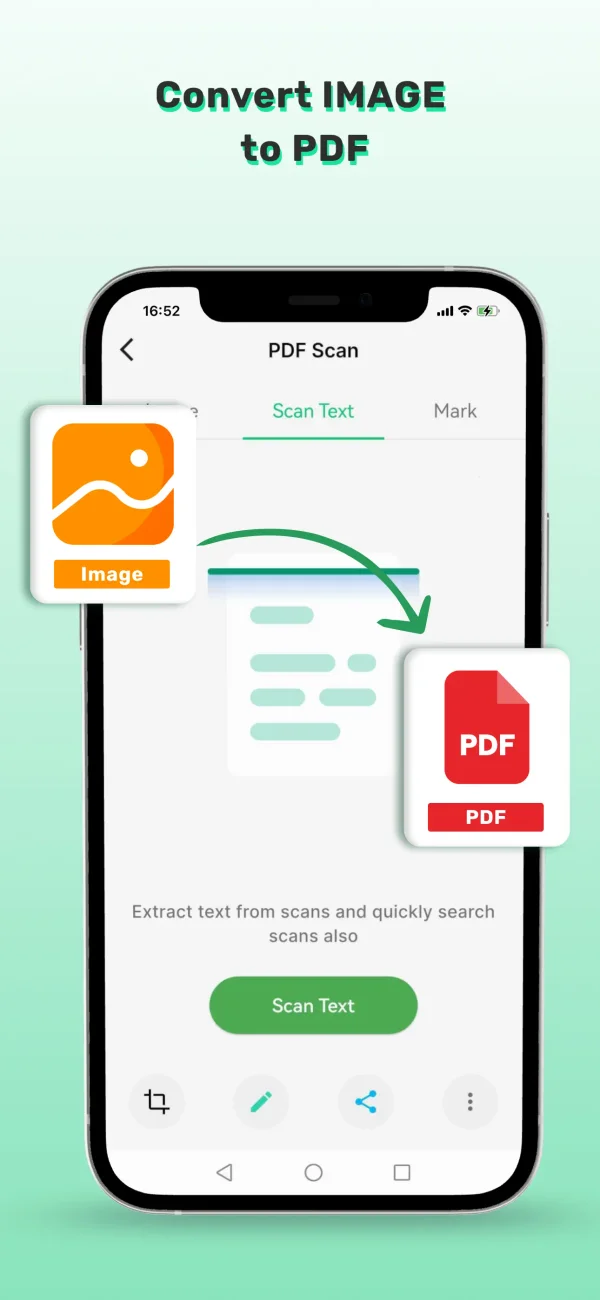
• Turn photos from your library into a PDF
• Unfinished scans are kept as a draft
TEXT RECOGNITION (OCR)
• Copy the text from scans, photos and PDFs
• Choose the language, tap a block of text on the page to select it
• Share the text or save it as a text file or PDF
• Make a scanned PDF searchable, so its text can be selected and found in any PDF reader (Premium)
• Voice to Text: speak, and get text you can edit, copy and save
READ AND SEARCH
• A fast PDF reader with zoom, a page overview and find-in-document
• Search your library by name, and by the text inside your documents (Premium)
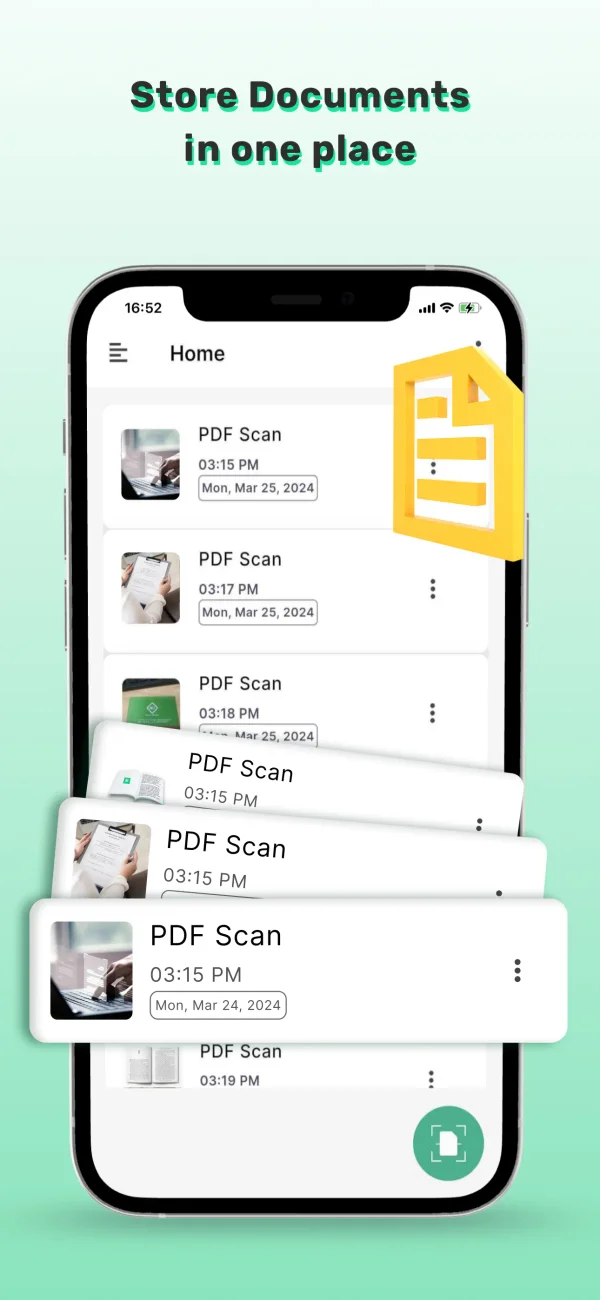
• Favourites, recently opened files, list and grid views
• Open PDFs and images from Files, Mail and other apps in xPDF
PDF TOOLS
• Merge and split PDFs and delete pages
• Rotate, reorder and duplicate pages (Premium)
• Add page numbers
• Sign and mark up PDFs
• Compress PDFs to share them more easily
• Convert photos, text and Word or Excel files to PDF, and PDF to JPG, PNG or text
• Edit PDFs, add a watermark and hide private details (Premium)
• Protect a PDF with a password, or remove a password you know (Premium)
KEEP FILES PRIVATE
• Move files to a Private area that opens only with Face ID, Touch ID or your passcode (Premium)
• Private files leave every list and search until you unlock
SHARE AND EXPORT
• Share to any app, save to Files or Photos, or send by e-mail
• Import from Files, iCloud Drive and other storage apps
MORE TOOLS
• Scan and create QR codes and barcodes
• Edit photos, compress and convert images, remove a photo's background
• Lay out photos as a photobook PDF (Premium)
ASK AI (ON-DEVICE)
• Summarize, rewrite, shorten, simplify and check the grammar of your text, or start from a document's text
• Step-by-step help with logic, math, physics and chemistry problems
• Runs privately on your device with Apple Intelligence. Requires a device and iOS version that support Apple Intelligence. AI can make mistakes, so check important answers.
MADE FOR EVERYONE
• 18 languages, Dark Mode and full iPad support
• Adjustable text size and VoiceOver support
• A built-in user guide
• Optional daily tips about features you haven't tried yet
PRIVATE BY DESIGN
• No account and no ads
• Scanning, text recognition, search and Ask AI run on your device
• Voice to Text runs on your device for supported languages; other languages use Apple's speech service, and the app tells you
FREE AND PREMIUM
xPDF is free to download and use, with limits on some features (for example, 30 saved scans a month, and 3 text recognitions, merges or conversions a day). Premium removes those limits, unlocks every Premium tool (PDF editing, page organising, password protection, searchable PDFs, private files and search inside documents), and exports without the xPDF watermark.
Premium is an auto-renewing subscription, available weekly, monthly or yearly; a free trial may be offered. The price is shown in the app before you buy and charged to your Apple Account when you confirm. The subscription renews automatically unless you cancel at least 24 hours before the end of the current period; your account is charged for renewal within 24 hours before the period ends. You can manage or cancel the subscription in your Apple Account settings. Any unused part of a free trial ends when you buy a subscription.
Privacy Policy: https://pixelz-lab.com/privacy-policy.html
Terms of Use: https://pixelz-lab.com/terms-of-use.html
Support: admin@pixelz-lab.com
iPhone, iPad, Face ID, Touch ID and Apple Intelligence are trademarks of Apple Inc.
What’s new
Version 1.1.1 · Oct 7, 2026
Meet xPDF — a private, on-device scanner for iPhone and iPad.
• Scan documents and photos into clean, multi-page PDFs
• Recognize text with on-device OCR
• Read, search, organize, merge, split, compress and convert PDFs
• Sign and protect important documents
• Keep private files protected with Face ID or passcode
• Export text and PDFs easily
Premium plans unlock higher limits and advanced PDF tools.
App privacy
What VU LE THANH declares on the App Store about how this app handles data.
-
Data not linked to you
May be collected but is not linked to your identity.
- Identifiers
- Usage data
- Diagnostics
Privacy practices may vary, for example with the features you use or your age.
Information
- Seller
- VU LE THANH
- Category
- Utilities
- Version
- 1.1.1
- Updated
- Oct 7, 2026
- Released
- May 22, 2024
- Size
- 35.1 MB
- Requires
- iOS 18.0 or later
- Age rating
- 12+
- Price
- Free
- In-app purchases
- Yes
- Languages
- English, Arabic, Dutch, French, German, Hebrew, Hindi, Indonesian, Italian, Japanese, Korean, Polish + 6 more
- Copyright
- © PixelzLab
You might also like
-
 AI Translator : Text and VoiceTranslate Any Language,Anytime
-
 AI Art Image Maker: Create PicAI Picture & Avatar Generator
-
 Watch Reader: Web & ArticlesRead Later & Offline Pages
-
 Audio Video Media ConverterAudio, Video, MP3 Convertor
-
 File Converter: PDF Video MP3MP4 to MP3, Word to PDF & ZIP
-
 MobiVisor FilesUtilities
-
 AI Room Plan ScannerScan rooms with LiDAR
-
 Voice Recorder: Transcribe AppVoice Recorder: Speech to Text
-
 SubverterConvert subtitles in seconds
-
 RAR Extractor・Unrar・UnarchiverExtract File・Reader・Opener