ScanDone: PDF Scanner & OCR
Searchable PDF, any language
Designed for iPhone
In-app purchases
- Age rating4+
- CategoryProductivity
- DeveloperSasquatch Studio Inc.
- LanguagesEnglish+ 9 more
- Size12.3 MB
Links to the official App Store page
Download.org hosts no file of ScanDone: PDF Scanner & OCR. The button opens its official App Store page, published by Sasquatch Studio Inc. Listing last checked on Nov 22, 2026.
Screenshots

About
ScanDone is the scanner for people who don’t want another app to manage. Point it at the page, scan, send the PDF to Mail, Messages, Files, Notes or any other app, and be done. No library, no account, no ads.
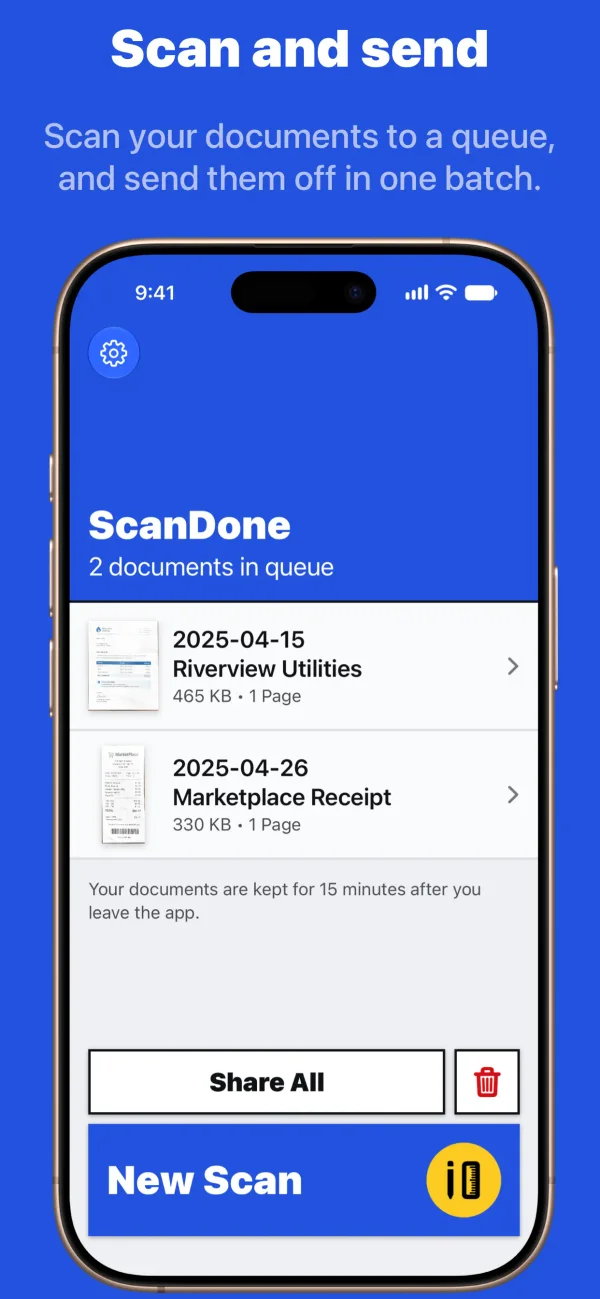
◎ Scan and send
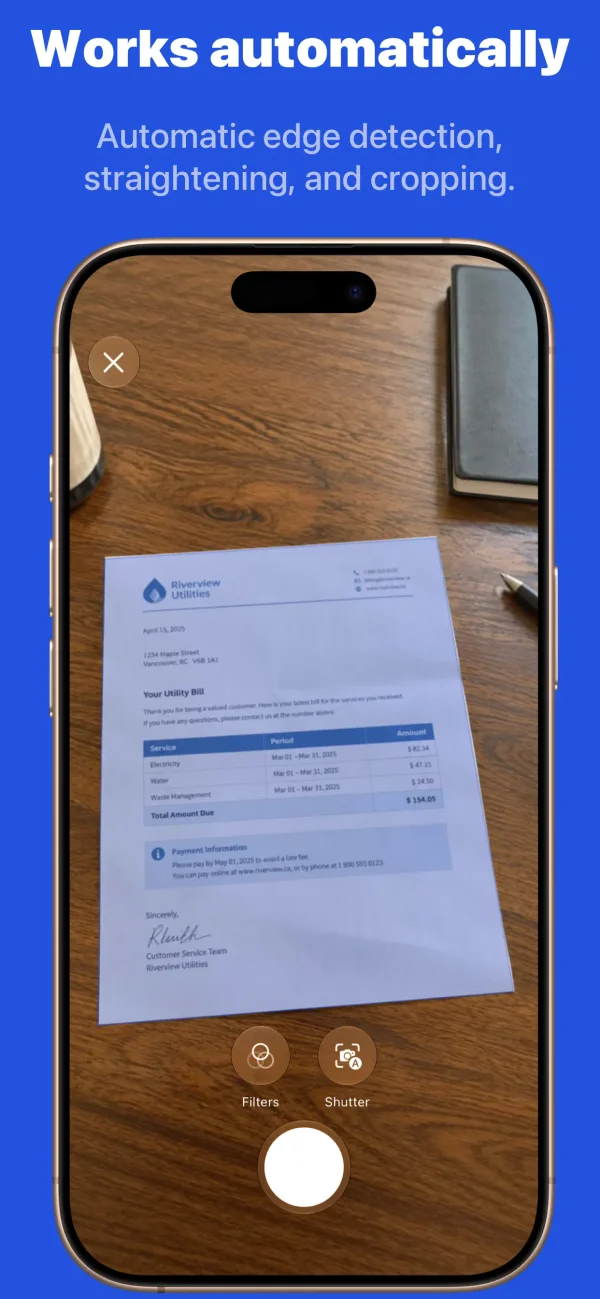
- Edge detection finds the page, crops it and straightens it on its own.
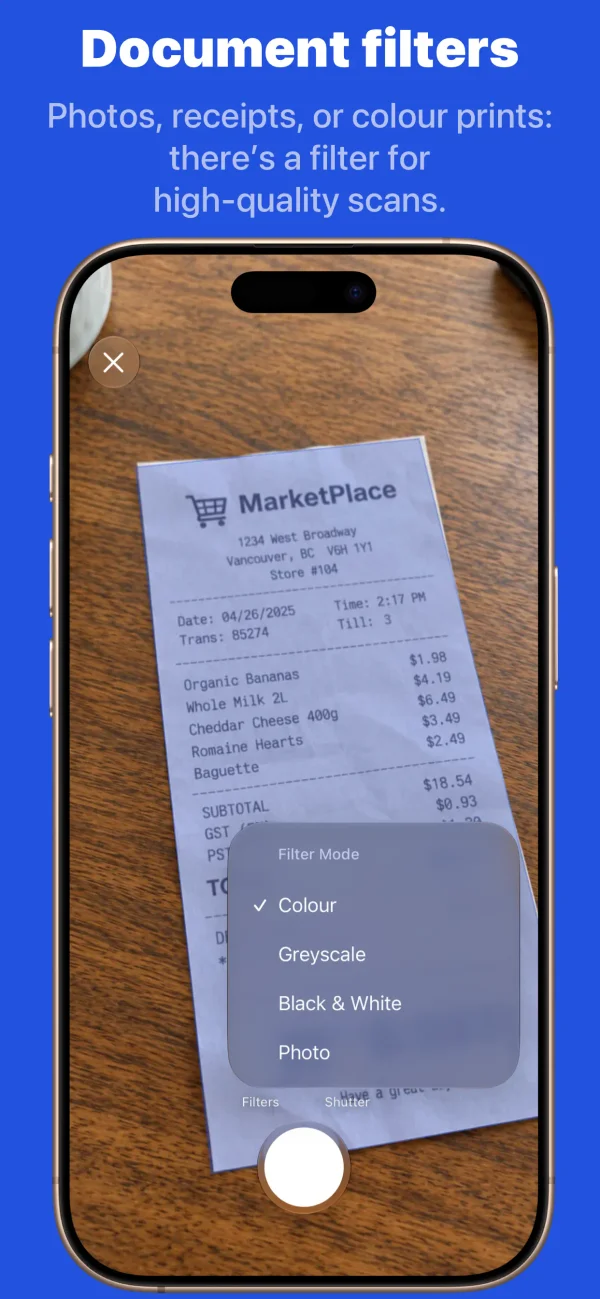
- Four colour modes: colour document, black-and-white document, grayscale and photo.
- Scan as many pages as you need in one go. They become a single PDF.
- Scan several documents in a row and they line up in a queue, so you can send them all off in one batch.
- Mark up a scan before it goes: doodle on it, highlight a passage or fill in a form.
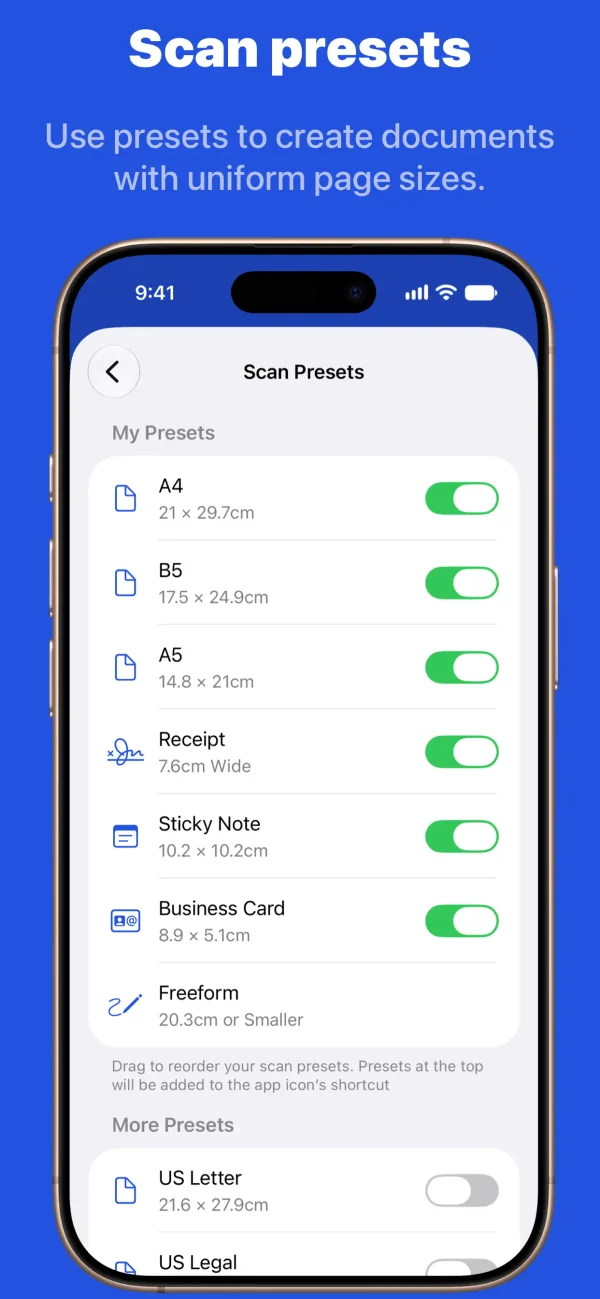
- Scan presets for fixed page sizes (A4, A5, B5, US Letter, Legal, Half Letter, receipt, business card, sticky note), one long-press away.
- Two scan qualities, for sharp archives or small attachments.
◎ Searchable PDFs, in any language
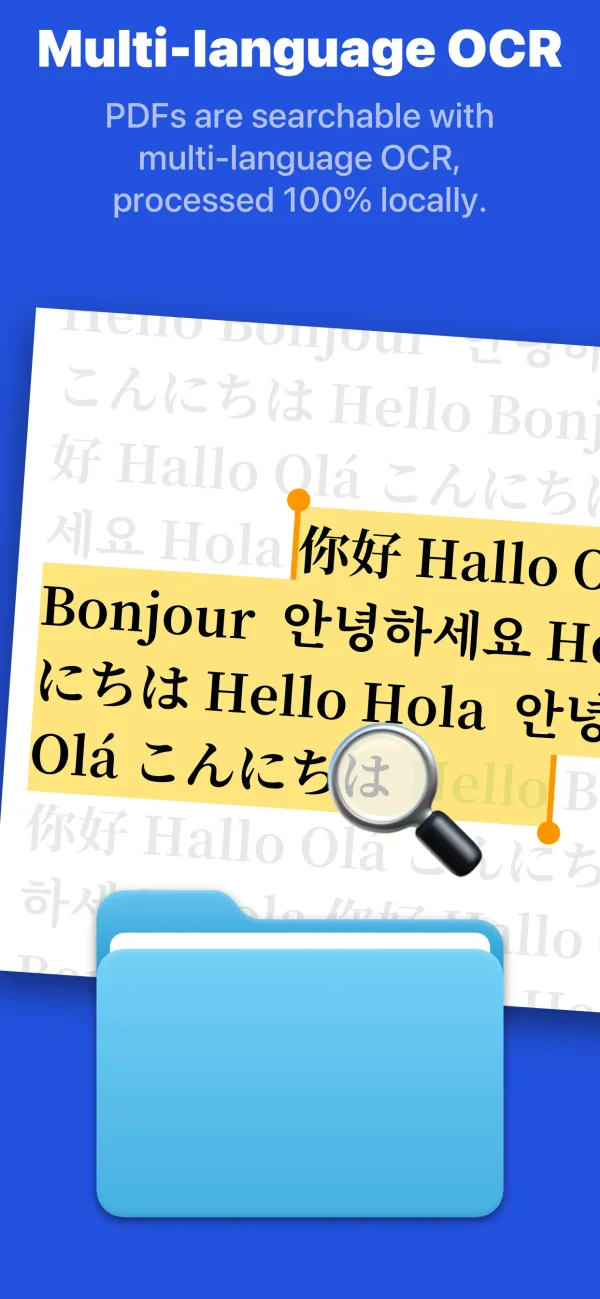
Every scan gets a text layer, so the PDF is searchable in Files, Mail and any PDF reader, and its text can be selected and copied.
- The language is detected on its own. Nothing to choose, nothing to download.
- Mixed languages on one page work too: a Chinese contract with English names, a Japanese receipt with a Latin address.
- 30+ languages, including English, French, German, Spanish, Portuguese, Italian, Chinese, Japanese, Korean, Russian, Ukrainian, Arabic, Thai and Vietnamese.
- Text recognition runs entirely on your iPhone. No page leaves the device.
◎ Smart file names
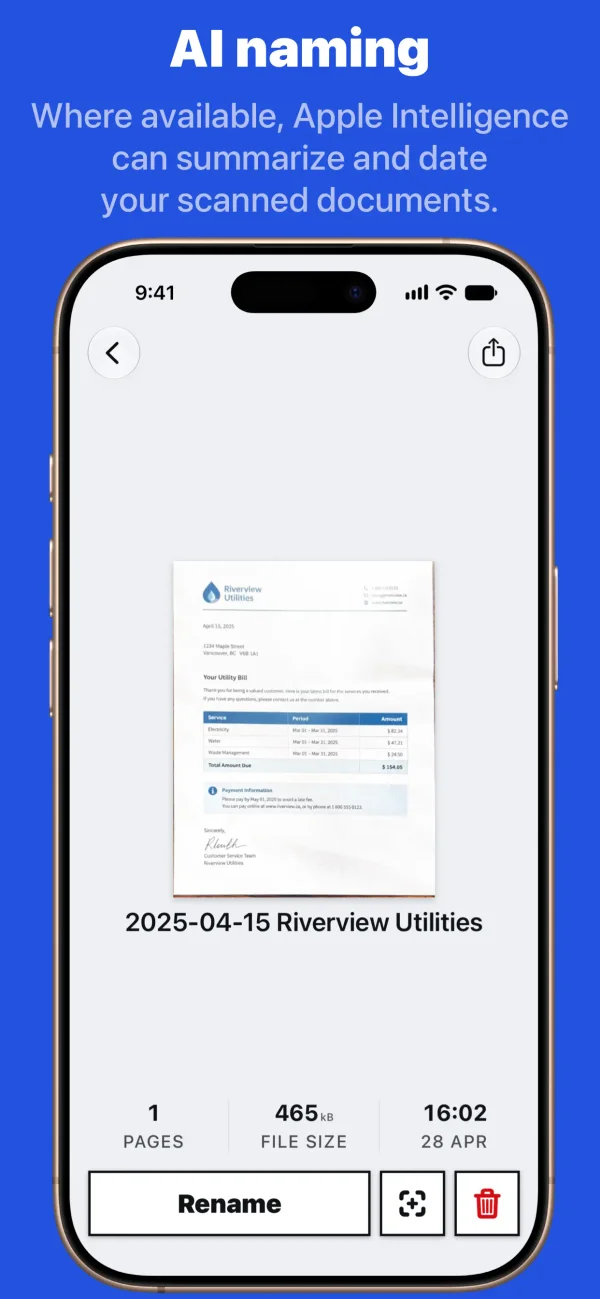
With Apple Intelligence, each scan can be named from its own text, with a title and the document’s date, so a scan is filed as 2026-10-14 Utility bill.pdf instead of Scan.pdf. The text is handled on the device or by Apple’s Private Cloud Compute, neither we nor Apple keep a record of it, and you can turn it off.
◎ Nothing to tidy
ScanDone keeps no library and asks for no account. Scans wait in the queue until you’ve sent them, then one tap clears them. They live in a temporary folder that iOS cleans out, and they are never backed up. Your documents live where you sent them.
◎ Free every day, or one purchase for life
- Free: one document a day, forever, with text recognition, presets and quality settings included.
- Pro: unlimited documents for a one-time purchase. No subscription. Share it with up to five people through iCloud Family Sharing.
- Not sure yet? There’s a week pass, and it never auto-renews.
Scan, send, done.
What’s new
Version 2026.9 · Nov 4, 2026
ScanDone has a new design, built around function rather than decoration. Every screen is laid out for the task at hand: scan, send, done.
Document queue: scan several documents in a row and they line up in a queue, so you can send them all off in one batch.
Mark-up: doodle on a scan, highlight a passage or fill in a form, then save your changes back to the scan before sending it off.
App privacy
What Sasquatch Studio Inc. declares on the App Store about how this app handles data.
-
Data not collected
The developer does not collect any data from this app.
Privacy practices may vary, for example with the features you use or your age.
Information
- Seller
- Sasquatch Studio Inc.
- Category
- Productivity
- Version
- 2026.9
- Updated
- Nov 4, 2026
- Released
- Jan 9, 2025
- Size
- 12.3 MB
- Requires
- iOS 26.2 or later
- Age rating
- 4+
- In-app purchases
- Yes
- Languages
- English, French, German, Italian, Japanese, Korean, Portuguese, Simplified Chinese, Spanish, Traditional Chinese
- Copyright
- © 2025–2026 Sasquatch Studio Inc.
You might also like
-
 好巡 EZROUND - 巡檢系統Productivity
-
 InstaScan AI: OCR ScannerProductivity
-
 ScanSimple: PDF Camera ScannerScan documents the easy way
-
 MyPDFScanner: Document ScanPhotograph letters as PDF
-
 JPG & Photos to PDF: PagefitPNG, HEIC, Image Converter
-
 ScanTo Pro: Offline PDF & OCRPrivate Document & ID Scanner
-
 ATS-SmartSensorProductivity
-
 DropTaskDistraction-Free Task Entry
-
 Hookmark PalBookmark and retrieve anything
-
 Doc Align - Perspective FixerPDF Scanner & OCR Text Convert