Scanfold: QR Code Scanner
Barcode Reader & PDF Creator
Designed for iPhone
Free · In-app purchases
- Age rating4+
- CategoryUtilities
- DeveloperPhawin Khongkhasawan
- LanguagesEnglish
- Size14.3 MB
Links to the official App Store page
Download.org hosts no file of Scanfold: QR Code Scanner. The button opens its official App Store page, published by Phawin Khongkhasawan. Listing last checked on Nov 18, 2026.
Screenshots

About
Scanfold processes scans directly on your iPhone. Your scanned content and history stay on your device, no account is required, and links never open without your confirmation.
SCAN QR CODES & BARCODES
• Scan QR codes and common 1D and 2D barcodes
• Read codes from saved photos
• Enter barcode values manually
• Use batch scanning for multiple codes
• Review every result before taking action
GET USEFUL RESULTS
Scanfold recognizes websites, text, phone numbers, email addresses, messages, Wi-Fi credentials, contacts, locations, calendar events, and more.
Depending on the result, you can copy its contents, open a website, make a call, compose a message, view a location, or add contact and calendar information. Nothing happens until you choose.
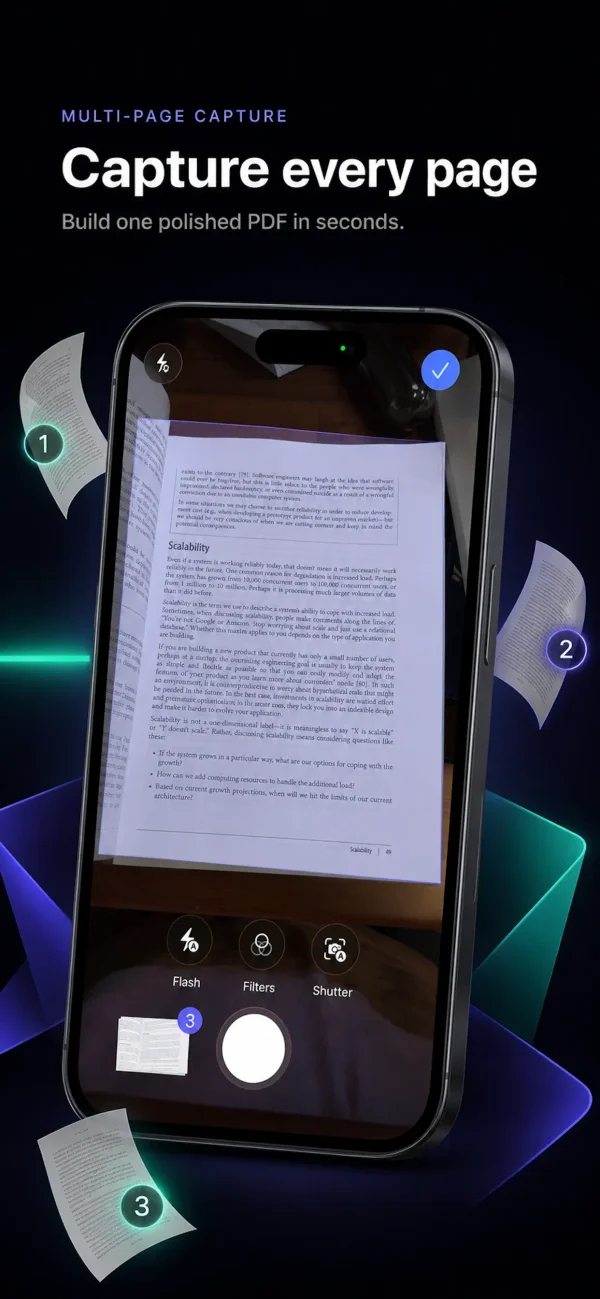
SCAN DOCUMENTS TO PDF
Capture multi-page documents using your camera, then:
• Reorder and rotate pages
• Apply document filters
• Review every page
• Export and share as a PDF
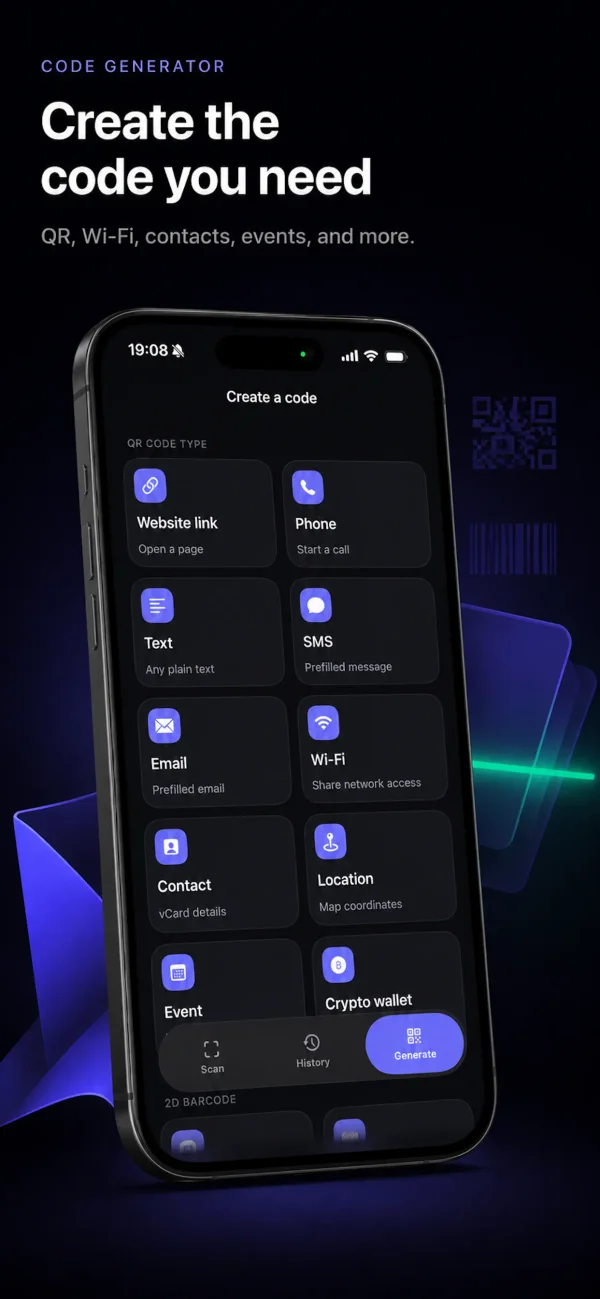
CREATE YOUR OWN CODES
Generate QR codes for:
• Websites and plain text
• Phone calls, email, and messages
• Wi-Fi networks
• Contacts and calendar events
• Locations and wallet addresses
You can also create PDF417, Aztec, Code 128, UPC-A, and EAN-13 barcodes.
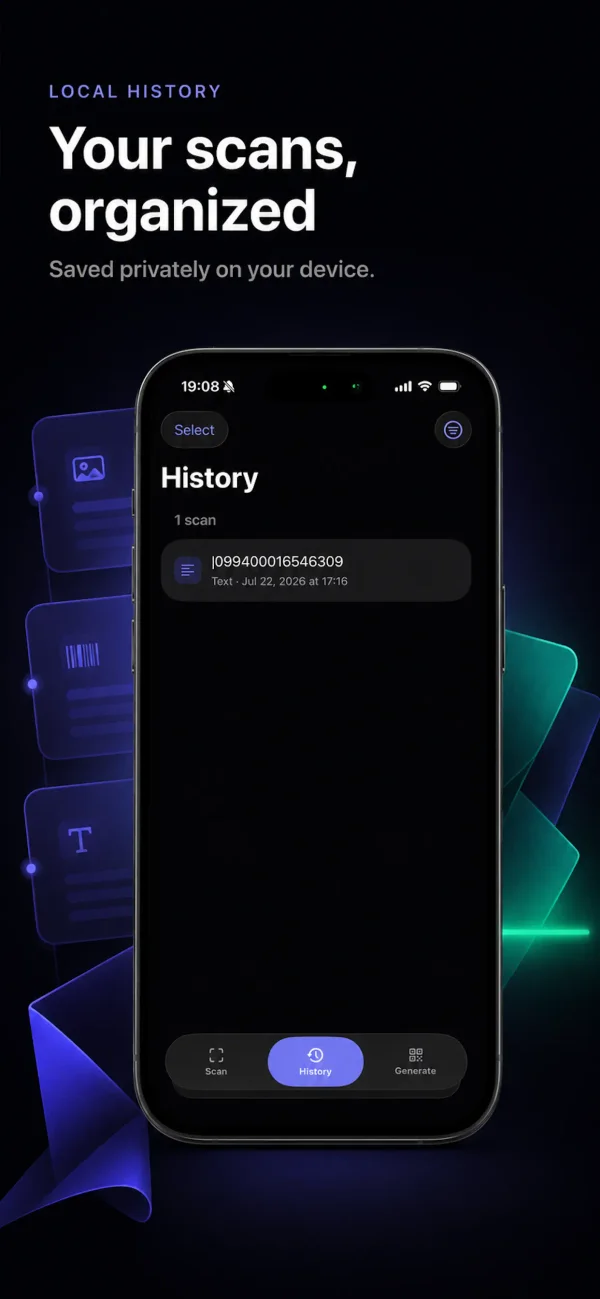
PRIVATE HISTORY
Your scan history is stored locally on your iPhone. Keep important results as favorites, search and filter your records, export them, or delete them whenever you want.
PRIVACY BY DESIGN
• Scans and photos are analyzed on your device
• Scan history remains in local storage
• No advertising or activity tracking
• No account or sign-in
• No automatic opening of scanned links
• Wi-Fi passwords remain hidden until you reveal them
SCANFOLD PRO
Scanfold includes free scanning and code-creation tools. Optional Scanfold Pro unlocks batch scanning, unlimited photo and document scanning, code export and customization, history search and export, and alternate app icons.
Choose a monthly or annual subscription, or unlock Pro permanently with a one-time purchase. Available prices and offers are shown before purchase.
Scan what matters. Understand the result. Stay in control.
Privacy Policy: https://app-store-lifez.pages.dev/?app=Scanfold
Term and Condition: https://app-store-lifez.pages.dev/term_conditions?app=Scanfold
What’s new
Version 1.1 · Aug 7, 2026
- Improve performance
App privacy
What Phawin Khongkhasawan declares on the App Store about how this app handles data.
-
Data not collected
The developer does not collect any data from this app.
Privacy practices may vary, for example with the features you use or your age.
Information
- Seller
- Phawin Khongkhasawan
- Category
- Utilities
- Version
- 1.1
- Updated
- Aug 7, 2026
- Released
- Jul 28, 2026
- Size
- 14.3 MB
- Requires
- iOS 17.0 or later
- Age rating
- 4+
- Price
- Free
- In-app purchases
- Yes
- Languages
- English
- Copyright
- © Lifez
You might also like
-
 Scanova: QR Code UtilityCreate Codes & Check Products
-
 speizersEasy peasy housekeeping
-
 DKLABUtilities
-
 QR Code Reader · Fast ScannerFast QR · Barcode Scanner
-
 QR Scanner & Barcode Reader +Scan QR, barcodes & Create QR
-
 qrsu.io: QR, URL, & NFC ToolsQR Codes, Short URL, NFC Tools
-
 QRCodeScanner - Scan Any QRQRCodeGenerator: qrcodescanner
-
 Altitude MeasureTravel Altimeter Elevation
-
 Inventarium: Home InventoryOffline inventory companion
-
 Crop Image - Photo Editor AppSimple photo cropping tools