
Scanify: Find anything
Find any word in your files
Designed for iPhone, iPad
Free · In-app purchases
- Age rating4+
- CategoryUtilities
- DeveloperAhmed AlNaboud
- LanguagesEnglish+ 1 more
- Size195.9 MB
Links to the official App Store page
Download.org hosts no file of Scanify: Find anything. The button opens its official App Store page, published by Ahmed AlNaboud. Listing last checked on Nov 13, 2026.
Screenshots

About
Scanify is the fastest way to search for any word or phrase across all your files — documents, code, notes, PDFs, photos, and more — right from your iPhone or iPad.
• POWERFUL SEARCH
- Search across multiple folders at once
- Highlight matched words in every result
- Case-sensitive, whole-word, and multi-word search
- OR mode — match any of your search terms
- Filter results as you type
- Sort by file name, line number, or match count
- Group results by file with collapsible sections
- Auto-search as you type (optional)
- Search inside PDF, Word, Excel, PowerPoint, RTF, HTML, and other text-based files
- Full-text search in Arabic, Chinese, and many other languages
• FILE SUPPORT
- Supports .txt, .md, .swift, .py, .js, .json, .html, .css, .yaml, .sql and many more
- Add custom file types
- Search inside iCloud Drive folders
- Drag and drop folders directly into the app
- Full-text preview with match navigation (‹ ›)
- File comparison (diff view)
- Quick Look preview & share any file
• SMART FEATURES
- OCR — search inside scanned images and photos using on-device AI
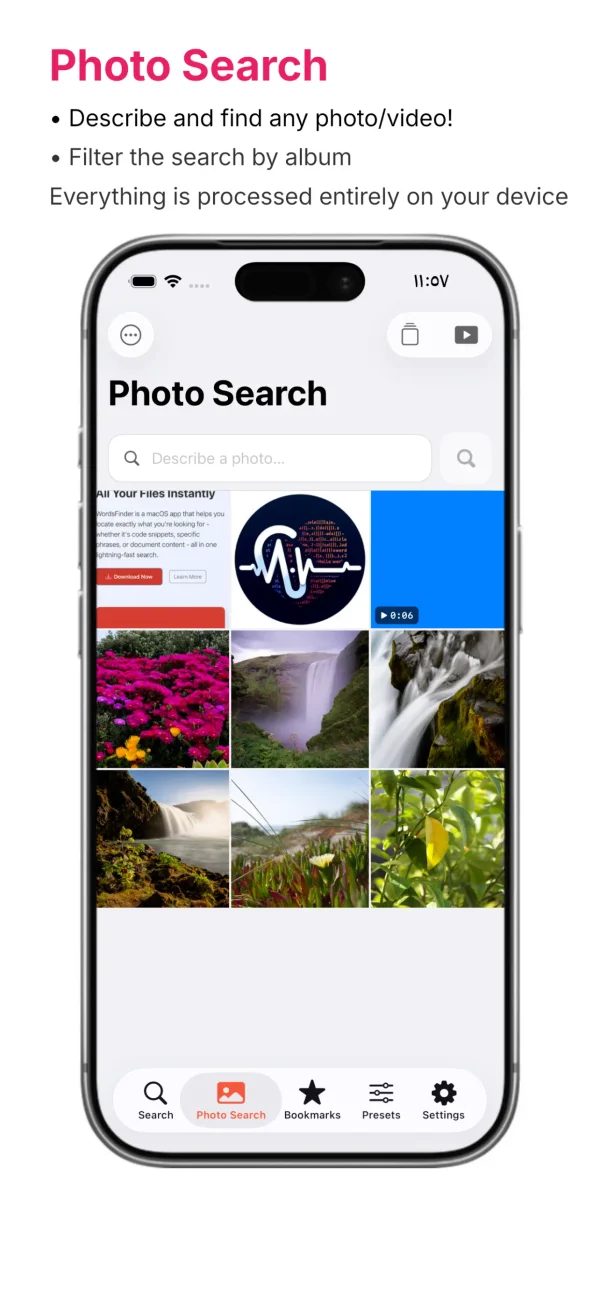
- Photo search — describe a photo in plain words and find it instantly
- Photo search supports Arabic, Chinese, and many other languages
- Background file indexing for instant results
- Choose your photo indexing speed: Battery Saving, Balanced, or Fastest
- Skip text scanning for unknown file types to speed up searches in folders with mixed file types
- Scheduled search alerts — get notified when a keyword appears in your files
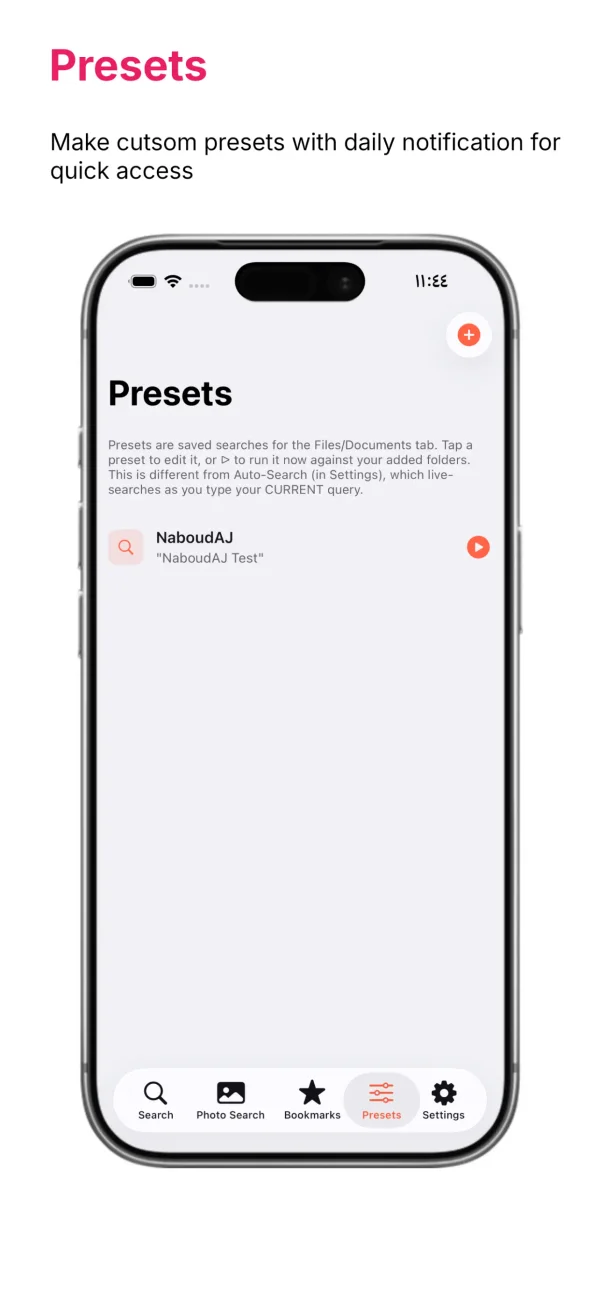
- Save unlimited search presets with optional daily notifications
- Bookmark any result line for later reference
- Batch copy multiple results at once
- Search history with one-tap reuse
• REELS & PHOTO LIBRARY
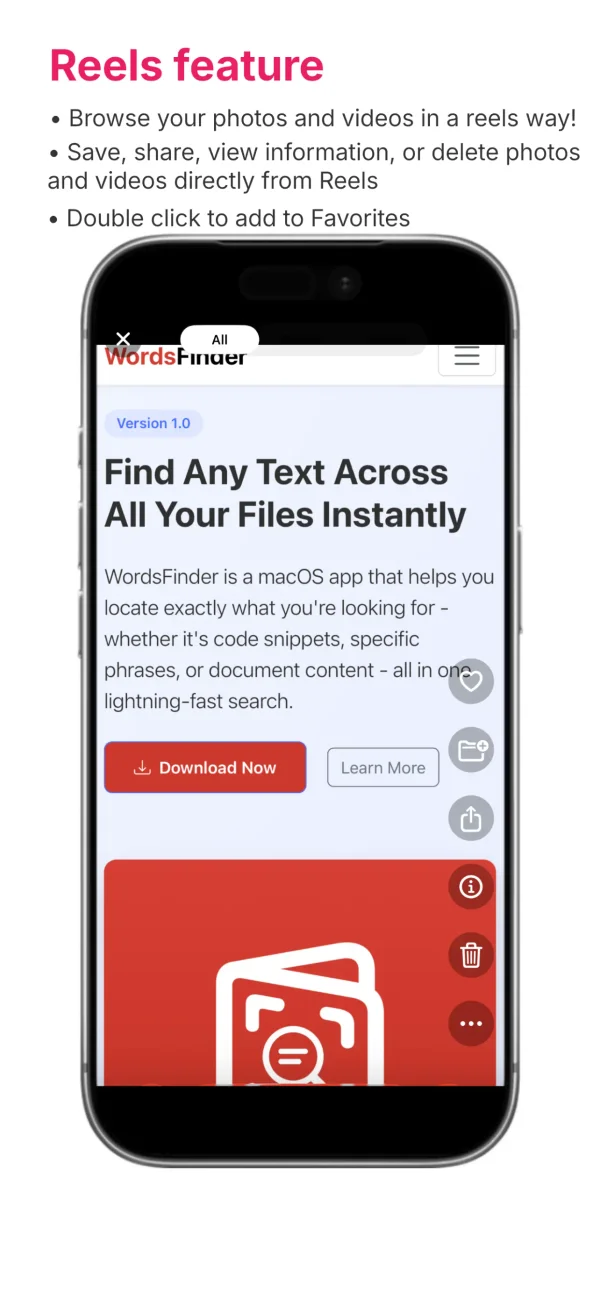
- Reels — browse your photos and videos in a TikTok/Instagram-style viewer
- Quickly save, share, view information, or delete photos and videos directly from Reels
- Save photos and videos to any photo album, create new albums, or copy items directly from Reels or full-screen photo preview
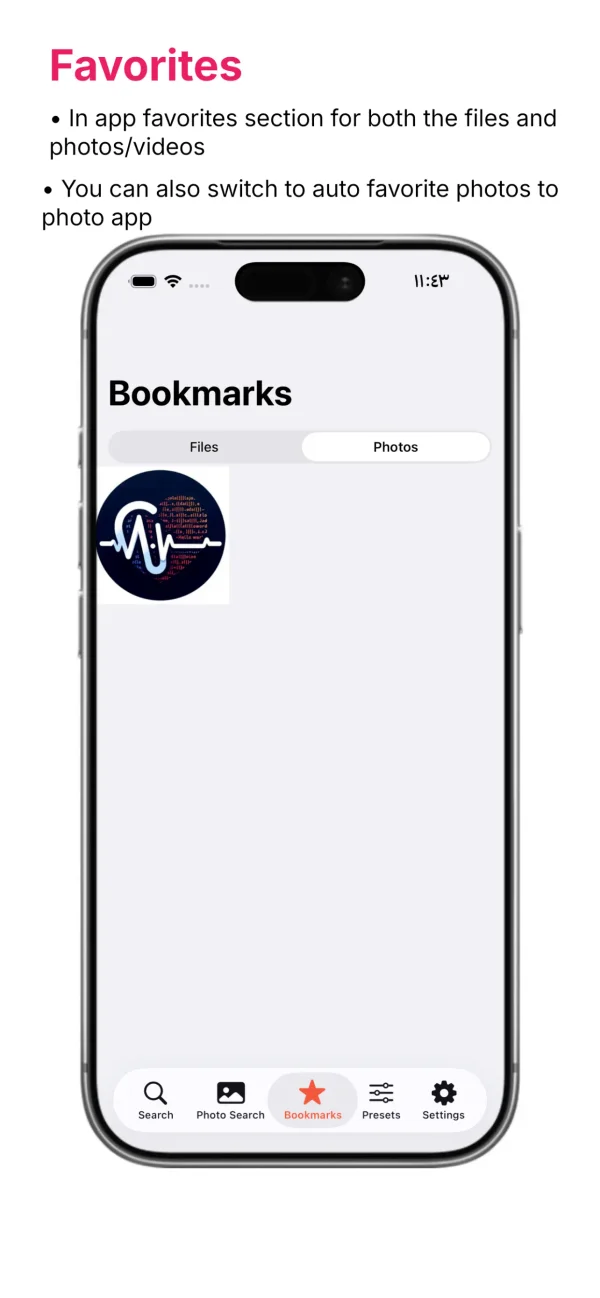
- In-app Photo Favorites — keep a separate favorites list inside Scanify, independent from the Photos app
- Access your saved Photo Favorites directly from the Favorites tab
• DESIGNED FOR EVERYONE
- Full Arabic and English interface
- Dark mode, Light mode, and System mode
- iPad sidebar layout with multi-window support
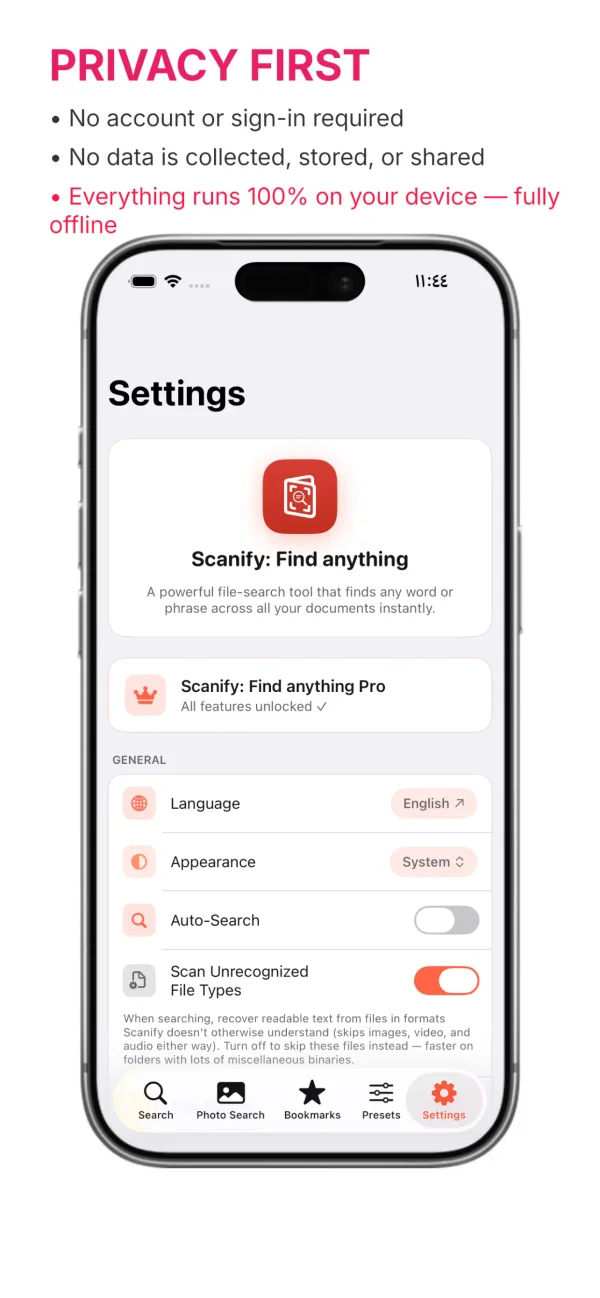
• PRIVACY FIRST
- No account or sign-in required — ever
- No data is collected, stored, or shared
- Everything runs 100% on your device — fully offline
- No ads, no tracking, no subscriptions
Unlock the full app — once, forever. No recurring charges. Restores across all your devices via your Apple ID.
3 free searches included so you can try before you buy. Searches only count when actual results are found — searches with no results don't use your free search allowance.
Reels and Photo Favorites are included with Scanify Pro.
Everything is processed entirely on your device — nothing is ever uploaded.
What’s new
Version 1.3 · Aug 19, 2026
• Fixed a major issue that caused the app to crash on some devices.
• Fixed an issue with Reels.
• Fixed an issue with showing the full media preview.
• The ability to select multiple albums at the same time
• Enhanced Photo search model - it will re-index the library for more accurate results
App privacy
What Ahmed AlNaboud declares on the App Store about how this app handles data.
-
Data not collected
The developer does not collect any data from this app.
Privacy practices may vary, for example with the features you use or your age.
Information
- Seller
- Ahmed AlNaboud
- Category
- Utilities
- Version
- 1.3
- Updated
- Aug 19, 2026
- Released
- Jul 31, 2026
- Size
- 195.9 MB
- Requires
- iOS 16.0 or later
- Age rating
- 4+
- Price
- Free
- In-app purchases
- Yes
- Languages
- English, Arabic
- Copyright
- © Ahmed AlNaboud
You might also like
-
 InternetSearchSearch. Get private AI answers
-
 Skiller - AI SkillsBrowse Claude Skills anywhere
-
 chmod utilchmod permissions utility
-
 PhotoLess: Swipe Clean PhotosCalm, private photo cleanup
-
 CompressifyAppcompares photo and save space
-
 Fei Chang WenTurbulence Forecast & Alerts
-
 Mock StudioDesign Mockups
-
 Samurai Search: text or PDFiCloud sync, search, preview.
-
 Lump: Hex ViewerUtilities
-
 Unit Converter ToolboxFast & Simple Unit Conversion