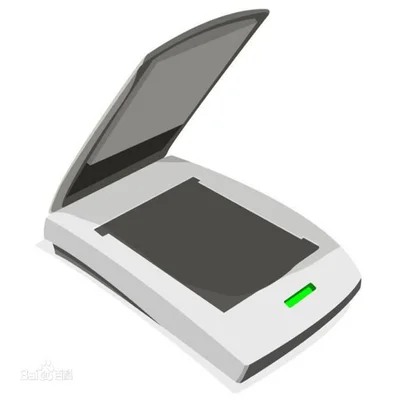
Scanner App: Cam Scannable
PDF Scanner & Document Scanner
Designed for iPhone
Free · In-app purchases
- Age rating4+
- CategoryProductivity
- DeveloperGehong Nong
- LanguagesEnglish+ 1 more
- Size117.7 MB
Links to the official App Store page
Download.org hosts no file of Scanner App: Cam Scannable. The button opens its official App Store page, published by Gehong Nong. Listing last checked on Nov 29, 2026.
Screenshots
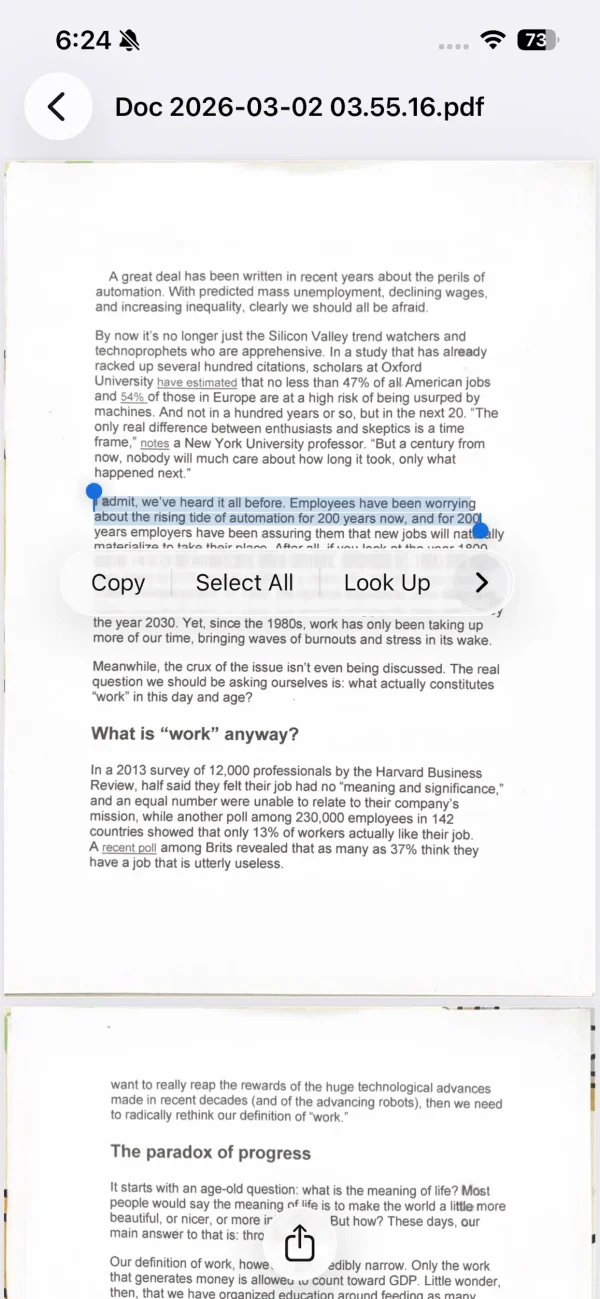
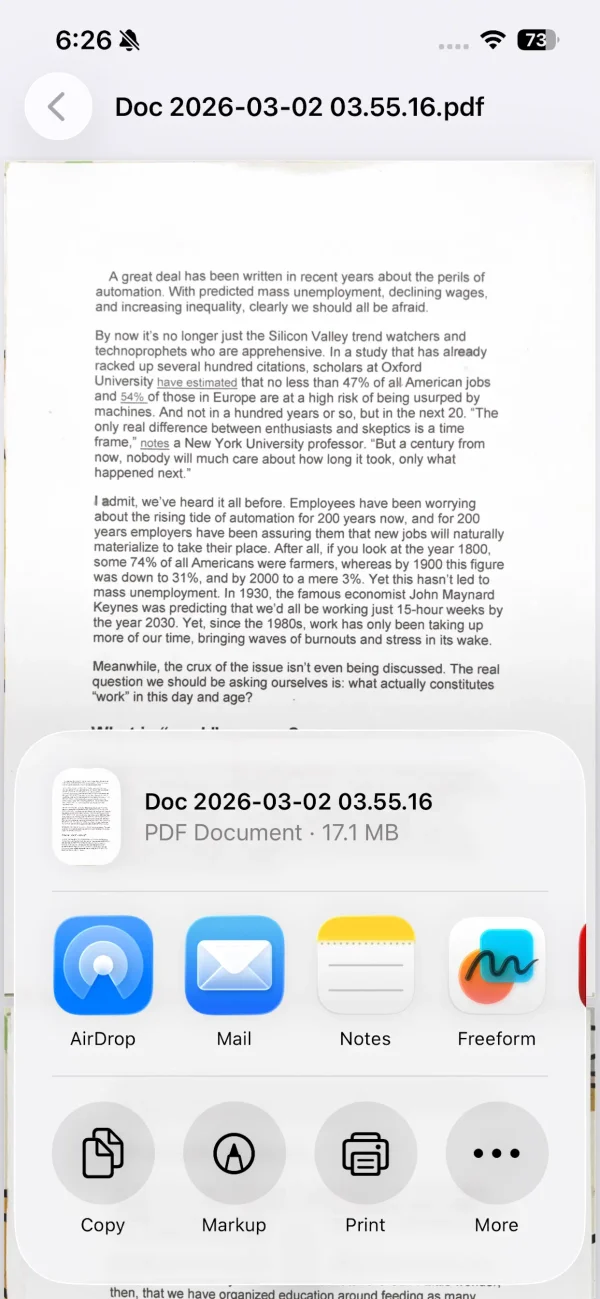
About
A PDF scanner app & document scanner app .
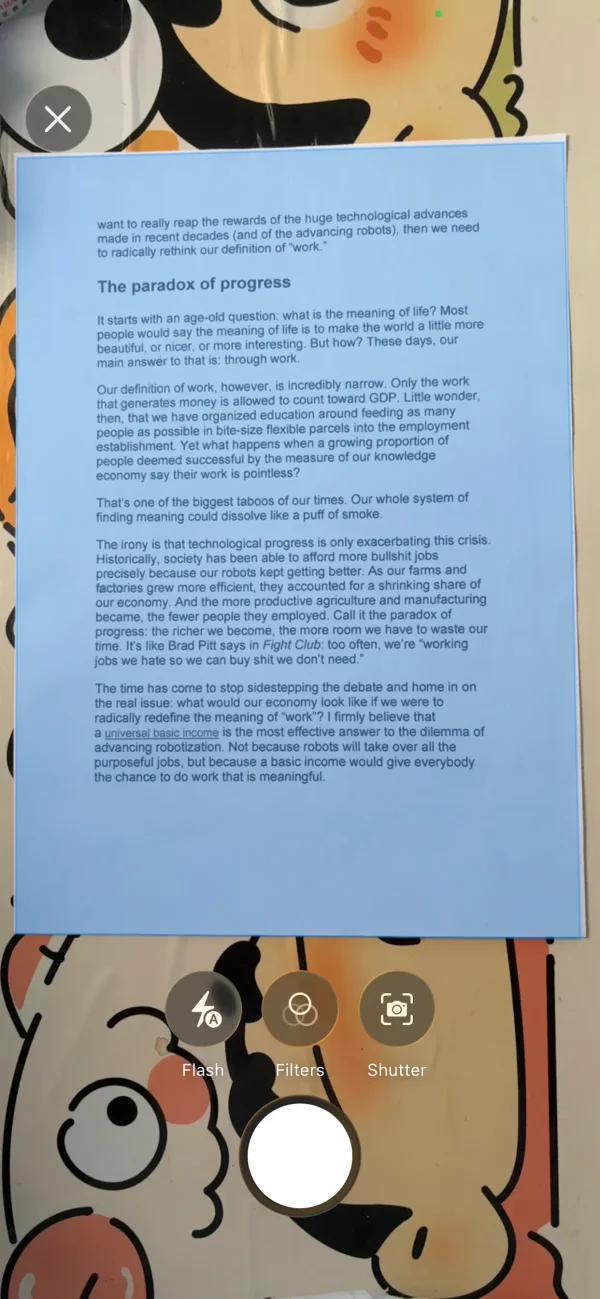
Turn your iPhone into a powerful, easy-to-use pdf scanner / document scanner. Quickly scan documents, receipts, notes, forms, and more, then save them as clear, high-quality digital files.
Download this mobile scanner to convert important documents and photos into PDF and JPEG files .
Simple, Fast, and Organized
• Scan Documents — Capture documents, papers, notes, receipts, and other important files with ease.
• Auto Detection & Cropping — Automatically detect document edges and crop your scans for a clean, professional look.
• High-Quality Scans — Enhance scanned documents for improved clarity and readability.
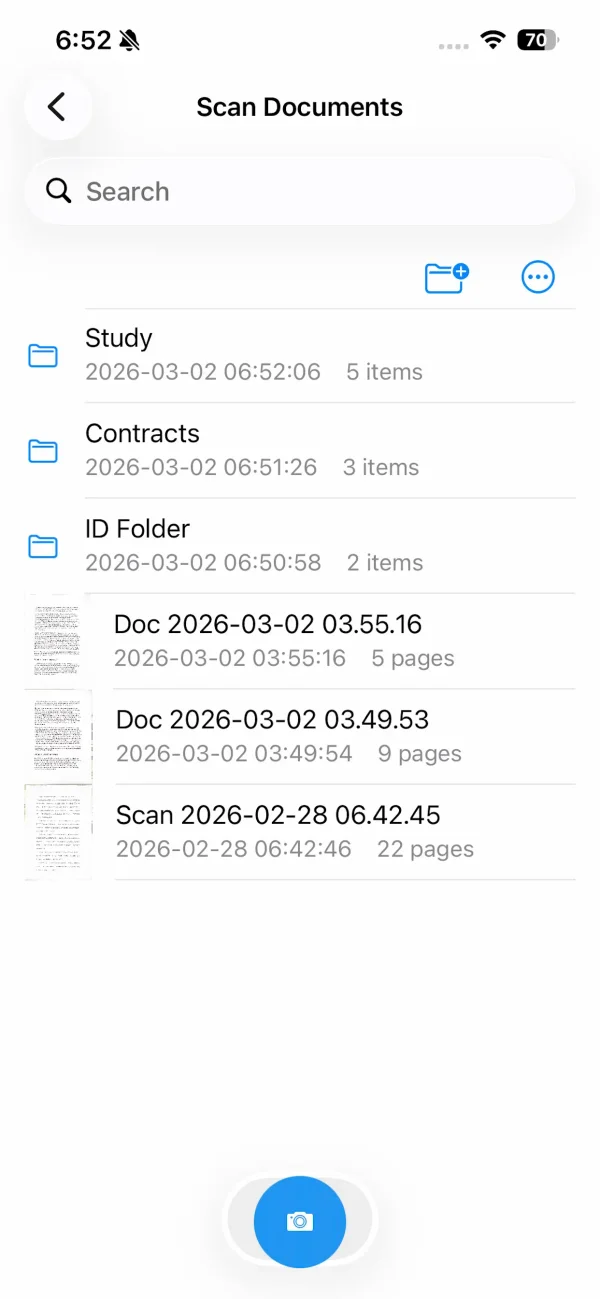
• Multiple Pages — Scan multiple pages and combine them into a single document.
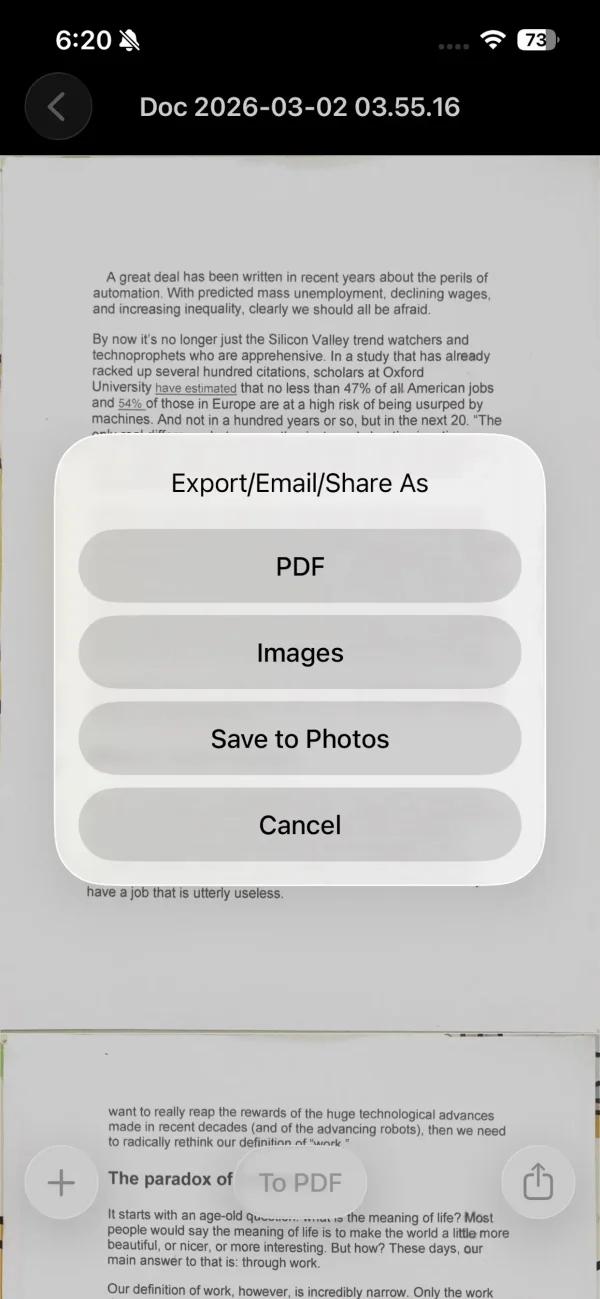
• PDF Creation — Save your scans as convenient PDF documents.
• Easy Sharing — Share your scanned files wherever you need them.
• Stay Organized — Keep your digital documents together and accessible when you need them.
Whether you're scanning paperwork at home, receipts on the go, or documents for work or school, this pdf scanner app makes going paperless simple.
Scan smarter. Keep everything in one place.
No need for an Internet connection – all your scans are stored locally on your device.
FEATURES:
• SCAN TO PDF AND JPEG FILES :
Convert important documents to PDF files to help you stay organized.
• DIGITIZE YOUR ID / PASSPORT:
Scan anything: identity cards, passport, business documents, legal agreements, invoices, orders, receipts, articles, bills, credit notes, photos ...
• OCR / TEXT RECOGNITION :
Automatically extract text on PDF documents and edit it according to your needs. This PDF scanner app’s OCR (Optical Character Recognition) technology can quickly and accurately convert any document to text !
UNLIMITED ACCESS MEMBERSHIP SUBSCRIPTION
• You can subscribe to get unlimited access to all features of the PDF scanner app.
• You won’t be charged until your purchase is confirmed
• Your subscription will auto-renew 24 hours before its expiration date
• Manage or cancel your subscription anytime in your App Store settings
Terms of Use (EULA):
https://www.apple.com/legal/internet-services/itunes/dev/stdeula/
Privacy Policy:
http://www.f173.com/privacy-policy.html
What’s new
Version 3.5.3 · Nov 28, 2026
Bug fixes
App privacy
What Gehong Nong declares on the App Store about how this app handles data.
-
Data not collected
The developer does not collect any data from this app.
Privacy practices may vary, for example with the features you use or your age.
Information
- Seller
- Gehong Nong
- Category
- Productivity
- Version
- 3.5.3
- Updated
- Nov 28, 2026
- Released
- Jan 16, 2018
- Size
- 117.7 MB
- Requires
- iOS 16.6 or later
- Age rating
- 4+
- Price
- Free
- In-app purchases
- Yes
- Languages
- English, Simplified Chinese
- Copyright
- © GHN Team
You might also like
-
 PromptKit - AI Prompt ManagerSave Templates, Manage Library
-
 Nerve - Screen Time ControlBrain Game App Blocker & Focus
-
 Vault AI: Local AI AssistantPrivate AI Chat & Tools
-
 Focus Grove - Pomodoro TimerProductivity|Focus & Study
-
 Lens - Photo to PDF ConverterDocument Scanner & Editor
-
 EasyMD - MD reader & editorMarkdown、HTML、LaTeX、Mermaid
-
 Capio: Work Log & PlannerPrivate Standup, Focus Journal
-
 SolemnaceAI Chat for Any Model
-
 Tomorrow - Plan TonightWrite tonight. Do tomorrow.