Scanner App: PDF Docs & Sign
Scan Documents, ID Card & OCR
Designed for iPhone, iPod touch
Free · In-app purchases
- Age rating4+
- CategoryBusiness
- DeveloperXeplin Yazilim Hizmetleri Anonim Sirketi
- LanguagesEnglish+ 13 more
- Size17.6 MB
Links to the official App Store page
Download.org hosts no file of Scanner App: PDF Docs & Sign. The button opens its official App Store page, published by Xeplin Yazilim Hizmetleri Anonim Sirketi. Listing last checked on Nov 12, 2026.
Screenshots

About
Your pocket scanner that actually works. Scan any document, sign it, and share a crystal-clear PDF — all in seconds, right from your iPhone camera.
No more bulky scanners, no more blurry photos of paperwork. Scanner App gives you professional-quality scans with smart edge detection and automatic enhancement.
— WHAT YOU CAN DO —
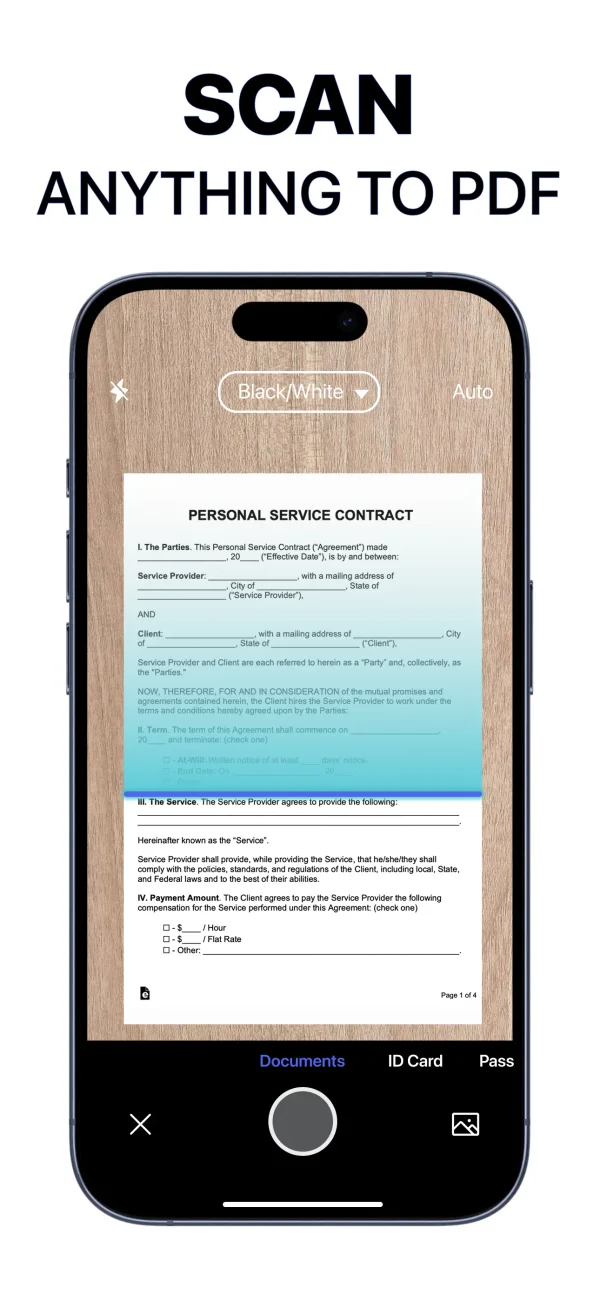
SCAN ANYTHING TO PDF
Point your camera at any paper — contracts, receipts, notes, books, whiteboards — and get a perfectly cropped, enhanced PDF instantly. Scan multiple pages into a single document or batch scan an entire folder of paperwork in minutes.
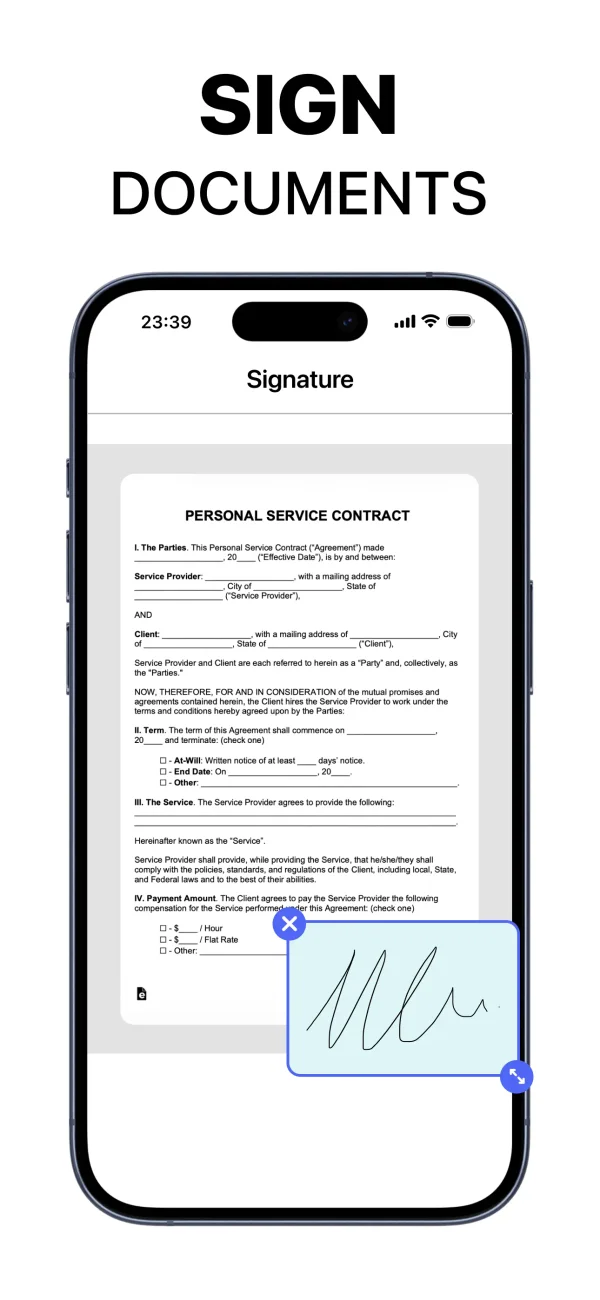
SIGN DOCUMENTS INSTANTLY
Add your signature to any document with a single tap. Save multiple signatures for different purposes. No need to print, sign, and scan again — just sign directly on your screen and share.
POWERFUL OCR TEXT RECOGNITION
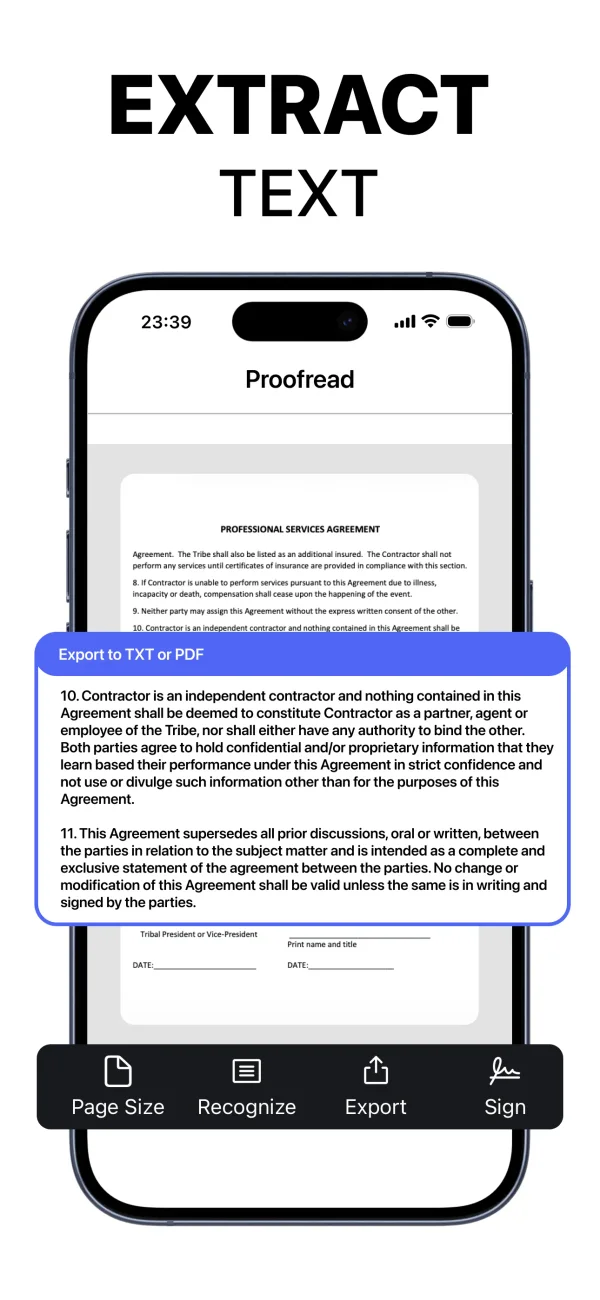
Extract text from any scanned document or image. Copy, edit, search, and reuse text from paper documents. Supports 50+ languages with high accuracy — even on handwritten notes.
SCAN ID CARDS & PASSPORTS
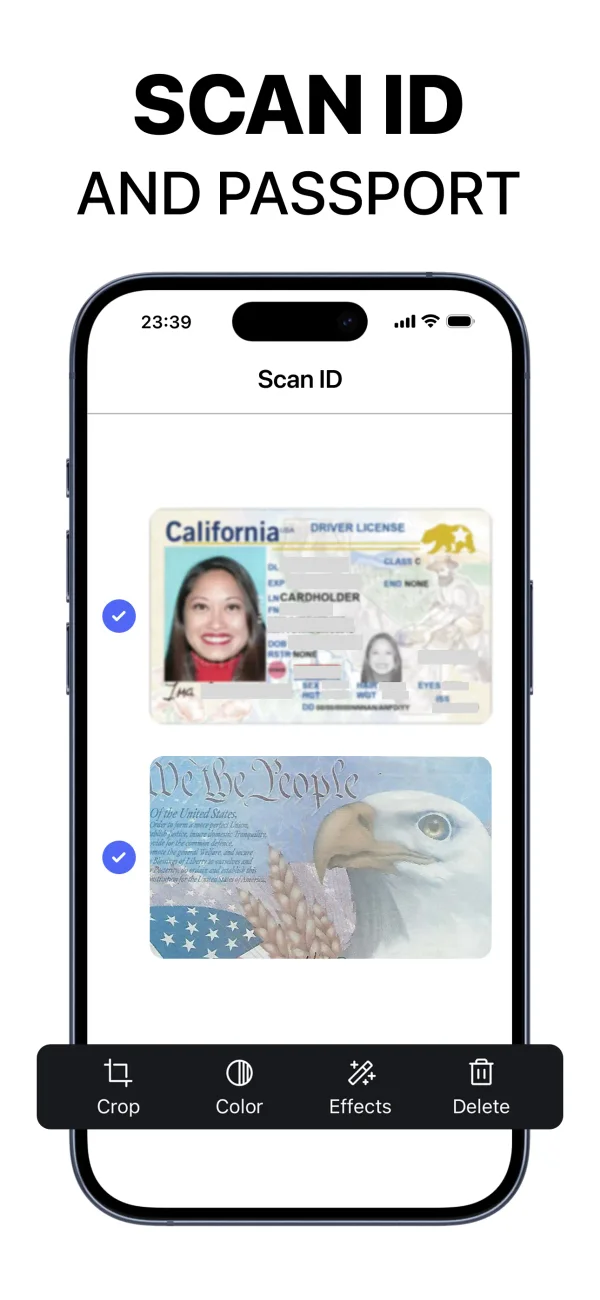
A dedicated mode for identity documents. Scan your ID card, passport, driver's license, or business cards with precision cropping and enhanced readability.
EDIT & ENHANCE YOUR SCANS
Adjust brightness, contrast, and sharpness. Apply filters for the perfect document look. Crop, rotate, reorder pages, merge multiple scans, or remove unwanted pages.
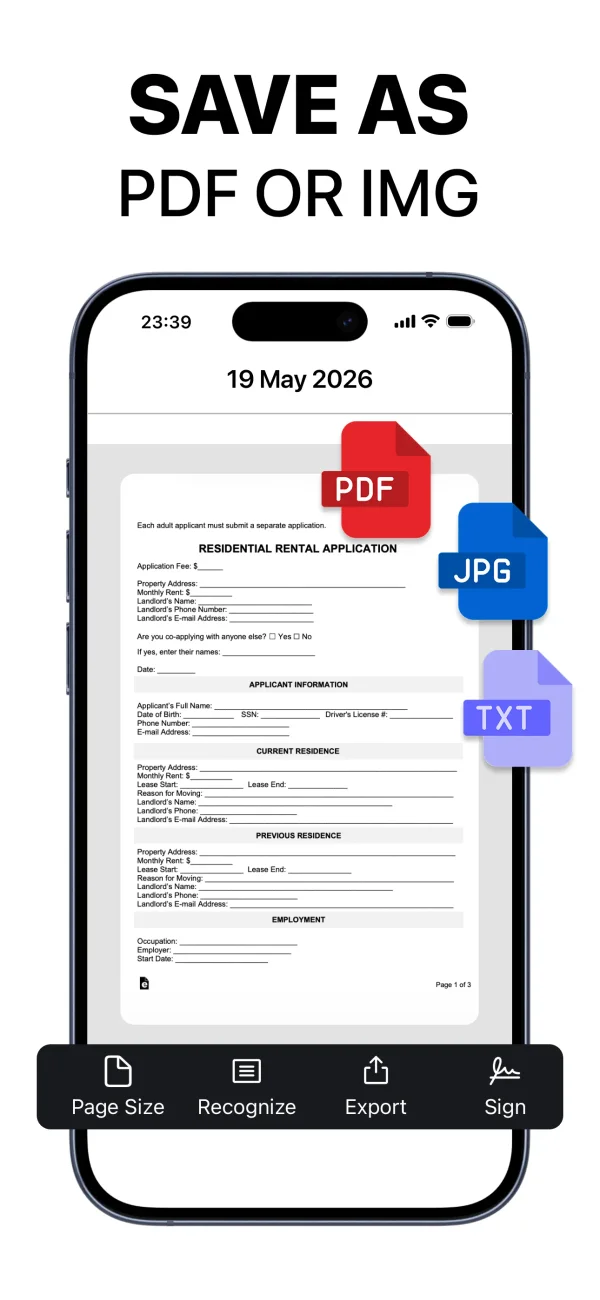
CONVERT TO ANY FORMAT
Export your scans as PDF, JPG, PNG, or TXT. Convert images to PDF, photos to documents, and share in whatever format you need.
SHARE & EXPORT EVERYWHERE
Send your scans via email, iMessage, WhatsApp, or any app. Upload directly to iCloud Drive, Google Drive, Dropbox, or OneDrive. Print wirelessly with AirPrint.
ORGANIZE YOUR DOCUMENTS
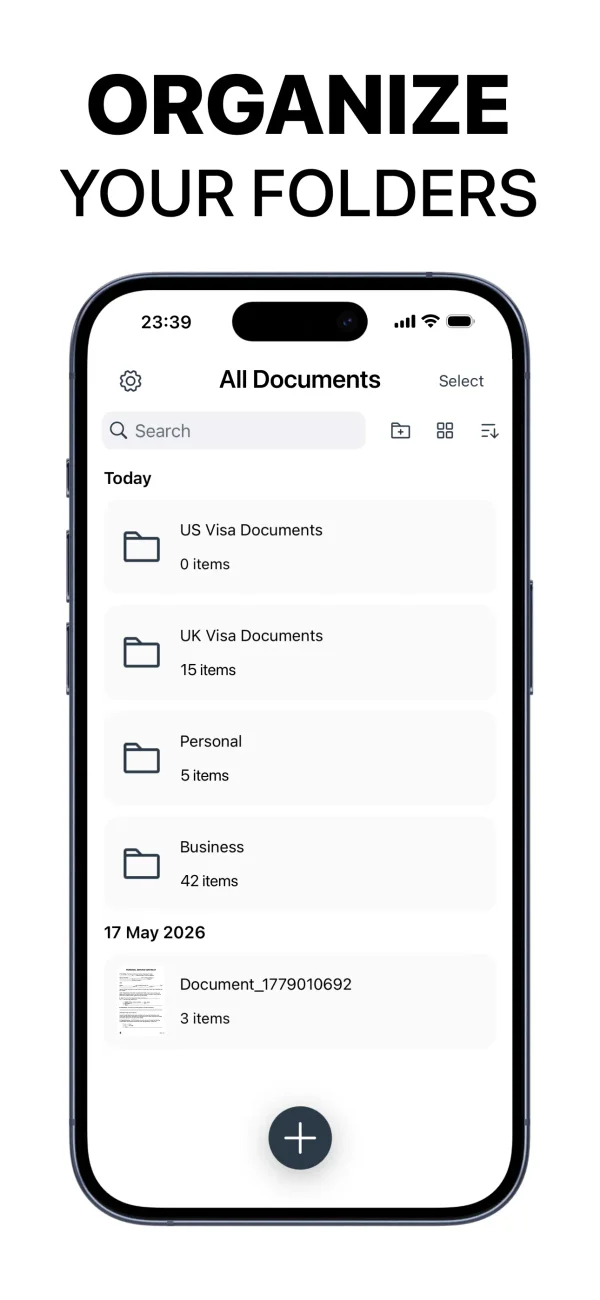
Create folders, add tags, and keep your scans neatly organized. Search across all your documents with full-text search powered by OCR. Never lose an important document again.
— WHY SCANNER APP? —
◆ Lightning-fast scanning with auto edge detection
◆ Smart image processing for crystal-clear results
◆ Works offline — no internet required to scan
◆ All documents stored locally on YOUR device
◆ No ads in premium — distraction-free scanning
◆ Regular updates with new features
— PRIVACY & SECURITY —
Your documents stay on your device. We do not access, collect, or share your scanned documents. Your privacy is not negotiable.
— SUBSCRIPTION INFO —
Scanner App is free to download with basic scanning features. Upgrade to Premium to unlock unlimited scans, OCR, signatures, and all advanced features.
Choose a weekly or yearly plan that works for you.
Payment will be charged to your Apple ID account at confirmation of purchase. Subscription automatically renews unless auto-renew is turned off at least 24 hours before the end of the current period. Account will be charged for renewal within 24 hours prior to the end of the current period.
Manage subscriptions and turn off auto-renewal in your Account Settings after purchase.
Terms of Use: https://www.getscanner.app/terms
Privacy Policy: https://www.getscanner.app/privacy
Questions or feedback? Reach us at scanner@xeplin.ai
What’s new
Version 1.5.2 · Oct 20, 2026
- Bug fixes and improvements.
App privacy
What Xeplin Yazilim Hizmetleri Anonim Sirketi declares on the App Store about how this app handles data.
-
Data used to track you
May be used to track you across apps and websites owned by other companies.
- Identifiers
- Usage data
-
Data linked to you
May be collected and linked to your identity.
- Purchases
- Identifiers
- Usage data
- Diagnostics
-
Data not linked to you
May be collected but is not linked to your identity.
- Diagnostics
Privacy practices may vary, for example with the features you use or your age.
Information
- Seller
- XEPLIN YAZILIM HIZMETLERI ANONIM SIRKETI
- Category
- Business
- Version
- 1.5.2
- Updated
- Oct 20, 2026
- Released
- Jun 4, 2026
- Size
- 17.6 MB
- Requires
- iOS 15.4 or later
- Age rating
- 4+
- Price
- Free
- In-app purchases
- Yes
- Languages
- English, Dutch, French, German, Italian, Japanese, Korean, Polish, Portuguese, Russian, Simplified Chinese, Spanish + 2 more
- Copyright
- © Xeplin 2026
You might also like
-
 QR Forge - QR Code CreatorStatic QR codes, no redirects
-
 Renewa: Bills & RenewalsSubscription Tracker
-
 PatchDoc:File & Code EditorOpen ZIP,JSON,Markdown,Html
-
 Private Writer Markdown EditorOffline Notes. No Cloud. Lock
-
 Transcription ProSpeech to Text · Offline
-
 PDF Maker: Scan & EditDocument Scanner & Converter
-
 Notes for iPhone - YepNotesMemo, lists & reminders
-
 Trading Journal ProPnL Log, Ledger, ROI & Tracker
-
 Breakin': Shift Work PlannerCalm day journal & focus timer
-
 Lunbi: Habit TrackerWeekly goals. Grow your world.