Scanner App: Scan All Document
Fast Scan, Edit, Sign Document
Designed for iPhone, iPod touch
Free · In-app purchases
- Age rating4+
- CategoryProductivity
- DeveloperKim Tung Le
- Size148.9 MB
Links to the official App Store page
Download.org hosts no file of Scanner App: Scan All Document. The button opens its official App Store page, published by Kim Tung Le. Listing last checked on Nov 12, 2026.
Screenshots
About
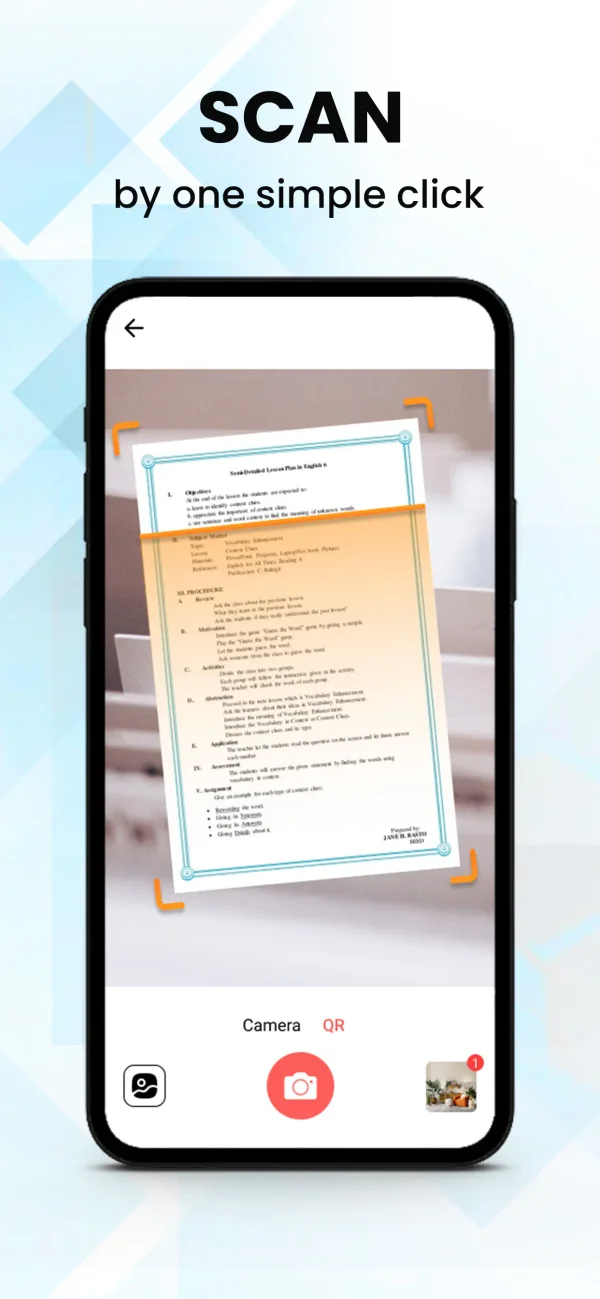
SnapScan: PDF Scanner App is an intelligent scanner app. Scan anything to PDF — receipts, notes, documents, photos, business cards, whiteboards,,.... Anytime, anywhere
SnapScan has a simple, easy-to-use design that makes your in-app experience more convenient than ever. In addition, SnapScan app has a signature feature, making it more convenient for you to work, study,… and improves your productivity to save your time. Install this scanner app to instantly scan, save, and share any documents in PDF, JPG format.
SnapScan has special features:
- Scan one or more pages at once with two-shot and single-image modes.
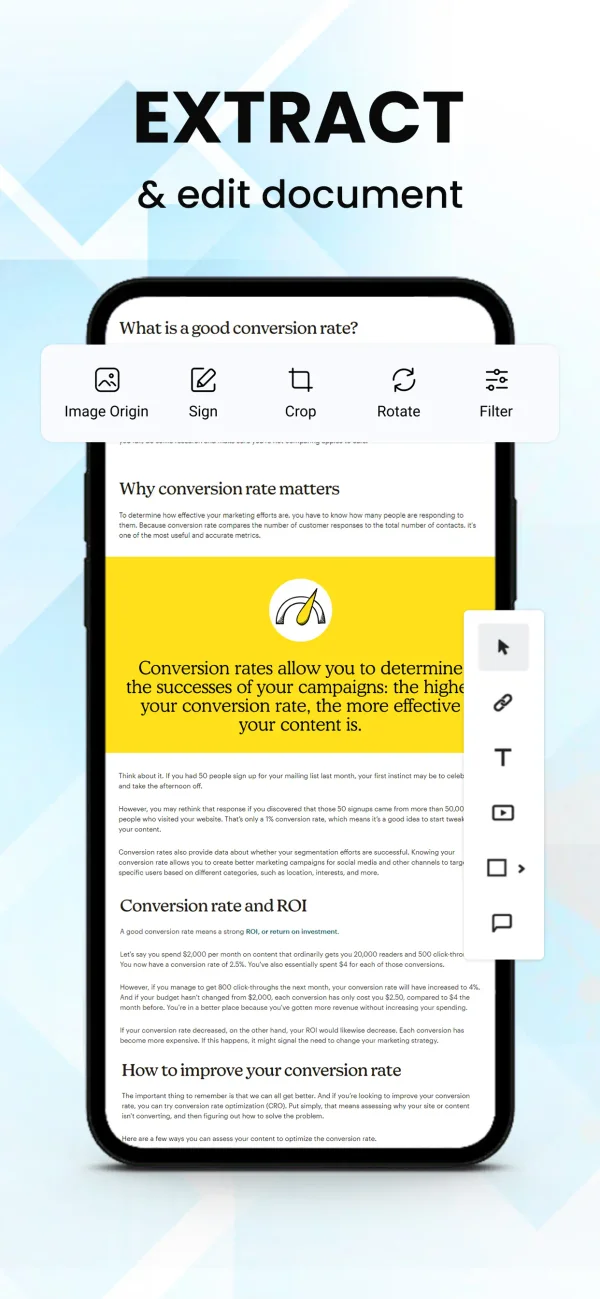
- Crop photos to help you edit photos according to your wishes.
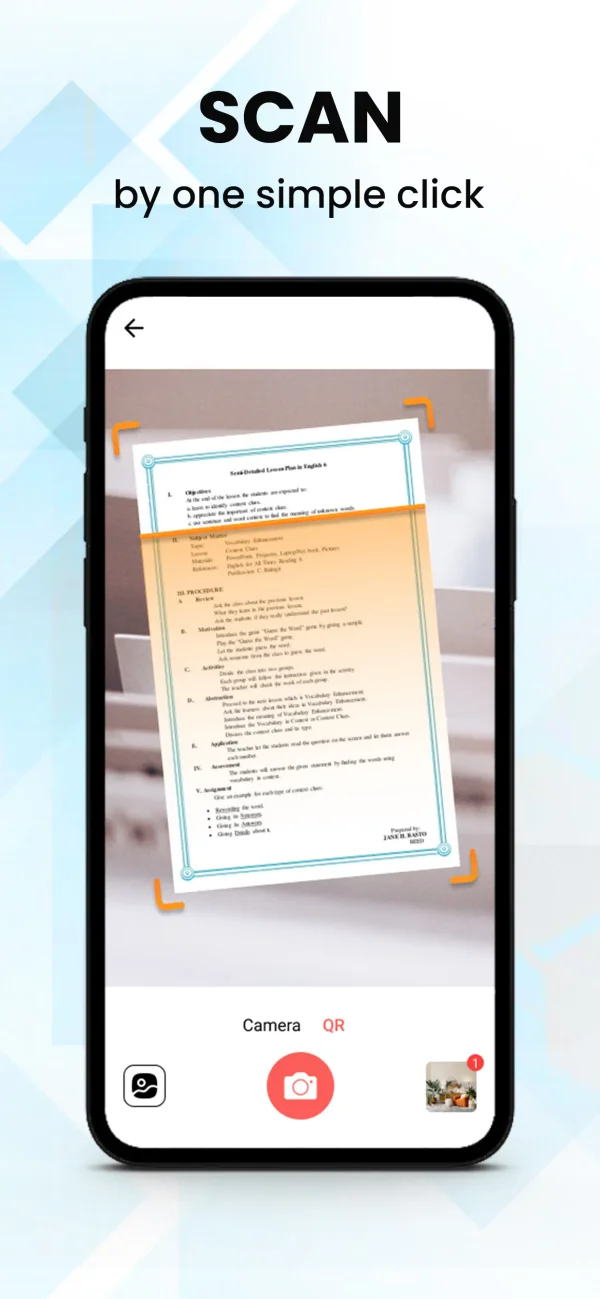
- The correction feature helps you identify the points you want to scan. You can also manually calibrate it to fit your needs.
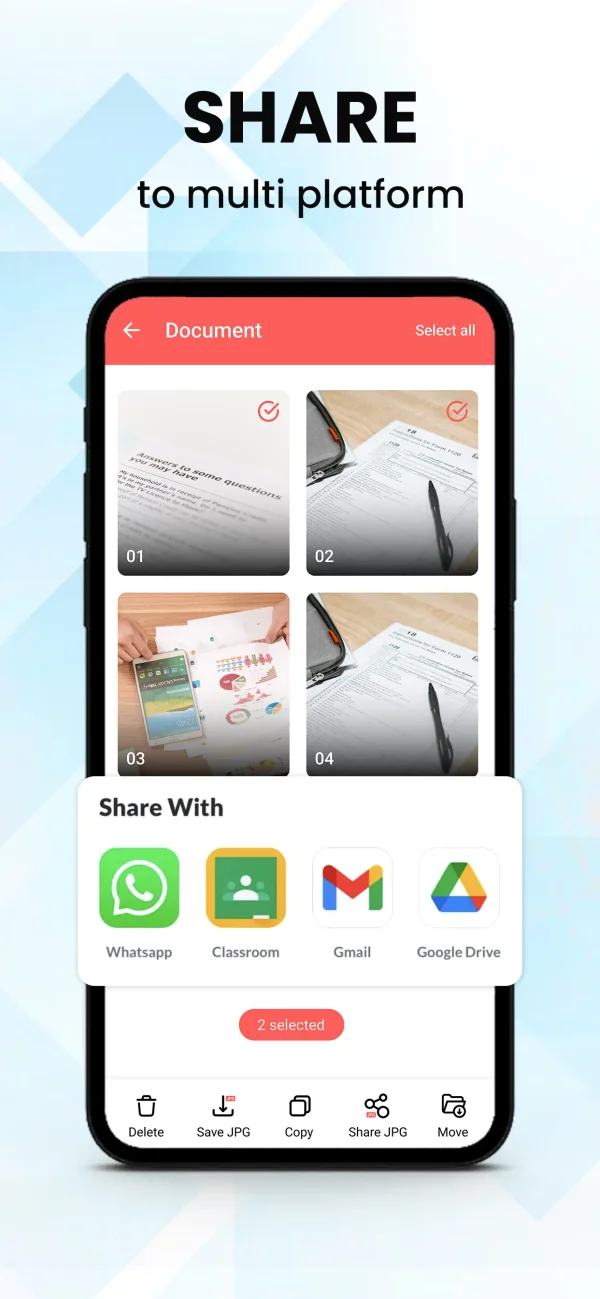
- SnapScan allows you to share your scanned documents with friends, colleagues,... via social networks, online means of communication,...
- SnapScan has the feature to save documents to the device, helping you to manage document files and store them right on your device.
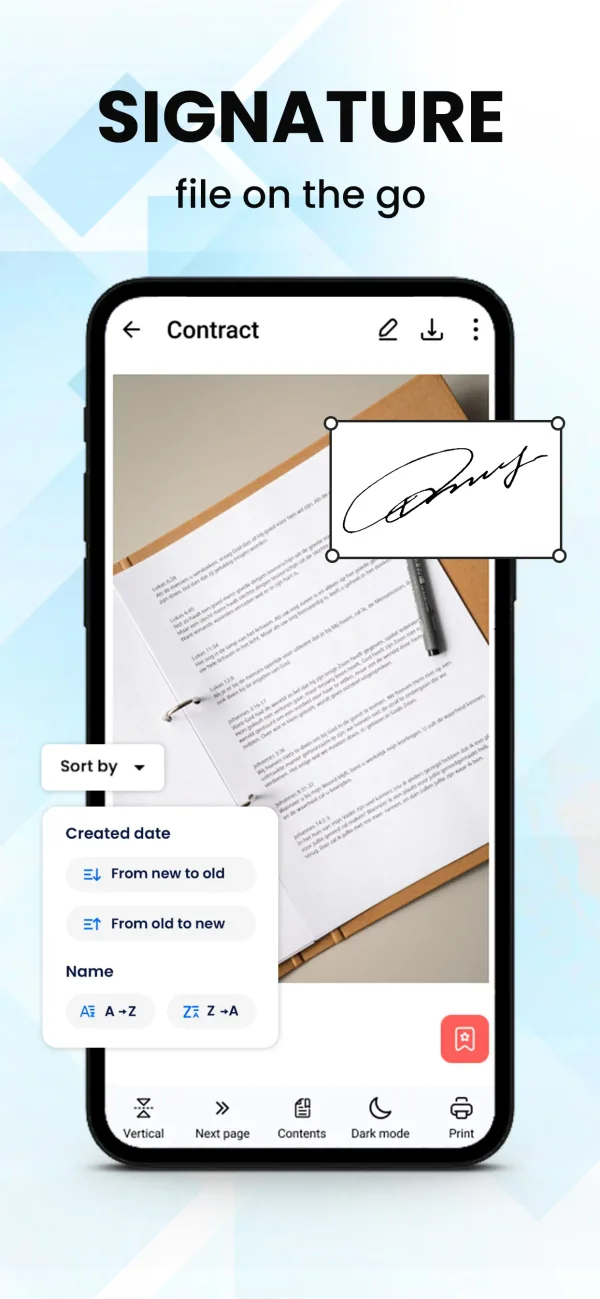
- Signature feature helps you quickly complete documents and send them conveniently.
Why you should use SnapScan:
- No watermark
- No login
- Free to use in basic features with scanner app
- Trusted by more than 1 million users around the world
Amazing features of SnapScan:
Document scanner:
- Scan everything: receipts, contracts, sticky notes, fax papers, books and archive your high-quality multi-page PDF/JPG files.
- Scan to pdf 2 scanning modes: Batch / Single.The scan area can be detected automatically to save your time and get your documents auto cropped in the way you need.
Scan to PDF EASY TO EDIT & SHARE:
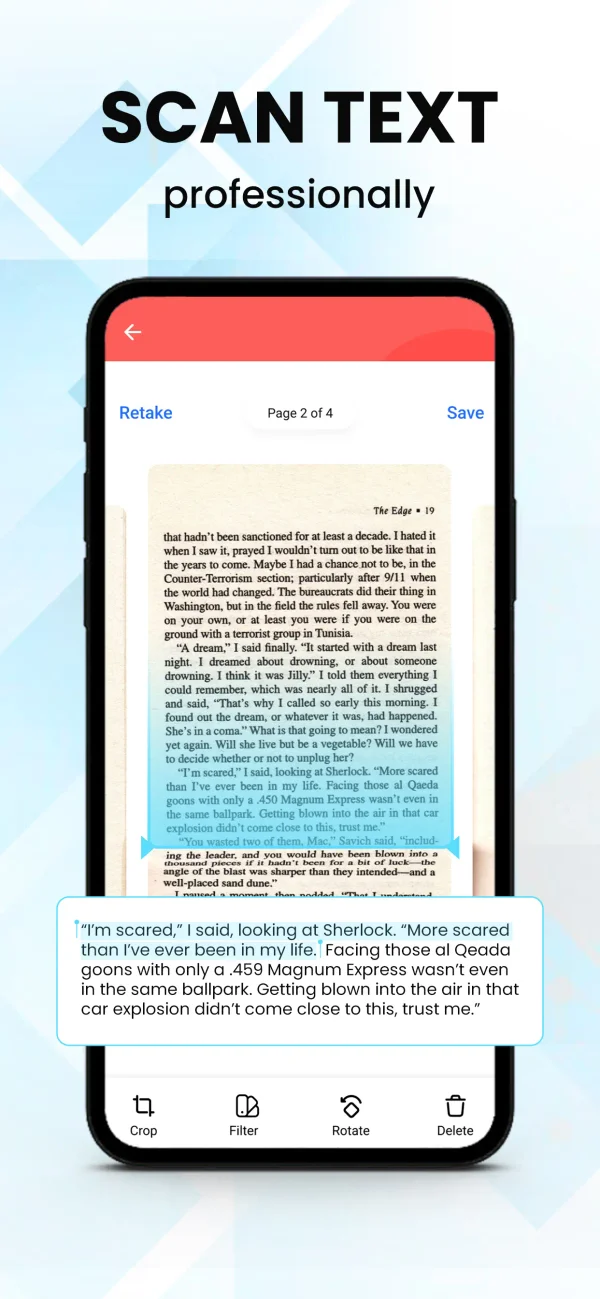
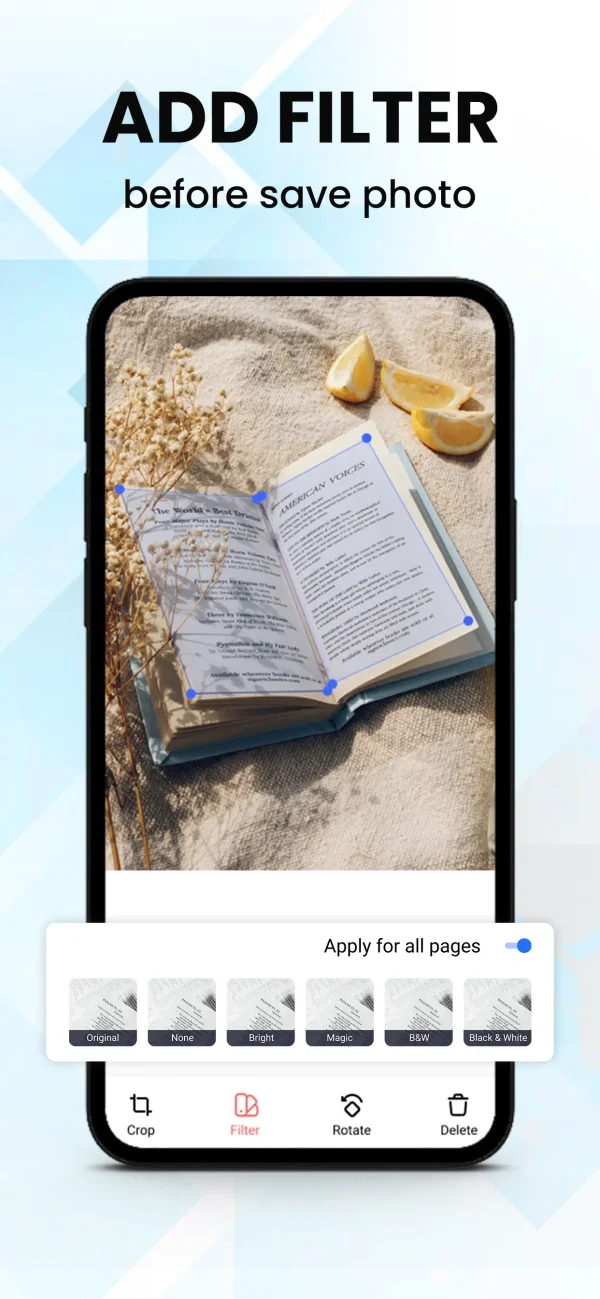
- Enhance the scan quality with multiple B&W filters & scan easily with auto cropping.
- After scanning, you can share files via Gmail, Dropbox, Evernote, Google Drive, OneDrive, Telegram,....with a few taps. With this secure pdf scanner app, all documents are stored locally on your phone, no one can access except the owner.
Enhance the scan pdf quality with Filters
Make your scanned documents look professional by removing shadows and artifacts to enhance your scans OR convert to black and white.
Our SnapScan: PDF Scanner App is under development with the desire to bring the best experience for you. So your contribution is something we always appreciate. Please send your feedback via mail gostudio689@gmail.com so we can continue to improve product quality. Thank you very much.
Best regards!
SnapScan
Terms of Use: https://www.apple.com/legal/internet-services/itunes/dev/stdeula/
Privacy policy: https://sites.google.com/view/trendingboss
What’s new
Version 1.4.4 · Apr 10, 2025
+ Fix some bugs
App privacy
What Kim Tung Le declares on the App Store about how this app handles data.
-
Data used to track you
May be used to track you across apps and websites owned by other companies.
- Identifiers
-
Data not linked to you
May be collected but is not linked to your identity.
- User content
- Identifiers
- Usage data
- Diagnostics
Privacy practices may vary, for example with the features you use or your age.
Information
- Seller
- Kim Tung Le
- Category
- Productivity
- Version
- 1.4.4
- Updated
- Apr 10, 2025
- Released
- Jan 18, 2023
- Size
- 148.9 MB
- Requires
- iOS 13.0 or later
- Age rating
- 4+
- Price
- Free
- In-app purchases
- Yes
- Copyright
- © 2022 Chipo Network Inc
You might also like
-
 Afirstsoft PDF:AI Chat PDFsEdit, Scan and Convert Docs
-
 Zap Scan: Photo to PDF ScannerDocument & QR Reader Converter
-
 DS Scanner: Scan & TranslateProductivity
-
 Shark VPN: Secure & AffordablePrivate VPN & Unlimited Proxy
-
 GO Fast VPN: Unlimited ProxySuper Speed - Secure & Private
-
 AI Keyboard Pro - Type & WriteWriter Chat Powered by ChatGPT
-
 QRco: Scan & Generate QR CodeQR code Generator & Reader
-
 Ai - All Language TranslatorOCR, Photo, Voice, Text & File
-
 VPN · Private RelayVPN Proxy & WiFi Security
-
 Vpin|網路影片學習輔助工具90 分鐘精華 3 分鐘掌握,創作者認證 AI 摘要