Scanner · Baro
Offline·No Watermark·Private
Designed for iPhone, iPad, iPod touch
$0.99
- Age rating4+
- CategoryUtilities
- DeveloperEuiseok Kim
- LanguagesEnglish+ 6 more
- Size23.1 MB
Links to the official App Store page
Download.org hosts no file of Scanner · Baro. The button opens its official App Store page, published by Euiseok Kim. Listing last checked on Nov 18, 2026.
Screenshots
About
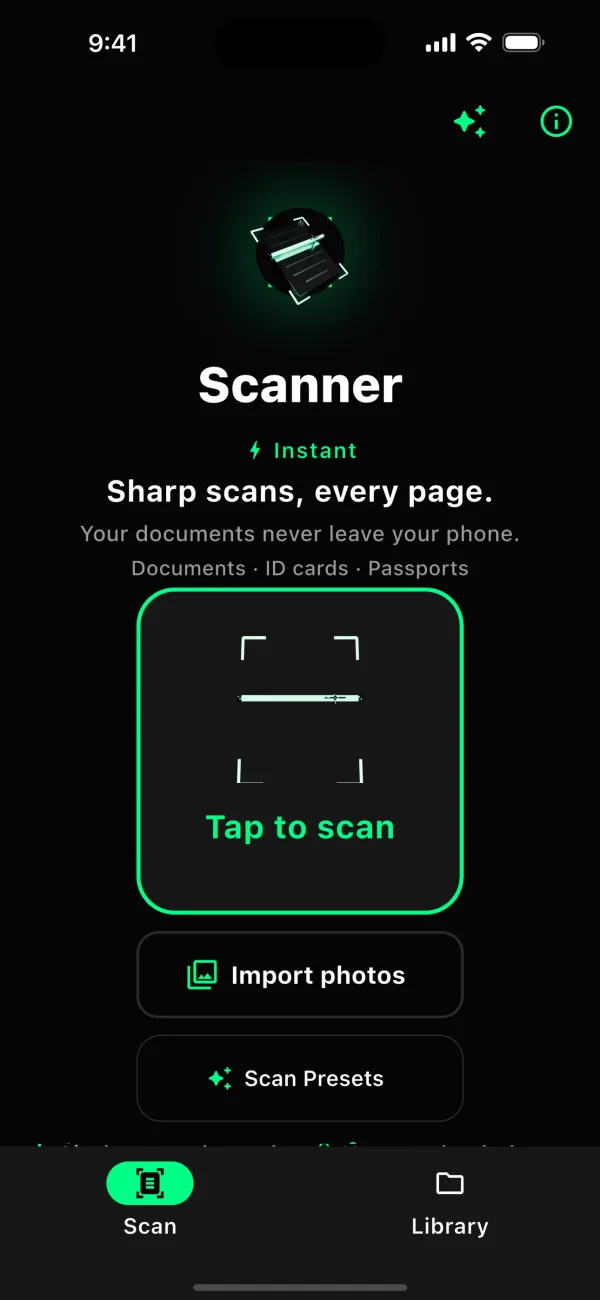
Your documents never leave your phone.
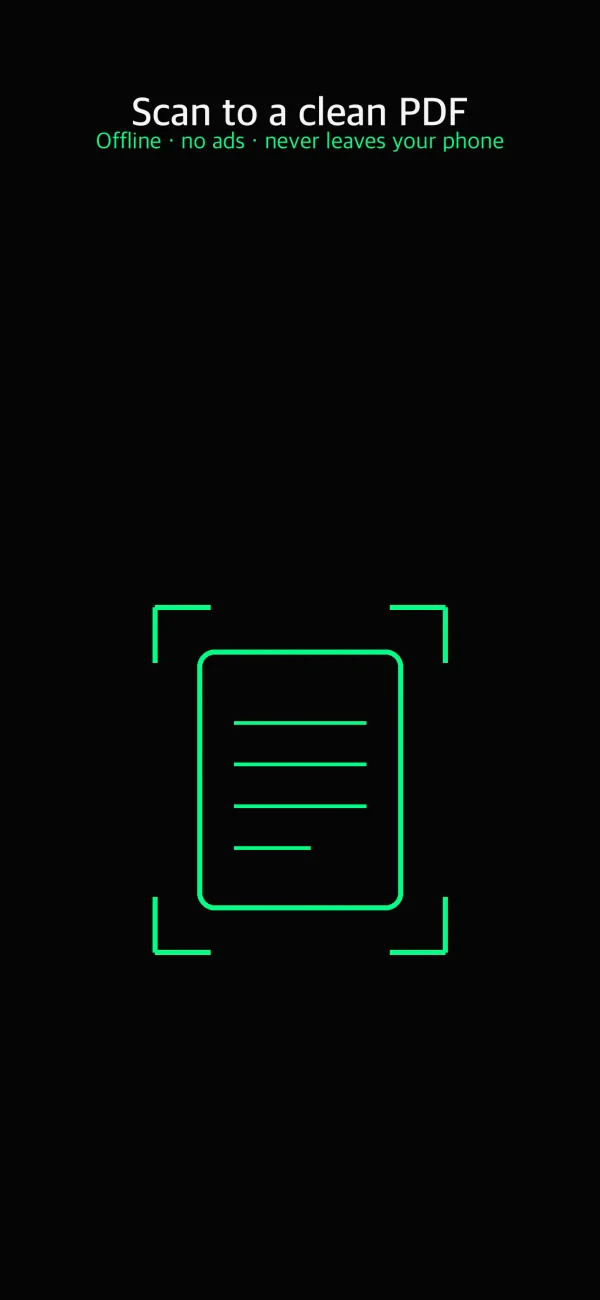
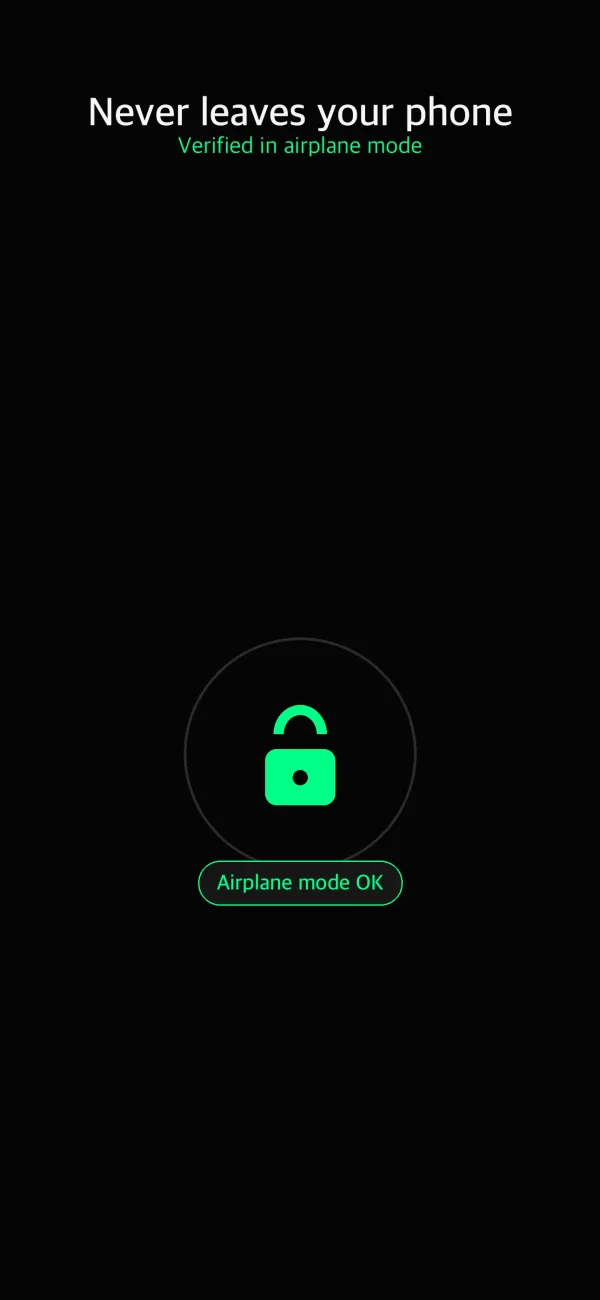
Point your camera, and paper becomes a clean PDF that is never uploaded to anyone. Don't believe it? Turn on airplane mode and watch Scanner keep working — because nothing is ever sent anywhere.
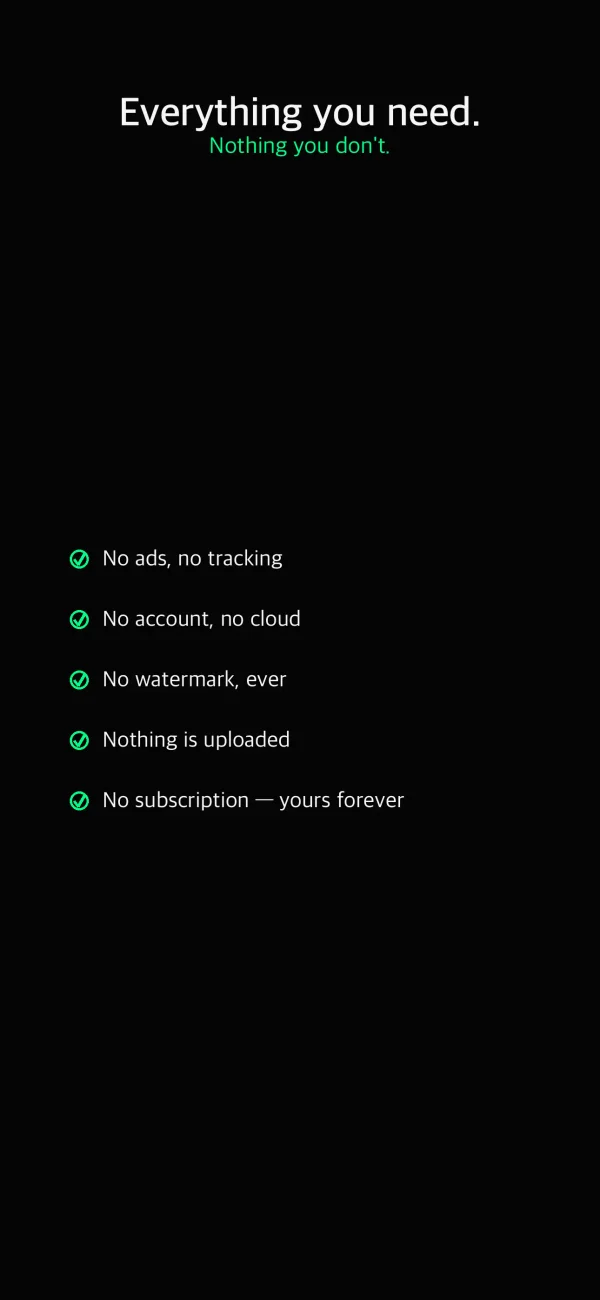
That's the difference from the other scanners: your IDs, contracts, medical forms and receipts stay private, because they physically never leave the device. No watermark on the output. No account to create. No ads. No subscription nag.
WHY BARO BEATS THE OTHER SCANNERS
• Nothing uploaded — works fully in airplane mode, verify it yourself.
• No watermark stamped on your PDF. Ever.
• No account, no sign-in, no email harvesting.
• No ads, no subscription, no surprise paywall.
WHAT IT DOES
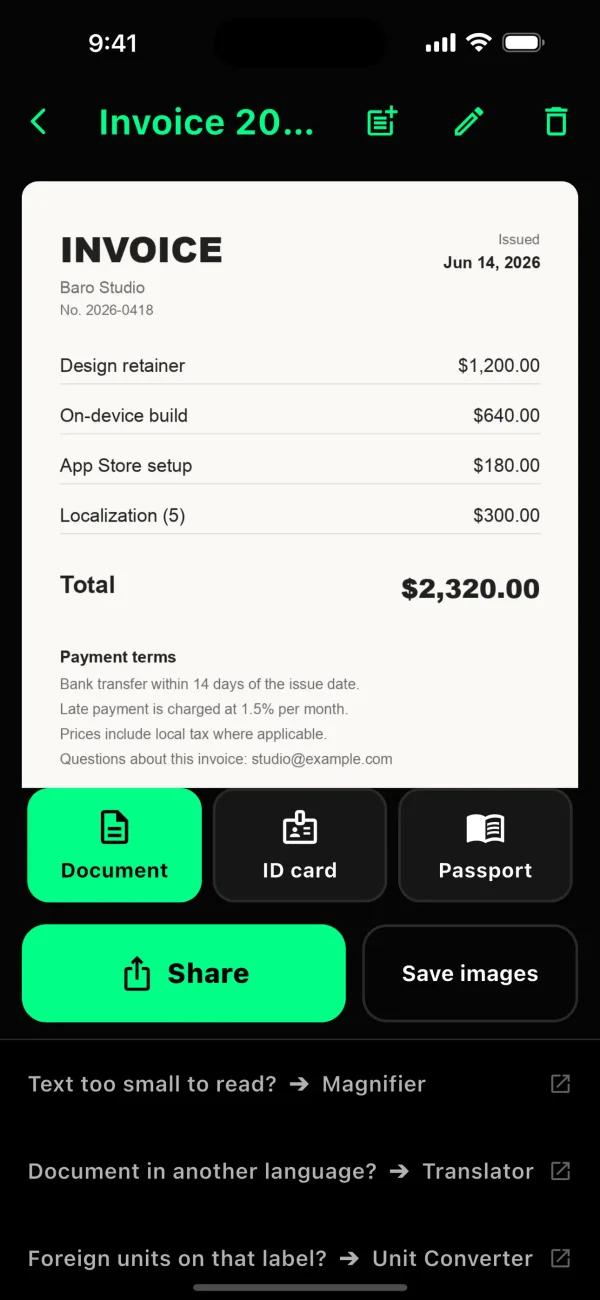
• Scan anything — live edge detection and perspective correction capture a crisp, straightened page: receipts, contracts, IDs, notes, forms, mail.
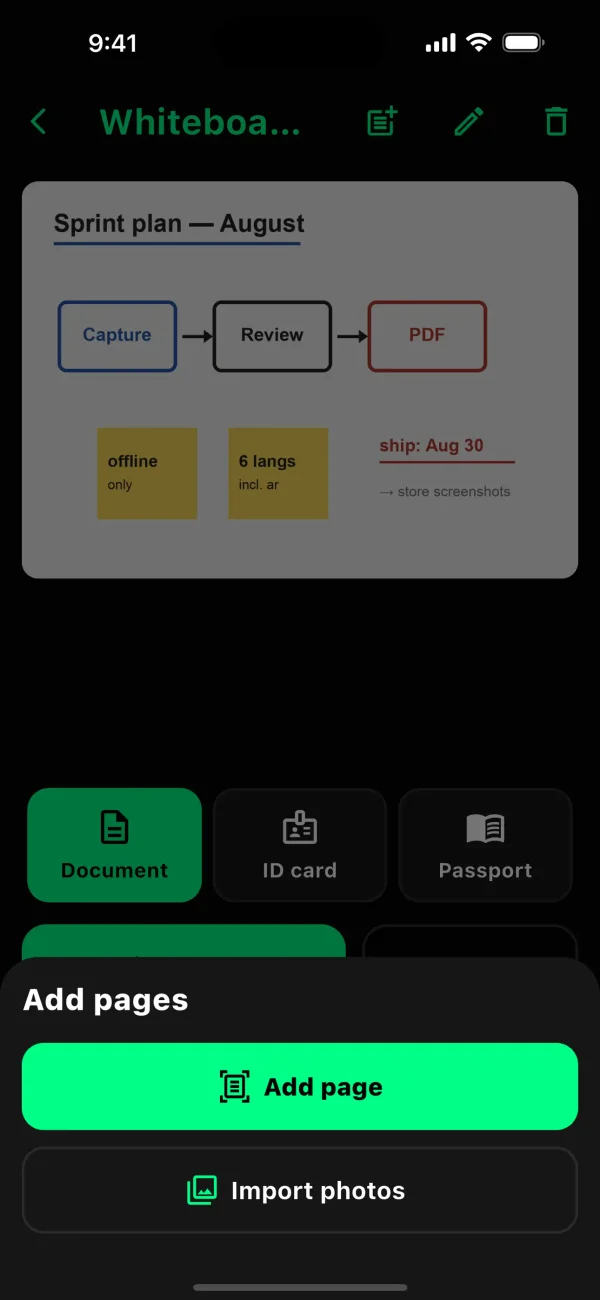
• Import photos — already have the shot? Turn photos on your phone into the same clean PDF, without opening the camera.
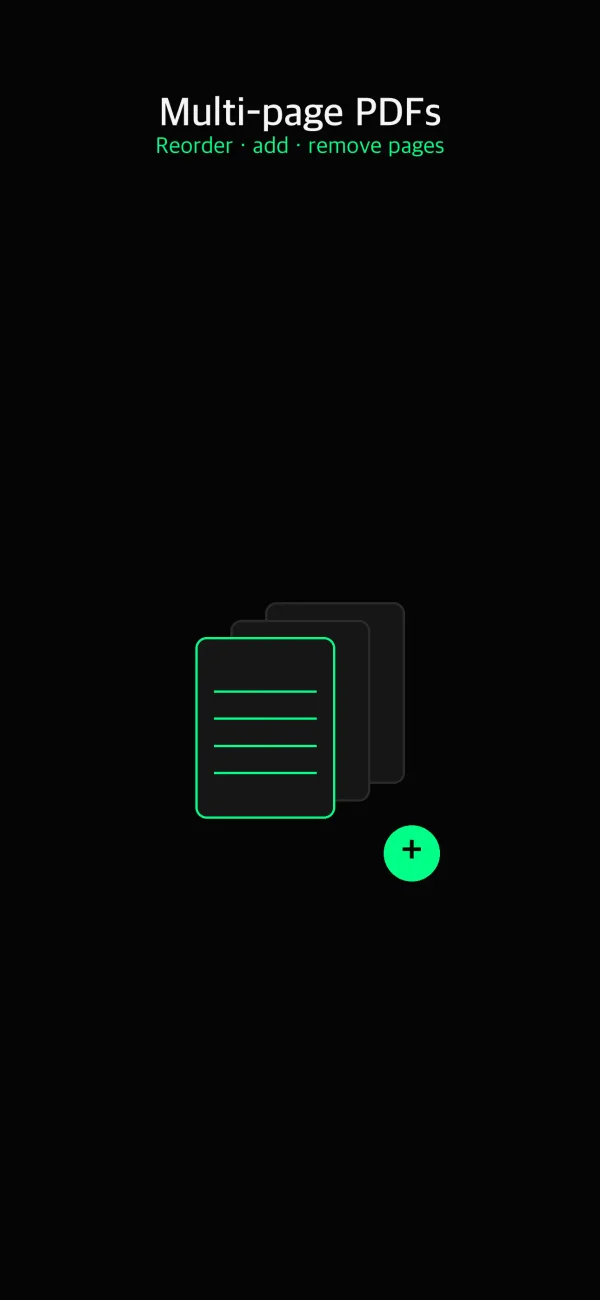
• Multi-page PDFs — add as many pages as you need and save them as one clean PDF. Reorder, retake or remove a page with a single tap.
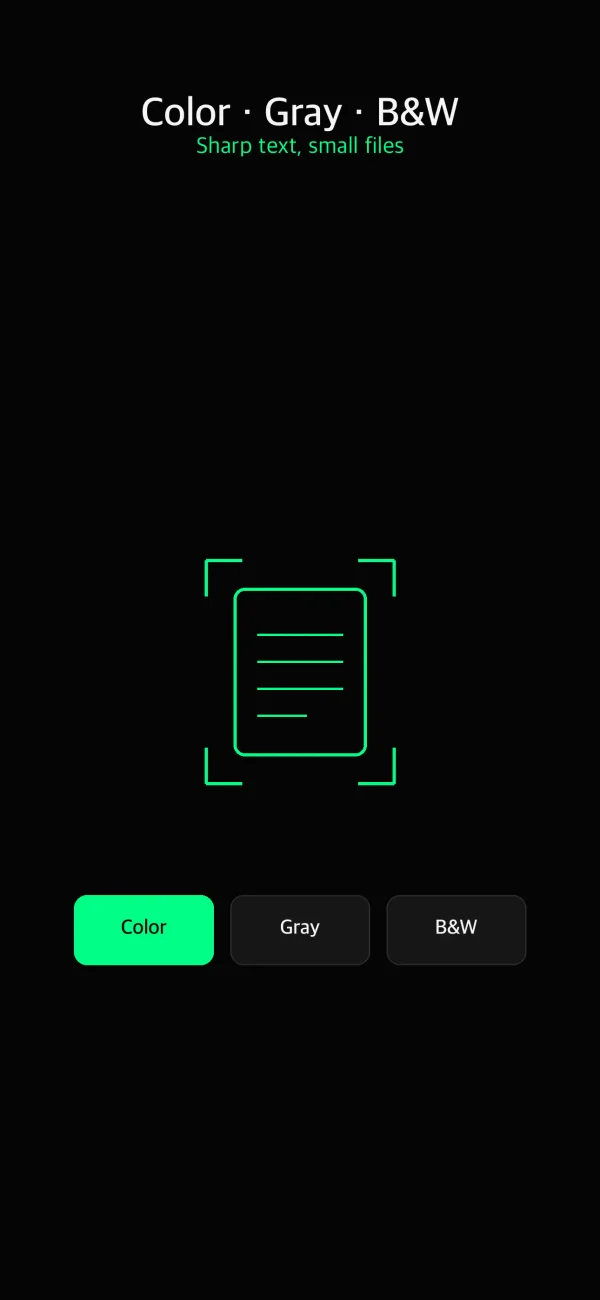
• Color, Grayscale or Black & White — pick the look that makes text sharpest and keeps files small.
• Local library — every scan lives only on this phone. Open, rename, share or delete. No cloud, no sync.
• Lock your documents — put Face ID, Touch ID or your passcode in front of your library. Off by default, and the check happens entirely on this phone: the app only ever gets a yes or a no.
• Share anywhere — send your PDF to Mail, Messages, Notes or any app in one tap, straight from the save confirmation.
PRIVACY YOU CAN VERIFY
Zero analytics. Zero telemetry. Zero third-party SDKs. No network code at all. Turn on airplane mode and scan — everything still works, because nothing is ever sent anywhere. The privacy label says "Data Not Collected," and you can prove it.
HONEST ABOUT WHAT IT IS
Scanner makes sharp image PDFs. It does not add a searchable OCR text layer yet, and there is no cloud backup or sync — both are intentionally absent, not coming "for a fee." Imported photos get the filters and the PDF, but not the edge detection and perspective correction — those happen at capture time, in the camera. We'd rather promise less and keep every promise.
MADE TO BE EASY
Every button is large and easy to hit. High-contrast AMOLED dark screen. Big, bold text. No double-taps, no hidden gestures — just Scan and Library.
MADE FOR
Anyone scanning an ID, a signed contract or a medical form who refuses to upload it. Receipts and expense reports. Student notes and handouts. Anyone who values privacy, simplicity and no watermarks.
NO SUBSCRIPTION
No subscriptions, no in-app purchases, no ads, no account. That's the whole deal.
Part of the Baro family — The tools you reach for first.
What’s new
Version 1.2.27 · Nov 8, 2026
• The rating card now also appears in the Library tab and the document info sheet — after saving a scan you land in the Library, where it previously never showed up.
• Fixed: the rating card used to live only on the document detail screen, so repeat scanning users never saw it.
• No change to how scanning works — capture, PDF export and the local library behave exactly as before. Still offline, still no ads.
App privacy
What Euiseok Kim declares on the App Store about how this app handles data.
-
Data not collected
The developer does not collect any data from this app.
Privacy practices may vary, for example with the features you use or your age.
Information
- Seller
- Euiseok Kim
- Category
- Utilities
- Version
- 1.2.27
- Updated
- Nov 8, 2026
- Released
- May 28, 2026
- Size
- 23.1 MB
- Requires
- iOS 13.0 or later
- Age rating
- 4+
- Price
- $0.99
- Languages
- English, Arabic, French, German, Japanese, Korean, Simplified Chinese
- Copyright
- © 2026 Lion and the Lab
You might also like
-
 Photo Cleaner:AI Smart CleanupDelete Duplicates, Save Space
-
 DocScopeMulti-Format Document Viewer
-
 BlurBefore - Redact & PixelateHide faces, IDs & QR codes
-
 LED Banner - Pocket Sign AppLED scroller, scrolling text
-
 FreshKeep-Save your groceriesFood Expiry Tracker
-
 ClusterSwipe: free up spaceSwipe to delete photos
-
 TalkScreen-Phone show heartExpress your heart on phone
-
 AnnidiemOnly the days that matter.
-
 Video to Live Photo: WallpaperLock Screen Maker & Converter
-
 Membership NaviEvery card, exactly as scanned