Scanner: Document Scan PDF Cam
Camera Scanning Documents
Designed for iPhone
Free · In-app purchases
- Age rating4+
- CategoryUtilities
- DeveloperNicholas Frederick
- LanguagesEnglish
- Size27.7 MB
Links to the official App Store page
Download.org hosts no file of Scanner: Document Scan PDF Cam. The button opens its official App Store page, published by Nicholas Frederick. Listing last checked on Nov 16, 2026.
Screenshots
About
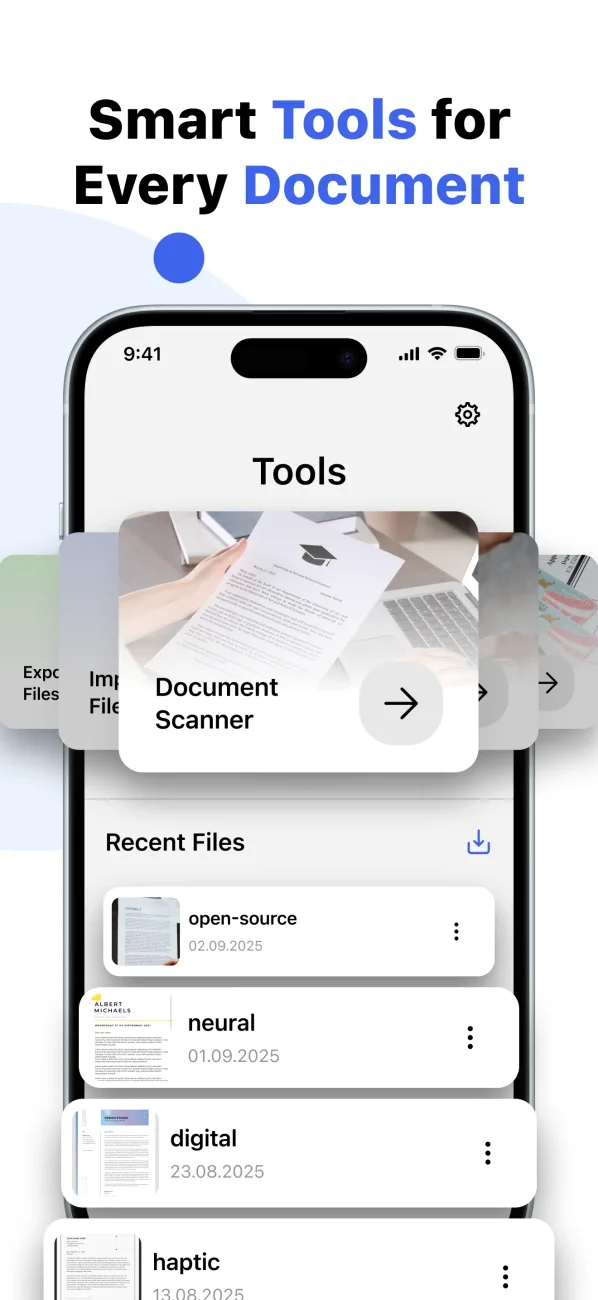
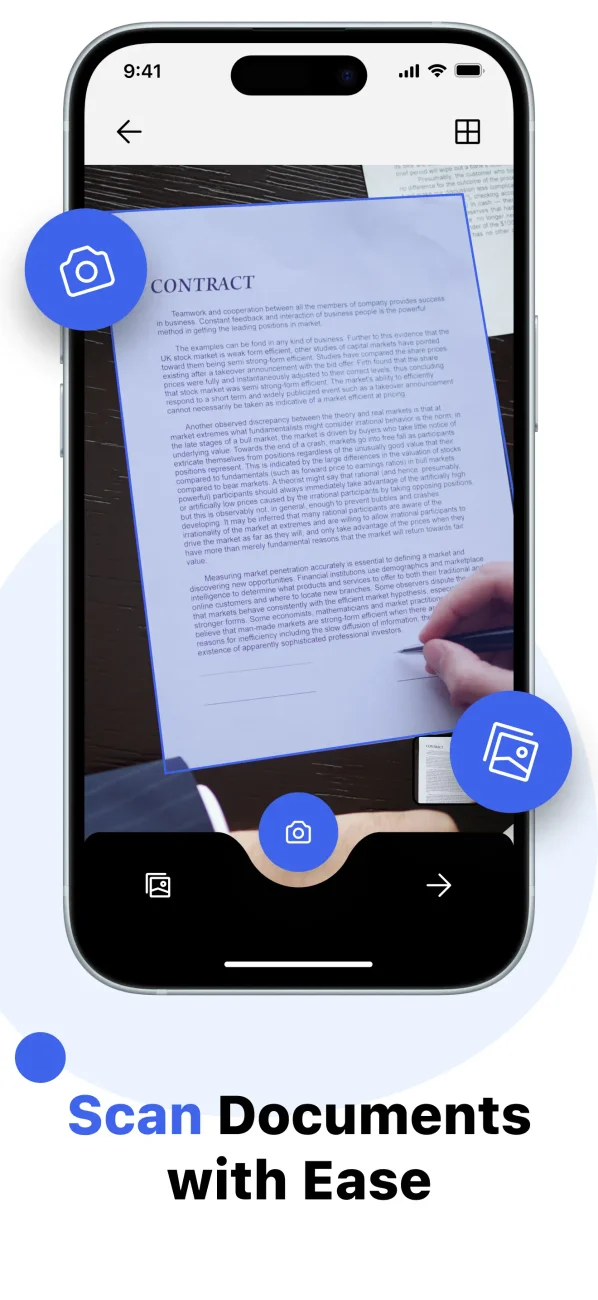
Transform your device into a versatile mobile scanner that makes handling documents fast, simple, and efficient. Scan receipts, notes, business cards, certificates, or even books and sketches in high-quality PDF or JPEG formats. Automatic edge detection and smart enhancement ensure every scan is crisp, clear, and ready to share or save instantly. Say goodbye to bulky traditional scanners and enjoy the convenience of having a portable scanner in your pocket, accessible anytime, anywhere.
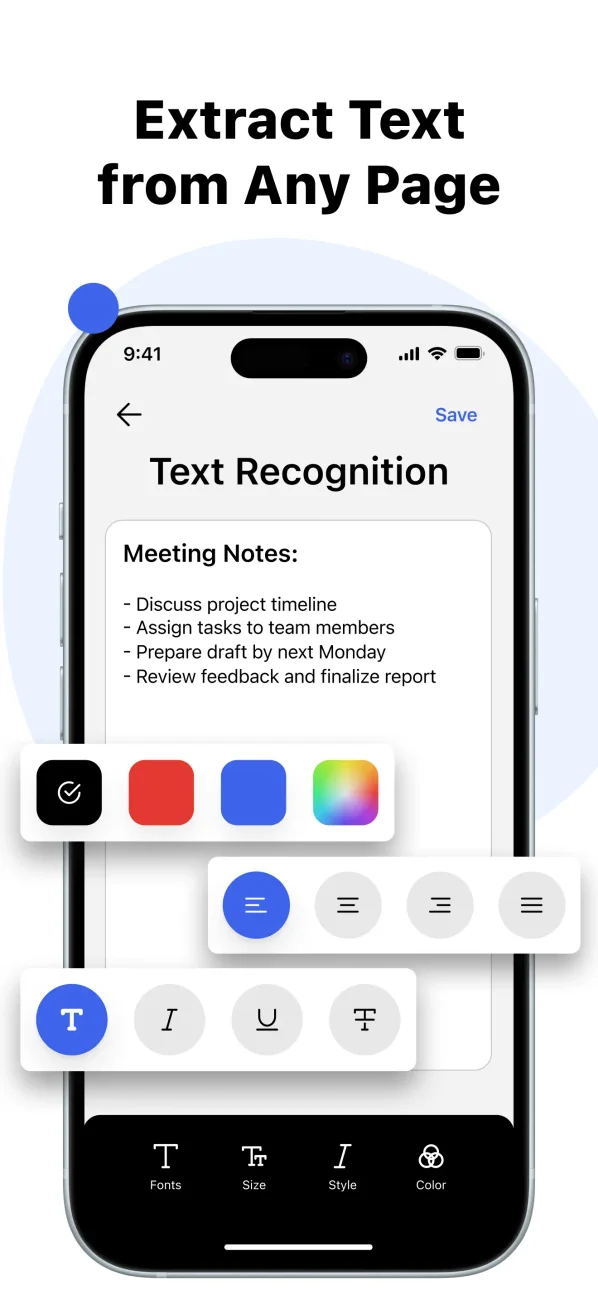
This scanner also allows you to convert images to editable text using advanced OCR technology. Quickly extract information from documents, edit, and save it for further use. With multi-page scanning and automatic cropping, you can easily organize your documents in an intuitive folder system. Security is a priority – protect your sensitive files with passwords and safeguard your privacy by keeping all scans locally or securely uploading them to cloud services.
Premium Features:
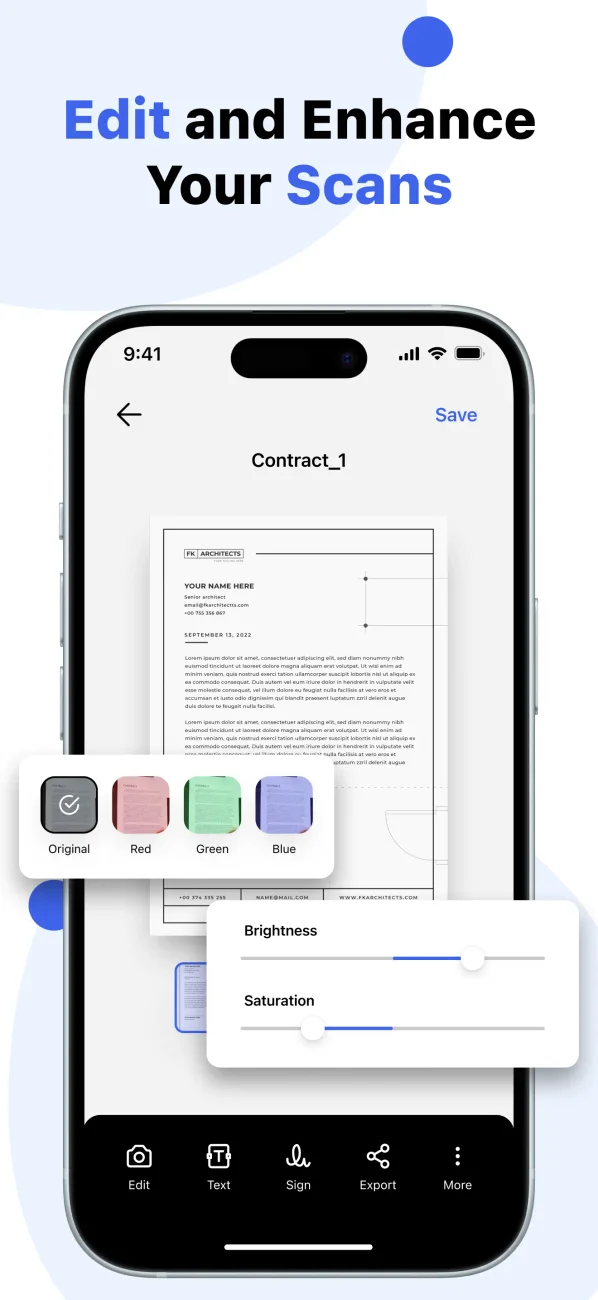
–Advanced OCR to extract and edit text with accuracy.
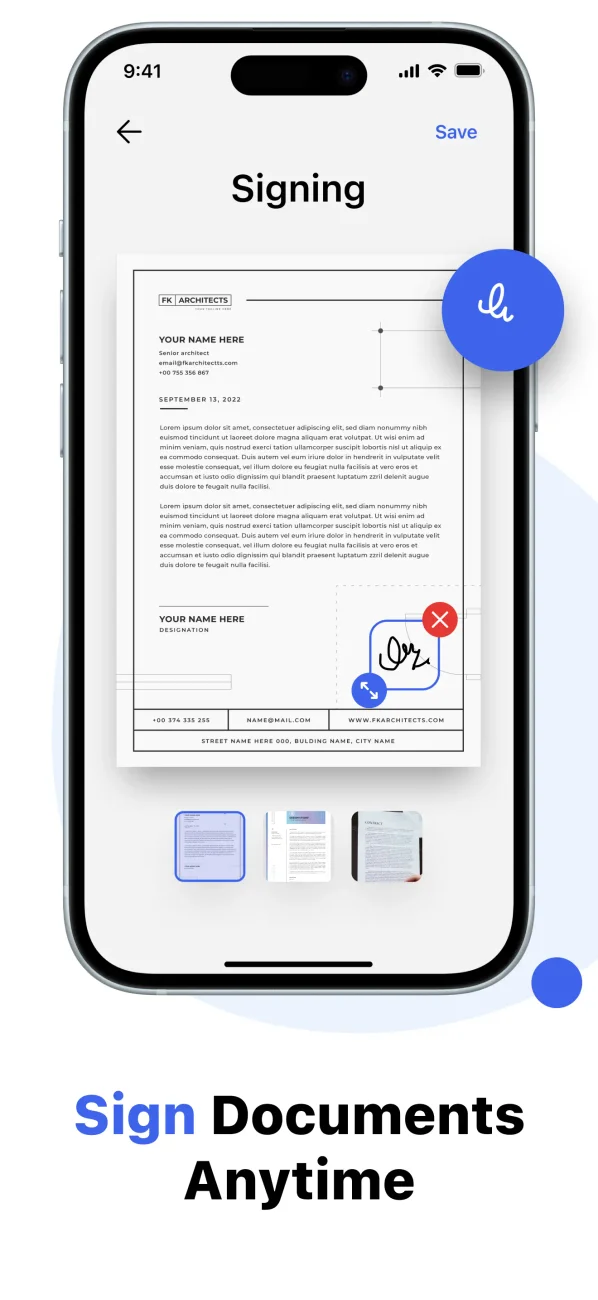
–Add digital signatures to documents effortlessly.
–Merge multiple scans into a single PDF.
–Automatic cloud backup to popular storage platforms.
–Share files securely with password-protected links.
–High-quality multi-page document management.
–Annotate, watermark, and organize your documents efficiently.
–Priority access to new features and enhancements.
Ultimate Access:
Week Membership.
A 3-day trial is available with all subscriptions. Your iTunes account will be charged after the purchase is confirmed. Subscriptions automatically renew unless you cancel at least 24 hours before the current period ends. Manage your subscriptions and auto-renewal in Account Settings.
Support and Privacy Overview:
-Follow this link to our privacy policy:https://sites.google.com/view/pdfscanner-privacy?usp=sharing
-Browse our Terms of Use to understand how we protect your information:https://sites.google.com/view/pdf-scanner-terms?usp=sharing
-For support, contact us at:frederickn@falidoreny.digital
Enjoy seamless scanning, fast organization, and secure sharing – all in one powerful mobile scanner.
What’s new
Version 1.0.1 · Dec 19, 2025
Bug fixes and performance improvements.
App privacy
What Nicholas Frederick declares on the App Store about how this app handles data.
-
Data used to track you
May be used to track you across apps and websites owned by other companies.
- Identifiers
-
Data not linked to you
May be collected but is not linked to your identity.
- Identifiers
- Usage data
Privacy practices may vary, for example with the features you use or your age.
Information
- Seller
- Nicholas Frederick
- Category
- Utilities
- Version
- 1.0.1
- Updated
- Dec 19, 2025
- Released
- Dec 19, 2025
- Size
- 27.7 MB
- Requires
- iOS 16.0 or later
- Age rating
- 4+
- Price
- Free
- In-app purchases
- Yes
- Languages
- English
- Copyright
- © Nicholas Frederick
You might also like
-
 Device Monitor - Air TrackerFind Devices - Smart Detector
-
 Invoice Maker: Receipt ScannerInvoices Generator & Receipts
-
 Rok: Universal TV LED ControlRemoto Smart Screen Cast & RGB
-
 Camera Finder - Device ScannerScan Hidden Devices & Signals
-
 Direct TV Remote Control AppSmart & Universal Controller
-
 Follow Cop - Followers TrackerTrack Unfollowers, IG Reports
-
 Measuring Tape: RulerMeasure level tool in pocket
-
 Hidden Device Monitor - TTPSWIFI Analyzer Bluetooth Detect
-
 Bluetooth Finder, WiFi ScannerFInd Device, Air BLE Tracker
-
 Flights Tracker | Flight RadarAirplane Live Tracker: Fly 24