Scanner & Editor: PDF Tools
Scan Docs, OCR, Sign & Convert
Designed for iPhone, iPad
Free · In-app purchases
- Age rating4+
- CategoryUtilities
- Developer磊 唐
- LanguagesEnglish
- Size50.1 MB
Links to the official App Store page
Download.org hosts no file of Scanner & Editor: PDF Tools. The button opens its official App Store page, published by 磊 唐. Listing last checked on Nov 17, 2026.
Screenshots
About
Scan, edit, convert, and manage your documents—all in one powerful PDF app.
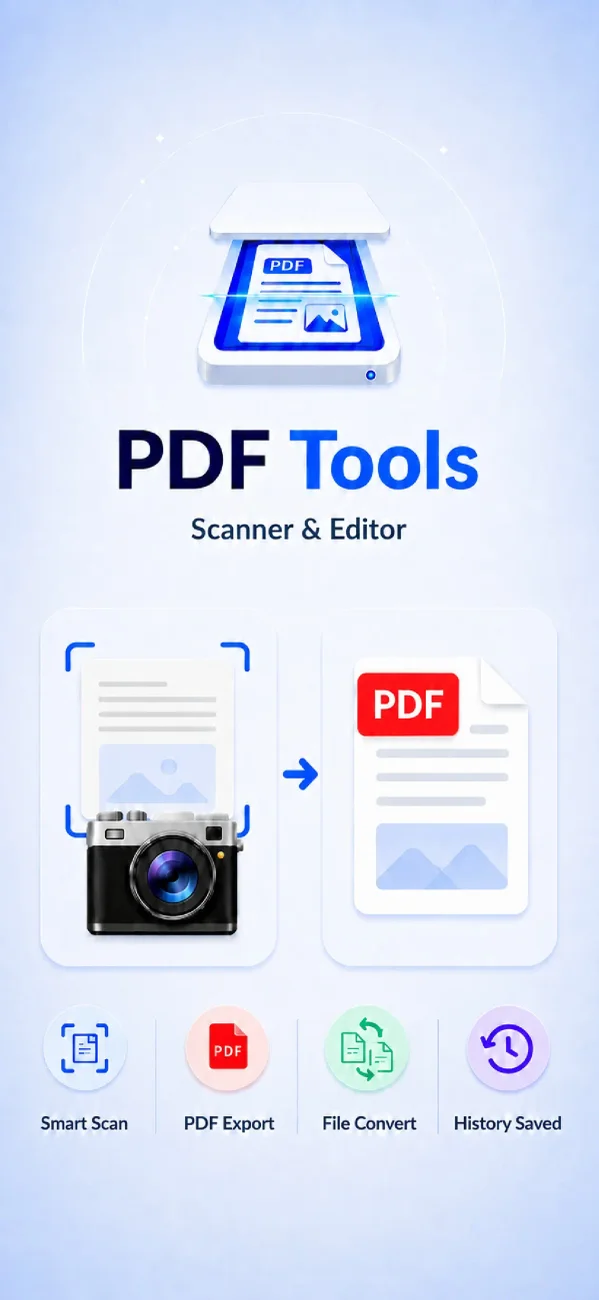
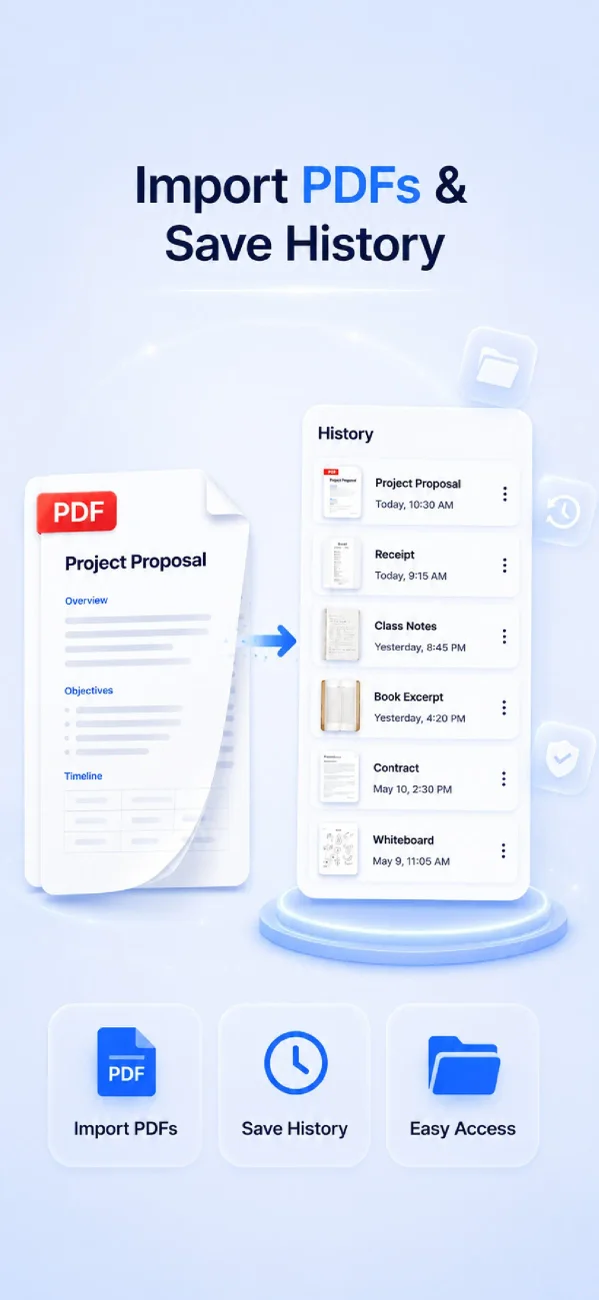
Scanner & Editor: PDF Tools makes it easy to turn paper documents and images into PDFs, edit existing files, combine multiple documents, add signatures, and export files in the format you need.
Key Features
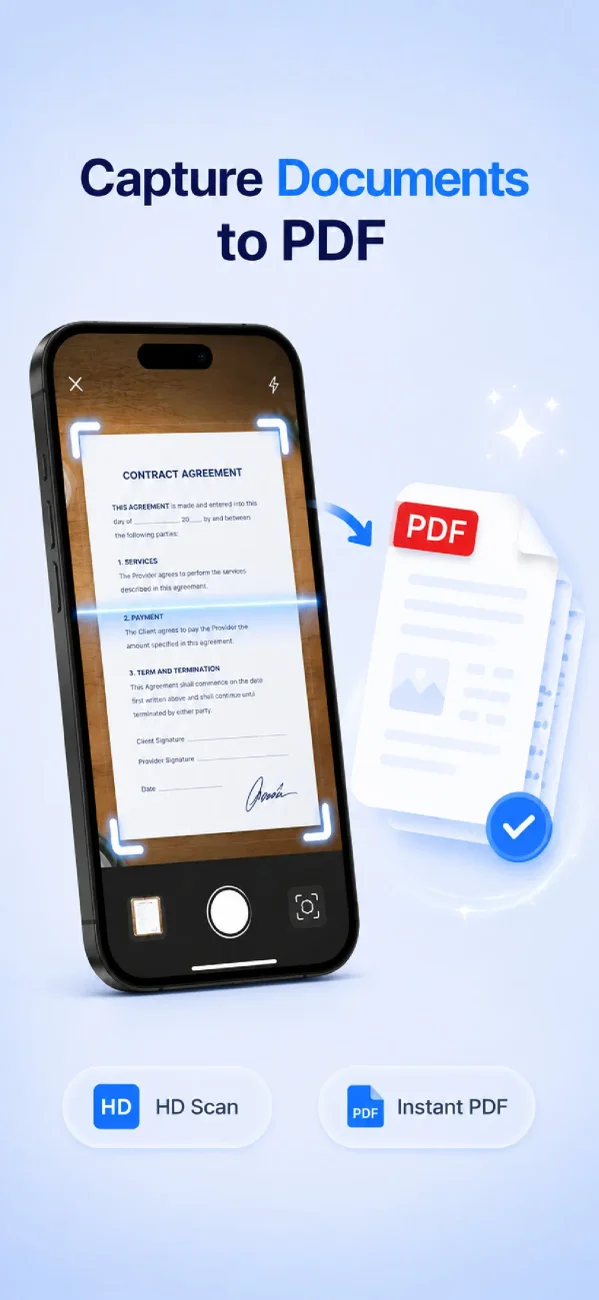
• Scan Documents
Capture documents with your camera and create clear, high-quality digital copies.
• Edit PDFs
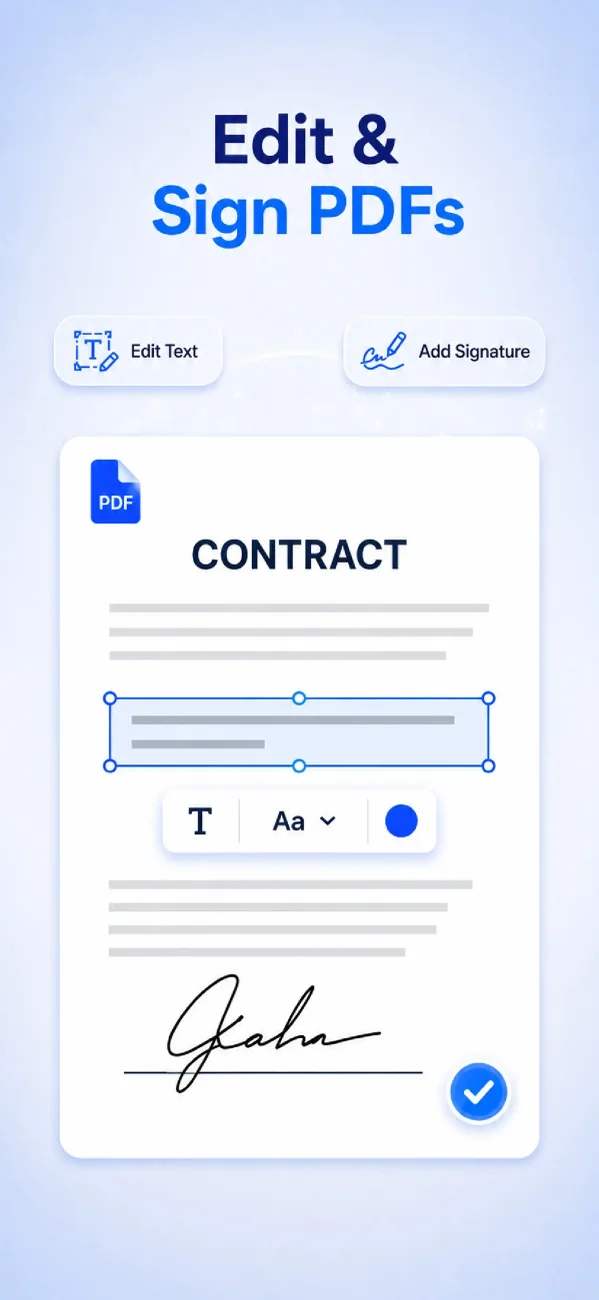
Add and edit text, insert signatures, annotate pages, and make changes to your PDF documents.
• Merge Files
Combine multiple PDFs, scanned pages, or images into one organized document.
• Convert Documents
Convert files between PDF and image formats.
• Sign Documents
Create and add your signature to forms, contracts, and other PDF files.
• Export in Multiple Formats
Export your completed documents as PDFs or images.
• Manage Your Files
Access your document history and continue editing previously uploaded or created files.
Why Choose Scanner & Editor: PDF Tools?
• No Account Required: Start scanning and editing without signing up.
• All-in-One Toolkit: Scan, edit, merge, sign, convert, and export in one app.
• Simple and Efficient: A clean, native experience designed for everyday document tasks.
Upgrade to a premium subscription to unlock all supported features and use them without usage limits. Subscription options and pricing are displayed in the app before purchase.
Privacy Policy:
https://sites.google.com/view/privacypolicyfortextpicker
Terms of Service:
https://sites.google.com/view/termsofservicefortextpicker
Contact Us:
textpicker@outlook.com
What’s new
Version 1.0.8 · Aug 24, 2026
update!
App privacy
What 磊 唐 declares on the App Store about how this app handles data.
-
Data used to track you
May be used to track you across apps and websites owned by other companies.
- Usage data
-
Data not linked to you
May be collected but is not linked to your identity.
- Usage data
Privacy practices may vary, for example with the features you use or your age.
Information
- Seller
- 磊 唐
- Category
- Utilities
- Version
- 1.0.8
- Updated
- Aug 24, 2026
- Released
- May 20, 2026
- Size
- 50.1 MB
- Requires
- iOS 17.0 or later
- Age rating
- 4+
- Price
- Free
- In-app purchases
- Yes
- Languages
- English
- Copyright
- © 2026 Text.Picker
You might also like
-
 Cleaner Photo and StorageSecure & Optimize Photos
-
 Cull: Phone Cleaner & PrivacyClean Storage, Safe Guard
-
 PhoneSaver - AI Space CleanerPrivate your photo & videos
-
 LumiDoc:PDF ScannerLumiDoc:PDF Scanner
-
 CleanX: Smart StorageClean fast & free up space
-
 CallSense·Scam&Spam ProtectionUtilities
-
 Photo Сleanup: Storage CleanerDelete Duplicate Photos, Video
-
 Cleaner AI: Storage AssistantCleanup Photo/Video Duplicates
-
 Aegis: Security & Device CareProtect Your Device
-
 CleanUp Master:Storage CleanerClear Duplicate Photo & Video