
Scanner+ Scan PDF Documents
Scan Sign Save Share PDF
Designed for iPhone, iPad
Free · In-app purchases
- Age rating4+
- CategoryUtilities
- Developersulubeyn
- LanguagesEnglish+ 11 more
- Size21.3 MB
Links to the official App Store page
Download.org hosts no file of Scanner+ Scan PDF Documents. The button opens its official App Store page, published by sulubeyn. Listing last checked on Nov 12, 2026.
Screenshots



About
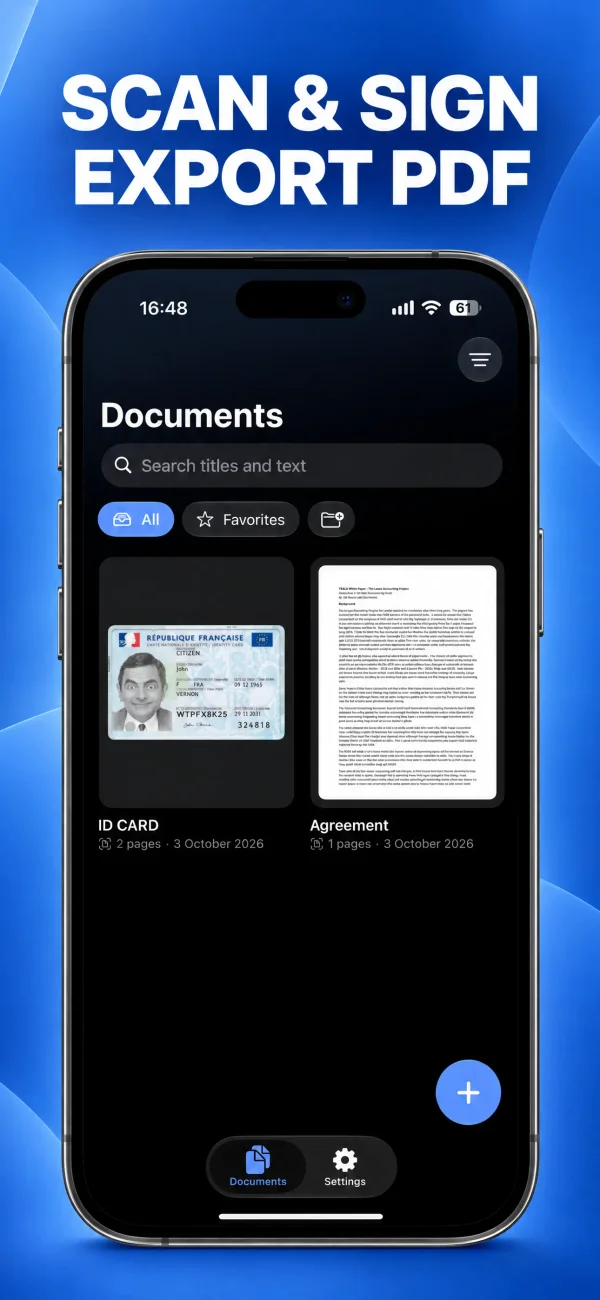
Turn paper into clean, searchable PDFs. Scan a document, ID card, passport, receipt, or whiteboard, straighten the page, and keep every file on your device.
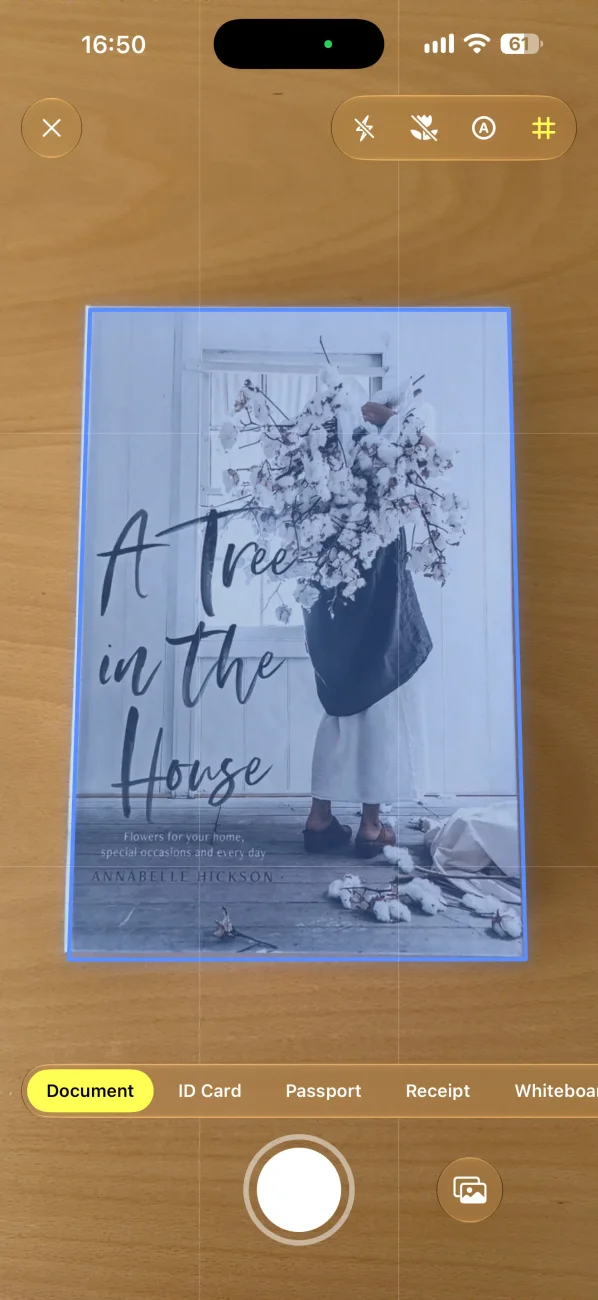
PDF Scanner finds the edges of a page while you aim the camera. Shoot automatically when the page is steady, or tap the shutter yourself. Drag the corners if you want a tighter crop, then pick a filter that brightens the paper and makes the text easier to read. Flash, a camera grid, and macro focus on supported cameras help when the page is dim or very close.
Scan what you need
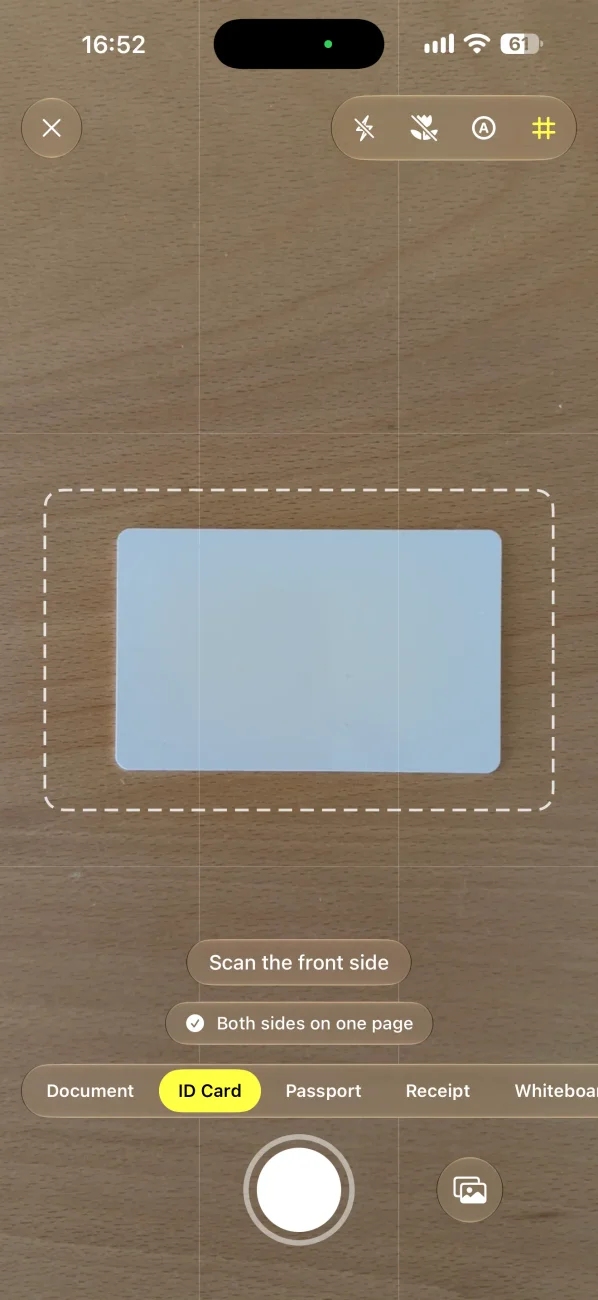
- Documents, ID cards, passports, receipts, whiteboards, and photos
- Front and back of an ID card in one file
- Multi-page documents you can add to later
- Import from Photos or Files, including existing PDFs
- Retake, crop, rotate, reorder, or delete any page
Make it readable
- Filters for bright paper, grayscale, black and white, sharp text, and low light
- Draw a signature with your finger and place it on a page
- On-device text recognition. Copy the text or search your library by what a page says
- Nothing you scan is uploaded for processing
Share it
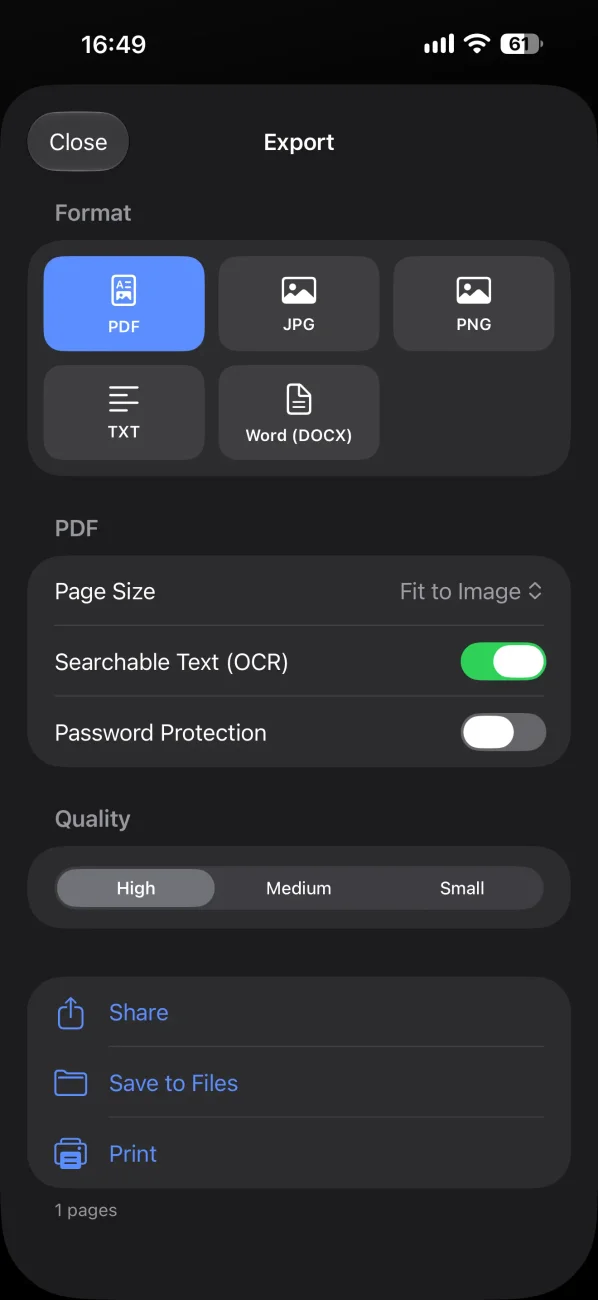
- Export as PDF, JPG, PNG, TXT, or Word
- Fit the page, or use A4 or US Letter
- Share, save to Files, save images to Photos, or print
- Password-protect a PDF
Your library
- Every document stays on your device
- Search, favorites, folders, and sort by date or name
- Lock the library with Face ID
Terms: https://sulubeyn.com/terms.html
Privacy: https://sulubeyn.com/privacy.html
You can cancel your subscription in the iTunes settings at least 24-hours before the end of the free trial period. Subscription payments will be charged to your iTunes account at confirmation of your purchase and upon commencement of each renewal term.
* Please note: any unused portion of a free trial period (if offered) will be forfeited when you purchase a premium subscription during the free trial period.
* You can cancel a free trial or subscription anytime by turning off auto-renewal through your iTunes account settings. This must be done 24 hours before the end of a free trial or subscription period to avoid being charged. The cancellation will take effect the day after the last day of the current subscription period, and you will be downgraded to the free service.
What’s new
Version 2.1 · Oct 10, 2026
Bug fixes and ui enhancements for iOS 27.1
App privacy
What sulubeyn declares on the App Store about how this app handles data.
-
Data used to track you
May be used to track you across apps and websites owned by other companies.
- Identifiers
-
Data linked to you
May be collected and linked to your identity.
- Identifiers
-
Data not linked to you
May be collected but is not linked to your identity.
- Usage data
- Diagnostics
Privacy practices may vary, for example with the features you use or your age.
Information
- Seller
- Can Aksoy
- Category
- Utilities
- Version
- 2.1
- Updated
- Oct 10, 2026
- Released
- Oct 27, 2018
- Size
- 21.3 MB
- Requires
- iOS 18.0 or later
- Age rating
- 4+
- Price
- Free
- In-app purchases
- Yes
- Languages
- English, Arabic, Dutch, French, German, Italian, Japanese, Korean, Polish, Portuguese, Spanish, Turkish
- Copyright
- © 2018
You might also like
-
 OffIine Video SaverVideo manager
-
 AI Tattoo Design: Tattoo MakerTattoos Generator & Designer
-
 Remote Control App for Roku TVCast to TV - Universal Remote
-
 The private browser аррThe secure: safe adblock
-
 Followers•unfollowers trackerWho unfollowed me - analytics
-
 RAR ZIP 7z File ExtractorUnzip Unrar Archive Opener
-
 Tag Tracker & Pods Air FinderFind Device. Earbuds Detector
-
 Smart Camera connectSpy camera detector
-
 THC Weed Identifier: Kush ScanRecognize Cannabis Marijuana
-
 #1 Hidden Camera DetectorDevice & Spy Cam Finder