ScannerHD Pro - PDF Scan
Scan your documents anywhere.
Designed for iPhone, iPad, iPod touch
$0.99 · In-app purchases
- Age rating4+
- CategoryBusiness
- DeveloperHiThink
- LanguagesEnglish+ 2 more
- Size44.3 MB
Links to the official App Store page
Download.org hosts no file of ScannerHD Pro - PDF Scan. The button opens its official App Store page, published by HiThink. Listing last checked on Nov 12, 2026.
Screenshots
About
ScannerHD Pro is the best scanning app with hassle free work that saves a huge amount of both time and money. So get this amazing mini pocket scanner app now in your smartphones and get the scanning done from any part of the world and send the scanned image to any person at any location.
* High Scan Quality
* OCR Text Recognition
* Sync & Auto-upload
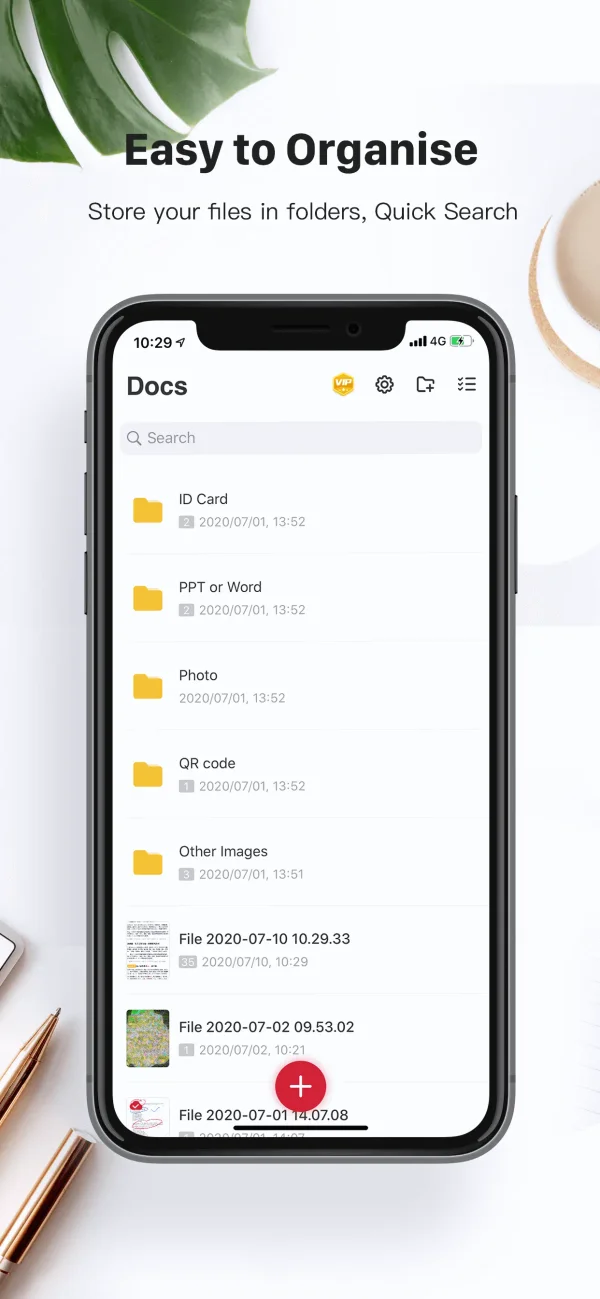
* Create & Manage Folders
* Sync & Auto-upload
* Cloud Storage/Space
* OCR Text Recognition
ScannerHD Pro users scan and manage
* Bill, Invoice, Contract, Tax Roll, Business Card…
* Whiteboard, Memo, Script, Letter…
* Blackboard, Note, PPT, Book, Article…
* Credential, Certificate, Identity Documents
3rd Party Cloud Storage Services Supported:
- CloudDrive, Google Drive, Dropbox, Evernote(soon)
Now convert your smart phone into a mini pocket scanner and enjoy the high quality image in your device within just one touch with the best ever scanning mobile app ScannerHD Pro - Scanner to scan PDF.
“ScannerHD Pro” is a must for every person be it a school student, college student, business person or lawyer, office clerks, or any other person.
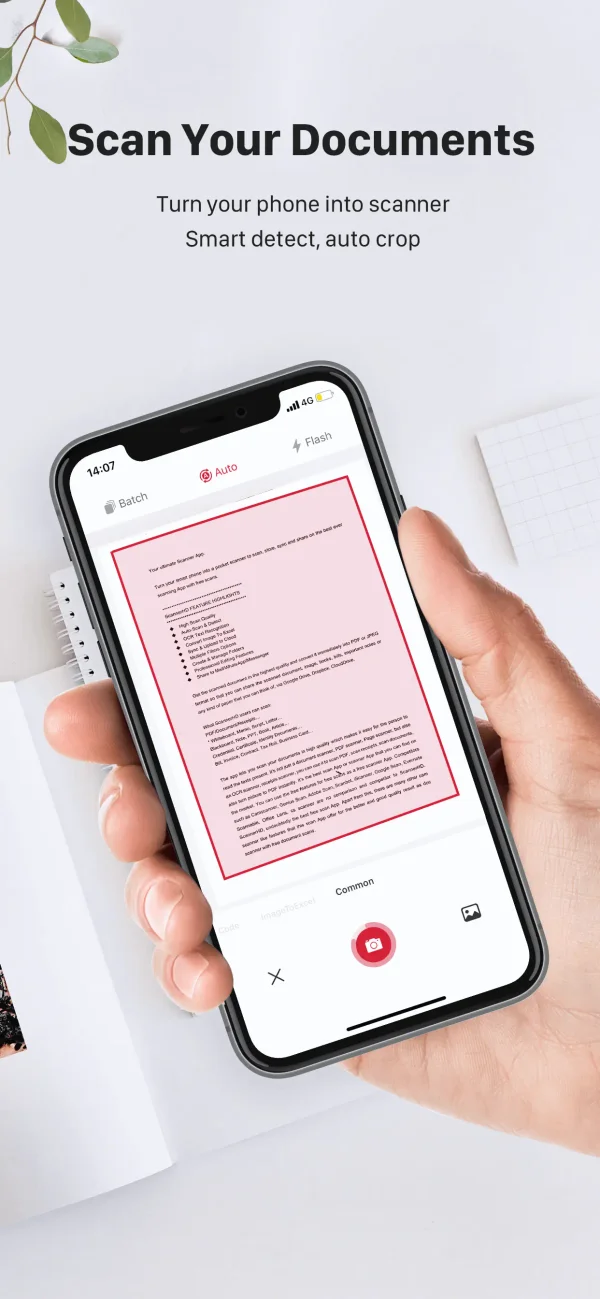
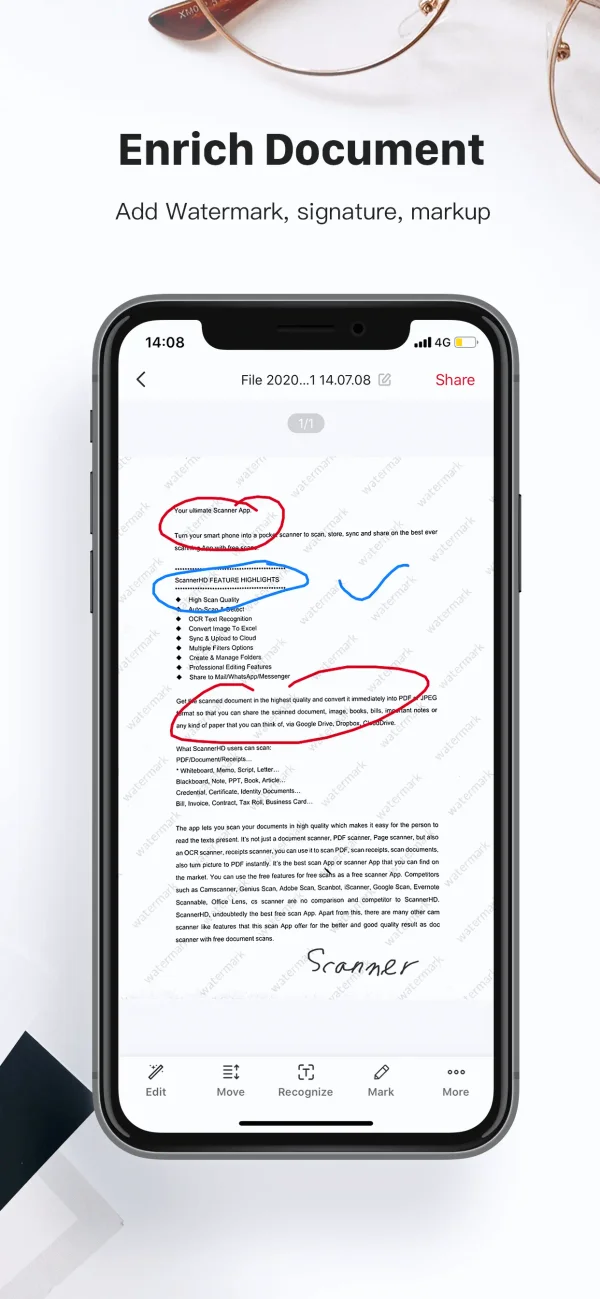
The app lets you scan your photographs and documents in high quality which makes it easy for the person to read the texts present. The app automatically detects the corner of the file that you want to scan for better quality along with you can also crop the part of the document that you want to scan.
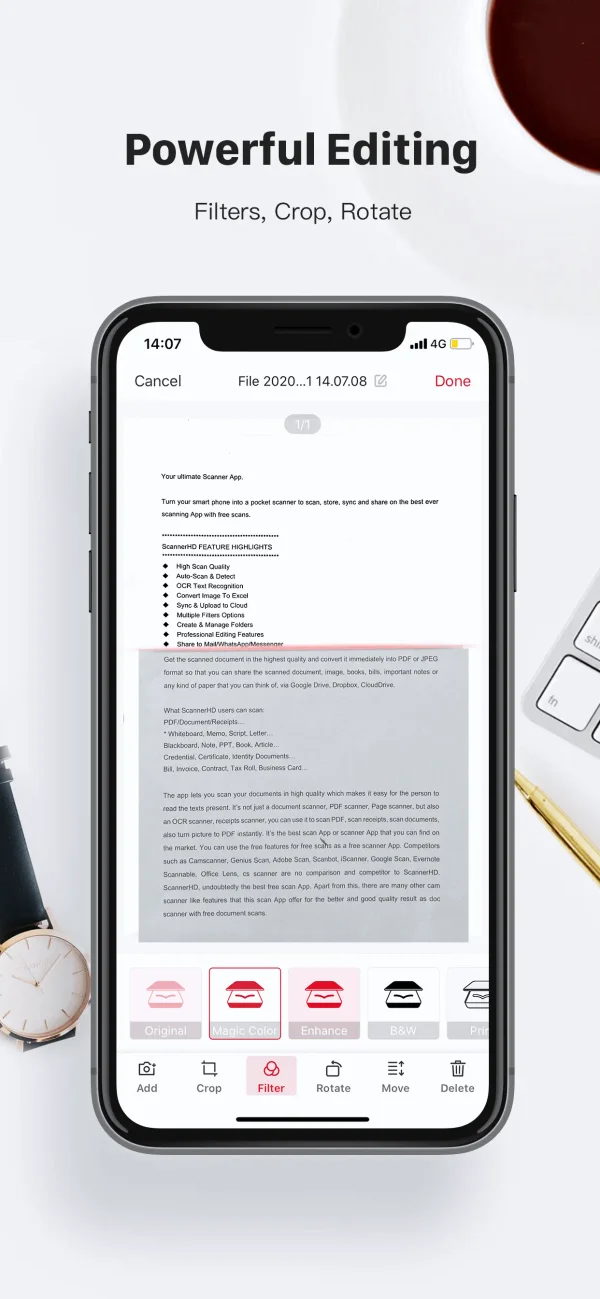
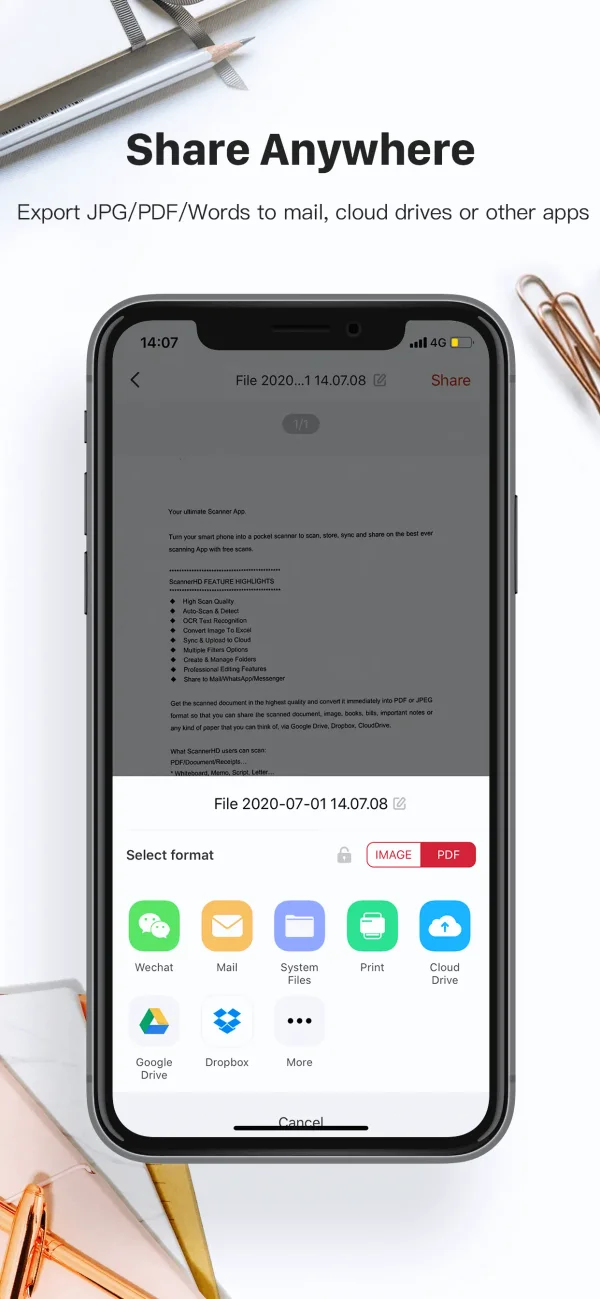
Share the files immediately over mail, Dropbox, CloudDrive, Google Drive, or via link to enjoy the joy of scanning. ScannerHD Pro allows the user to convert the scanned document to JPEG format or PDF format. You can even print the scanned document or image over air print. The app also offers various professional editing features even after saving the images along with various multiple filters.
*************
- Automatic document edge detection and perspective correction
- Extremely Fast Processing
- Professional quality results with multiple filter options: enhance, B&W, Print, Grayscale,
- Flexible editing, able to edit file after save
- Easily create and manage folders
- Document naming, storage inside the app
- Adding or Deleting one page or the whole document
- Page reordering after adding or deleting
- Set page sizes for PDF (Letter, Legal, A4, and more)
- Email specific pages or whole document
- Print PDF file via Cloud Print
- Open PDFs or JPEGs in other apps such as Dropbox, Google Drive, Evernote, etc. to send to clouds
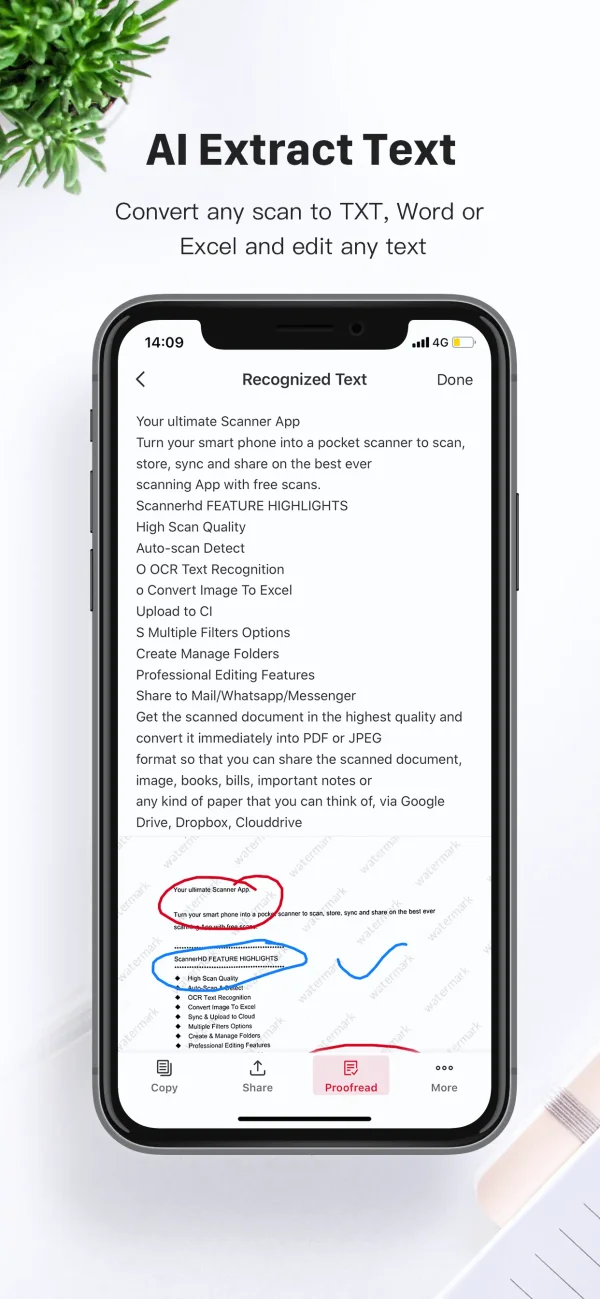
- Extract Texts from image OCR ,transfer images to texts so you can search, edit or share
- Tiny app size
ScannerHD PRO Auto Renewal Product Description:
1. Payment: The automatic renewal items includes “monthly subscription VIP” and “yearly subscription VIP".
2. Subscription price: “monthly subscription VIP” is $4.99 per month, “yearly subscription VIP" is $39.99 per year. After confirming the purchase, you will deduct the fee from your Apple iTunes account, first subscription, free trial for the first 7 days, and cancellation of the subscription during the trial period will be exempt from deduction.
3. Renewal membership: 24 hours before the expiration of your membership, Apple will automatically deduct the charge from your iTunes account, and the validity period will be automatically extended by one cycle.
4. Cancellation of Renewal: If you need to cancel the automatic renewal, please turn it off in "iOS-Account Settings" 24 hours before the expiration date.
5. Privacy Policy:https://scanner.hithink.com/#/privacyPolicy
6. Terms of Use: https://scanner.hithink.com/website/termsofservice
7. Auto Renewal Product Agreement: https://scanner.hithink.com/website/auto_renewal_policy/index.html
*************
Say Hello
*************
We’d love to hear your feedback: scanner@hithink.com
Follow us on Twitter: https://twitter.com/ScannerHD1
Like us on Facebook: https://www.facebook.com/ScannerHDoffcial/
Follow us on Instagram: https://www.instagram.com/scannerhdpro/
Website: https://scanner.hithink.com
What’s new
Version 2.2.5 · Jan 10, 2024
Known bugs fixed
App privacy
What HiThink declares on the App Store about how this app handles data.
-
Data linked to you
May be collected and linked to your identity.
- Contact info
- Identifiers
-
Data not linked to you
May be collected but is not linked to your identity.
- User content
- Usage data
- Diagnostics
Privacy practices may vary, for example with the features you use or your age.
Information
- Seller
- HiThink Financial Services Inc.
- Category
- Business
- Version
- 2.2.5
- Updated
- Jan 10, 2024
- Released
- Sep 22, 2019
- Size
- 44.3 MB
- Requires
- iOS 9.0 or later
- Age rating
- 4+
- Price
- $0.99
- In-app purchases
- Yes
- Languages
- English, Simplified Chinese, Traditional Chinese
- Copyright
- © HiThink Inc.
You might also like
-
 CryptoPadCloudLess application
-
 Call CheckerBusiness
-
 Date & Time Calculator(9 in 1)Best tool to work with time
-
 Check Book RegisterYour Checkbook, Simplified
-
 Percentages Calculator% increase,reduction,discount
-
 Contacts to XLSX - Excel SheetContacts to Microsoft Excel
-
 Audio MemosVoice Recorder, Note Dictation
-
 AF Download ManagerQuick Easy Wireless
-
 CameraVisionVisual Presenter
-
 Daughters of the King Daily DeBusiness