ScanPocket : PDF Scanner & OCR
All-in-one PDF scanner & OCR
Designed for iPhone
Free · In-app purchases
- Age rating4+
- CategoryProductivity
- DeveloperOnetapp Ltd
- LanguagesEnglish
- Size37.9 MB
Links to the official App Store page
Download.org hosts no file of ScanPocket : PDF Scanner & OCR. The button opens its official App Store page, published by Onetapp Ltd. Listing last checked on Nov 18, 2026.
Screenshots
About
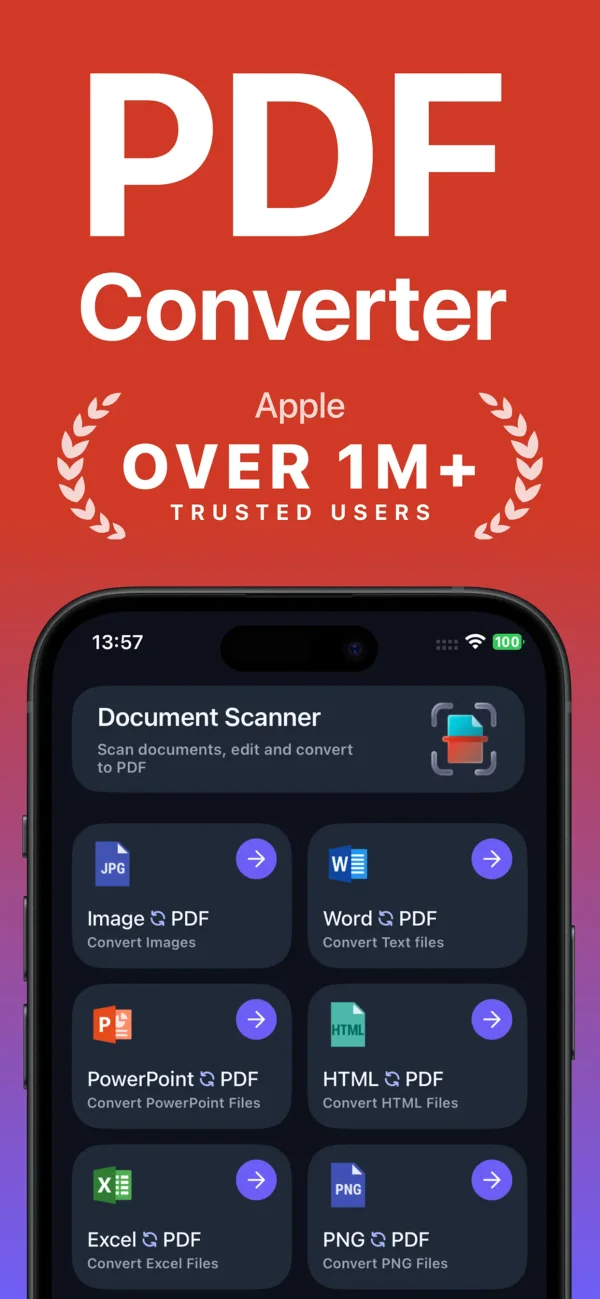
Turn your iPhone into a fast, reliable document scanner & PDF toolkit. Scan notes, receipts, contracts, books—then recognize text (OCR), convert to PDF/DOCX/TXT, sign, organize, and share in seconds.
Why you’ll love it
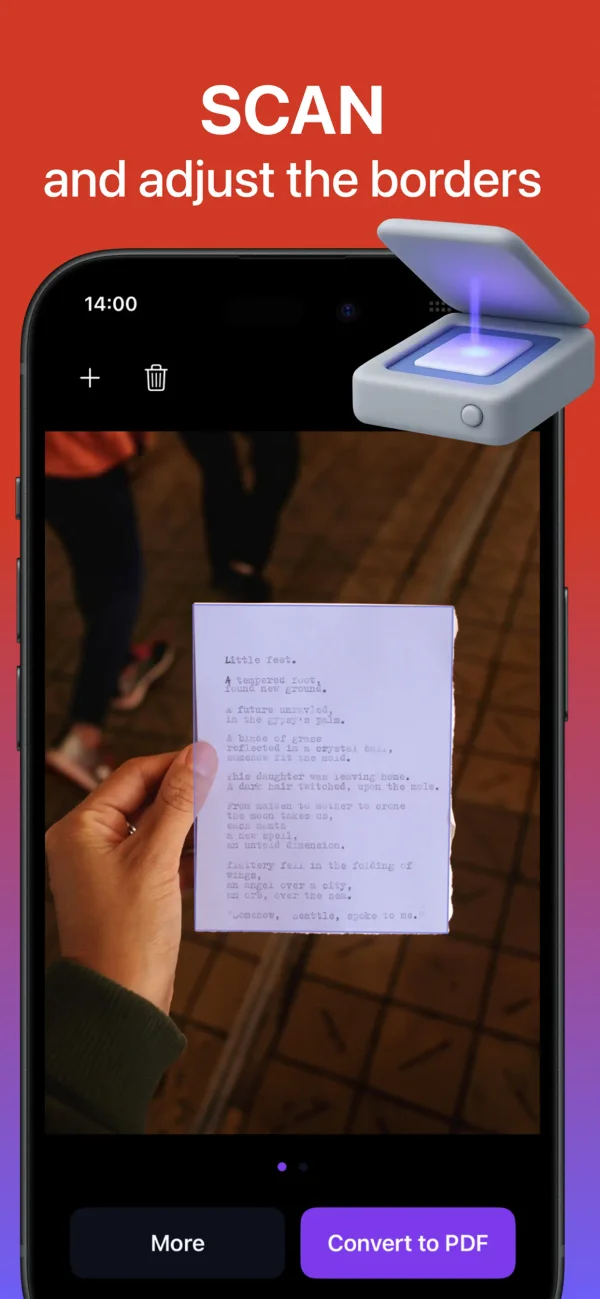
• Crisp scans, automatically — auto-detect edges, perspective fix, smart filters.
• OCR that works — extract editable text from scans and photos.
• Scan multiple pages — stitch pages into a single PDF.
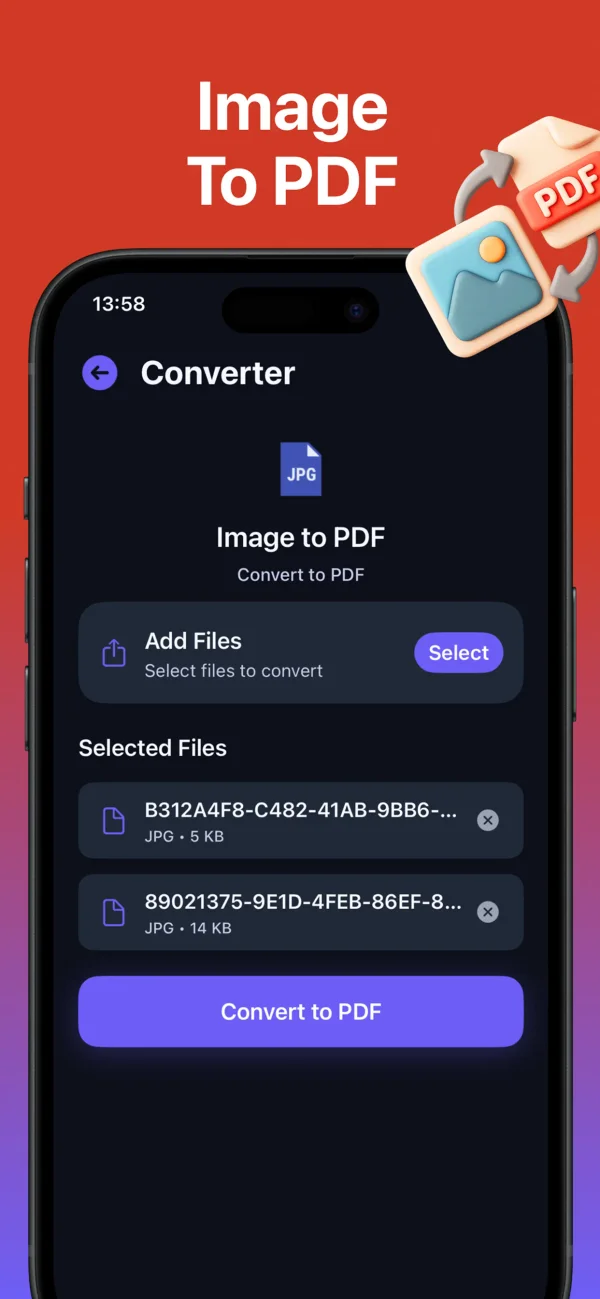
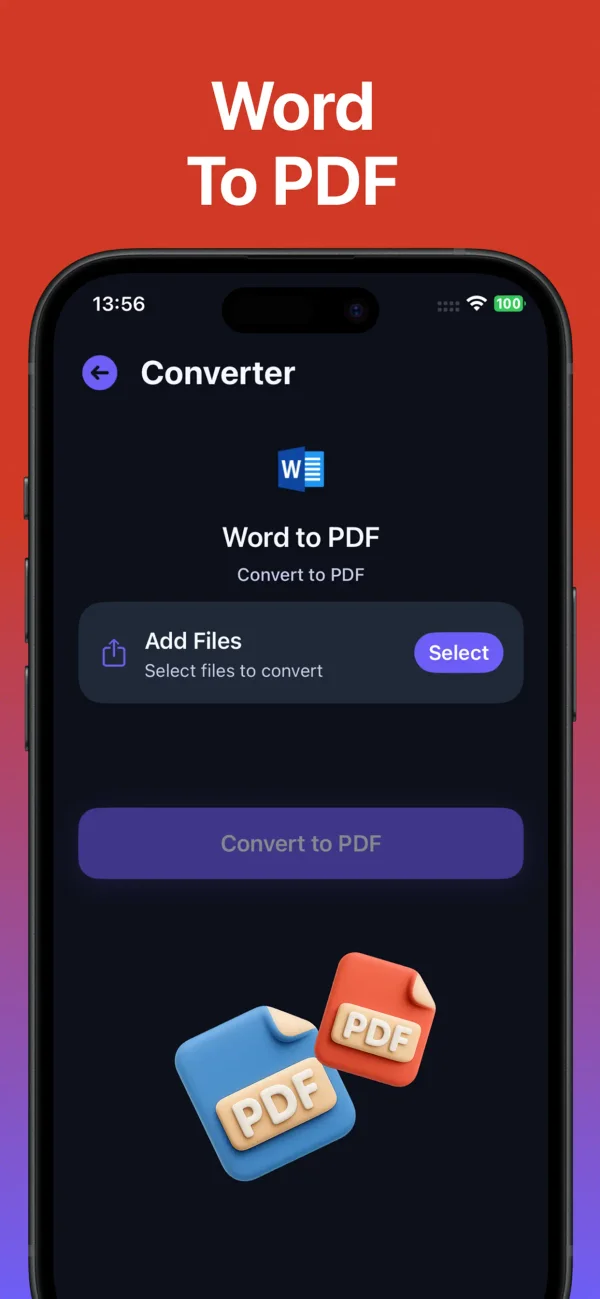
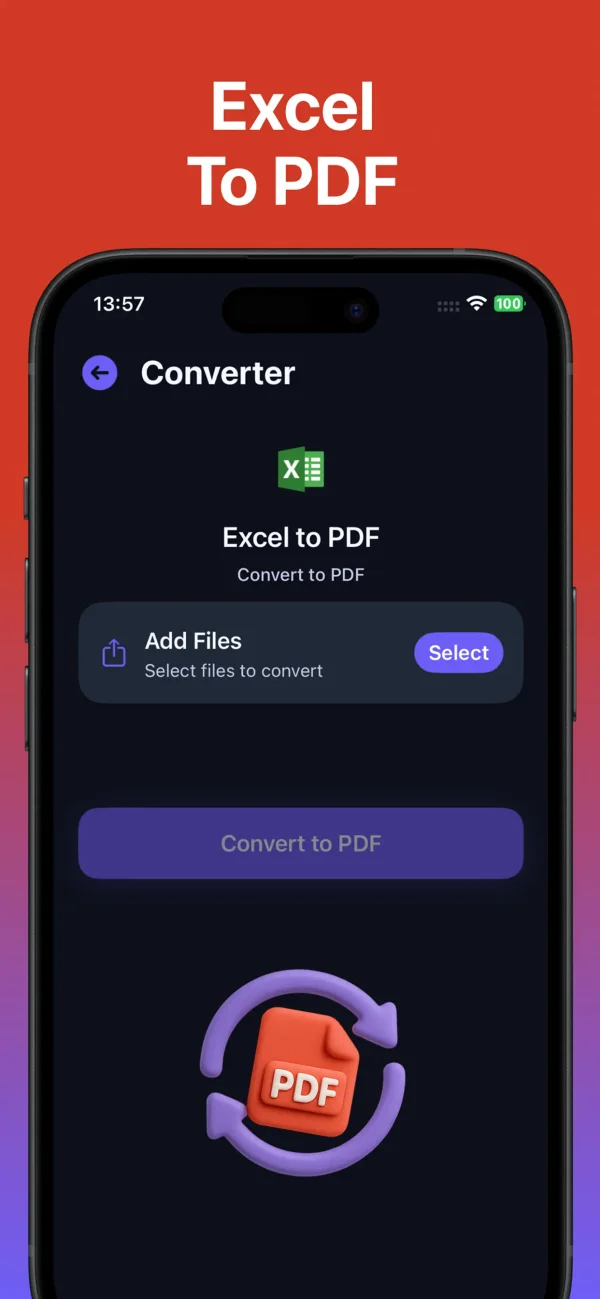
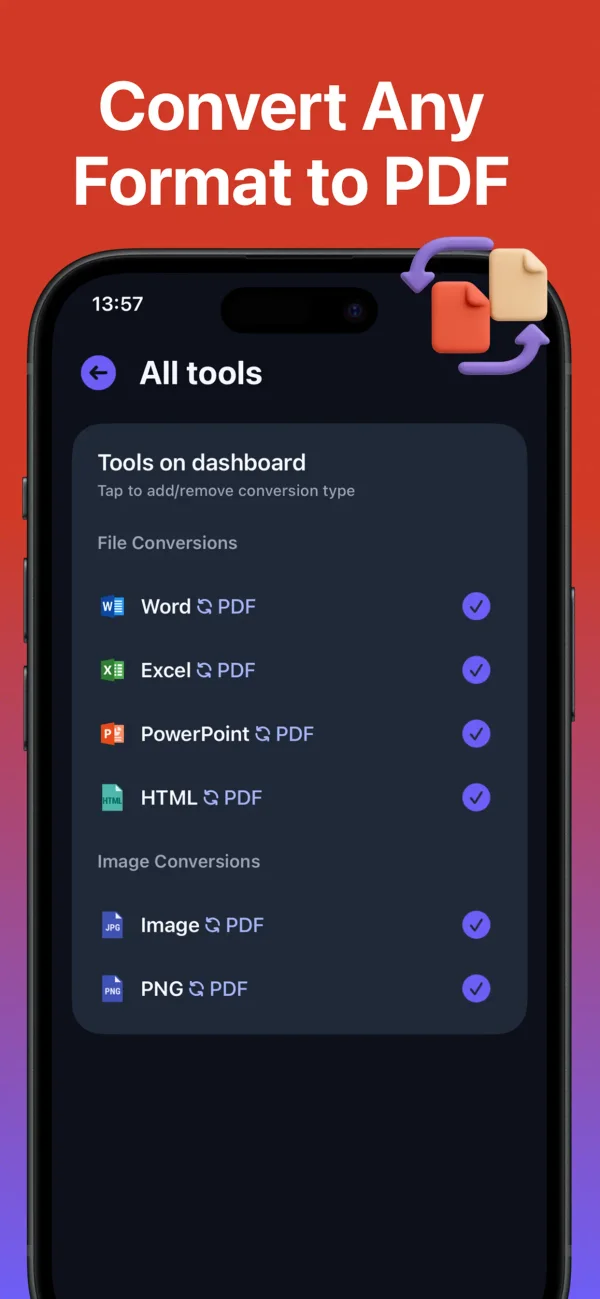
• Convert & export — PDF, JPG, DOCX, TXT.
• Sign & fill — add your e-signature and text fields.
• Organize like a pro — folders, tags, reorder pages, rename in bulk.
• Share anywhere — Mail, Messages, WhatsApp, Files, or your favorite cloud (Drive, Dropbox, OneDrive).
• Privacy-first — your documents stay on your device unless you choose to share.
Built-in modes
• ID & Passport — perfectly aligned front/back scans.
• QR — scan codes to open links or save data.
• Book — flatten curves and split facing pages.
• Batch — rapid capture for large stacks.
Handy PDF tools
• Rearrange, rotate, or delete pages.
• Add watermarks and page numbers.
• Protect PDFs with a passcode.
• Search inside documents with OCR.
Whether you’re a student, creator, or small-business owner, ScanPocket keeps your paperwork tidy and searchable—right in your pocket.
Payments for subscriptions will be charged to your Apple ID at confirmation of purchase. Your subscription will automatically renew unless canceled at least 24 hours before the end of the current period. Your account will be charged for renewal within 24 hours prior to the end of the current period. Subscriptions may be managed by the user, and auto-renew may be turned off after purchase by going to the 'Manage Subscription' page in settings. Any unused portion of a free trial period, if offered, will be forfeited when the user purchases a subscription to that publication, where applicable. The subscription will renew at the same cost.
Privacy Policy: https://onetapp.net/privacy-cookie-policy/
Terms of Use: https://onetapp.net/terms-conditions/
Contact: support@onetapp.net
What’s new
Version 1.2 · Nov 19, 2025
Bugfix and app performance improvements
App privacy
What Onetapp Ltd declares on the App Store about how this app handles data.
-
Data not collected
The developer does not collect any data from this app.
Privacy practices may vary, for example with the features you use or your age.
Information
- Seller
- Onetapp Limited
- Category
- Productivity
- Version
- 1.2
- Updated
- Nov 19, 2025
- Released
- Nov 12, 2025
- Size
- 37.9 MB
- Requires
- iOS 17.6 or later
- Age rating
- 4+
- Price
- Free
- In-app purchases
- Yes
- Languages
- English
- Copyright
- © 2025 Onetapp Limited
You might also like
-
 Doc Scanner To PDFScan, sign and share documents
-
 YourAlly.aiYourAlly.ai
-
 DocuPDF – Scanner & EditorScan, Edit, Convert & Sign PDF
-
 Postal Mail ManagerProductivity
-
 All-in-One PDF ConverterConvert any file to PDF
-
 GPT Content Detector - Scan AIGPT Zero Detector & Plagiarism
-
 Pomodoro Timer - FocuseraFocus, Get Reminders, Track It
-
 PDF ToolKit | Simply PowerfulSimple yet powerful PDF Tool
-
 HukitGet Any Job Done, Fast.
-
 PL AI: Chatbot & AI WriterEssay, Homework & Image Maker