Scanry: PDF Scanner & OCR
Compress scans. Share easily.
Designed for iPhone, iPad
In-app purchases
- Age rating4+
- CategoryProductivity
- DeveloperNGUYEN DUC DUNG
- LanguagesItalian+ 14 more
- Size7.5 MB
Links to the official App Store page
Download.org hosts no file of Scanry: PDF Scanner & OCR. The button opens its official App Store page, published by NGUYEN DUC DUNG. Listing last checked on Nov 22, 2026.
Screenshots
About
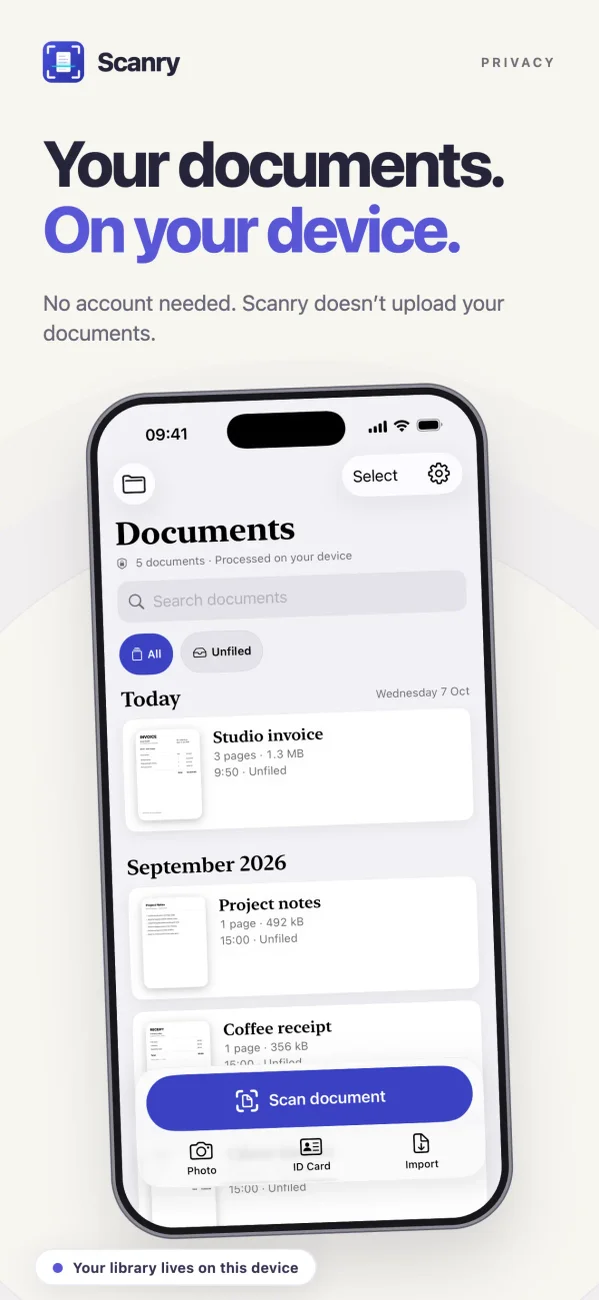
Scan paperwork, receipts and notes into clean PDFs, right on your iPhone or iPad. Scanning, editing and Standard PDF export are free, with no adverts and no forced watermarks.
SCAN IN SECONDS
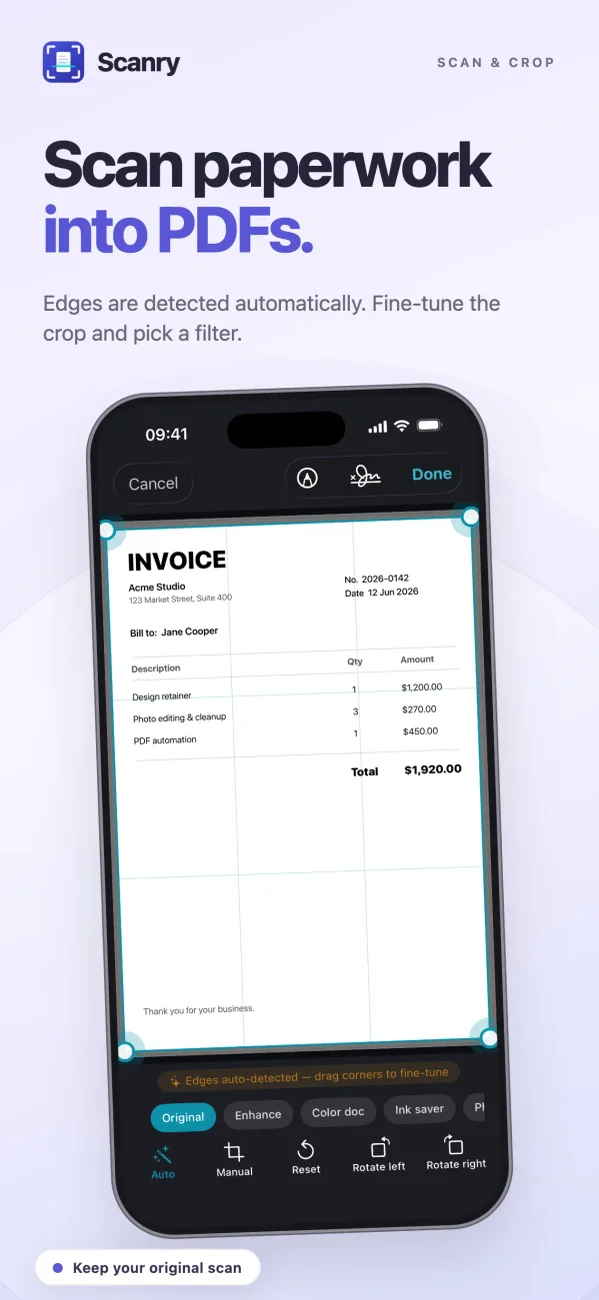
• Automatic edge detection and perspective correction
• Document, Photo and ID Card modes: capture each side of an ID card, then place both sides on a single page
• Import from Photos or Files: PDF, JPEG, PNG, HEIC and TIFF
EDIT WITHOUT LOSING THE ORIGINAL
• Four-corner crop with a magnifier, plus seven filters
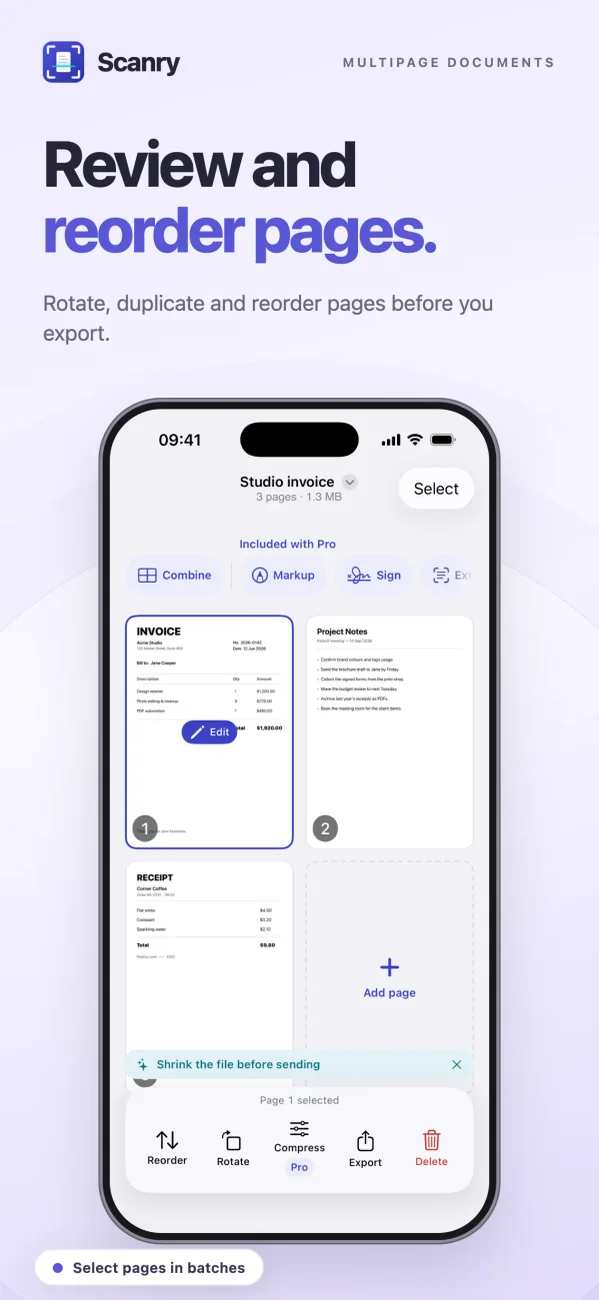
• Rotate, duplicate, reorder and select pages in batches
• Your original capture stays in the saved document, so you can adjust the crop any time
ARRANGE AND EXPORT YOUR WAY
• Combine 2–4 pages onto a single A4 sheet
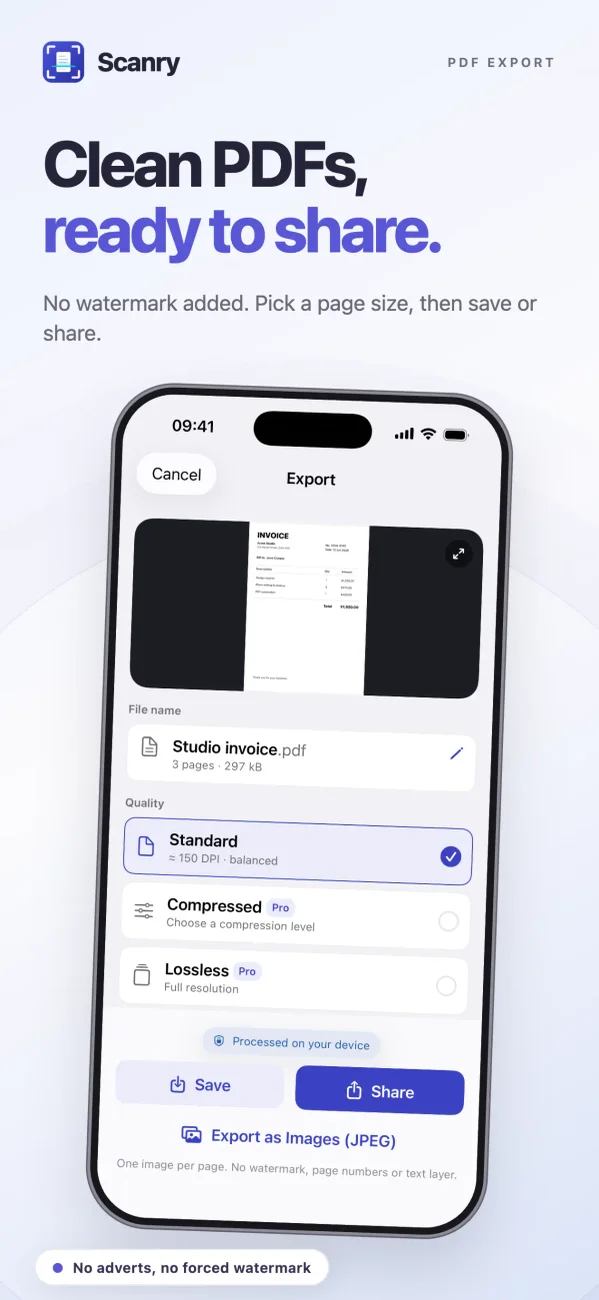
• Export a PDF with Auto, A3, A4, A5 or Letter page size
• Export a whole document as JPEG images
• Name your file before you share it
• Add a watermark (text or your own image) and page numbers, and save your favourite styles as templates (Pro)
• Password-protect your PDF (Pro)
MORE CONTROL WITH SCANRY PRO
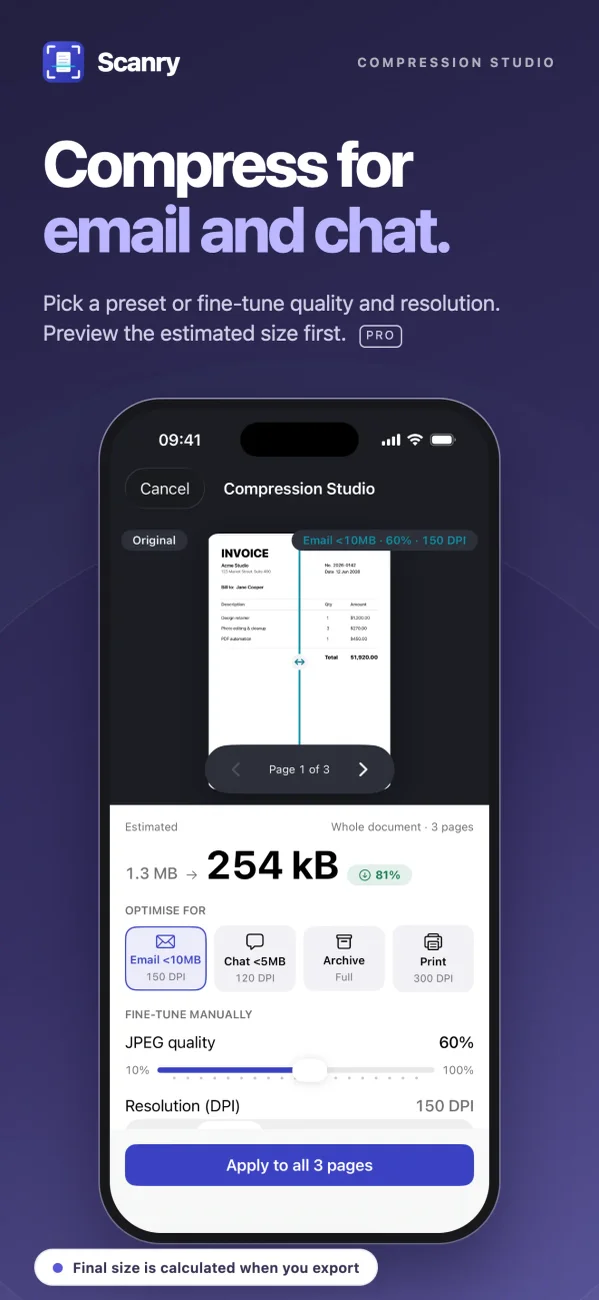
• Compression Studio: set quality and resolution, compare before and after, and preview the estimated size. Final size is calculated when you export
• Original-resolution and custom-compressed PDFs
• Searchable PDFs using on-device OCR
• Extract all text to .txt or .rtf
• Merge, split, markup and saved signatures
ALWAYS FREE
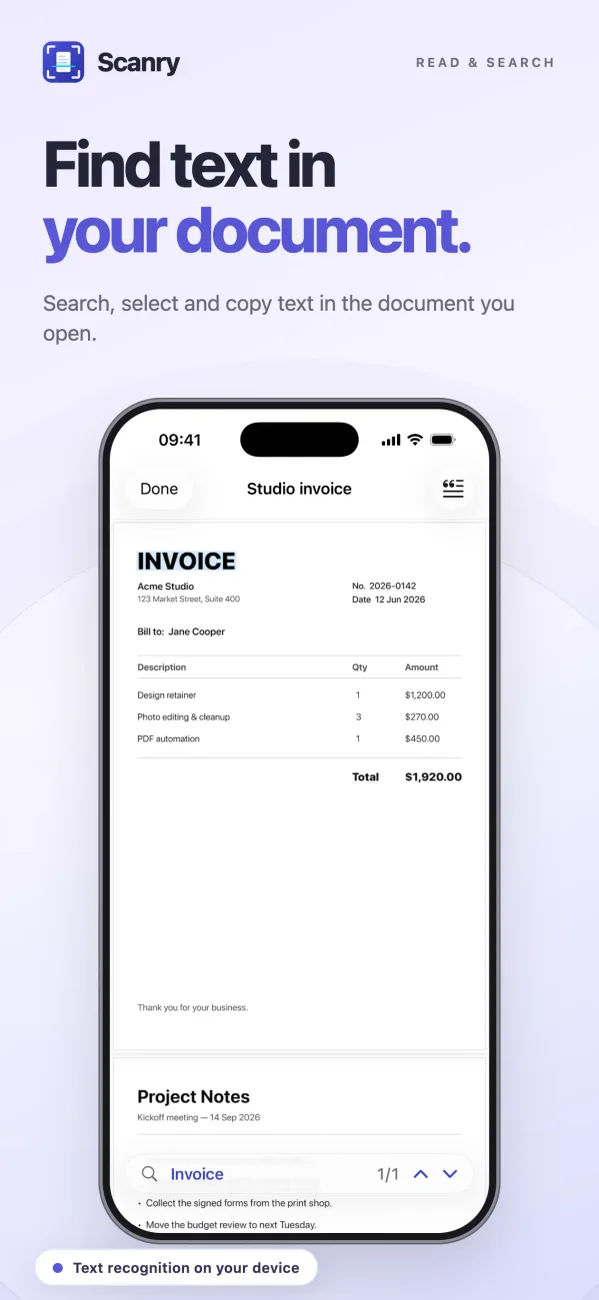
• Select, search and copy text inside an open document
• Folders and tags; search by document name, folder or tag
• App Lock with Face ID, Touch ID or your passcode
PRIVATE BY DESIGN
Your documents are processed on your device. No account is required, and Scanry never uploads your documents. You choose where to save or share exported files. There is no third-party analytics SDK.
CHOOSE HOW TO GO PRO
Pay once with Lifetime, or subscribe for 1 month (with a 3-day free trial if you're eligible), 3 months or 1 year. Every plan unlocks the same Pro features on iPhone and iPad. Your local price is shown before you buy, and Restore Purchases is available in Settings and on the upgrade screen.
Subscriptions renew automatically unless you cancel at least 24 hours before the end of the current period. You can manage or cancel them any time in your Apple Account settings.
Terms of Use (EULA): https://www.apple.com/legal/internet-services/itunes/dev/stdeula/
Privacy Policy: https://nguyenducdung.github.io/app-privacy-site/scanry/privacy.html
The interface is available in 15 languages.
Questions or feedback: nguyenducdung1803@gmail.com
What’s new
Version 2.2.1 · Nov 1, 2026
Scanry just got a tidy-up to feel smoother
• iPhone: no more tapping Settings or Folders and nothing happens
• iPad: a cleaner, easier-to-read layout, even with large text turned on
App privacy
What NGUYEN DUC DUNG declares on the App Store about how this app handles data.
-
Data not collected
The developer does not collect any data from this app.
Privacy practices may vary, for example with the features you use or your age.
Information
- Seller
- NGUYEN DUC DUNG
- Category
- Productivity
- Version
- 2.2.1
- Updated
- Nov 1, 2026
- Released
- Jul 7, 2026
- Size
- 7.5 MB
- Requires
- iOS 17.0 or later
- Age rating
- 4+
- In-app purchases
- Yes
- Languages
- Italian, Simplified Chinese, Korean, French, Japanese, Hindi, Indonesian, English, Portuguese, Russian, Spanish, German + 3 more
- Copyright
- © 2026 Nguyen Duc Dung
You might also like
-
 KlarScan: Document ScannerScan, redact, compress offline
-
 PaperGuard: Private ScannerPDF & OCR docs, never uploaded
-
 ImViz: Image & PDF to Text OCRBatch photo scanner, offline
-
 Papyr - Document ScannerPrivate PDF Scanner · No Ads
-
 PDF Toolkit: Scan & ConvertScan, Convert & Secure PDFs
-
 PDF Scanner: Scan Docs - LumiAuto Scan to PDF · OCR · ID
-
 Scanify: PDF & OCR ScannerScan, OCR & Share Documents
-
 ScannerDPIProductivity
-
 Paperlane: Scan to PDFDocument Scanner, PDF & OCR