ScanToPC
OCR w/PC Barcode Scanner w/POS
Designed for iPhone, iPad, iPod touch
Free
- Age rating4+
- CategoryUtilities
- DeveloperFlairmesh Technologies
- LanguagesEnglish+ 36 more
- Size59.2 MB
Links to the official App Store page
Download.org hosts no file of ScanToPC. The button opens its official App Store page, published by Flairmesh Technologies. Listing last checked on Nov 14, 2026.
Screenshots
About
Introducing our versatile app and FlooGoo FMA100 Bluetooth Dongle:
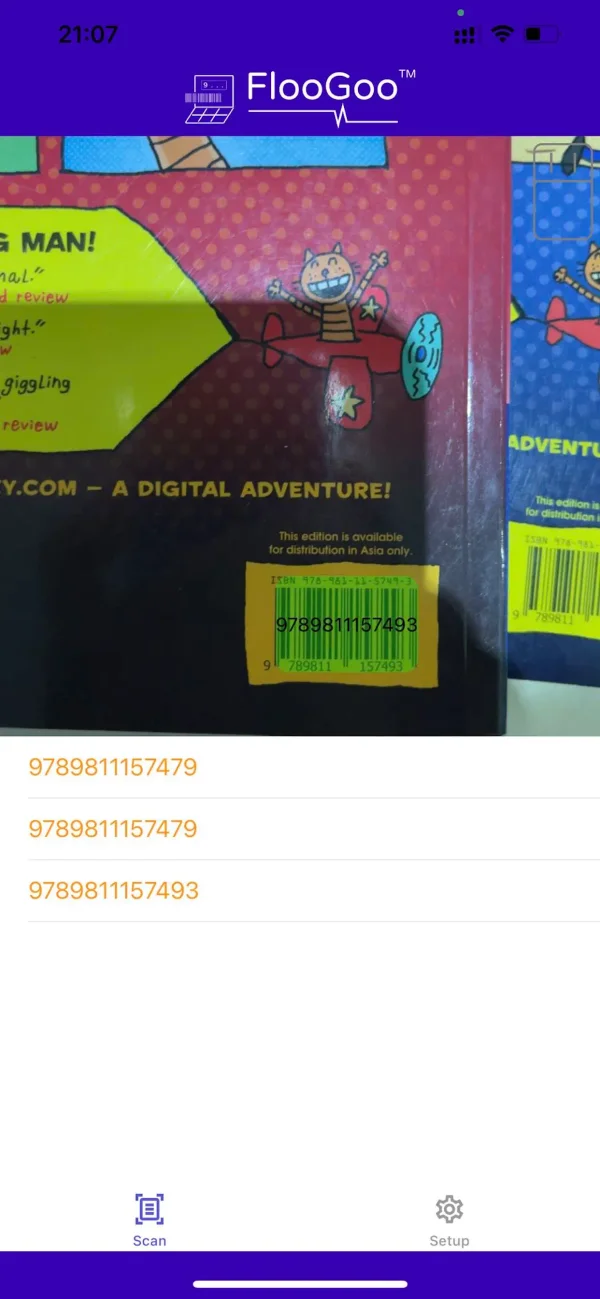
The app seamlessly scans text, QR codes, and barcodes, sending the data to host systems through our innovative FlooGoo FMA100 Bluetooth Dongle.
Obtain your FlooGoo FMA100 dongle at https://www.flairmesh.com/Dongle/FMA100.html.
The input to host systems is in standard USB keyboard format, ensuring compatibility with POS machines, library book management systems, and various text or spreadsheet applications on Windows, Mac, or Linux. No additional drivers are required.
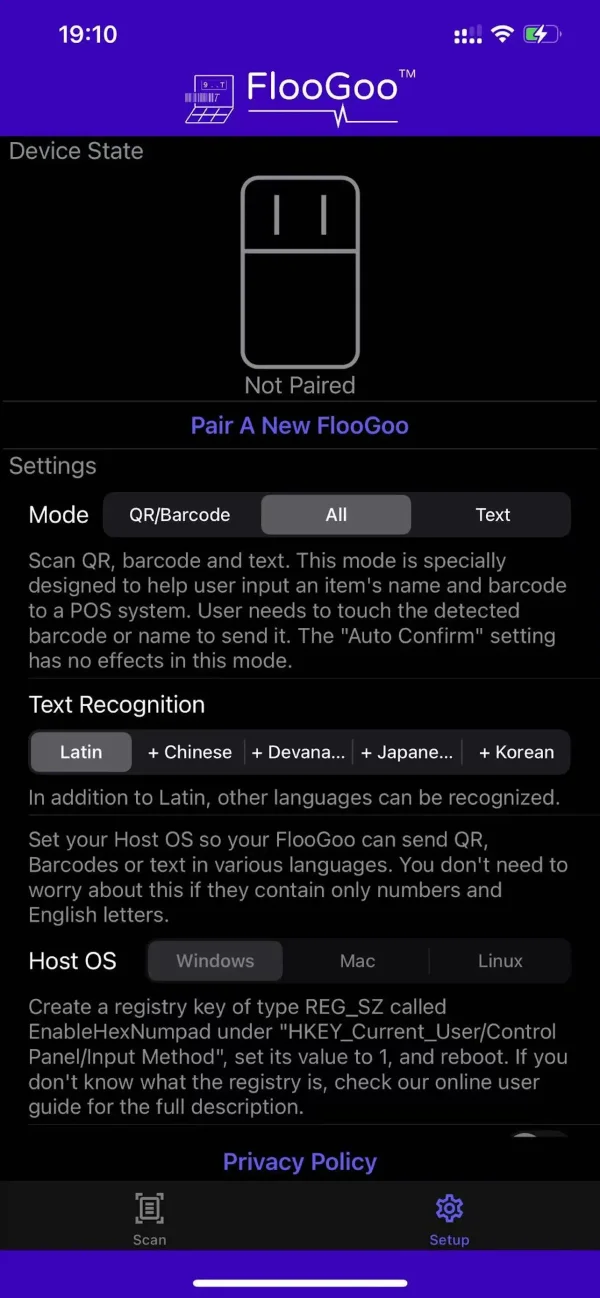
Regardless of the host's operating system, if the scanned result contains only ASCII characters, no further configurations are necessary. For non-ASCII characters, refer to our user guide for proper input method configuration.
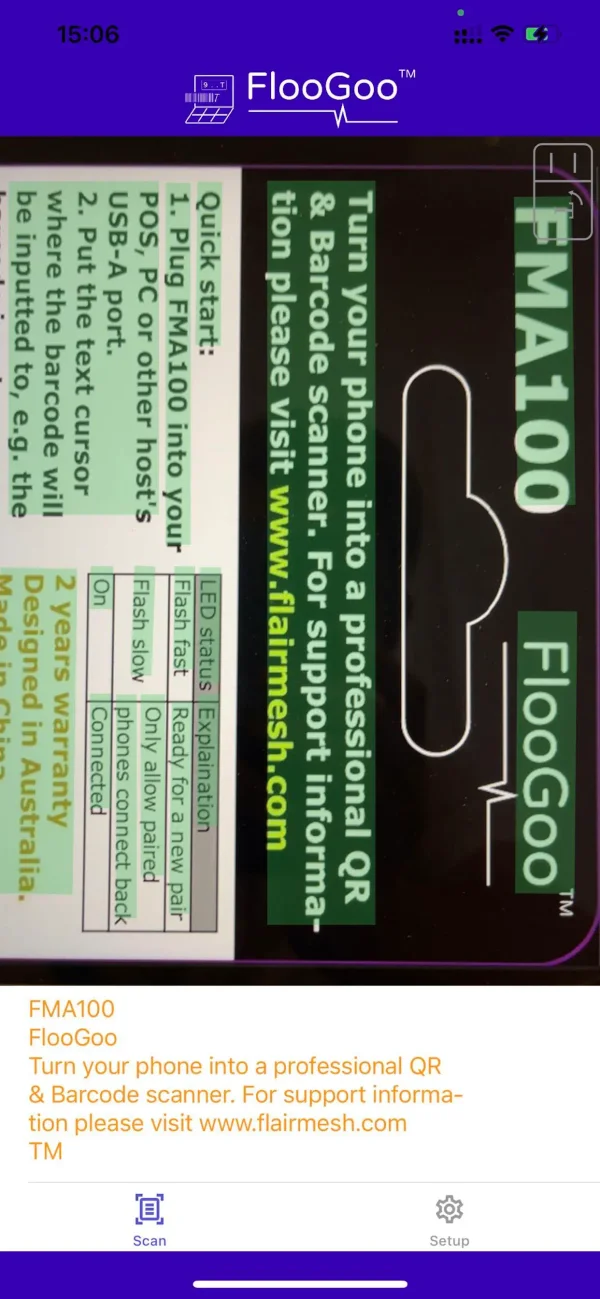
Say goodbye to wired or wireless QR and barcode scanners; our app can also perform OCR and instantly transmit the text to your host using the FMA100 dongle.
You can also use the app independently without the dongle for scanning text, QR codes, and barcodes. There are no ads in the app.
Supported QR and barcode formats include linear formats such as Codabar, Code 39, Code 93, Code 128, EAN-8, EAN-13, ITF, UPC-A, and UPC-E, as well as 2D formats like Aztec, Data Matrix, PDF417, and QR Code.
Text recognition supports Latin characters by default, with the option to select one additional language from Chinese, Devanagari, Japanese, or Korean.
Scan text, QR codes, and barcodes effortlessly with the app and transmit the data to your host using a FlooGoo Dongle.
What’s new
Version 1.1.9 · May 26, 2026
Updated Google ML Kit to the latest version.
App privacy
What Flairmesh Technologies declares on the App Store about how this app handles data.
-
Data not linked to you
May be collected but is not linked to your identity.
- Identifiers
- Diagnostics
Privacy practices may vary, for example with the features you use or your age.
Information
- Seller
- RADIOWORKS MICROELECTRONICS PTY LTD
- Category
- Utilities
- Version
- 1.1.9
- Updated
- May 26, 2026
- Released
- Jan 14, 2022
- Size
- 59.2 MB
- Requires
- iOS 15.6 or later
- Age rating
- 4+
- Price
- Free
- Languages
- English, Arabic, Bulgarian, Catalan, Croatian, Czech, Danish, Dutch, Finnish, French, German, Greek + 25 more
- Copyright
- © 2022~2026 Radioworks Microelectronics PTY LTD T/A Flairmesh Technologies
You might also like
-
 Barcode to PC ScannerUtilities
-
 Barcode Notesscanner, management and export
-
 Scan Input KeyboardBarcode Scanner Keyboard
-
 Barcode to PC: Wi-Fi scannerInstantly send barcodes
-
 Barcode Keyboard - BarcodeKeyScan barcode from keyboard
-
 CodeREADr: Barcode ScannerFast Scanning for Business
-
 Barcode Generator +++Create code 128,39,EAN-13,UPC
-
 Scandit SDK ShowcaseTest our Barcode & ID Scanning
-
 PC RemoteControls your PC easily
-
 RustDesk Remote DesktopRemote access and control