ScanVault - PDF Scanner
AI-Powered Document Scanner
Designed for iPhone, iPad
Free
- Age rating4+
- CategoryProductivity
- Developer120Dreams Tech & Management Inc
- LanguagesEnglish
- Size78.6 MB
Links to the official App Store page
Download.org hosts no file of ScanVault - PDF Scanner. The button opens its official App Store page, published by 120Dreams Tech & Management Inc. Listing last checked on Nov 22, 2026.
Screenshots


About
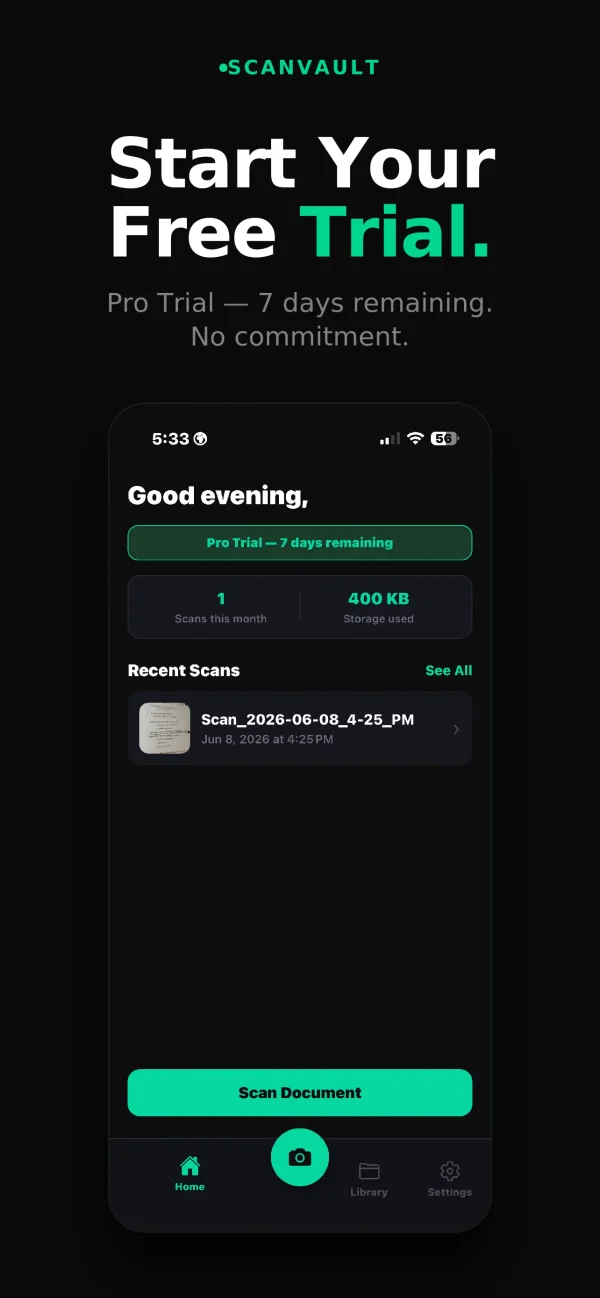
ScanVault turns your iPhone into a powerful PDF scanner — fast, clean, and smart enough to name your files for you.
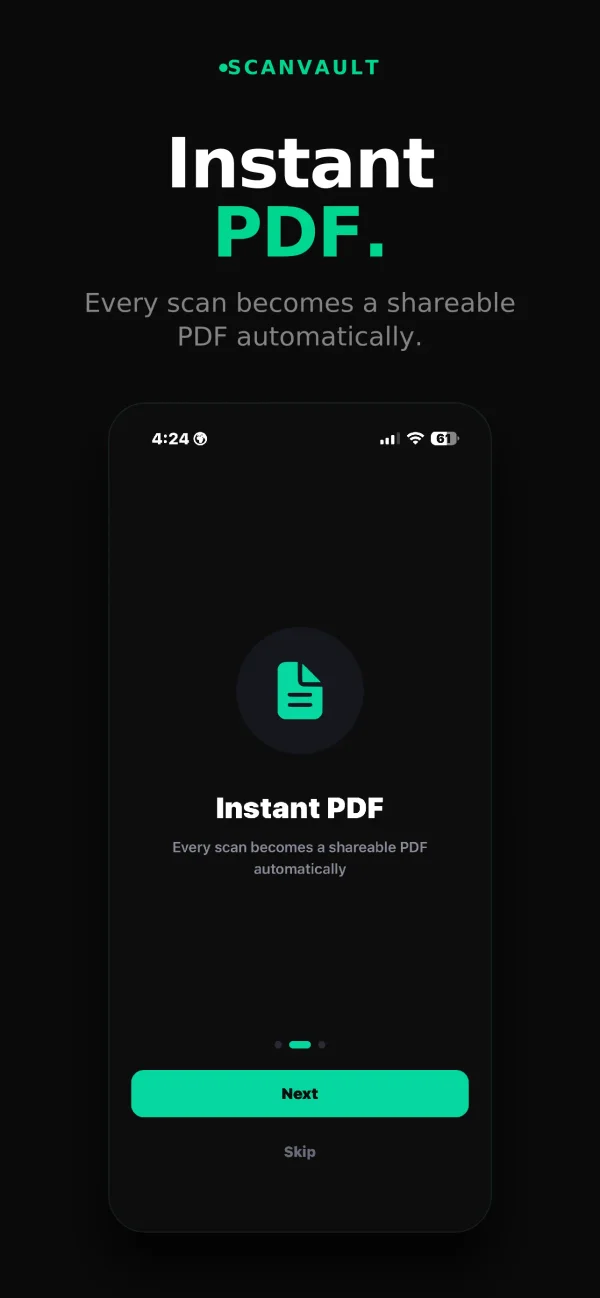
Point your camera at any document, receipt, contract, or whiteboard. ScanVault captures it instantly, converts it to a crisp PDF, and uses AI to suggest a file name based on the content. No more "Scan_0047.pdf" cluttering your files.
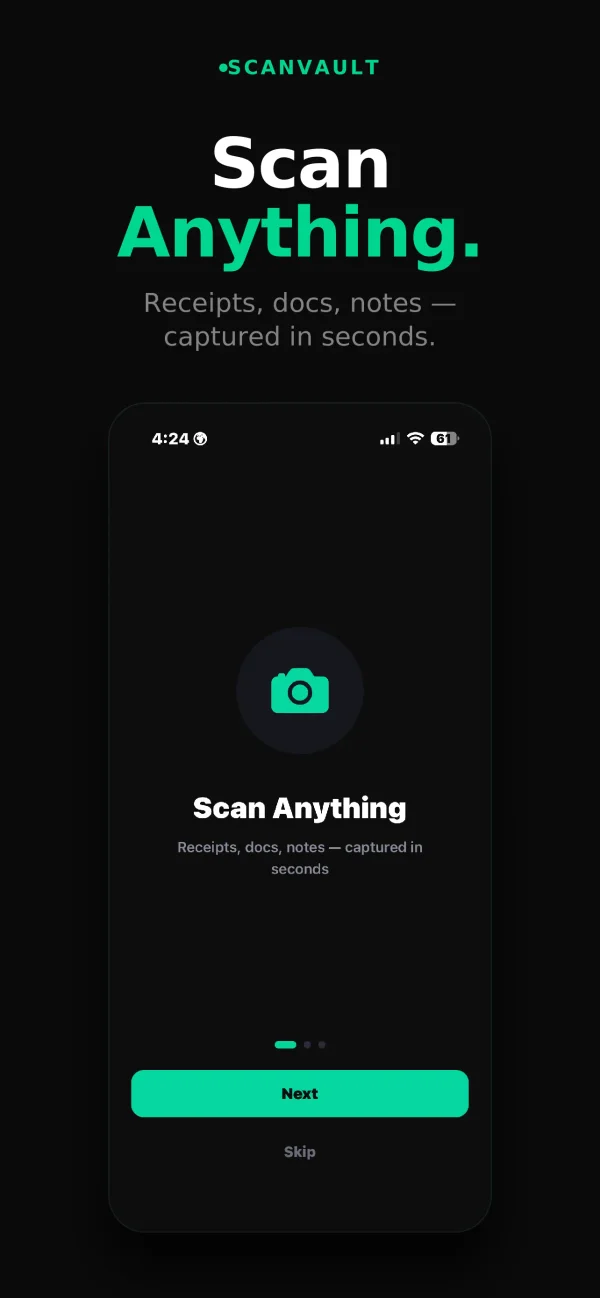
SCAN ANYTHING
- Documents, receipts, contracts, ID cards, whiteboards
- Multi-page scanning in a single session
- Auto edge detection and perspective correction
- Crisp, high-resolution PDF output every time
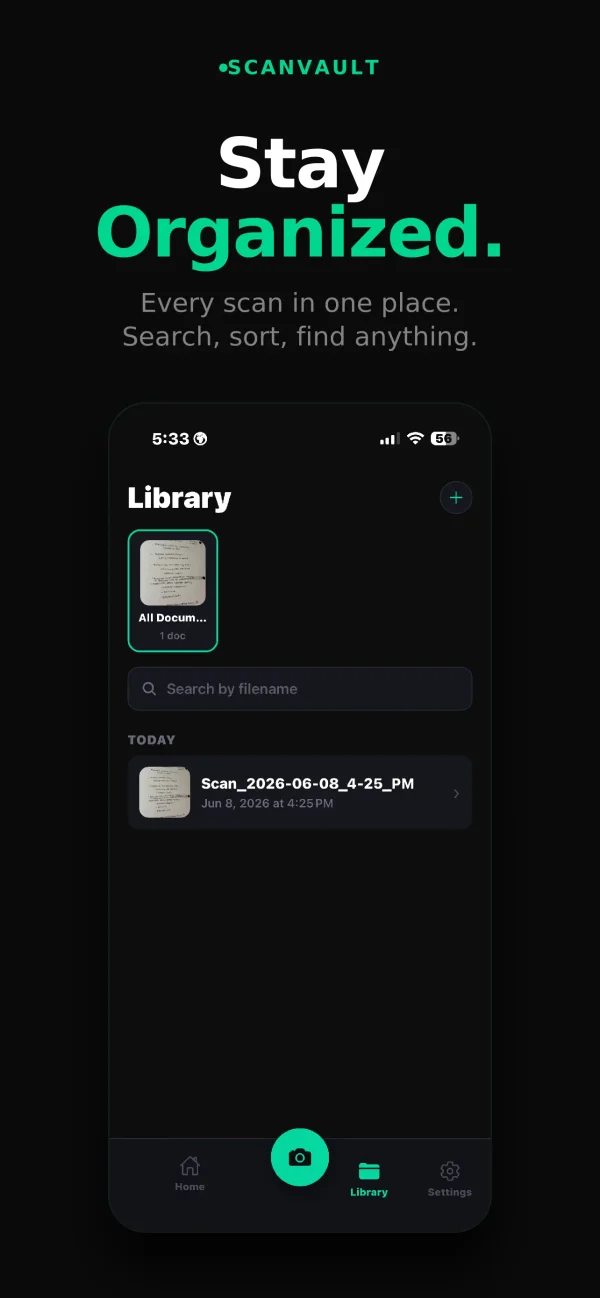
STAY ORGANIZED
- Create folders to sort your files your way
- Rename, move, and manage PDFs with ease
- Trash and recovery system so nothing's gone for good
- Clean, fast interface built for daily use
AI-POWERED FILE NAMING
- Claude AI reads your document and suggests a smart file name
- No more generic scan names — find your files in seconds
- Works on receipts, invoices, letters, forms, and more
SIGN & EDIT
- Annotate PDFs directly in the app
- Image editing tools to adjust brightness, contrast, and crop before converting
- Built for professionals who need clean, shareable documents fast
SECURE BY DEFAULT
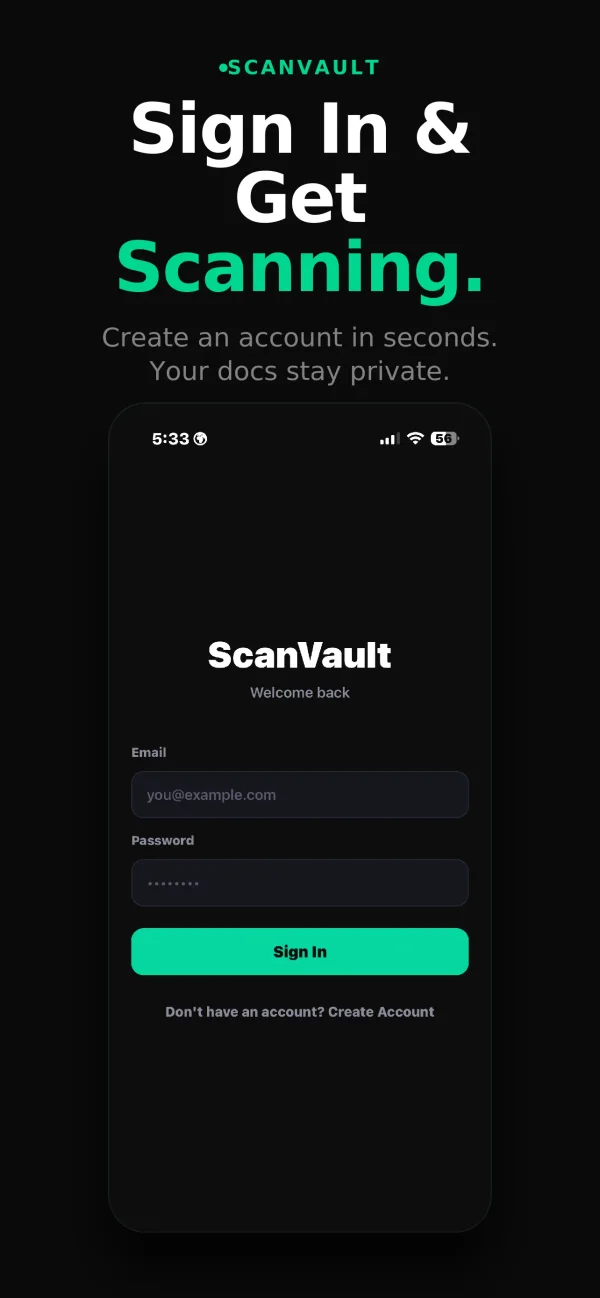
- Your account is protected with Supabase authentication
- Documents stay on your device — your files, your control
WHO IT'S FOR
ScanVault is built for entrepreneurs, freelancers, students, and anyone who deals with paper. If you're tired of blurry scans, messy file names, and scattered PDFs, this is the app you've been waiting for.
START FREE
Try ScanVault free and see what a real mobile scanner feels like. Upgrade anytime to unlock unlimited scanning and AI naming.
Questions or feedback? Reach us at support@scanvault.app
What’s new
Version 1.2.0 · Jun 16, 2026
Vault: your private document safe. ScanVault now scans your camera roll for sensitive documents such as IDs, receipts, WiFi passwords, tax forms categorizes them automatically, and locks them behind Face ID.
Every user's data is now fully private and isolated. Paywall fixed. Scan quality setting now affects capture. Folder rename and delete added. Document rename and move-to-folder in detail view. Polished empty states, smarter greeting, 5-minute vault auto-lock, and 30+ additional improvements throughout the app.
App privacy
What 120Dreams Tech & Management Inc declares on the App Store about how this app handles data.
-
Data linked to you
May be collected and linked to your identity.
- Contact info
Privacy practices may vary, for example with the features you use or your age.
Information
- Seller
- 120Dreams Tech & Management Inc
- Category
- Productivity
- Version
- 1.2.0
- Updated
- Jun 16, 2026
- Released
- Jun 11, 2026
- Size
- 78.6 MB
- Requires
- iOS 16.0 or later
- Age rating
- 4+
- Price
- Free
- Languages
- English
- Copyright
- © 2024 120Dreams Tech & Management, Inc.
You might also like
-
 Scan VaultAdd Signatures to PDFs
-
 Origami PDF: Scan & SignBuild PDF workflows offline
-
 Scanify: PDF & OCR ScannerScan, OCR & Share Documents
-
 EI ExpoIndia'sBiggestTechnology Expo
-
 Live Transcribe: Voice to TextMeeting Notes Transcriber
-
 OTPqDigital OTP Authentication
-
 OfficerMetricsProductivity
-
 Amharic Dictionary TranslatorDictionary with Translator
-
 GEO Staff App by BuildingLinkProductivity
-
 Fext - Group Text MessagingBulk SMS - Private Texting